Tell people what the code is for
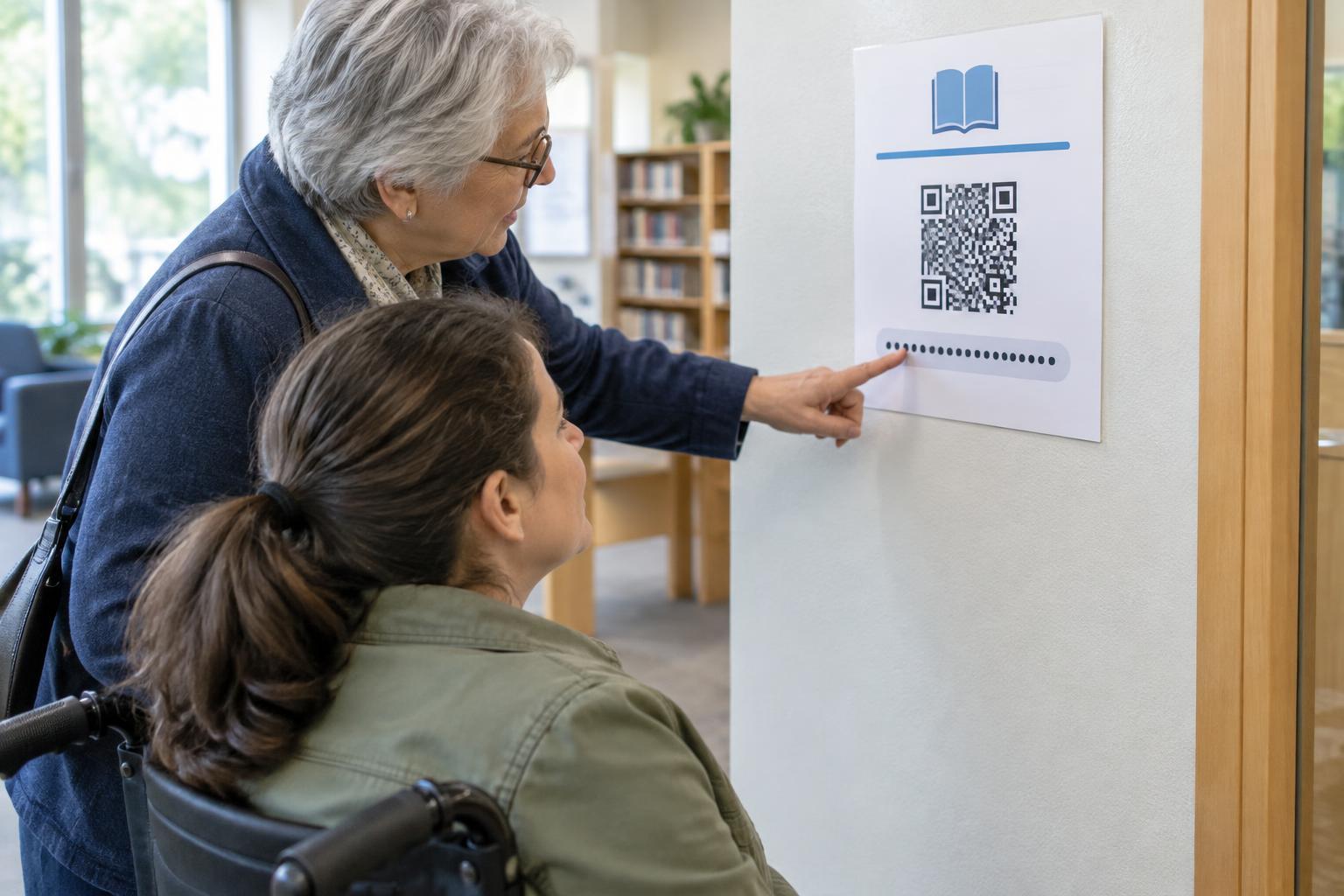
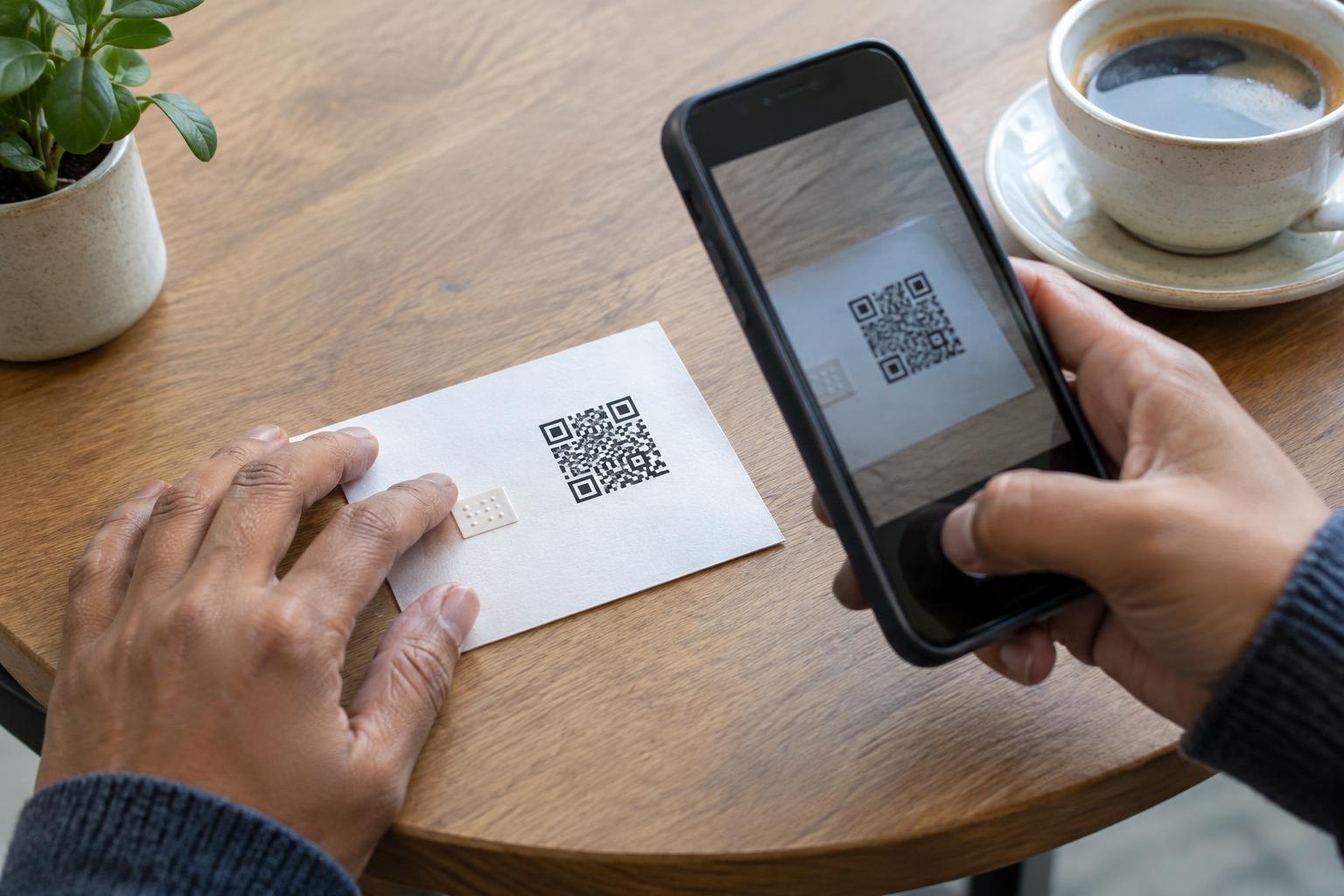
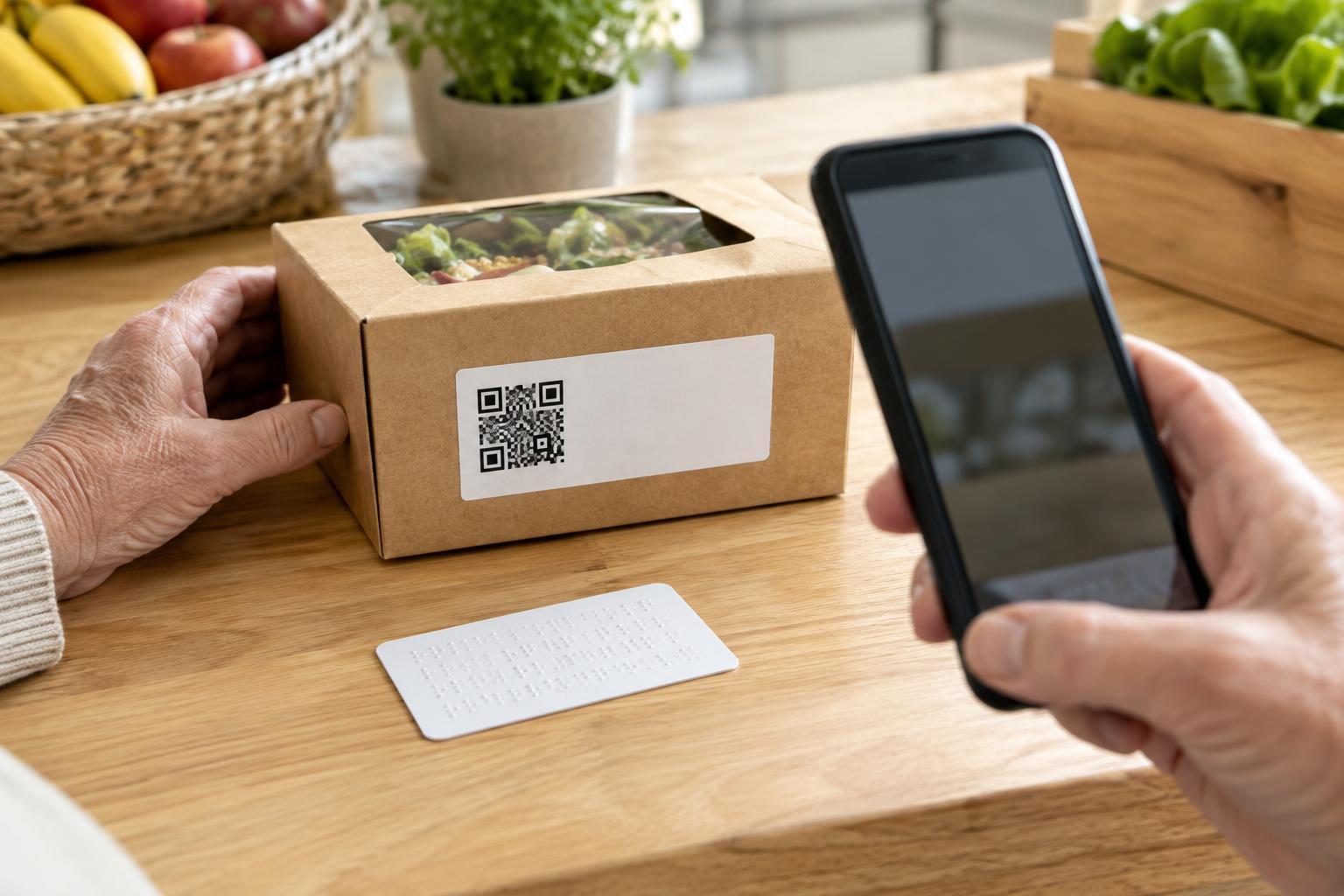
A QR code is not a label by itself. On a poster, menu, product box, or instruction card, it may be obvious that the square can be scanned, but not what will happen next. A useful text label names the destination or task: “Scan for assembly instructions,” “Scan to view the menu,” or “Scan for ingredient information.” This lets someone decide whether scanning is worth their time before they reach for a phone.
Be specific enough to distinguish the code from other information nearby. “Scan me” gives no clue about the result. “Learn more” may be too vague if the package also mentions support, recipes, and recycling. If a code opens a video, say so. If it starts a sign-up or takes someone to a payment page, make that clear rather than implying it only provides information. Keep the label accurate if the destination changes.
Write for the situation, not just the small space
The best wording depends on where the code appears. A sign viewed while walking needs a short, direct label such as “Scan for opening hours.” Packaging can sometimes fit a little more context: “Scan for setup steps and care instructions.” Put the action first when that helps people quickly identify the purpose, but use ordinary words rather than internal campaign names or technical terms.
Think about what a person needs to know before scanning. Does the destination contain audio or video? Is an internet connection needed? Will they be asked to create an account? Not every label needs all these details, but a brief expectation can prevent surprises: “Scan to watch the setup video” is more helpful than “Get started.” If there are several QR codes together, give each one a distinct label and enough separation that people can tell which description belongs to which code.
Make the label easy to find and read
Place the text immediately beside or above the QR code rather than elsewhere on the sign or package. Someone who spots the label should be able to identify its code without tracing a line across other graphics. Use readable type, strong contrast with the background, and straightforward wording. Avoid putting the label over a busy image or using decorative lettering that makes a short instruction hard to recognize.
Consider the physical setting as well as the artwork. A label printed near a package fold, under a flap, or across a curved edge may be hard to see. On a sign, a code and its label should be placed where people can approach and view them without blocking a doorway or leaning over a counter. Check a printed sample at the size and position people will actually encounter; a layout that looks clear on a screen may not work as well in place.
Offer a way to get essential information without scanning
A text label explains a QR code, but it does not remove the need for alternatives. Some people cannot use a smartphone, cannot comfortably hold it steady, have difficulty reaching the code, or prefer not to open an unfamiliar link. If the code leads to information needed to use a product or service, make that information available another way. Depending on the setting, this might mean printed instructions, a short readable web address, a staffed point of contact, or information available directly on the sign.
Do not make a QR code the only route to critical details such as safety instructions or essential product information. A short URL can be useful when space allows, but choose one that a person can realistically type and ensure it leads to the same relevant content. For packaging, a support contact or clearly printed basic steps may be more practical than a long address. The goal is not to fit every detail beside the code; it is to avoid making scanning a requirement for understanding what to do next.
Review the label and destination together
Before printing, ask someone unfamiliar with the design what they expect the code to open. If their answer differs from the destination, revise the label. Then test the printed code with more than one phone where possible, and check that the page is usable on a small screen. A clear label cannot compensate for a page that is unrelated to the promised task or difficult to navigate.
Keep the wording and destination aligned over time. If “Scan for the current menu” later opens a general home page, the label becomes misleading even if the code still works. When planning signs or packaging that may remain in use for a long time, choose durable wording and a destination you can maintain. A useful QR label makes a simple promise: it tells people what they will find, helps them choose whether to scan, and leaves another path open when scanning is not an option.