The pattern is data, not a picture
A QR code can look like a tiny black-and-white maze. It is tempting to treat that pattern as a visual clue: perhaps a dense code must lead to a long webpage, or a code printed beside a product photo must contain product details. Neither conclusion is reliable. The squares encode data for a scanner to interpret; they do not form a picture of the destination that a person can recognize by sight.
A code might contain a web address, a short message, contact details or information for another supported action. Its size and density can be affected by several choices involved in making it, including how much data is stored. Looking at the grid alone is not a practical way to identify the exact content. To find out what a particular code says, you need to scan or otherwise decode it.
What the surrounding label can—and cannot—tell you
Words and images next to a QR code are helpful context, but they are separate from the encoded data. A card that says “View care instructions” suggests what its code is intended to do. It does not prove that the code contains a care guide or that the destination is the one you expect. Labels can be mistaken, become outdated or be placed beside the wrong code.
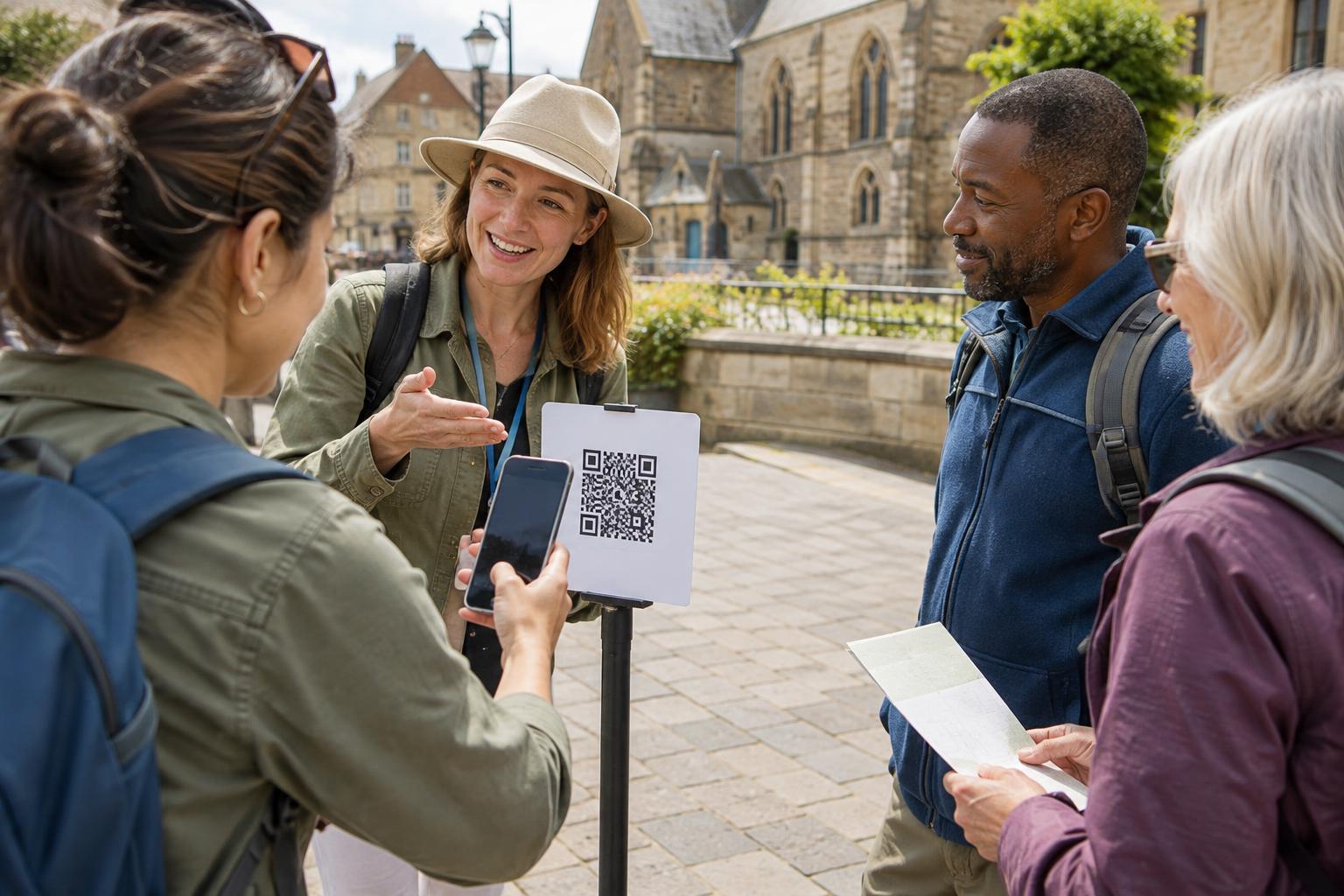
This distinction matters when several codes appear close together. On a display of handmade goods, one code might lead to care information while another opens a general catalog. A clear caption beside each code helps visitors choose which one to scan, but the scan result is still the place to check what each code actually contains. For ideas about small objects that could carry printed labels, browse Leather and Small Accessories · The Craftsmanship Journal. For another craft setting where a label might be useful, explore Hand Tools and Techniques · The Craftsmanship Journal.
Use the scan result as your checkpoint
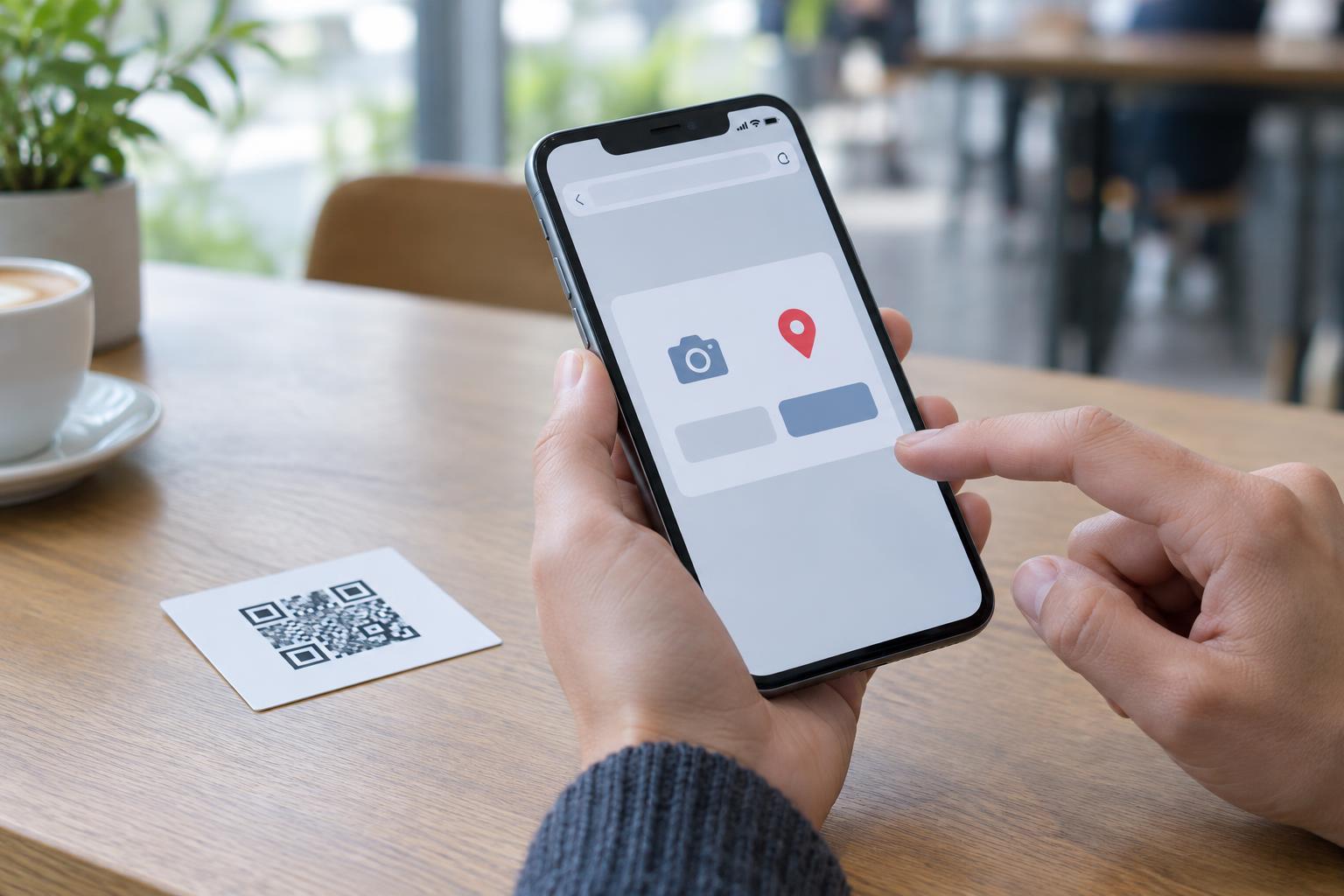
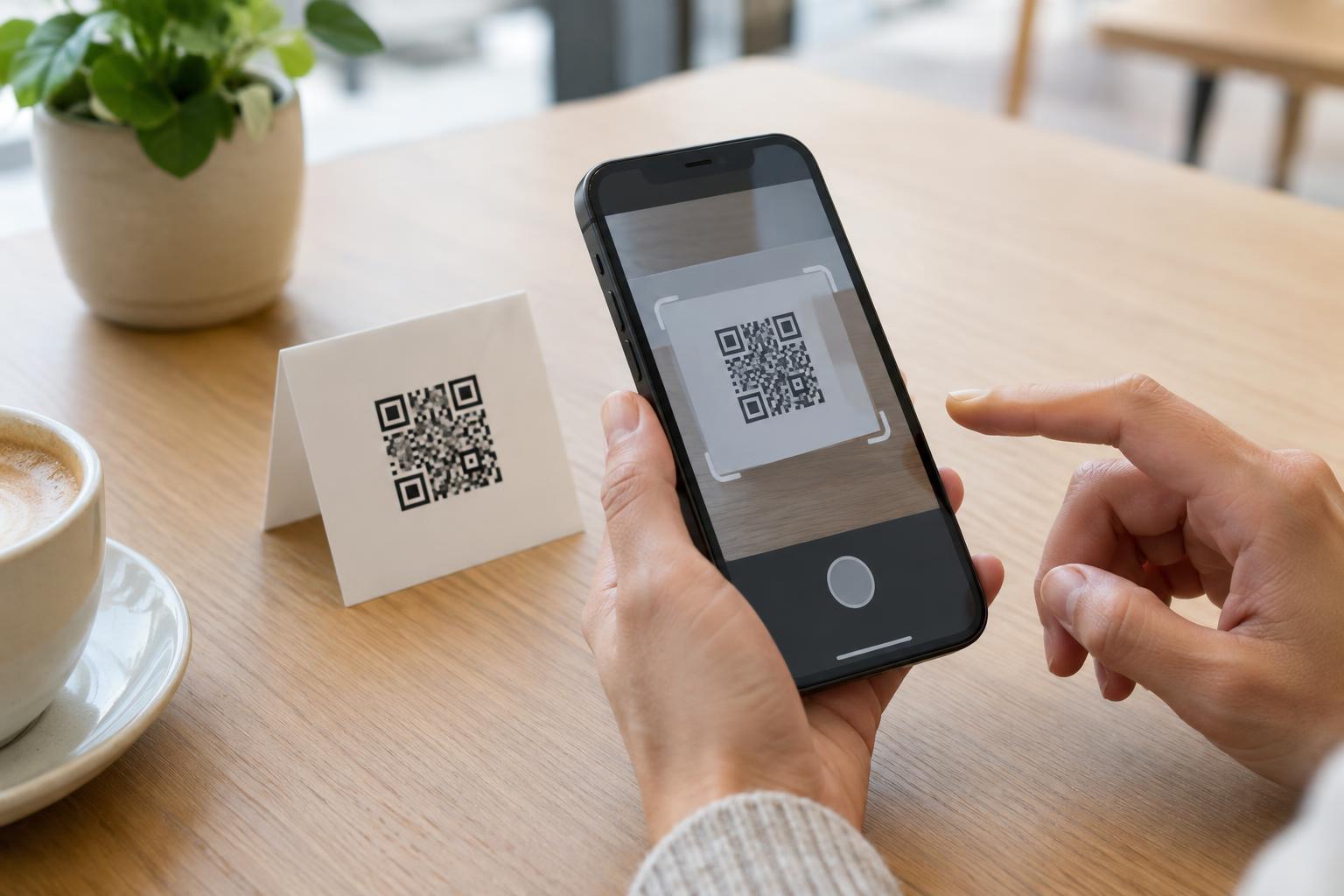
Many phone cameras and scanner apps show a preview or prompt after recognizing a QR code. Pause there before opening a website, joining a network, adding a contact or sending a message. The prompt may tell you the type of action and display some of the information involved. What it shows depends on the device and app, so read the available details rather than assuming every scanner presents them in the same way.
For a web link, examine the address shown in the preview, especially the site name. A short or unfamiliar address may not make the final destination obvious. If a code is supposed to open a familiar organization’s page but the preview raises doubts, you can leave the scan and find that organization through a route you already trust. Scanning a code and choosing to follow its result are separate steps.
A preview is a useful checkpoint, not a guarantee that a destination is safe or accurate. It can help you notice an unexpected action, such as a message prompt where you expected a webpage. It cannot, by itself, verify everything you may encounter after opening a link.
Make the code’s purpose clear without relying on its appearance
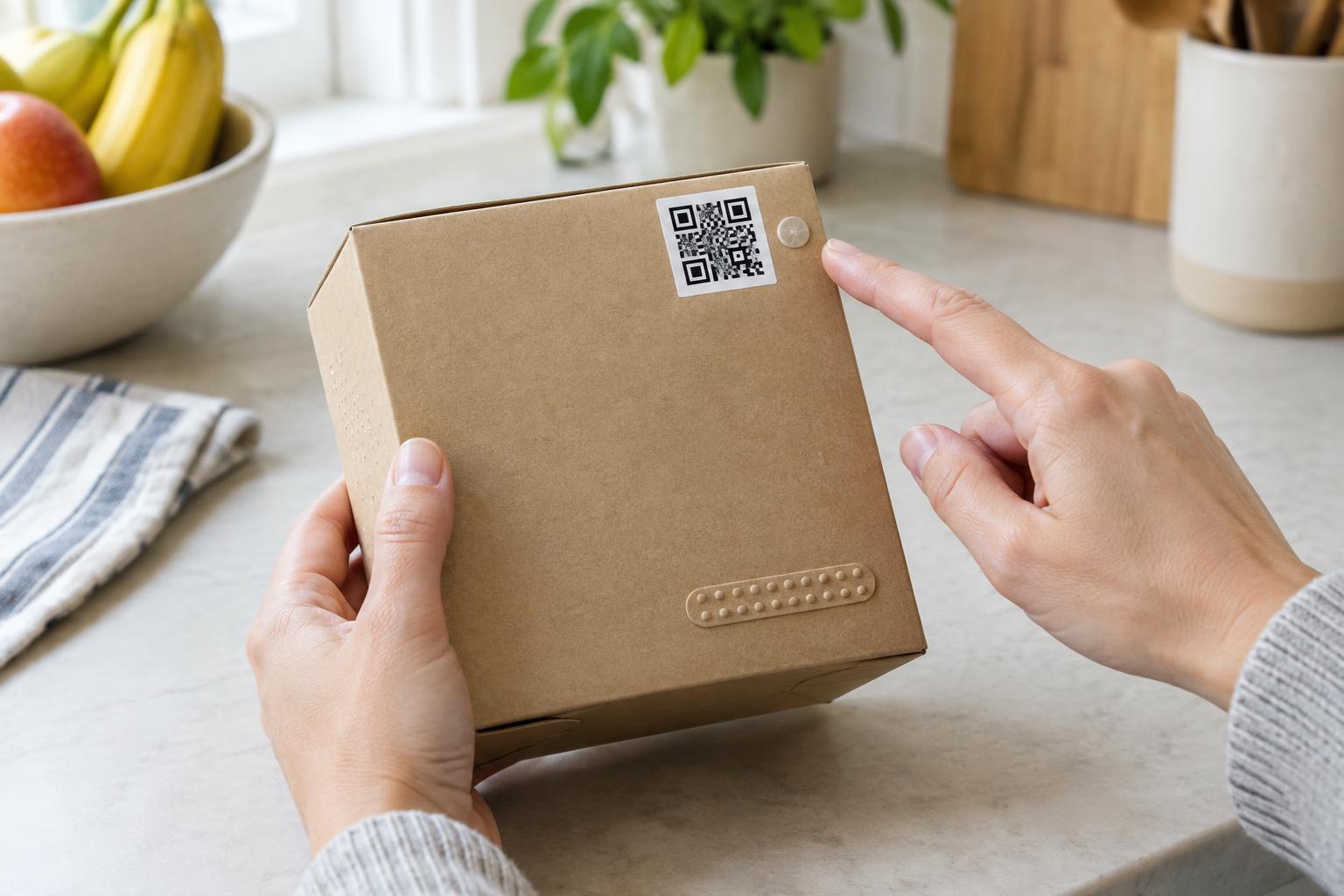
If you are placing a QR code on a sign, package or instruction card, write a brief description of what people should expect: “Scan for assembly steps” is more useful than “Scan me.” Where space allows, name the destination or action in ordinary words. This lets people decide whether scanning is worth their time and gives them something to compare with the prompt on their device.
Test the finished item with a phone before sharing or printing many copies. Check both that the code scans and that the result matches the nearby description. If you later change the destination or repurpose the printed material, check the label again. A QR code may be easy for a camera to read while the text around it gives people the wrong expectation.
The simplest rule is to treat the pattern as a way to carry information, not as evidence of what that information is. Context can tell you why a code was placed there; a scan can reveal what it asks your device to do. Taking a moment to compare the two makes QR codes easier to use thoughtfully.