What a QR code has to fit
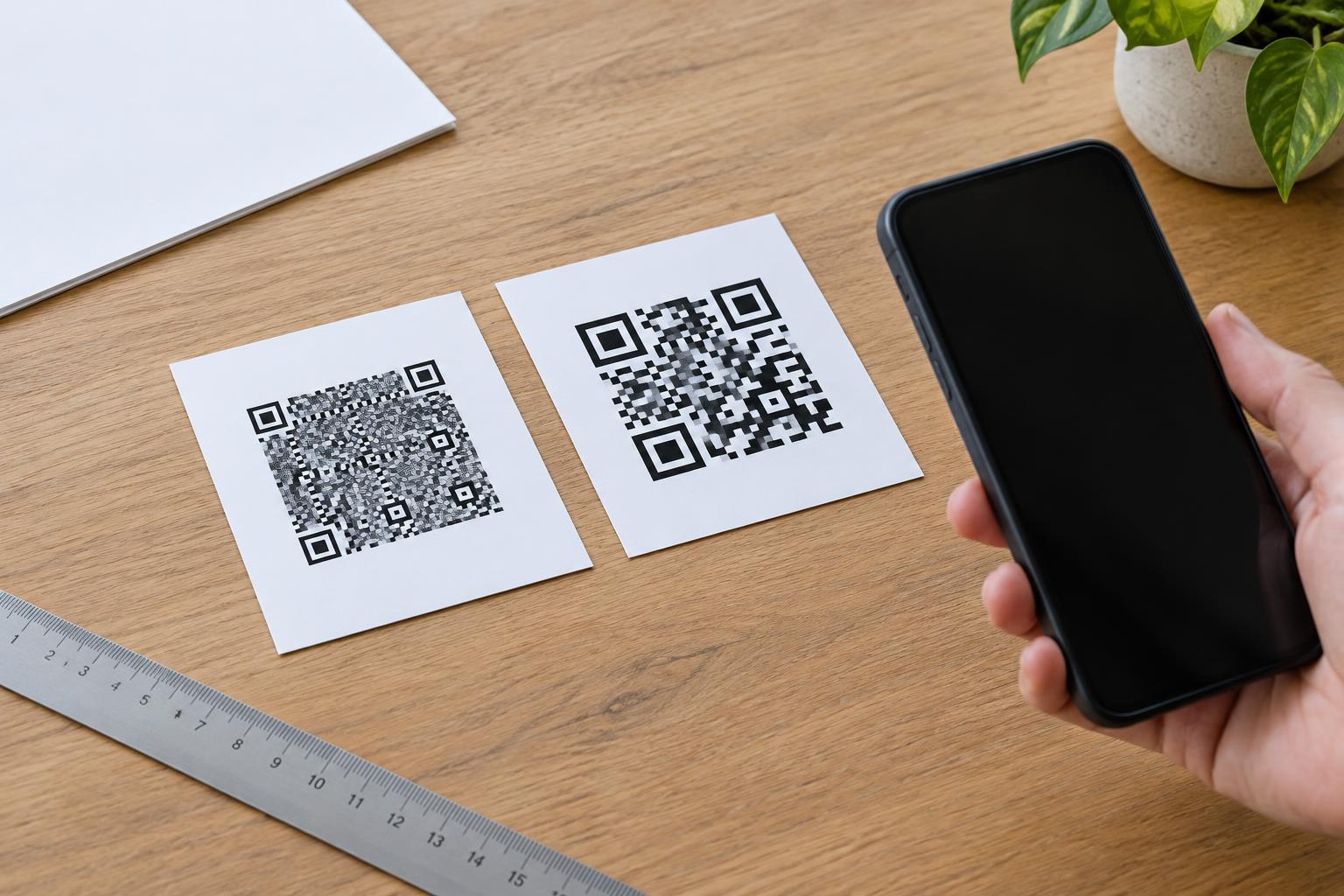
A QR code stores data in a grid of small light and dark squares called modules. When the data is a web address, the code must represent the address itself, not just the name of the website. A URL with a long path, tracking parameters, or a string of product identifiers contains more data than a short homepage URL. As the amount of data grows, the code may need a larger grid with more modules.
The relationship is not perfectly one-to-one. The characters in a URL can affect how efficiently they are encoded, and the selected error-correction level also uses some capacity. Error correction helps a scanner recover information when part of a code is damaged or obscured, but it leaves less room for the URL at a given grid size. The practical result is straightforward: a longer destination often produces a denser-looking code.
Why density matters on a printed piece
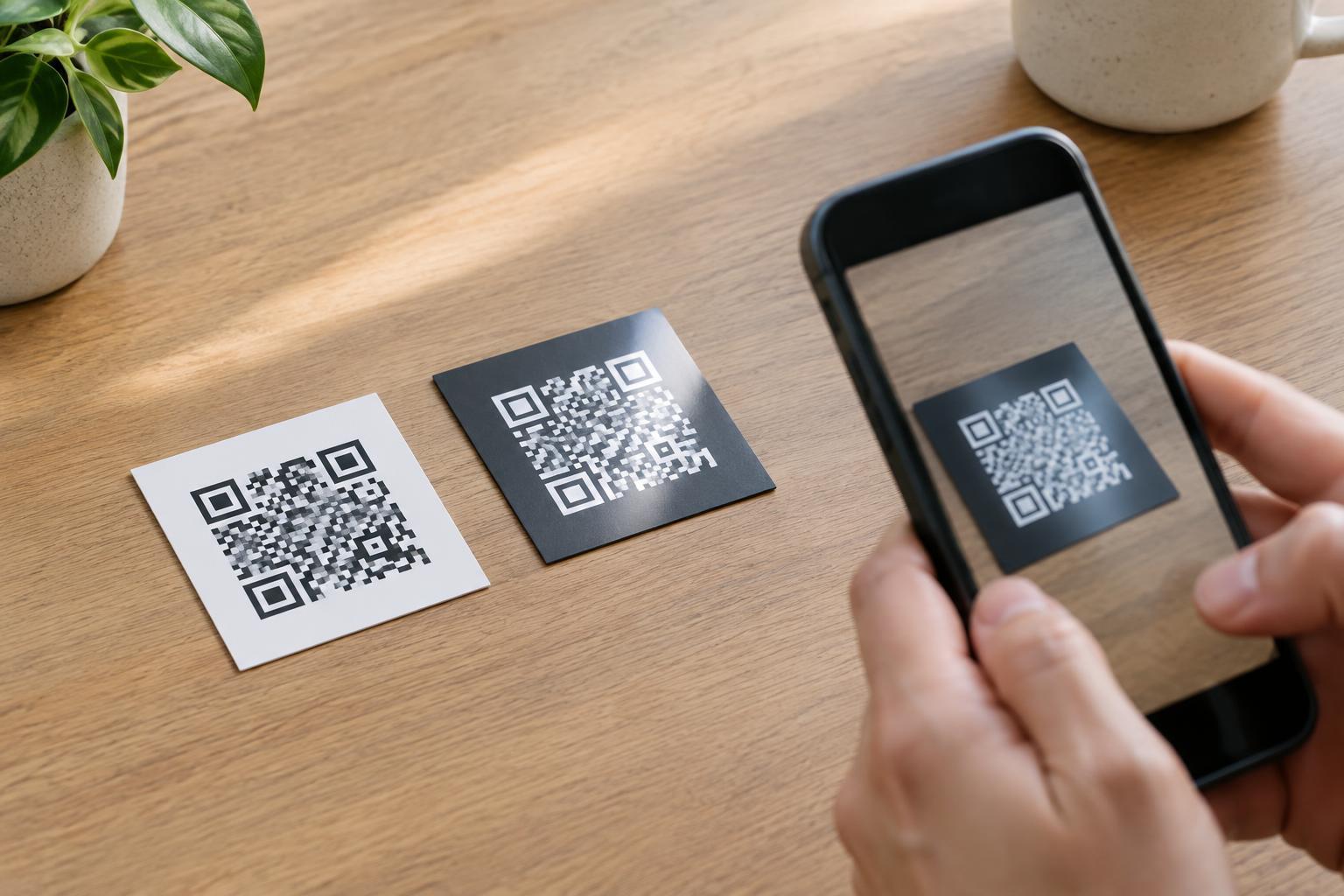
A denser code is not automatically a bad code. Problems arise when more modules are squeezed into the same physical space. If a simple code and a dense code are both printed at the same width, each module in the dense code is smaller. Fine modules are more vulnerable to soft printing, ink spread, glare, low-resolution artwork, and the distance between the code and a phone camera.
Think about where the code will be used before deciding its size. A code on a product label may be viewed close up, while one on a wall sign needs to work from farther away. Small packaging also has competing demands: the code needs enough room, but it should not crowd instructions or other essential text. If the available space is fixed, reducing the amount of encoded data may be more useful than trying to squeeze a complex code into the layout.
Plan the destination before making the code
Start with the shortest stable address that takes people to the right content. A dedicated page with a clear, readable path may work better than a URL copied from a browser after a search or campaign click. Check for unnecessary tracking parameters and fragments, but remove them only if the page still opens correctly and any information you need to retain is preserved.
A short redirect address can make the encoded URL shorter and allow the final destination to change later. It also adds a dependency: the redirect must be maintained, and users may not be able to tell where it leads before opening it. If you use one, prefer an address on a domain your organization controls and make sure it continues to lead to the promised content. Avoid shortening a URL solely to make a code look tidy if the new address is unfamiliar or unclear to users.
If the destination cannot be shortened, design for the resulting code rather than forcing a smaller version. Export or prepare the code as a crisp image suitable for the intended print method, and give it adequate physical space. Changing the visible size of an image does not change how much data the code contains.
Give the code a clear place to scan
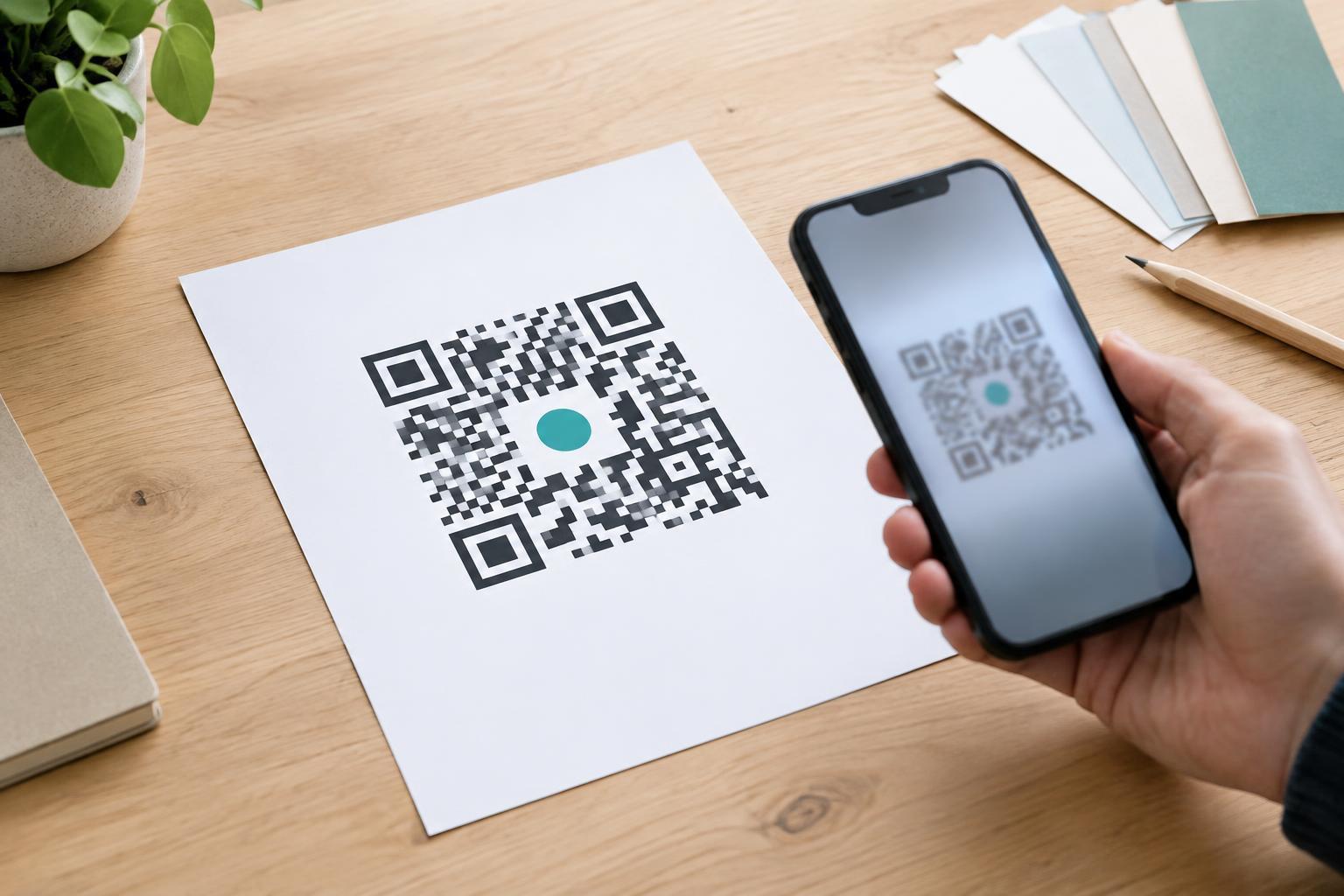
Keep strong contrast between the dark modules and the light background. Place the code on a plain area rather than over a photograph, pattern, fold, or reflective finish. Leave an empty margin, known as a quiet zone, around all four sides so a scanner can recognize where the code begins and ends. Decorative frames, nearby text, and trimming should not intrude into that space.
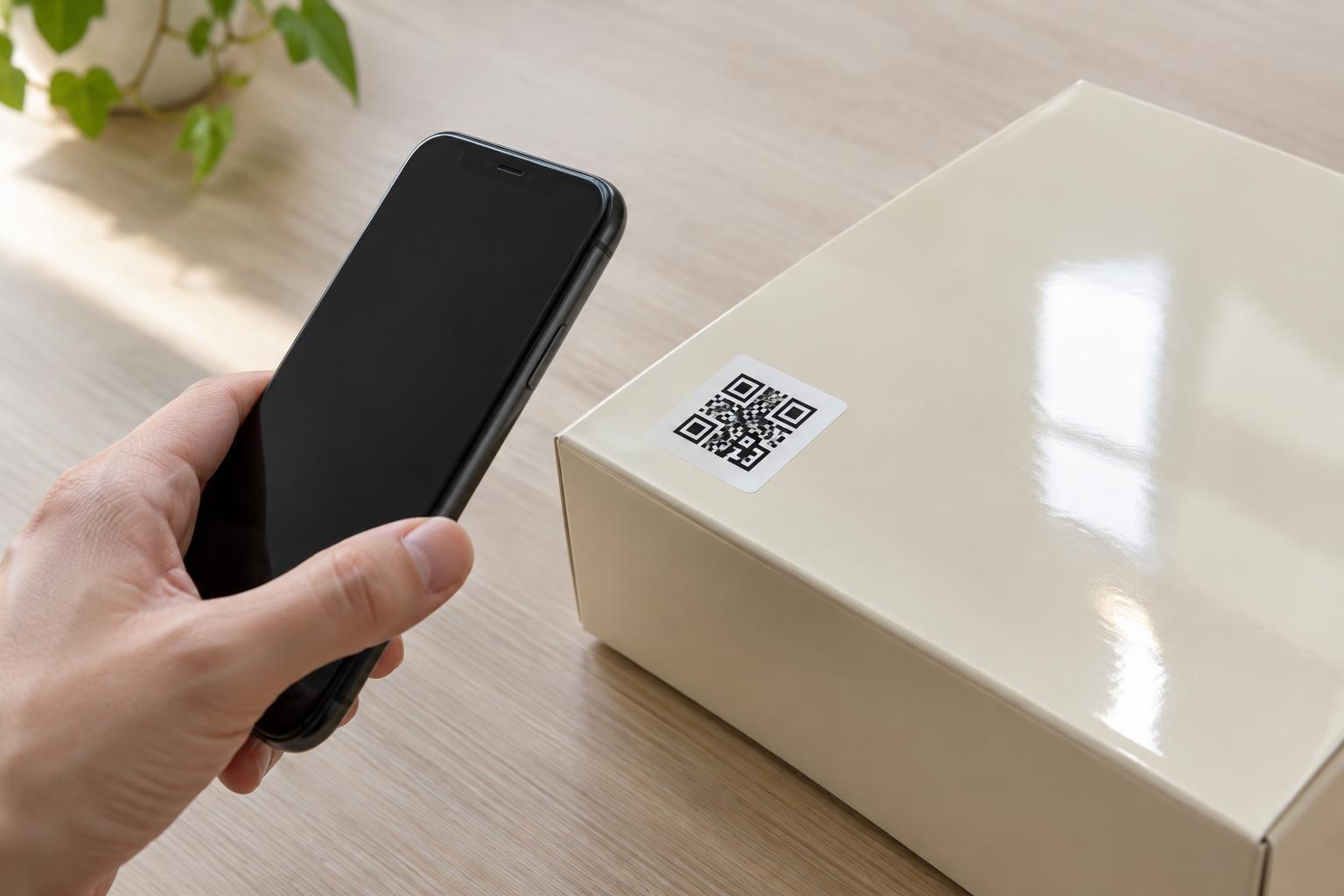
Place the code where a person can comfortably point a phone at it. Avoid curved surfaces that distort the grid, edges that may be cut during printing, and spots that are likely to be covered by a hand or price sticker. Include a short label explaining what the scan will do, such as “View assembly instructions,” and consider printing a readable web address as an alternative for someone who cannot or does not want to scan.
Test the final version, not just the file
A code that works on a bright monitor may fail on its printed material. Test a proof at its intended size, on the intended surface if possible. Try more than one phone, and check under ordinary lighting and at a realistic scanning distance. Confirm not only that the code scans, but that it opens the correct page and that the page is usable on a phone.
If scanning is unreliable, look first at module size, contrast, quiet zone, and print quality. Enlarging the code or simplifying the URL may help; adding decoration usually will not. Once a version passes testing, keep the tested artwork and destination together in your production records. That makes it easier to avoid an accidental last-minute change to either the printed code or the page it is meant to open.