A scan should be a shortcut, not a requirement
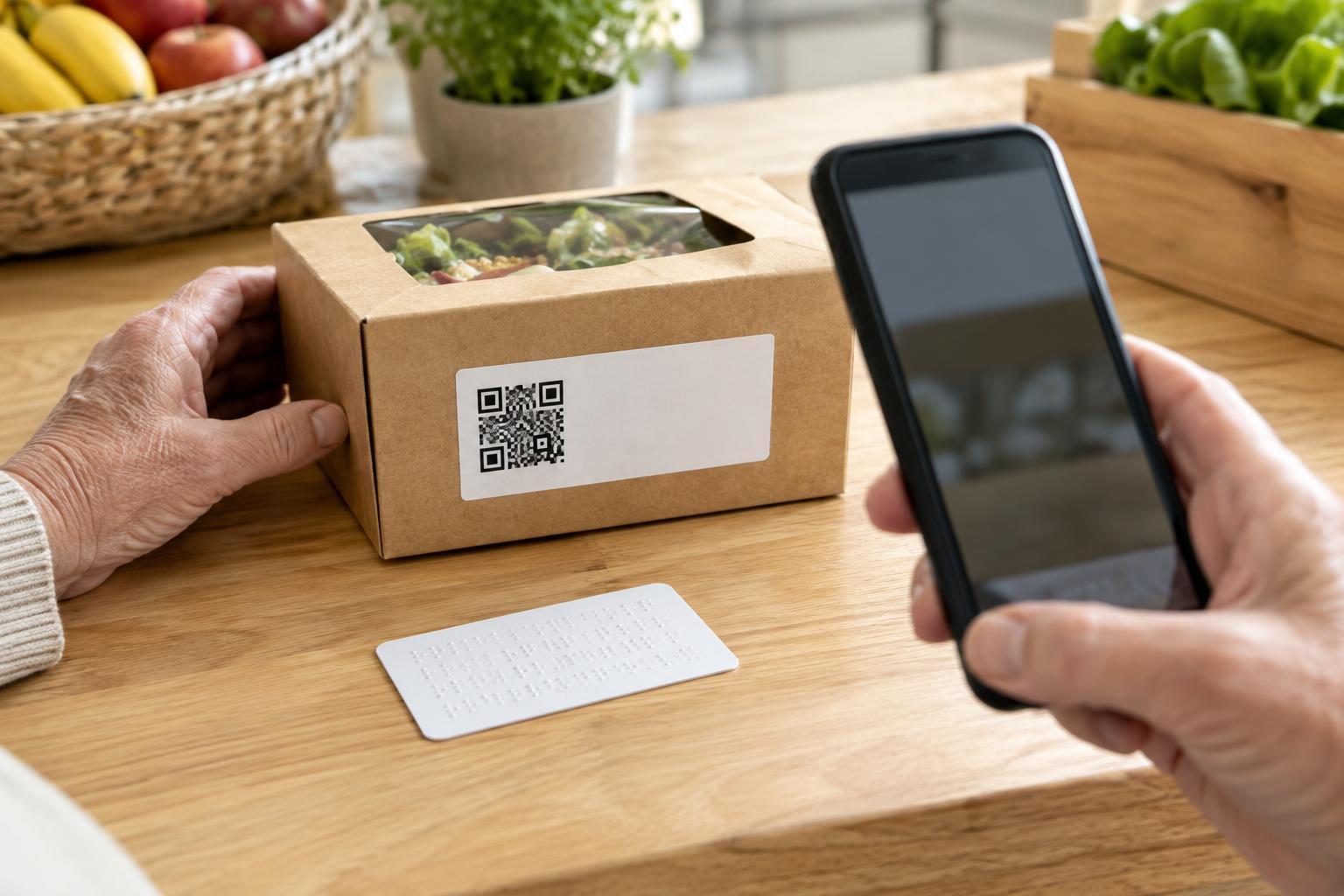
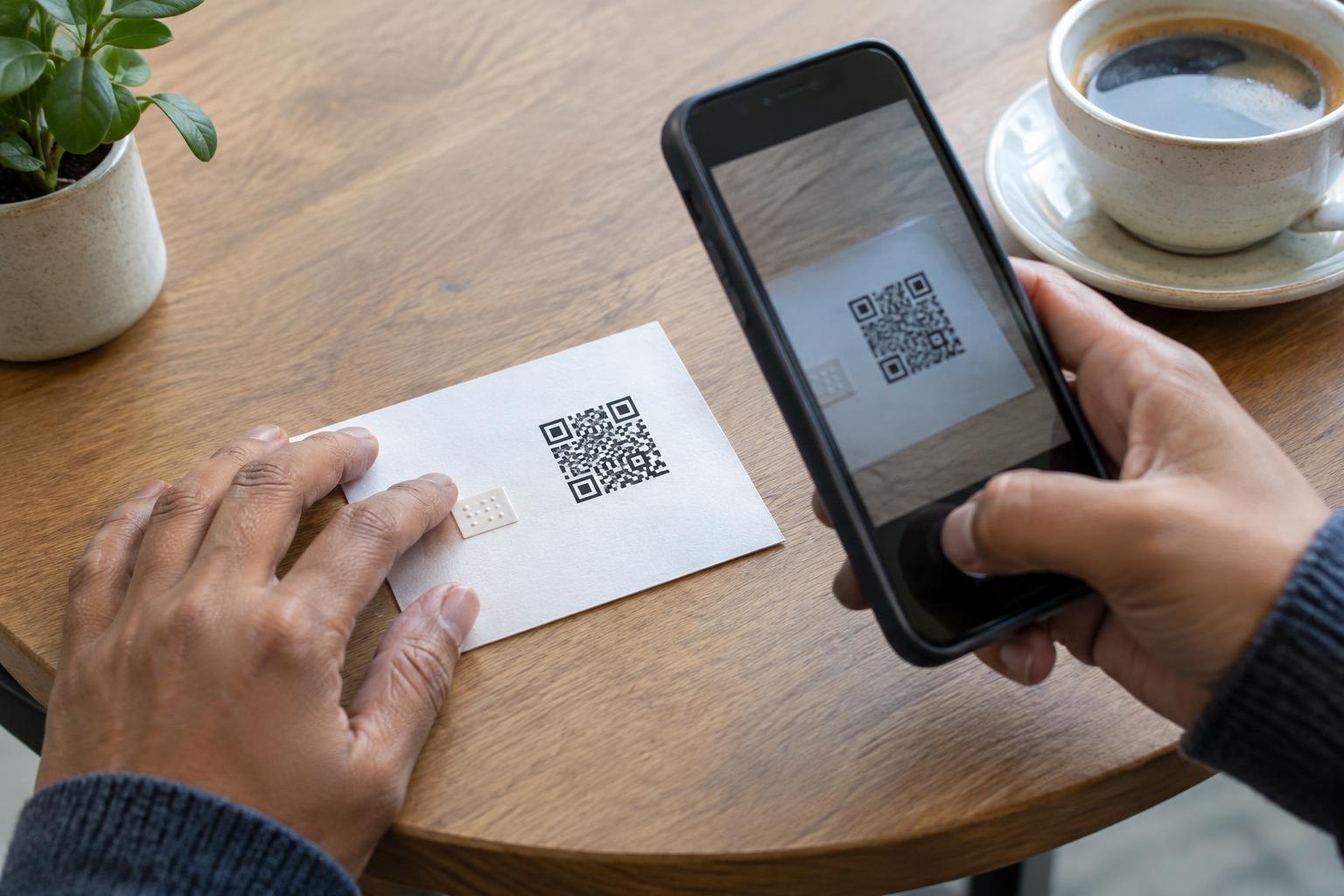
A QR code is useful because it can take someone from a sign, label or handout to a web page without typing. But that convenience depends on several things working at once: the person needs a suitable device, a camera they can use, enough light, a code they can reach and a connection if the destination is online. An essential notice should not become unavailable when any one of those conditions is missing.
Consider a printed notice about a change to building access. Someone may be reading it on an older phone, viewing a copy sent as an image or standing too far from the code to scan it. A person with limited hand control or vision may also find aiming a camera difficult. Printing a web address beside the code gives readers another way to reach the information. It lets the QR code remain the quick option without making it the only option.
Choose an address people can actually use
The printed address should lead to the same essential content as the QR code, not merely to a general home page where visitors must search for it. A short, descriptive path such as example.org/access is easier to read and type than a long string of characters. If the destination address is unwieldy, a memorable page on your own website can point people to the right content. Keep that page maintained if the information moves.
Avoid relying on an unexplained link-shortening address for an important notice. Readers should be able to tell who is asking them to visit the site, especially when the notice requests personal information or payment. Print the address as text, including the domain name, and use a brief label that says what the reader will find there. For example: “Building access details: example.org/access.” Check the spelling carefully; a single wrong character can make the alternative useless.
Design the code and address as one clear choice
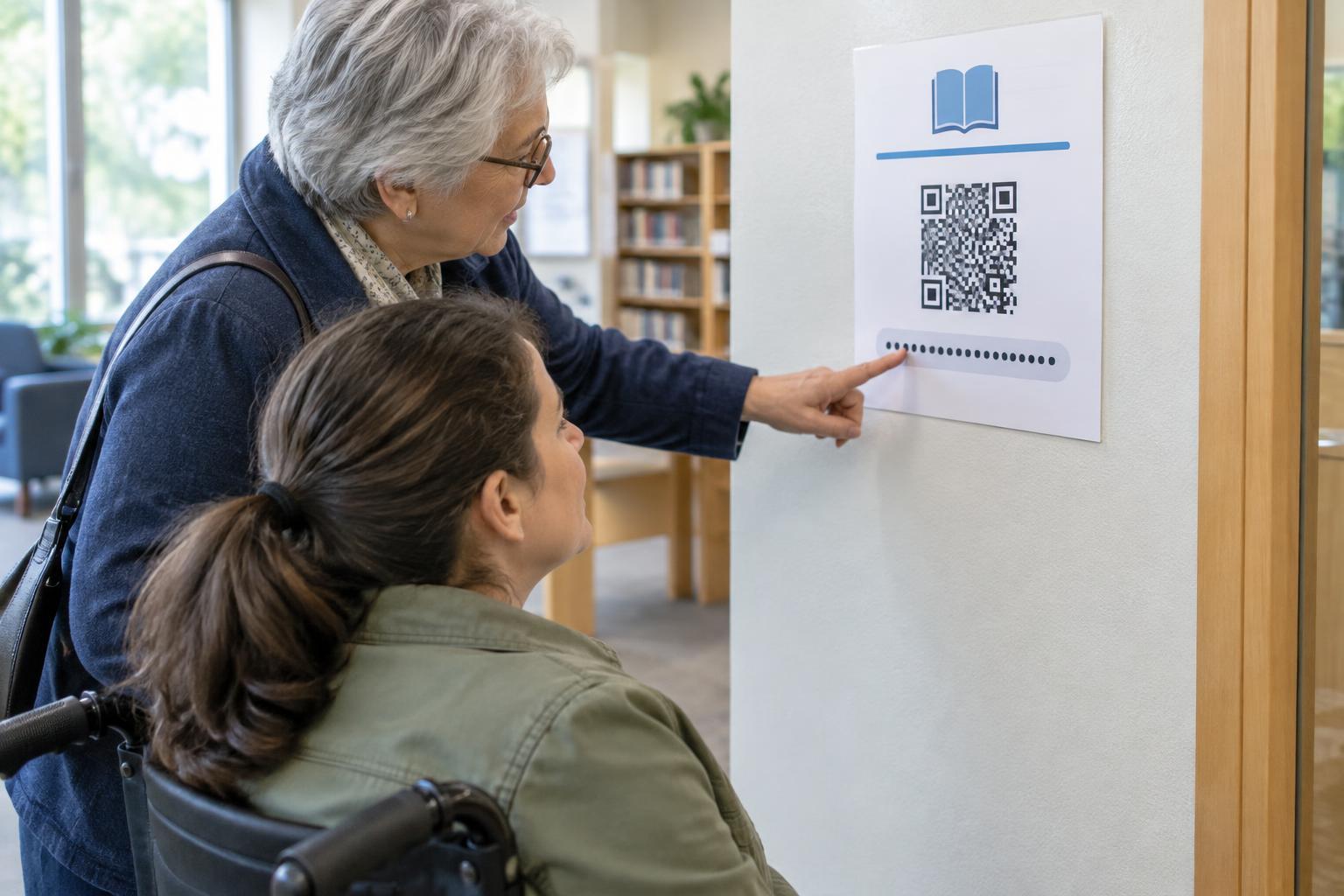
Place the address close to the QR code so readers understand that both lead to the same destination. Use type large enough to read at the expected viewing distance, with clear contrast against the background. On a poster, that may call for a larger address than on a handout held in the reader’s hands. Avoid placing either option across a fold, around a curved surface or where another item could cover it.
Give the pair a plain-language introduction, such as “Scan the code or visit example.org/access for building access details.” This is more helpful than “Scan for more,” which does not explain what the code opens. If the material will also be shared digitally, make the web address a working text link in that version. A QR code embedded in a digital document can be awkward for someone already using the document on their phone.
Keep the destination usable after the scan or click
A printed address improves access only if the page it opens is usable. Give the page a clear heading that matches the promise on the notice. Put the essential information in readable text rather than only in an image or an unlabeled download. If a form is required, make its fields and instructions understandable without relying solely on color or visual position. Both routes should work on a small screen.
It is worth testing the complete journey, not just whether the QR code scans. Type the printed address exactly as shown, scan the code with a phone and confirm that both routes reach the intended content. Check what happens if someone mistypes the address and whether the page remains available for as long as the printed material is in use. If the destination changes, update the page or its redirect rather than leaving old notices pointing to a dead end.
Treat the address as one part of an accessible fallback
A web address still assumes that the reader can get online and enter it. For information that people must have to enter a space, receive a service or act safely, consider an additional way to get help, such as a staffed desk, a clearly printed phone number or a concise summary on the notice itself. The right alternative depends on what the notice asks people to do.
Before printing, ask a simple question: if the QR code cannot be scanned, can someone still find and use the essential information? A visible, trustworthy web address is a practical starting point. Paired with a clear description, a usable destination and an appropriate offline option, it helps make the code a convenience rather than a barrier.