First, work out what happened
A QR code is a way to encode information, often a web address. Scanning one may show a preview, open a website, start a message or prompt another action, depending on your device and scanning app. The response should match what you actually did. Seeing a link is different from entering a password or installing an app.
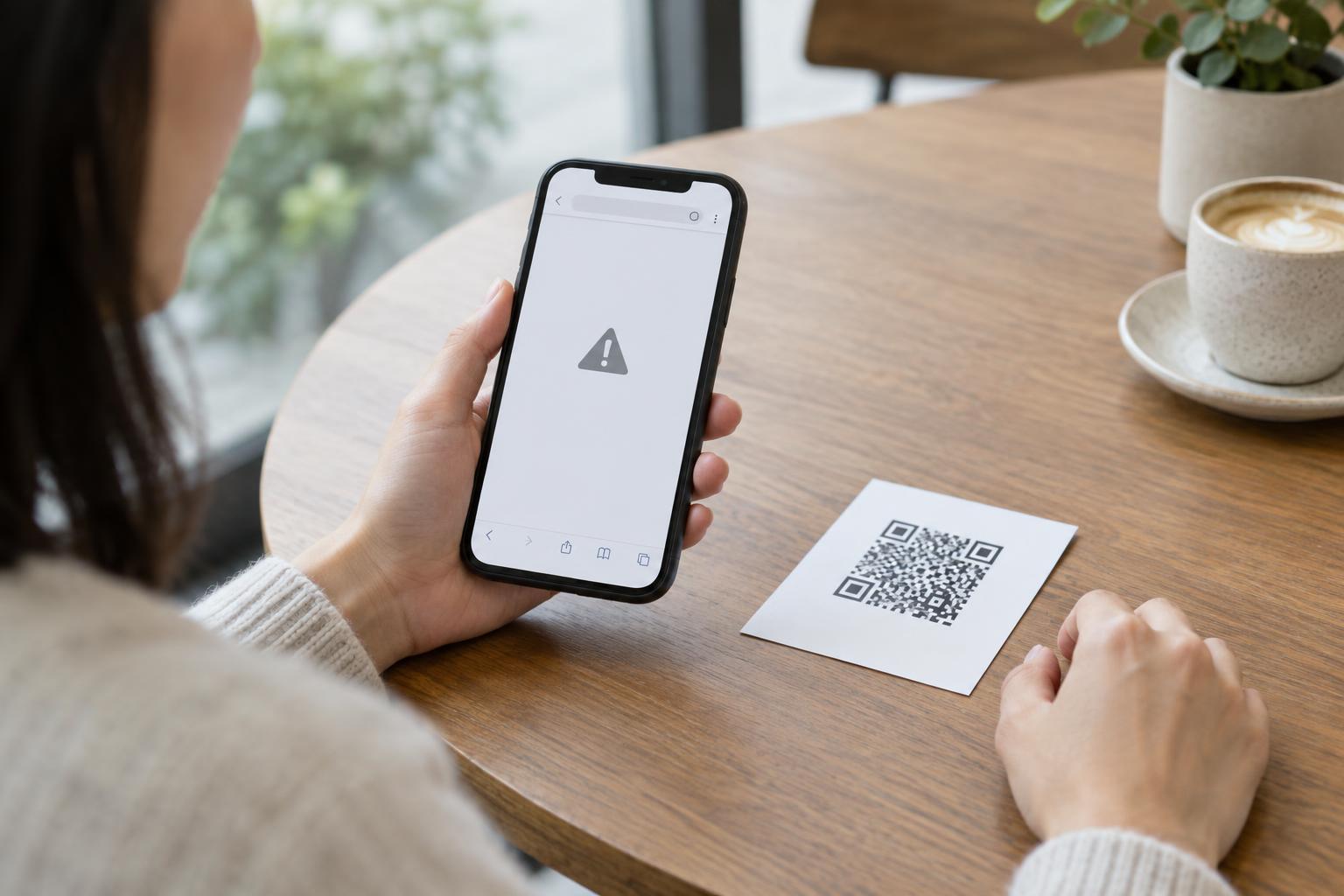
Pause before taking another action. Close the suspicious page or prompt, and do not use its buttons to contact support, cancel a charge or verify an account. If you need to check a service, open its app yourself or type its known address into your browser. A code placed over an original sign, a page that pressures you to act immediately, or an unexpected request for sensitive details are reasons to be cautious, though none proves a scam on its own.
If you only scanned or opened a page
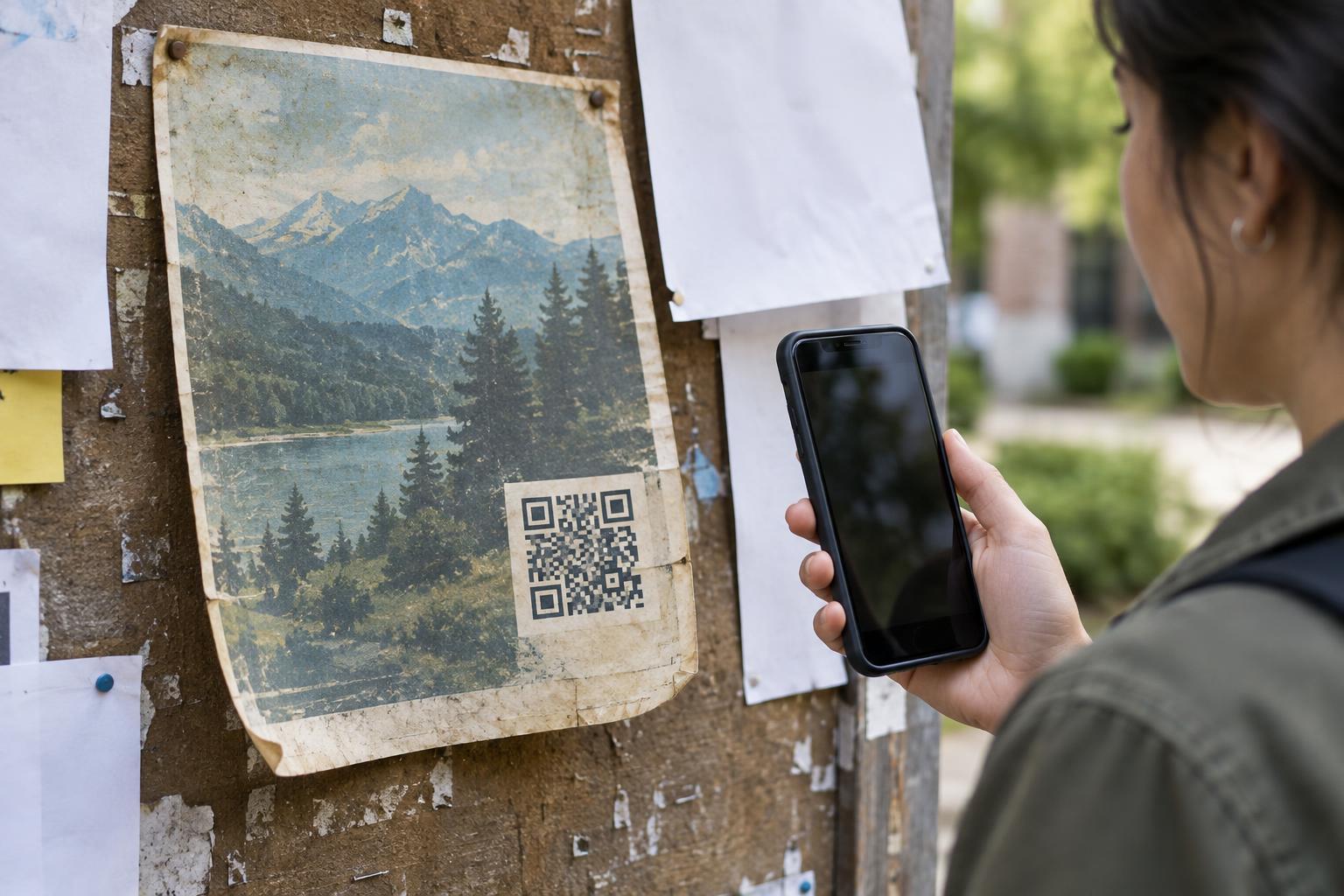
If your scanner only displayed a link and you did not open it, there is usually no account or payment action to undo. Dismiss the preview. If the code appeared in a public place and seems to cover another code, let the venue or organization know so it can inspect the sign.
If you opened a page but did not enter information, approve a download or grant a permission, close it. A webpage can still collect ordinary visit information, and browser or device behavior varies, so avoid treating this as a guarantee that nothing happened. Check your downloads and browser notifications if the page prompted you to accept anything. If you allowed notifications, remove that permission in your browser settings. Keep your browser and device software updated, and use your device’s built-in security checks if you notice unexpected behavior.
If you entered a password or personal details
If you typed a password into the page, go to the real service through its app or an address you already trust and change that password there. Change it anywhere else you reused it. Review recent account activity and signed-in devices if the service provides those options, sign out of sessions you do not recognize, and turn on multifactor authentication where available. If you approved a sign-in request you did not initiate or shared a one-time code, contact the service through its official support channel as soon as you can.
If you shared other personal information, note exactly what you provided. An email address may lead to more convincing messages; more sensitive details may warrant closer monitoring of relevant accounts. Do not follow a second message claiming it can fix the problem unless you independently verify who sent it. For a work or school account, tell your organization’s IT or security team promptly, even if you have already changed the password.
If you paid, entered card details or installed something
If you entered payment details or made a payment, contact your card issuer or payment provider using the number on your card or its official app. Explain what happened, ask about securing the payment method, and review transactions for anything you do not recognize. Keep any confirmation screens or transaction details you already have, but do not return to the suspicious page to retrieve them.
If the code led you to install an app, browser extension or configuration profile, stop using it. Check the list of installed apps, extensions and device profiles, and remove anything you cannot verify. Review permissions it received, such as access to contacts, photos or accessibility features. Update your device and run its available security checks. If removal is difficult, the device behaves unusually, or you granted extensive access, seek help from your device maker’s support or a trusted technical professional. Change affected passwords from a different device you trust.
Make future scans easier to assess
A QR code can hide its destination until it is scanned. When your device shows a link preview, read the address before opening it, especially on payment signs, parking notices and unexpected messages. Look for stickers placed over printed codes, but remember that a neat-looking code is not proof of safety. If the code asks you to sign in or pay, you can often reach the same service through an app or address you already know.
You do not need to assume the worst after every scan. Identify the last action you completed, secure anything that action may have exposed, and use trusted channels for follow-up. That approach is more useful than repeatedly reopening a suspicious link to investigate it.