A QR code is a container, not a privacy setting
A QR code stores data in a pattern that a phone or other scanner can read. That data might be a short message, a contact card, Wi-Fi connection details or a web address. Anyone who can scan the code may be able to read its contents. Printing a code on a sign, posting it online or sending it in a group chat can make those contents available to more people than intended.
A code does not automatically know who scanned it, and scanning one does not automatically send your personal details to its creator. What happens next depends on what the code contains and what the scanner or linked service does. A code that opens a website, for example, differs from one that simply displays text. That distinction matters when deciding what information is safe to put in a code.
Details that can be exposed directly
Some codes contain the information itself. A contact-card code may include a name, phone number, email address, workplace or postal address. An event code could contain an attendee’s name or booking details. A Wi-Fi code may include a network name and password. Scanning can make this information easy to use, but it also makes it easy to copy or share.
Avoid putting passwords, account recovery codes, identity document numbers, payment card details, private addresses or confidential customer records in a code meant for broad circulation. The pattern is not a substitute for encryption or access control. If the information would be unsafe on a public noticeboard, encoding it in a QR code does not make it safe.
Even an ordinary-looking web address can contain sensitive data. A link may include an email address, account identifier, booking reference or access token in its text. Someone who reads or copies the code may be able to use those details, especially if the link grants access without another sign-in step.
What changes when a code opens a website
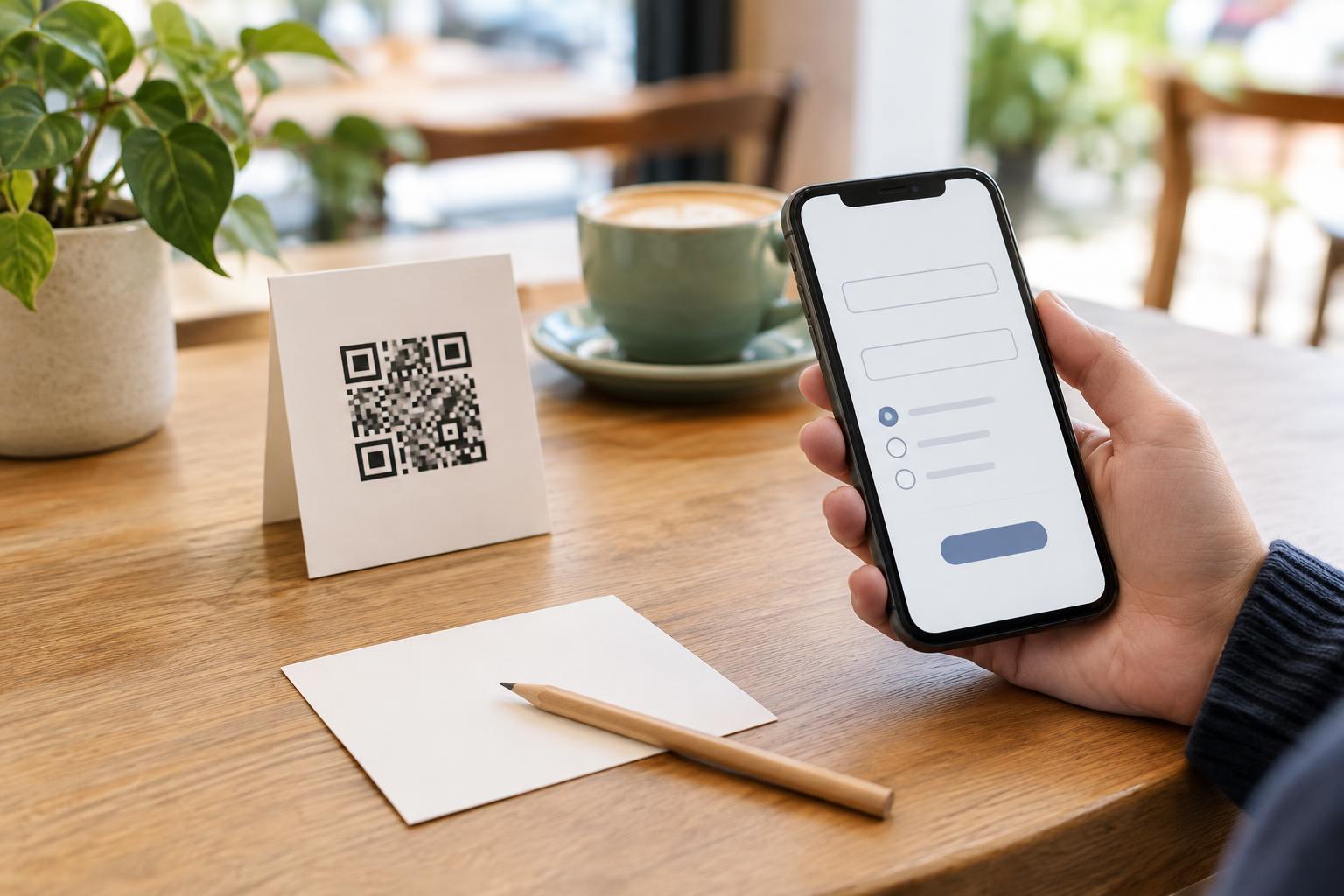
A QR code that contains a web address does not need to hold personal information to raise privacy questions. When someone opens the destination, the website may receive information normally involved in a web visit, such as an IP address and browser details. The site may also ask for a name, email address or other information through a form. These are actions of the linked website, not hidden information stored in the QR pattern.
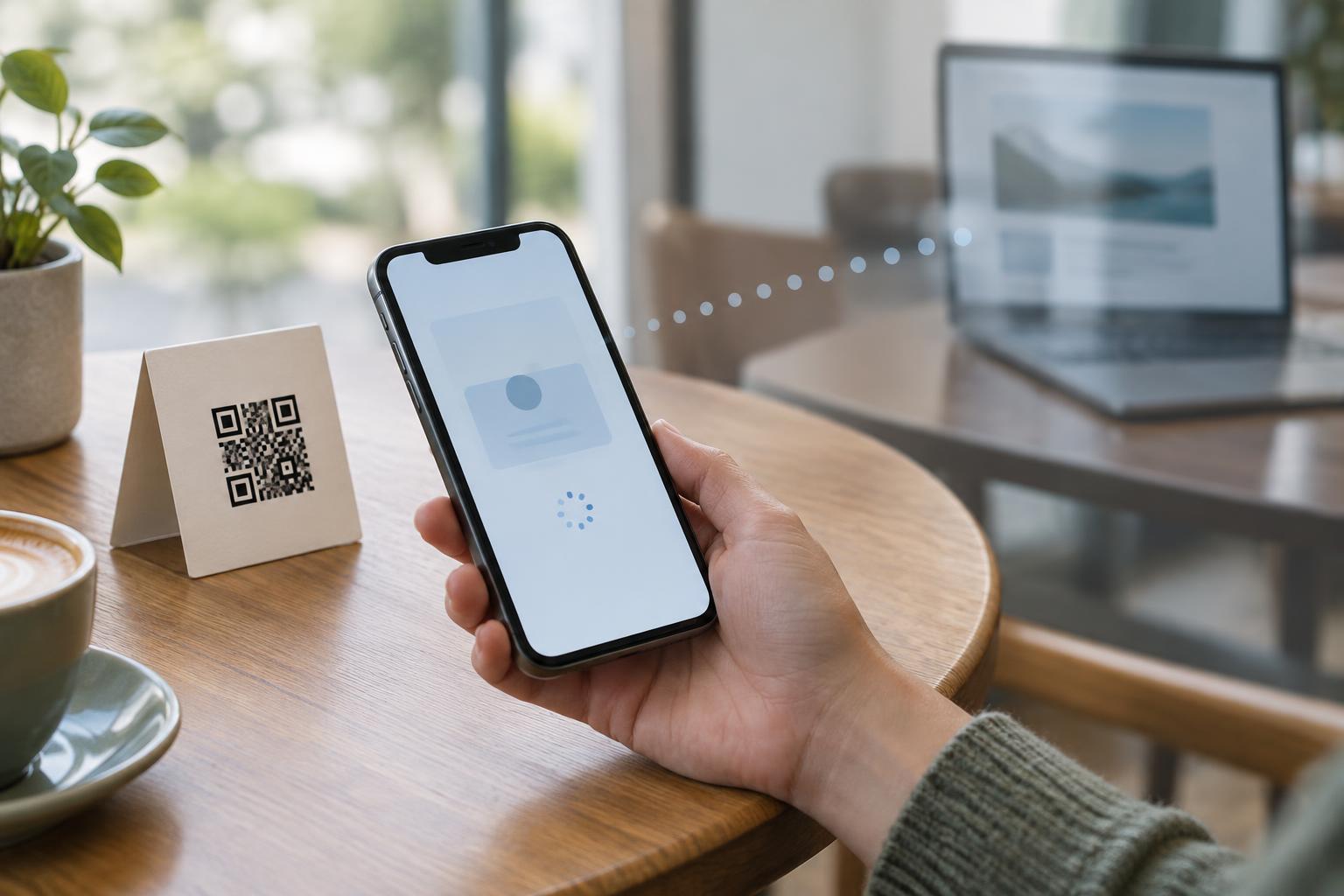
A link can also include a campaign label or a unique identifier. Such details may help the site distinguish visits from a particular poster or, if codes are assigned individually, from particular recipients. A redirecting link adds another step: the code first opens one address, which then sends the visitor elsewhere. Because the destination may change, a code that scanned safely when printed might not always lead to the same page.
If you publish a code for customers or visitors, explain where it leads and what they will be asked to do there. A short label such as “View the menu” or “Open the registration page” gives people useful context before they scan.
Safer ways to share information
Start by asking whether the code needs to contain personal data at all. For a public poster, use a general page rather than a link tailored to one person. For contact details, include only the fields you are comfortable making available to anyone who encounters the code. Check the encoded text or address before distributing it, including any information after a question mark in a URL.
If access should be limited to specific people, a QR code alone is not an access-control method. Consider a destination that requires an appropriate sign-in rather than placing a private document link or reusable credential directly in the code. Avoid sharing a Wi-Fi code publicly if the password is intended only for a small group; treat the printed code as you would the written password.
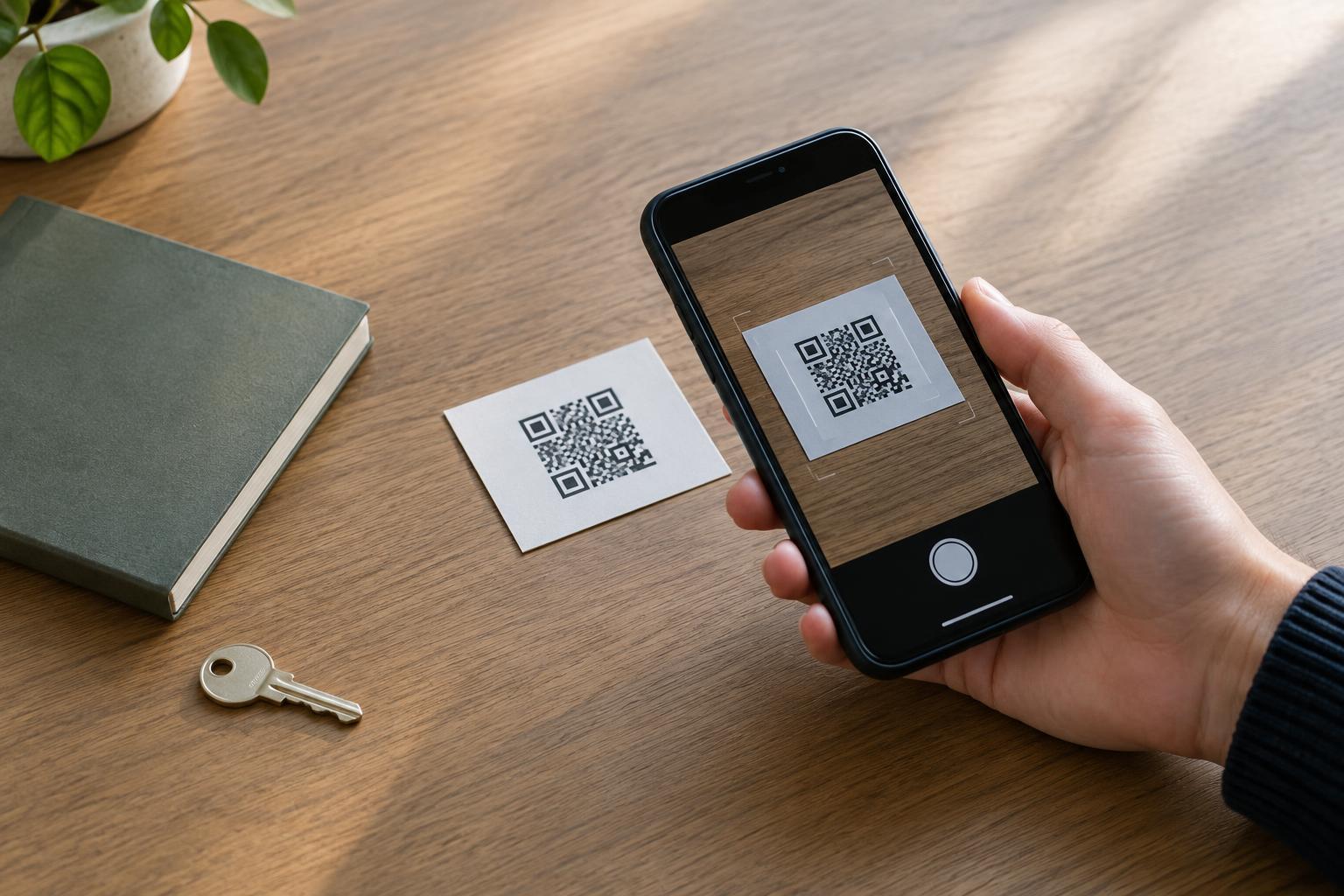
Finally, test the code with a scanner that shows what it contains before you publish it. Ask a second person to check both the scanned content and the surrounding instructions. A small review can catch an accidentally embedded name, token or outdated destination before the code is printed widely.
A quick check before you scan
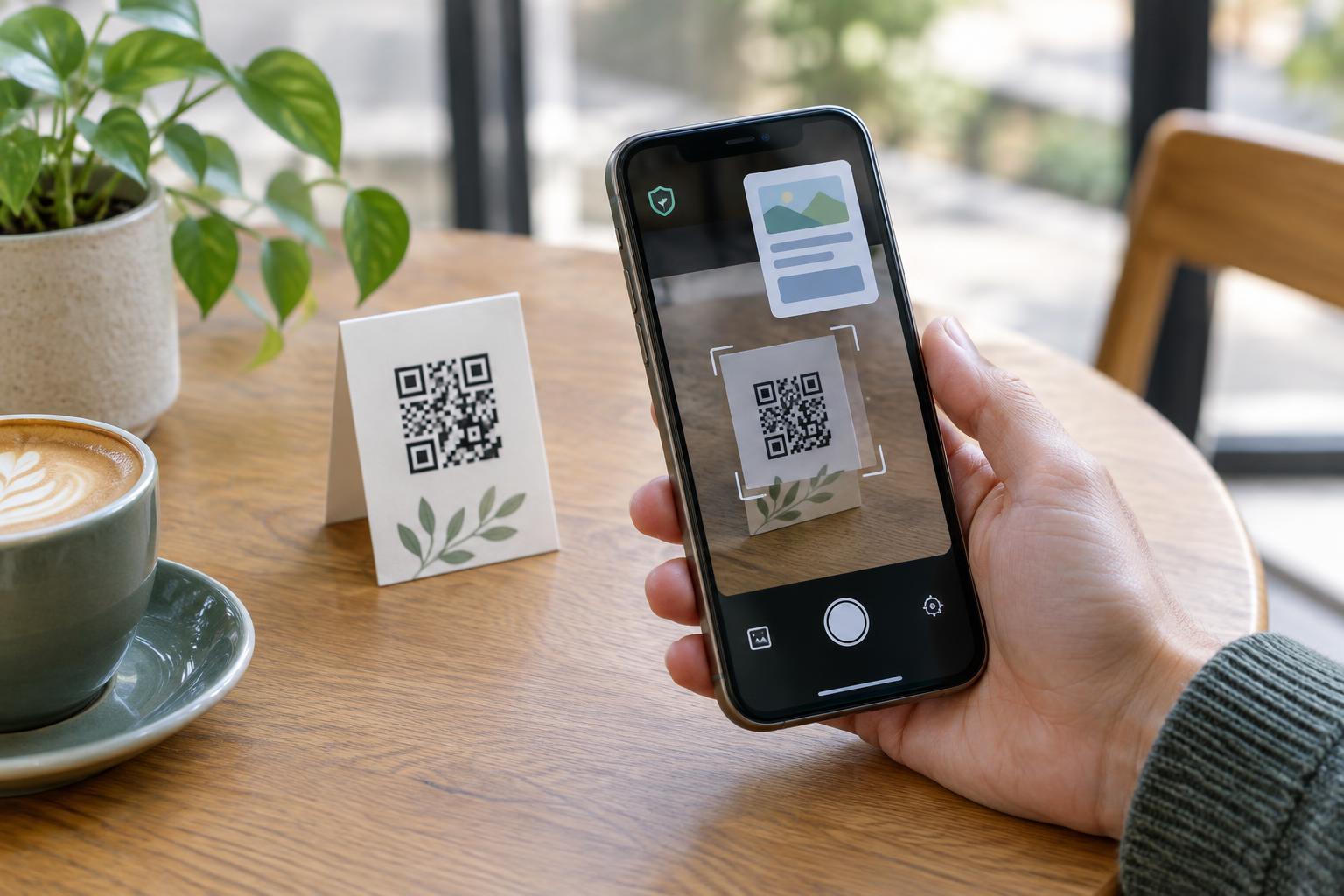
When scanning someone else’s code, use your phone’s preview to inspect the address before opening it. Be cautious if a code on a public sign appears covered by a sticker, leads to an unexpected site or asks for credentials unrelated to the stated purpose. If you are unsure, use an address you already know or ask the organization for another way to reach the page.
QR codes are convenient because they remove typing, not because they make information private. Treat the encoded content as shareable, consider what a linked page may collect and give people a clear choice about whether to proceed.