Two ways to make information scannable
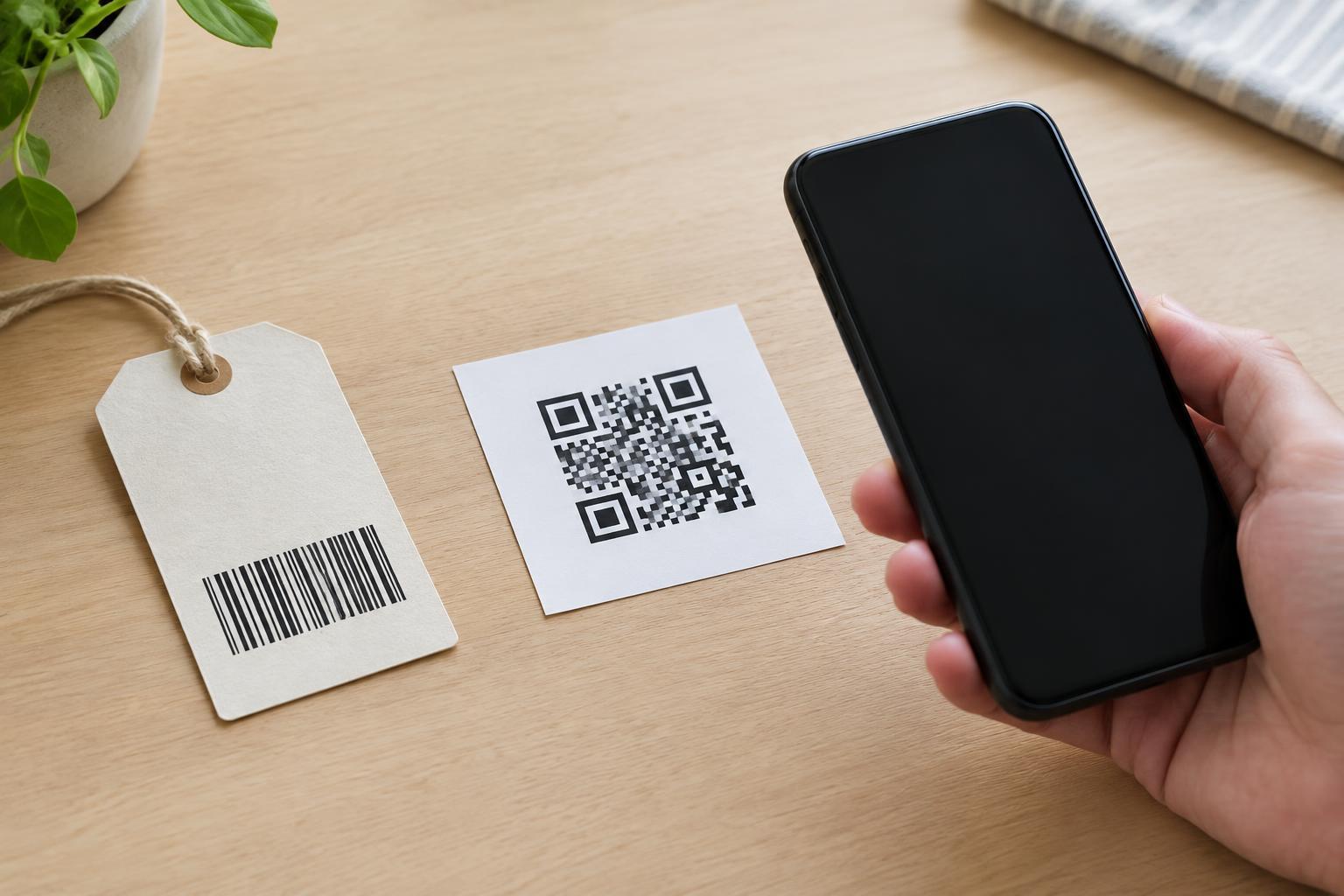
A barcode turns information into a pattern that a machine can read. The familiar stripes on a product package are a type of one-dimensional, or linear, barcode. Their bars and spaces vary across a single direction. At a checkout, a scanner reads the pattern and uses the resulting number to identify the product in a store’s system. The price usually comes from that system, not from the barcode itself.
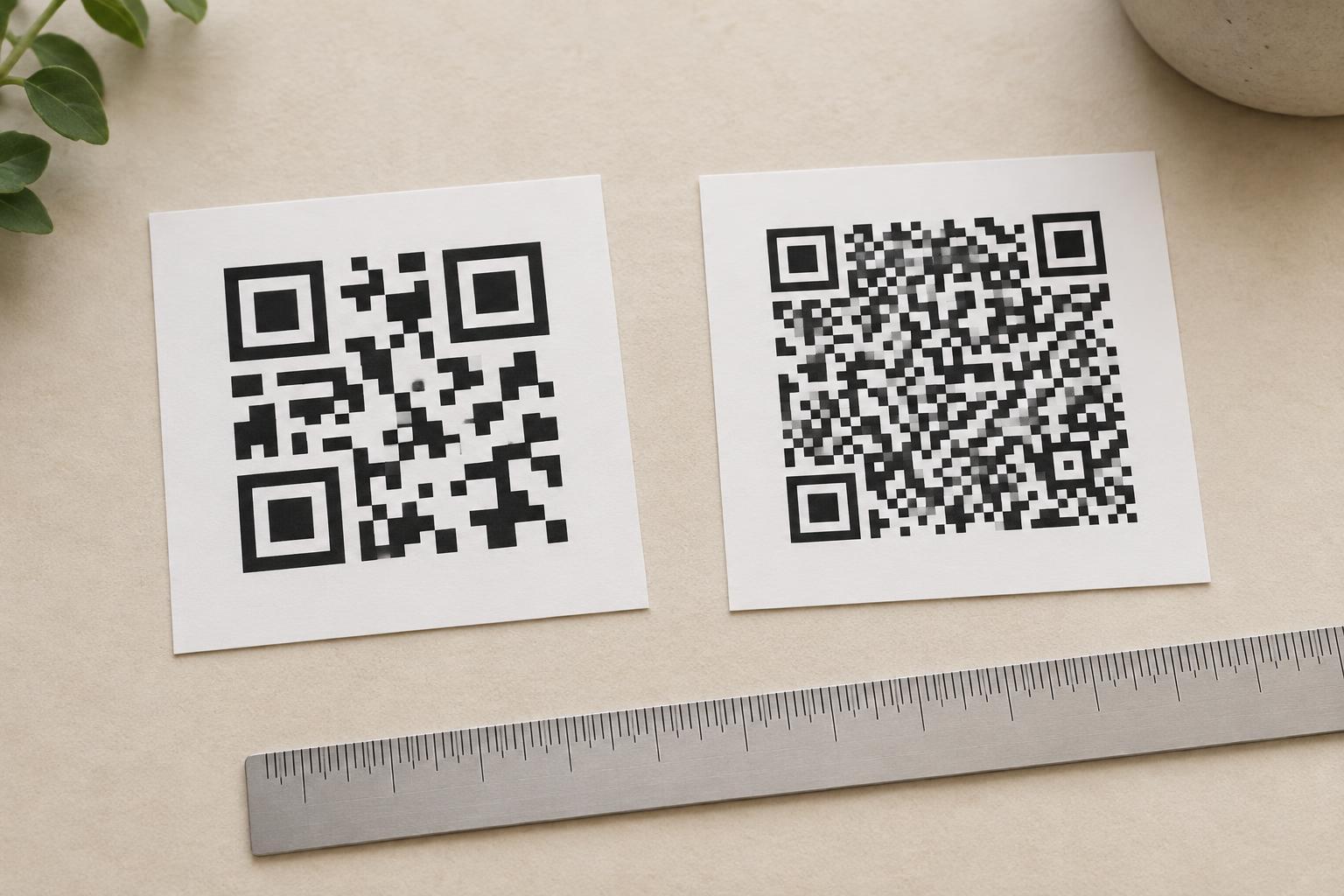
A QR code is a two-dimensional barcode. Instead of stripes, it uses a grid of small dark and light squares, often called modules. The grid carries information across both its width and height. That structure lets a QR code hold more information than a typical product barcode, though the amount depends on what is encoded and how the code is made. Both formats have the same basic purpose: they save someone from entering information by hand.
What happens when you scan a QR code?
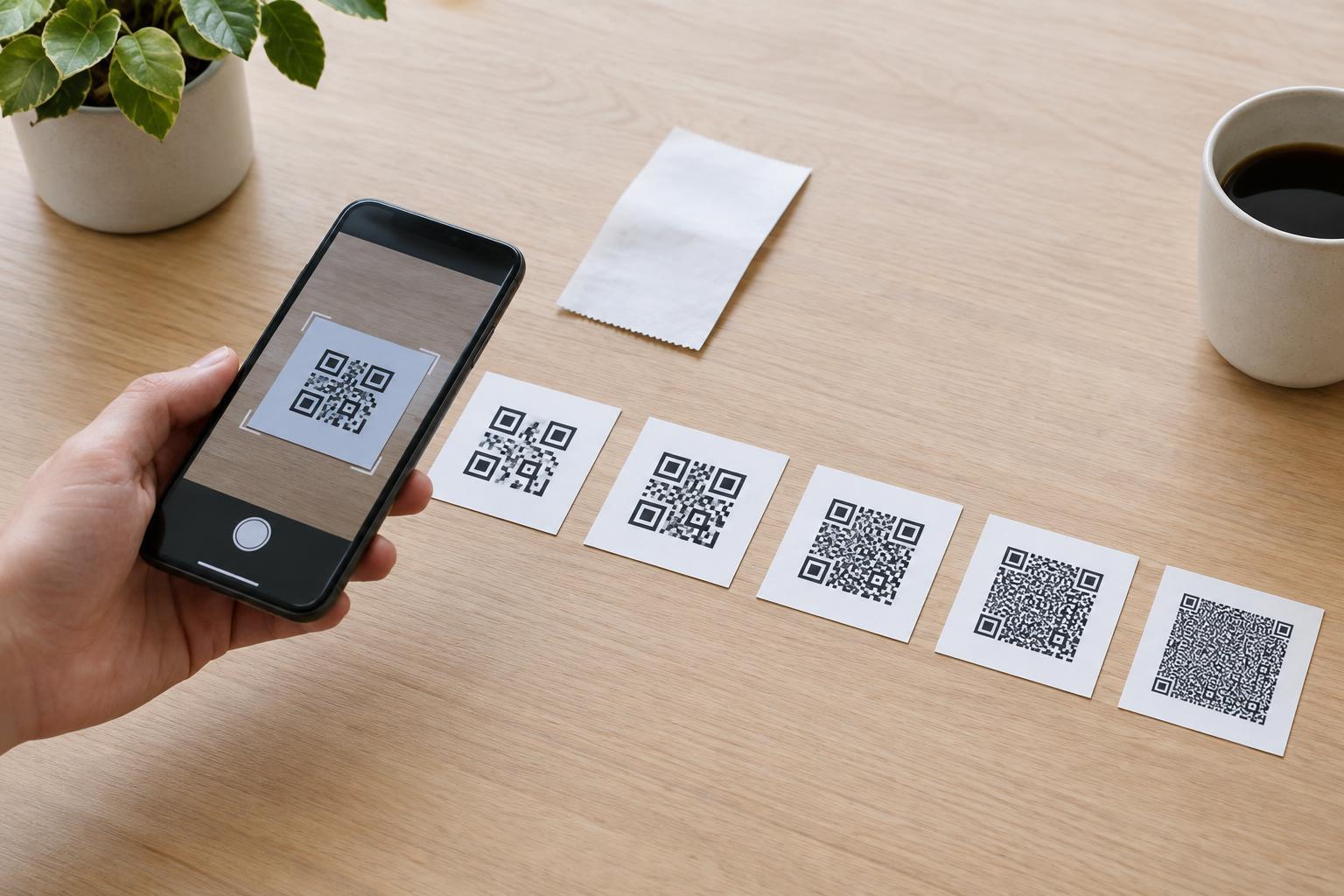
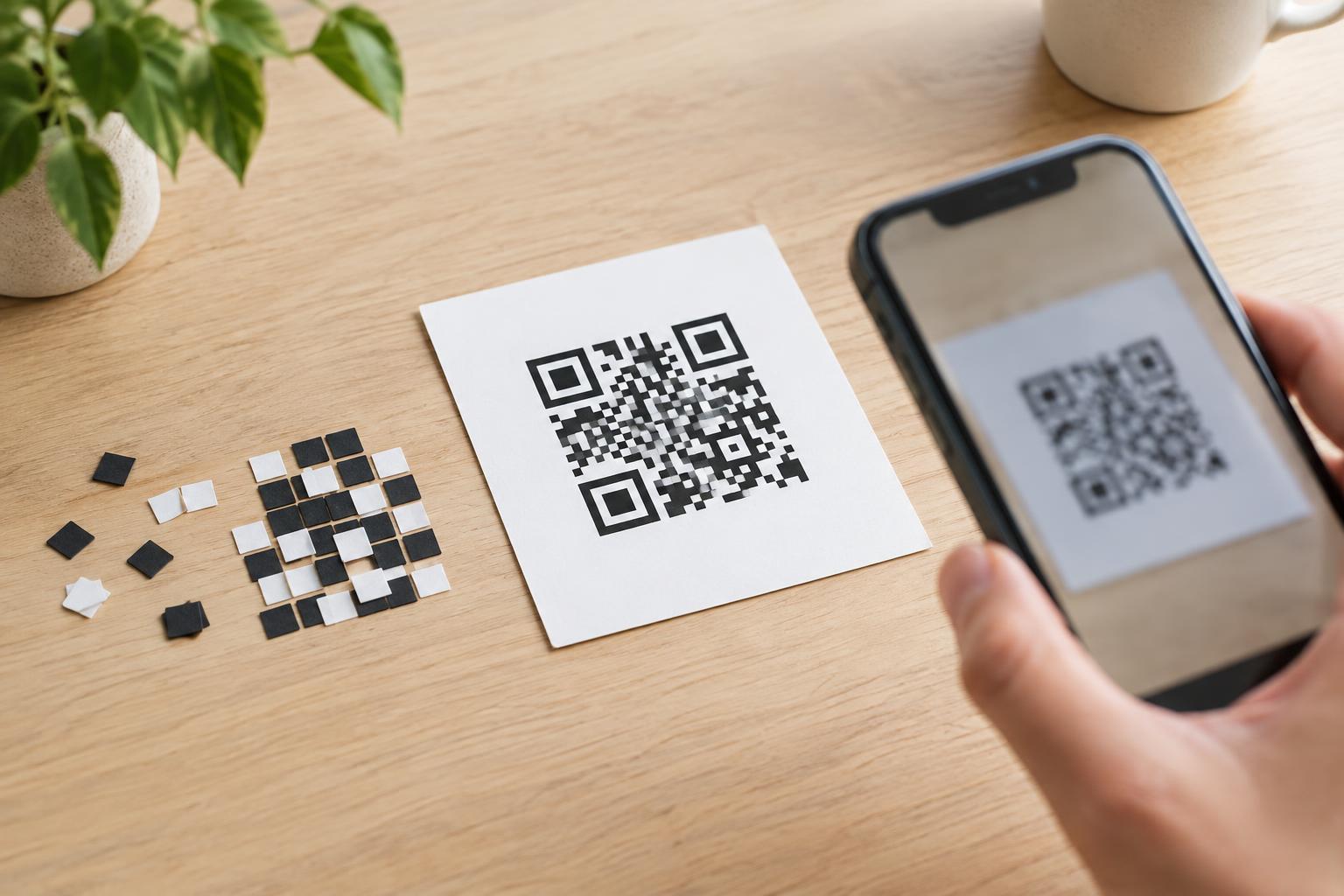
A phone camera or other compatible reader captures the square pattern and interprets it as data. The three large square patterns near the corners help the reader find and orient the code. Other parts of the grid carry the encoded information, along with features that help the reader interpret it even if a limited part of the code is damaged or obscured. That does not make every QR code readable under every condition: blur, glare, poor contrast or a heavily covered pattern can still prevent a scan.
Many QR codes contain a web address. Scanning one might offer to open a menu, an instruction page or an event schedule. A code can also contain plain text, contact details or other supported data. The code is not automatically a website, and it does not update information on its own. If it contains a web address, the page at that address may change over time; if it contains text directly, that text remains part of the printed pattern.
The practical differences
Traditional linear barcodes are well suited to repeated identification tasks. A product barcode can provide a compact identifier that works with a retailer’s inventory and checkout processes. Because that identifier is looked up in a separate system, the package does not need to carry every product detail in its printed bars. Linear barcodes are not limited to retail, but product packaging is where many people encounter them.
QR codes are useful when someone needs to move from a physical object to digital information. A museum label might point to a longer description, or a printed guide might link to instructions that would not fit on the page. A QR code can carry a longer string of data than a typical product barcode and is commonly scanned with a phone. It is not necessarily better for every job: the right choice depends on what needs to be stored, what devices people will use and whether a separate database is part of the process.
Readers are not interchangeable by default. A device designed only for certain linear barcodes may not read QR codes, while a phone or dedicated scanner may support both. If scanning is essential to a task, check the actual device and the intended printed code rather than assuming compatibility.
Making a QR code useful in the real world
A QR code needs room to be seen clearly. Keep strong contrast between its dark and light areas, leave a clear margin around the grid, and avoid placing it across folds, busy backgrounds or highly reflective surfaces. A code that looks fine on a screen may be difficult to scan when printed small or viewed from a distance. Test the final print at the distance and in the lighting people are likely to encounter.
Give people context before they scan. A short label such as “Scan for assembly instructions” tells them what to expect. If the code opens a webpage, provide a readable alternative address or another way to get the information when practical. That helps people who cannot or prefer not to scan, including those without a compatible device.
A quick note on trust
The pattern of a QR code does not reveal its destination at a glance. Treat a request to scan as you would a link: consider who placed it, preview the destination when your device offers that option, and check the address before entering personal information. Be especially cautious of a sticker that appears to cover an original printed code. A QR code is simply a way to pass along data; whether the resulting page or request is trustworthy is a separate question.