Give the code one clear job
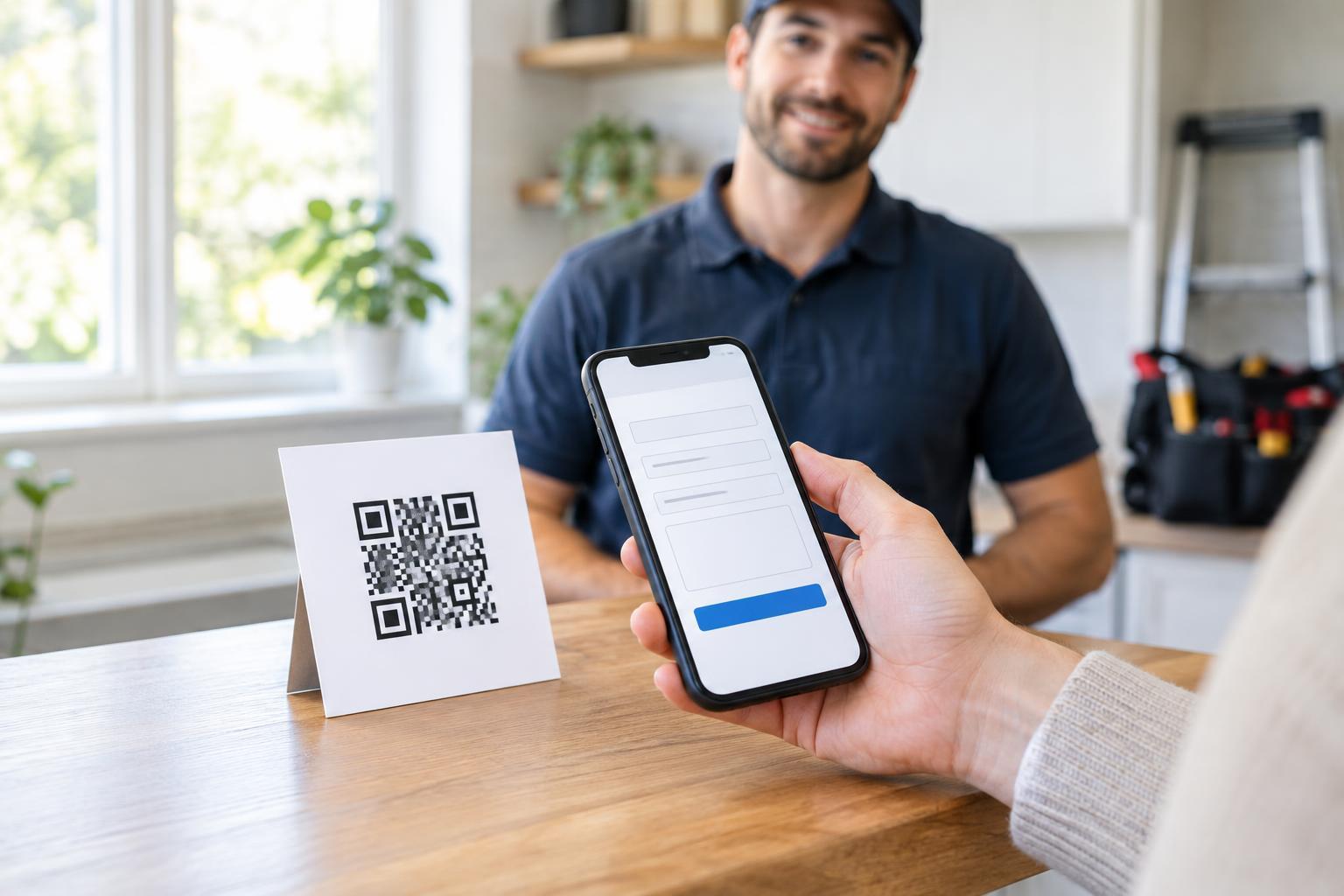
A QR code on a business card, flyer or work vehicle can take a customer directly to a quote-request page. That is more useful than sending them to a general homepage and making them search for the right form. The printed message should explain the destination before anyone scans: “Scan to request a painting estimate” is clearer than “Scan me.”
Decide what the page is meant to accomplish. For a straightforward service, it might collect enough details for an initial estimate. For work that requires an inspection, it may be better to offer a site-visit request. State that distinction on the page so customers do not mistake a preliminary response for a final price. A QR code is simply a shortcut to that process; it cannot make an estimate more accurate than the information provided.
Build a short, useful request form
Start with the details needed to understand the job: the service requested, the location where the work would take place, a brief description and a way to reply. Depending on the service, helpful optional fields might include approximate dimensions, a preferred timeframe or photos. Label optional questions clearly. A customer asking about a small repair should not have to complete a long questionnaire intended for a major renovation.
Use plain language and explain what happens after submission. For example, the confirmation page can say whether the business will review the details, ask follow-up questions or arrange a visit before providing a quote. If photos are accepted, say what would be useful to show and offer a text-only route for customers who cannot or do not want to upload images. Avoid collecting information that is not needed to prepare the next step.
Design the printed prompt for real-world scanning
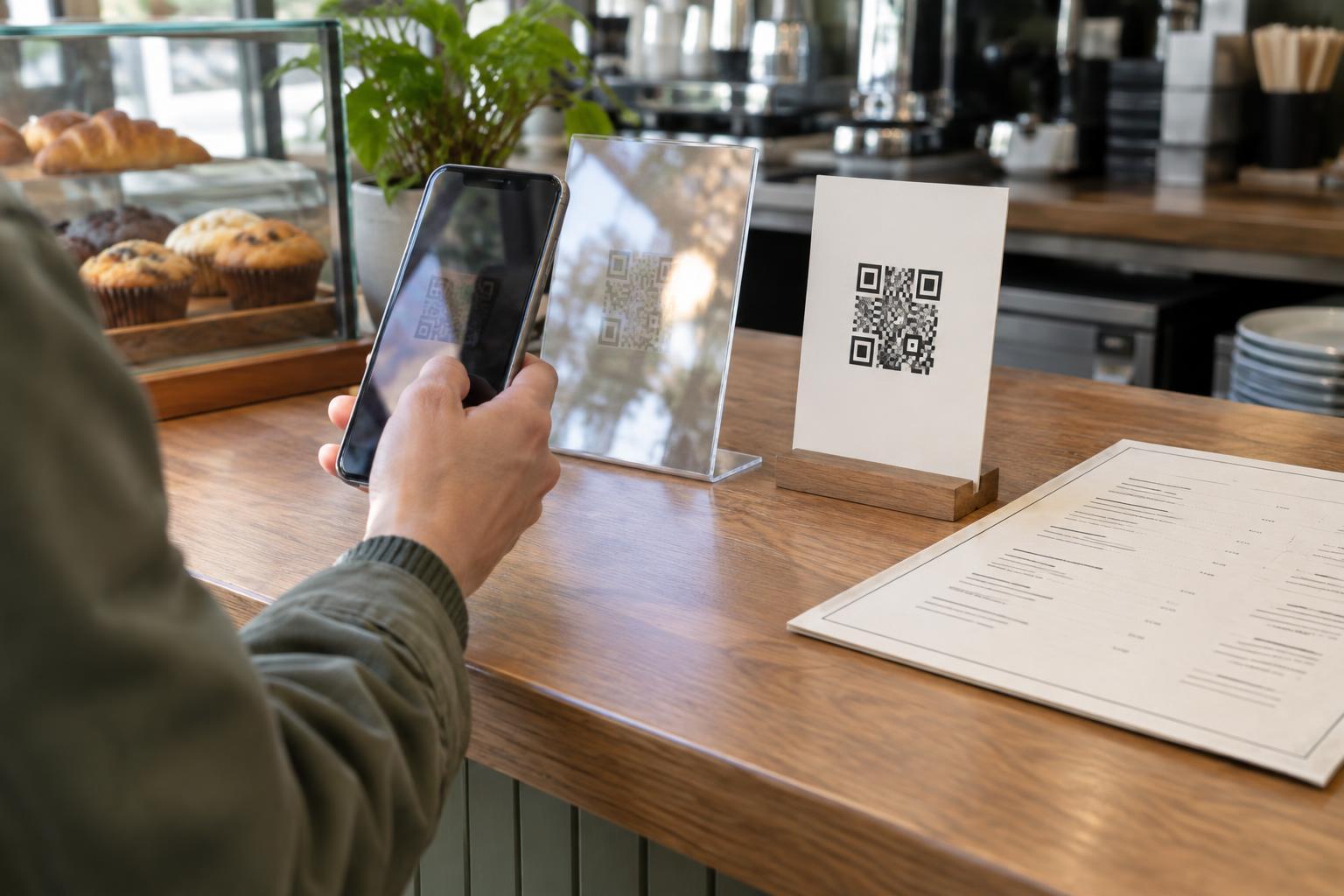
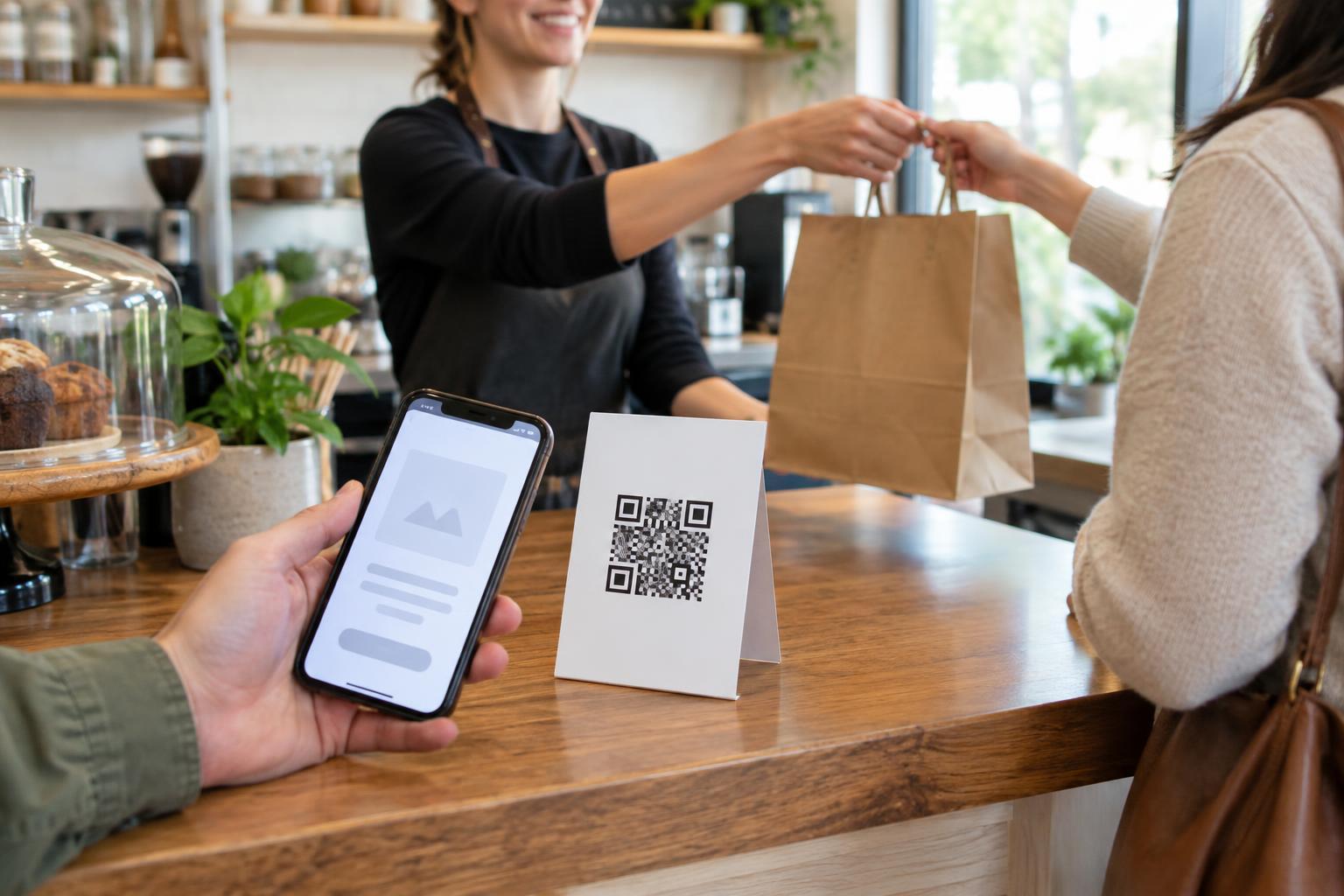
Place the code where a person can safely pause and scan it. A code on a counter card or take-home leaflet is easier to use than one on a moving vehicle or behind reflective glass. Give it generous blank space around its edges, strong contrast and enough physical size for the expected viewing distance. If the code appears on a worksite sign, consider whether customers can approach it without entering a restricted area.
Include a short printed web address or another way to request a quote, such as a phone number. This helps people whose phones cannot scan the code and lets them recognize the intended destination. Before printing a large batch, test a proof with several phones under ordinary lighting. Check both the scan and the page it opens, including the form on a small screen.
Make the path accessible and reassuring
Scanning should be an option, not a requirement. Keep the alternative contact method as visible as the QR prompt. On the destination page, use descriptive labels for form fields, readable text and clear error messages. Customers should be able to understand the request process without relying on an image of the code or on instructions that refer only to where an item appears on the screen.
A public QR code can also raise trust questions because someone may cover it with a different sticker. Print the business name and a recognizable destination near the code, and inspect codes displayed in public places. On the page, identify the business and explain how submitted contact details will be used for the quote request. Do not ask for passwords or payment information in an initial estimate form unless there is a clear, appropriate reason for a separate step.
Maintain the journey after printing
Choose a destination you can keep available, and revisit it whenever services or contact details change. A printed code that leads to an outdated form can waste a customer's effort. If you control the web address used by the code, you may be able to update the page at that address without replacing the print. If the address itself must change, the printed code may need replacing unless its destination can be managed separately.
Finally, try the process as a customer would: scan, read the page, submit a test request and check the confirmation and reply. Make sure messages reach the person responsible for estimates. A useful QR-code experience ends not when a form is submitted, but when the customer knows their request arrived and what to expect next.