Start with the offer, not the code
A QR code on a coupon gives customers a quick way to reach an offer or present one at checkout. It does not decide who qualifies, calculate a discount or prevent reuse on its own. Those outcomes depend on the page, checkout system and staff process behind it. Before choosing where the code will appear, write the offer in one sentence: for example, “Get 10% off one regular-price item when you show this coupon in store.” If that sentence needs several exceptions, simplify the offer or make the exceptions easy to find.
Decide what the code should do when scanned. It might open a page with the coupon terms, lead to an online checkout with an offer applied, or display a coupon for staff to verify. Match that destination to the way customers will redeem it. A printed sign that opens an online-only discount, for example, can cause avoidable confusion if the restriction is not visible beside the code.
Define eligibility and limits in plain language
Useful redemption rules answer a few predictable questions: What does the discount cover? Where can it be used? Does the customer need to meet a minimum spend? Can it be combined with other offers? Is there a limit per order, per person or per account? State exclusions by category or product when possible rather than relying on a vague phrase such as “restrictions apply.” If a purchase must be made through a particular channel, say so wherever the coupon is displayed.
Set a start and end point that staff and customers can understand. Include the date, time and relevant time zone for a timed online offer; for an in-store offer, specify whether it ends at closing time. Decide in advance what happens to returns and exchanges involving discounted items. These details do not all need to fit beside the printed code, but customers should be able to review them before committing to a purchase.
Choose a limit your systems can actually enforce. A “one use per customer” rule may be difficult to apply consistently to an anonymous, widely shared image. If strict limits matter, consider an account-based offer or individually issued codes, and explain any sign-in requirement before the customer reaches checkout.
Make redemption work at checkout
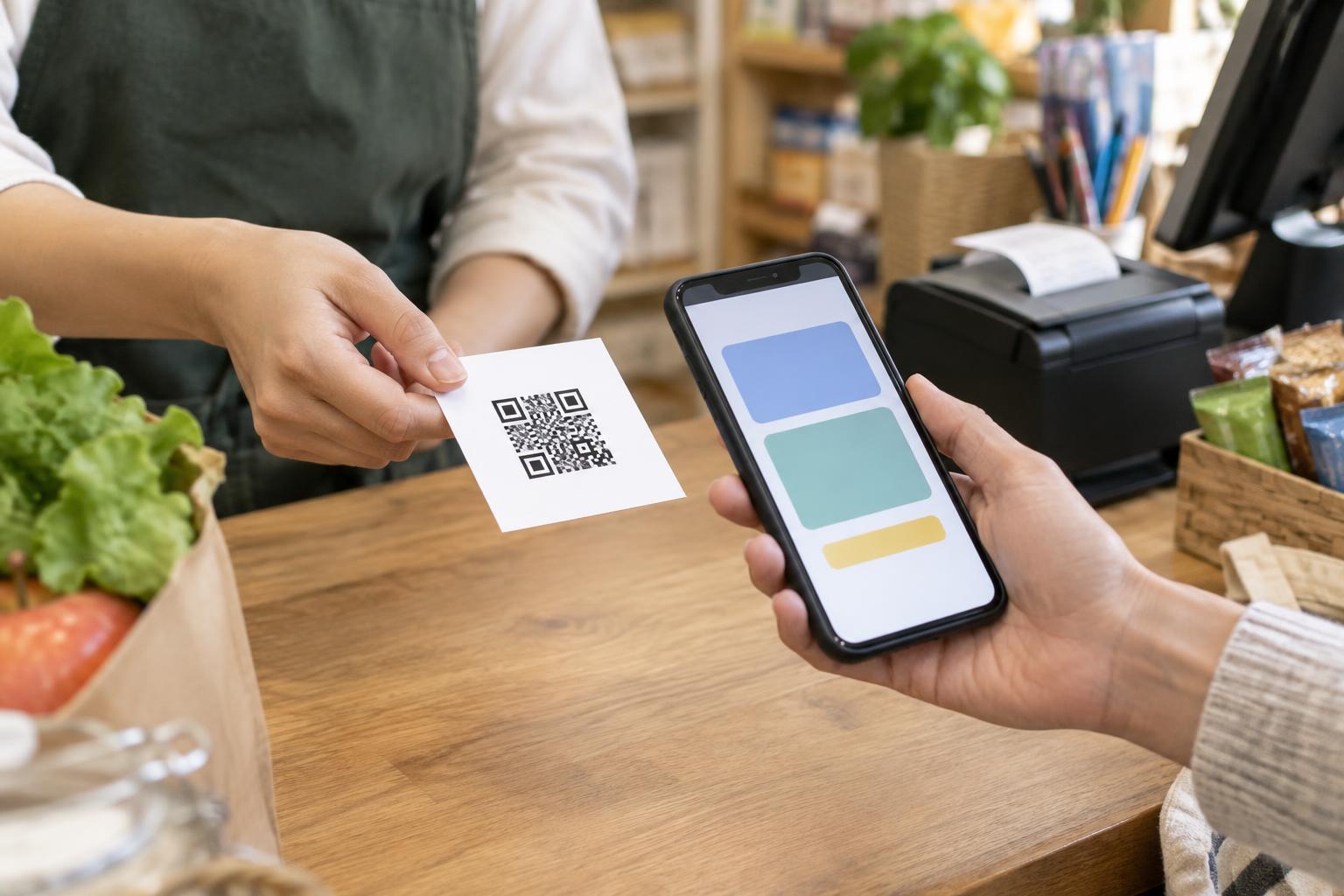
Walk through the offer as a customer and as a staff member. For an in-store coupon, decide whether staff scan a barcode displayed on the destination page, enter a promotion code, or select a discount in the register. Give staff a short checklist for common cases: an expired offer, an excluded item, a code that will not load, and a customer who has a screenshot. A consistent procedure helps avoid making up rules at the counter.
For an online coupon, test the full path from scan to payment on a phone. Check whether the offer applies automatically or requires an action, and make that step clear. If the coupon can expire while someone shops, explain when eligibility is checked. Test combinations with shipping charges, other discounts and eligible items so the displayed terms match what checkout does.
Plan a reasonable fallback for connectivity or camera problems, such as a short written offer code or a way for staff to locate the promotion. The fallback should follow the same redemption limits as the QR route; otherwise, it can create conflicting expectations.
Design the printed coupon for clear scanning
Put a brief description of the benefit and its key conditions near the QR code. A label such as “Scan for the in-store coupon” tells people what to expect before opening a link. Include an expiration date in readable text rather than making the scan the only way to discover it. Leave clear space around the code, use strong contrast, and avoid placing it over a busy image or across a fold.
Test the code at its intended print size, on the actual material, and from a realistic scanning distance. Check several phones if practical. If the destination might change during the campaign, use a link you can maintain and verify before distributing the coupon. Do not assume that a readable code guarantees a usable offer: the destination page must also load well on mobile and present the terms clearly.
Keep the experience trustworthy and accessible
A coupon should not require a QR scan as the only way to learn its basic terms. Provide a short written address, offer code or staff-assisted option when feasible. On the destination page, use readable text, clear buttons and instructions that do not depend on color alone. If customers must create an account or provide information to redeem the offer, explain that requirement before they scan.
Use a destination that customers can recognize as belonging to the business, and avoid unnecessary redirects or requests for personal details. Check printed materials for altered or covered codes while the campaign is running, especially in public locations. Finally, remove or update the offer page when the promotion ends. An expired coupon that still looks active is frustrating; a clear expiration message and, where appropriate, a path back to current offers provide a better finish.