Start with the booking task
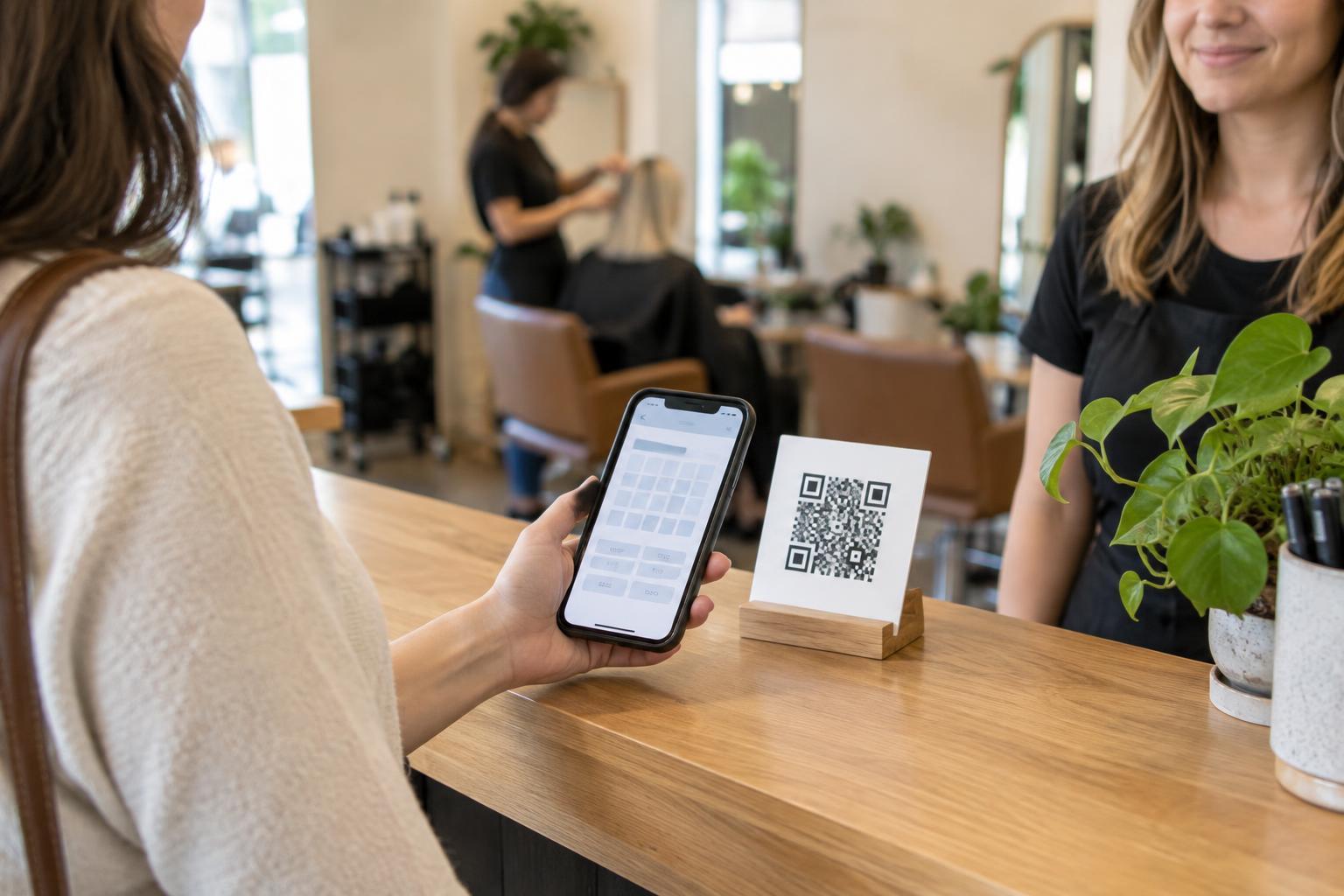
For a salon, repair shop, tutoring service or other appointment-based business, a QR code can shorten the path from “I should book” to the booking page. A customer might see it at the checkout counter, on a take-home card or beside a service menu. Scanning should lead to a useful next step, not a generic homepage that requires another search.
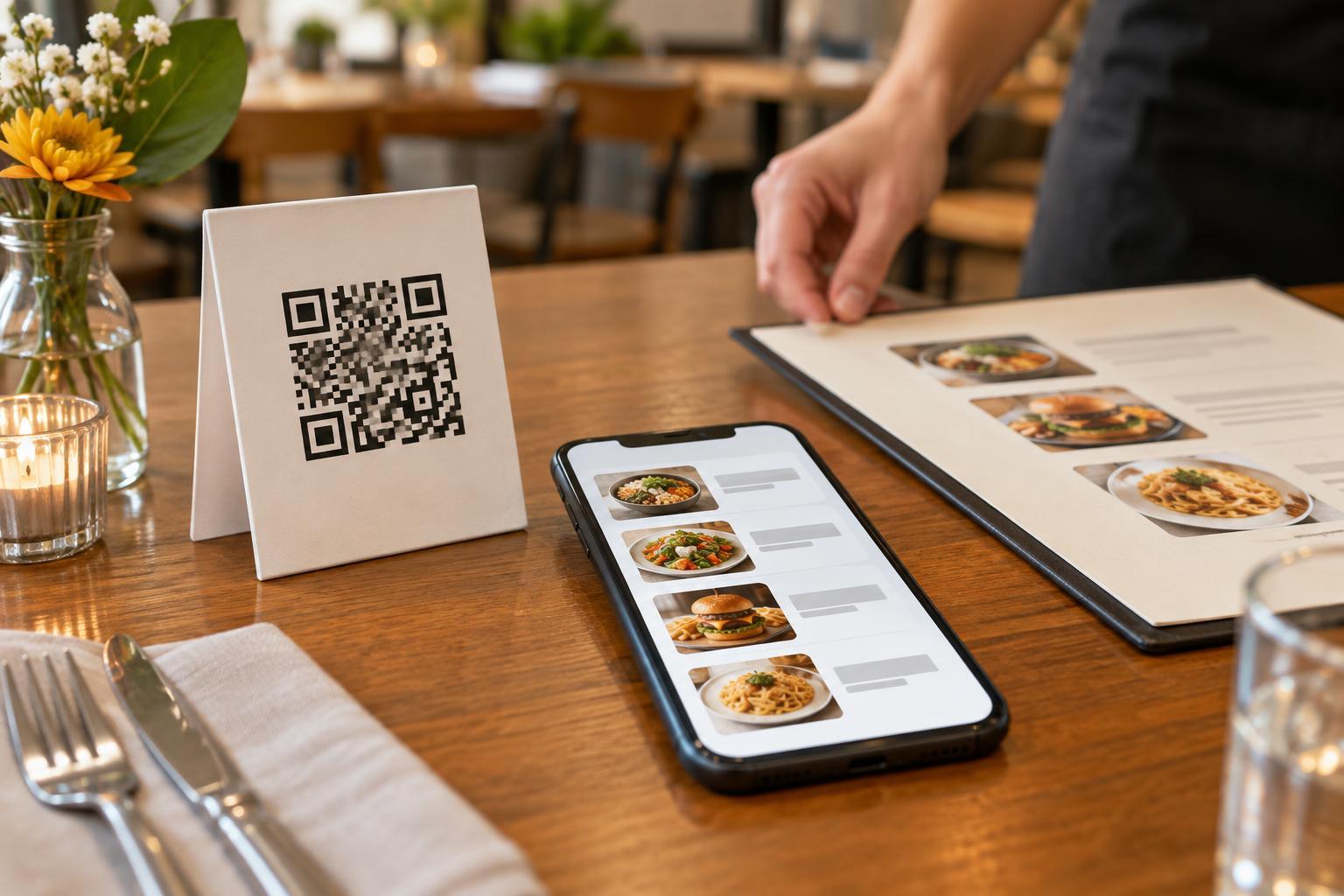
Choose the destination before designing the sign. If customers must select a location or service, send them to a page where those choices are easy to find. If the code appears beside one specific service, a relevant booking page may be more helpful. Make sure the page explains what happens next: whether customers are requesting a time, reserving an available slot or waiting for confirmation.
Make the printed invitation easy to understand
A QR code needs a short instruction beside it. “Scan to book an appointment” tells customers more than an unlabeled square. Add context when it matters, such as “Choose a service and available time” or “Request a callback to schedule.” Keep the wording consistent with the destination so customers do not expect instant confirmation if staff must review each request.
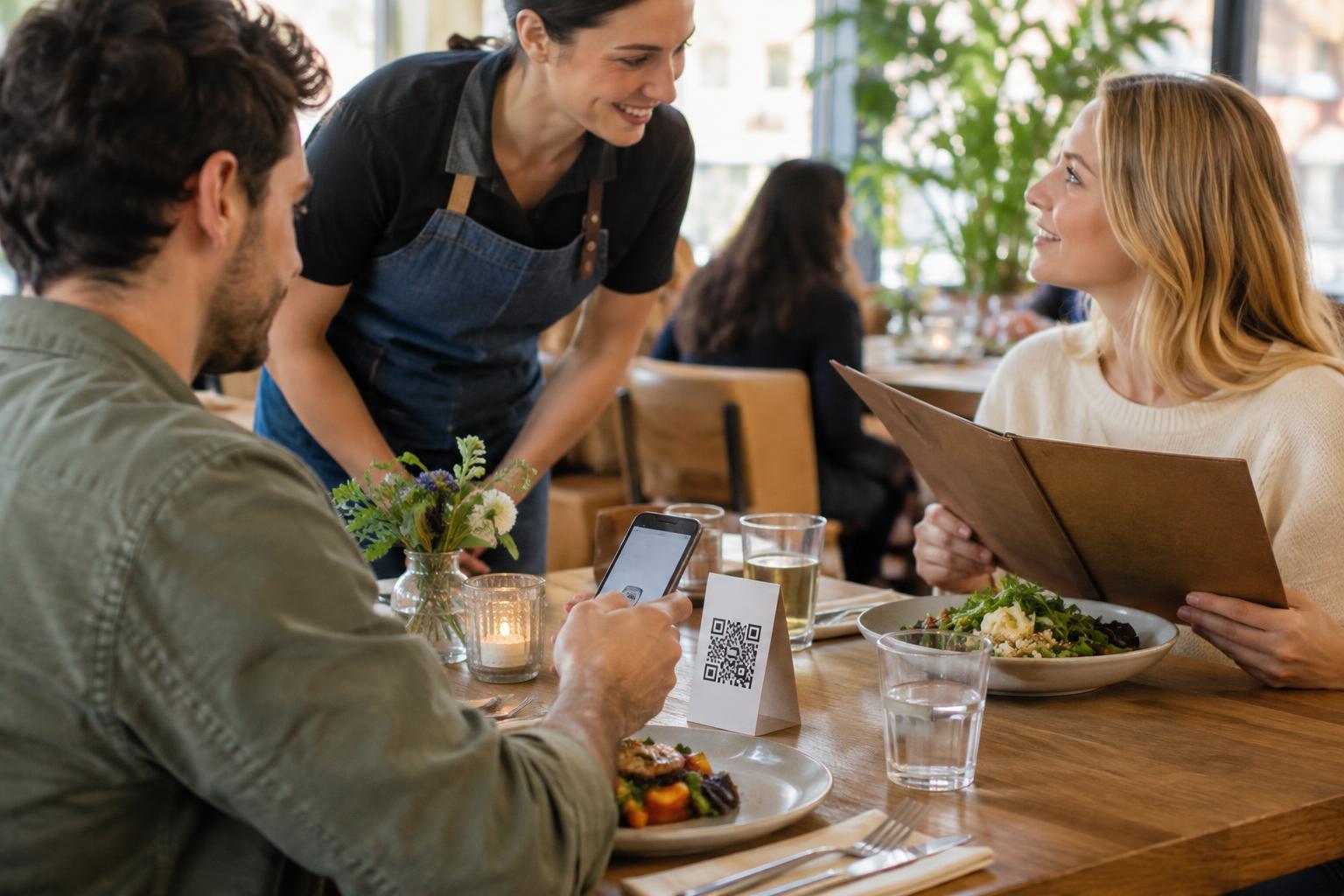
Place the code where someone can pause and use a phone without blocking a doorway or queue. A counter card may work for customers finishing a visit; a window sign may help people checking opening hours from outside. Print the code large enough for its viewing distance, with clear contrast and uncluttered space around it. Test the finished material under the lighting in which customers will see it.
Check the entire booking journey
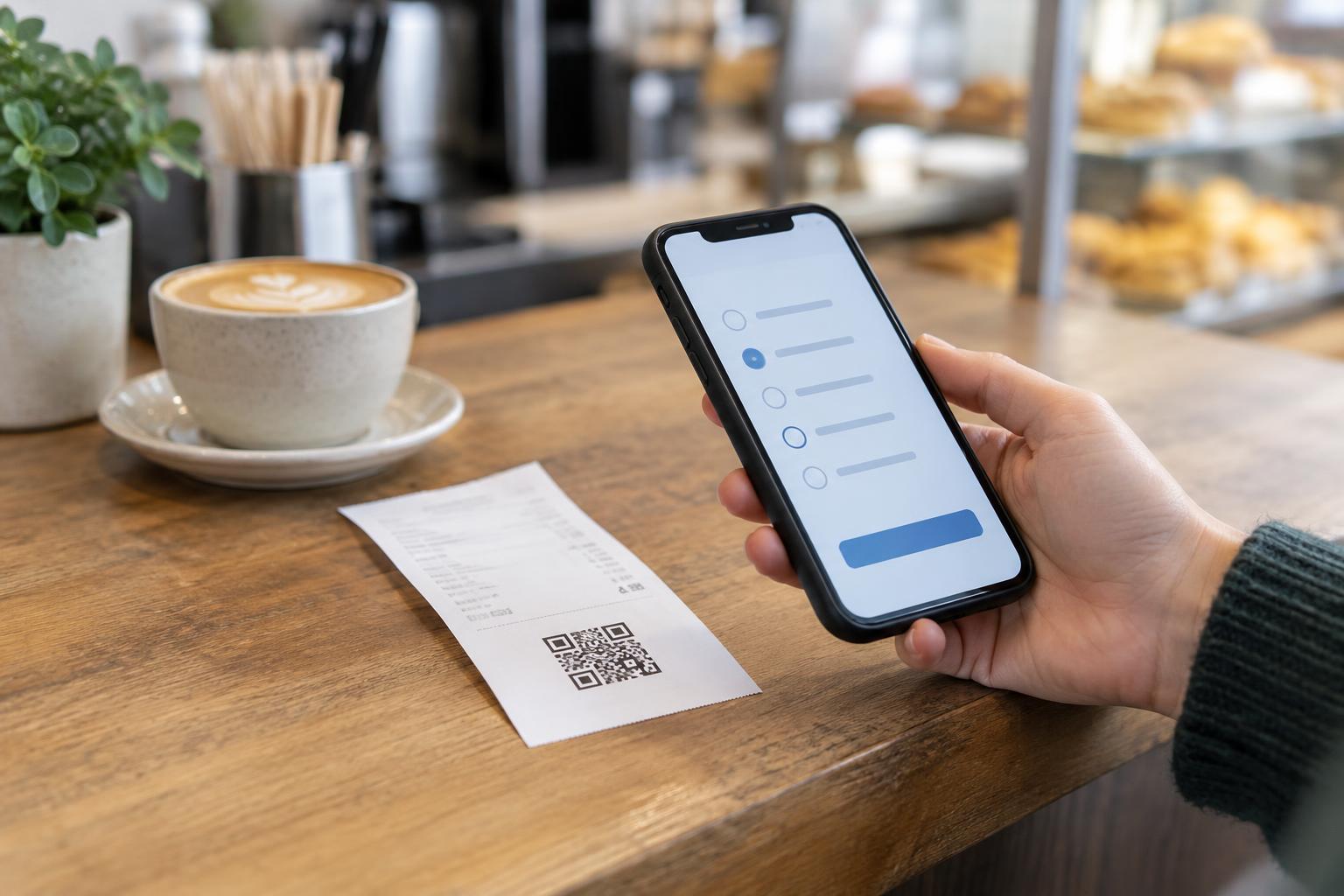
Test more than whether a phone recognizes the code. Scan the printed version with different phones, open the destination on mobile, and follow the process through to its confirmation screen. Check that service names, location details, time zones and contact information make sense. If the form asks for a long explanation or requires an account, consider whether those steps are necessary for a first appointment.
Decide who maintains the destination and printed materials. A QR code containing a direct web address continues to point to that address after printing; changing the booking page can leave old signs pointing to the wrong place. If the booking system changes, review every place the code appears. A stable page on your own site that links to the current booking option may be easier to maintain, provided someone keeps that page updated.
Offer a booking route without scanning
Not every customer wants to scan a code or can use one comfortably. Include a readable web address or a phone number on the same material, and let staff explain the booking options when appropriate. The QR code should be a convenient route, not the only route. On a service menu or appointment card, keep the alternative close enough that customers can connect it with the same action.
The destination also needs to be usable. Pages that work on a small screen, have clearly labeled fields and show errors in understandable language make booking easier for a wider range of people. Avoid putting essential instructions only inside an image. If customers need to prepare information before their visit, present it as readable text on the booking page or in the confirmation they receive.
Protect trust and review the setup
Customers may hesitate before opening an unfamiliar link. Identify your business beside the code, describe its purpose and use a destination that clearly belongs to your business or a booking provider you have chosen. Check whether a pasted-on sticker could cover a code on a public sign. On the booking page, ask only for information needed to arrange the appointment and explain any follow-up customers should expect.
Review the setup whenever hours, services, locations or booking procedures change. Scan each printed code, confirm the page still works, and check that the sign still describes the process accurately. A useful appointment QR code is not just one that scans: it leads customers to a clear, workable booking choice and leaves them knowing what happens next.