Give each code a clear purpose
A QR code works best at a trade show when visitors know what they will get before they scan. Instead of labeling a sign “Scan me,” use a specific invitation such as “View product specifications” or “Get the setup guide.” That small amount of context helps someone decide whether the resource matches their interest, even during a brief booth conversation.
Choose a destination that supports the next step a visitor might take. A product comparison, demonstration recap, installation guide or collection of frequently asked questions can be more useful than a general homepage. If several resources matter, a simple, mobile-friendly landing page can organize them by topic. Keep the most relevant item near the top so visitors do not have to search for what the booth sign promised.
Match the resource to the conversation
Different visitors may want different kinds of follow-up. Someone seeing a product for the first time may appreciate an overview, while a person discussing a specific use case may need detailed requirements or a way to contact the team. You do not need a separate code for every document, but distinct, clearly labeled codes can help when the choices are genuinely different. Too many codes on one display can make the decision harder.
Consider where the resource will be used after the event. A page that can be bookmarked may be easier to revisit than a file that downloads without warning. If the destination is a PDF, label it as a PDF and check that it is readable on a phone. Keep essential details, such as product names and contact options, in text rather than relying entirely on images.
Design for a quick scan in a busy booth
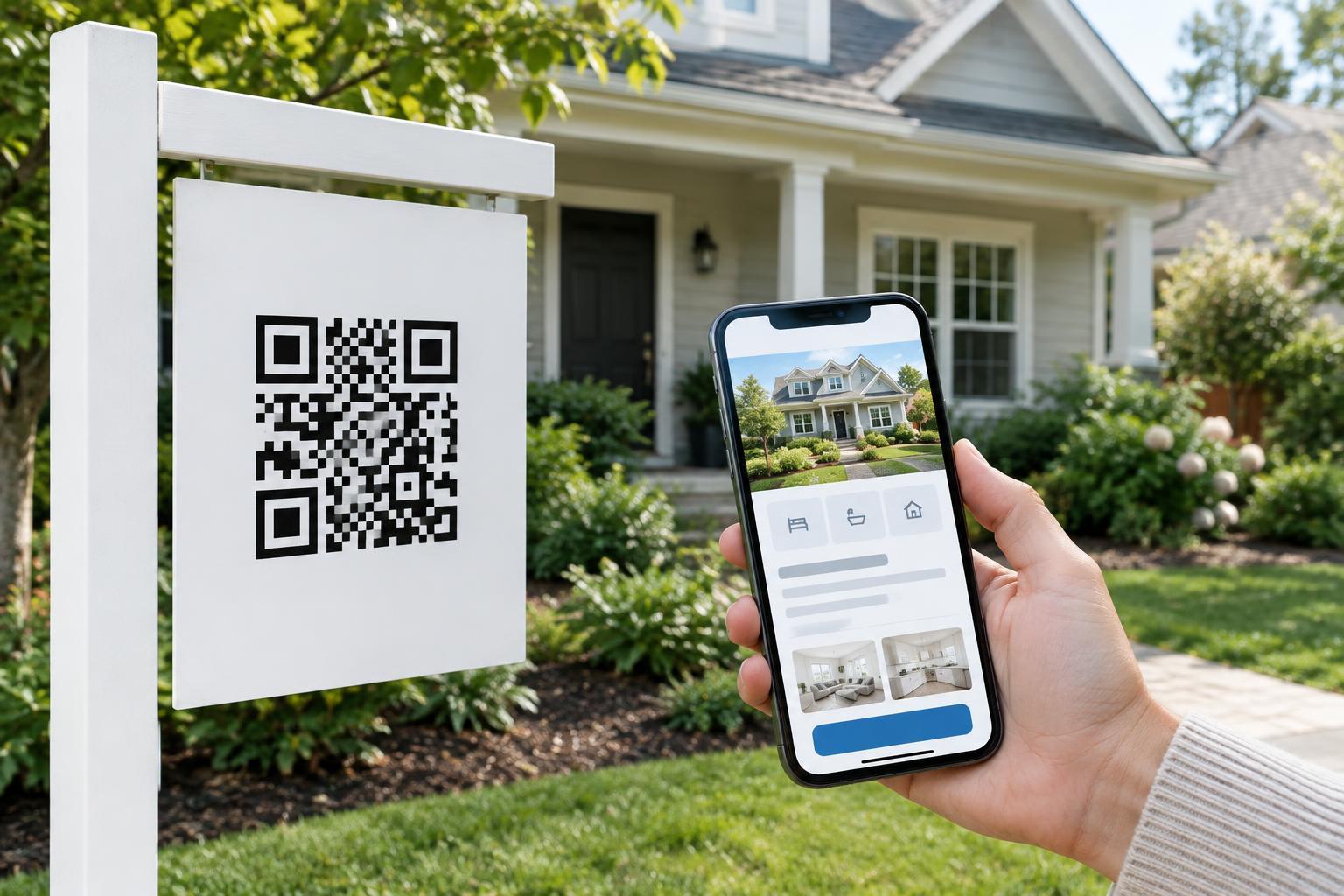
Trade show conditions are not always ideal: people move, displays reflect light, and signs may be viewed from an angle. Use a code with strong contrast against a plain background and leave clear space around its edges. Avoid placing it across a fold, over a textured image or on a surface that curves sharply. Print it large enough for the expected viewing distance, then test the actual printed sign rather than judging only an on-screen preview.
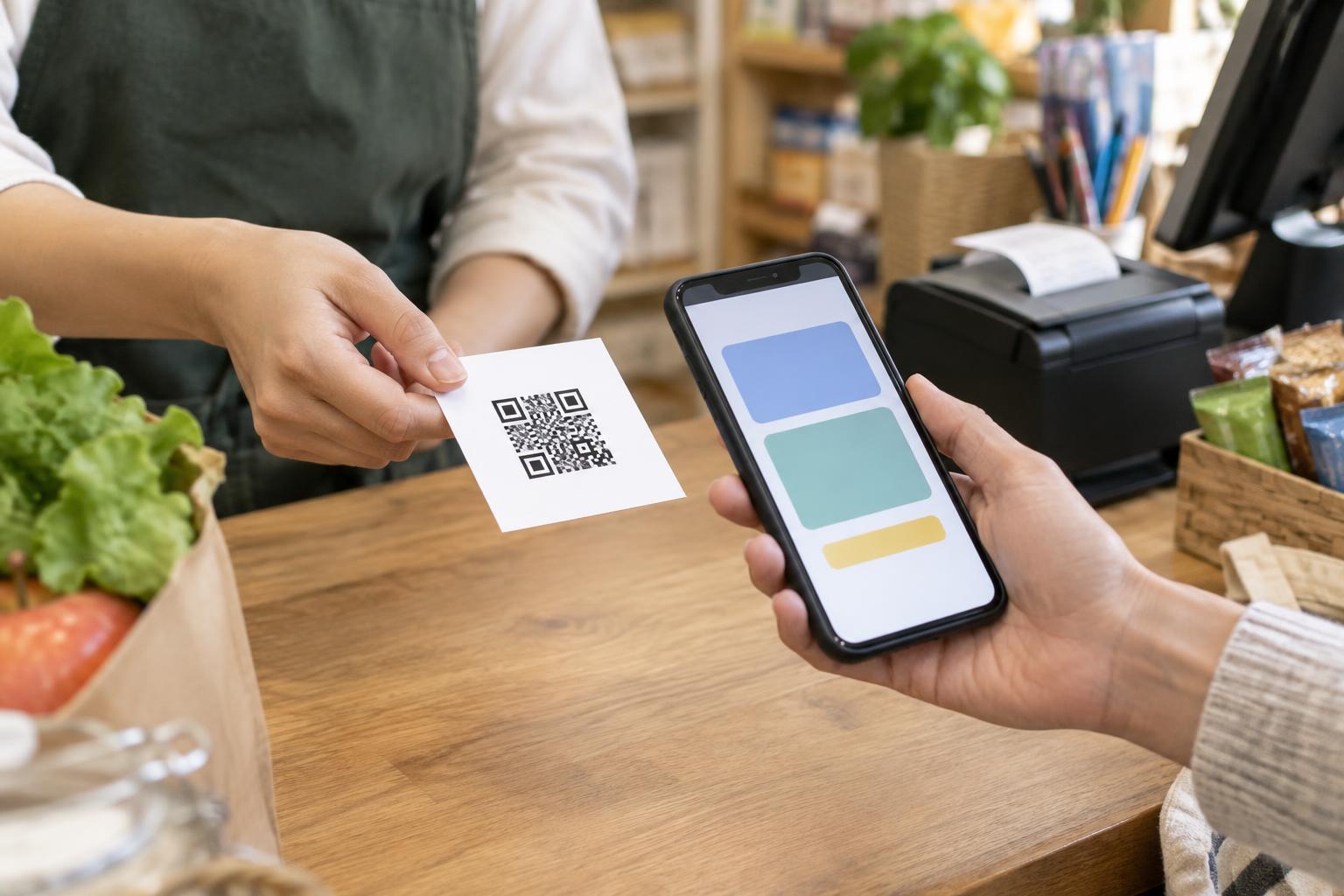
Put the code where a visitor can comfortably reach it with a phone without blocking an aisle or leaning over a counter. A code on a handout gives people the option to scan later; a code on a booth sign supports an immediate scan. In either case, pair it with a short description and a readable text address or another way to request the resource. That gives visitors an alternative if they cannot or prefer not to scan.
Make follow-up a choice, not a surprise
Opening a resource and asking to hear from a sales team are different actions. If you want visitors to sign up for email or request a conversation, make that step separate and explain what information you are asking for. Let people view the promised resource without assuming that scanning a code means they consent to future messages. A short form can be useful when a visitor actively wants a response, but unnecessary fields add friction.
Be clear about where the code leads. A short description beside it and a recognizable destination page can help visitors feel confident that they reached the intended resource. If you use a link that may change destinations later, review it regularly so an old handout does not send people to an unrelated page. Limit any visitor data you collect to what you need for the stated purpose, and handle it according to your organization’s privacy practices.
Test the experience from start to finish
Before the event, scan each code from the materials visitors will actually see. Try more than one phone, check the link over a mobile connection, and confirm that the destination matches the printed label. Review the page on a small screen: headings should be understandable, buttons easy to identify, and contact information straightforward to find. If a sign will be placed under bright lighting, test it there when possible.
After the event, revisit the destination as a visitor would. Make sure the resource remains available and any contact route still works. If staff heard repeated questions at the booth, use them to improve the follow-up page. A useful trade show code is not simply a shortcut to a link; it is a clear, reliable way for visitors to continue learning at their own pace.