Start with the task, not the scan
A QR code journey begins before anyone opens a camera. A visitor must notice the code, understand what it is for and decide whether scanning is the right way to complete a task. After scanning, they still need to use the destination. Testing only whether the code opens a page misses most of that experience.
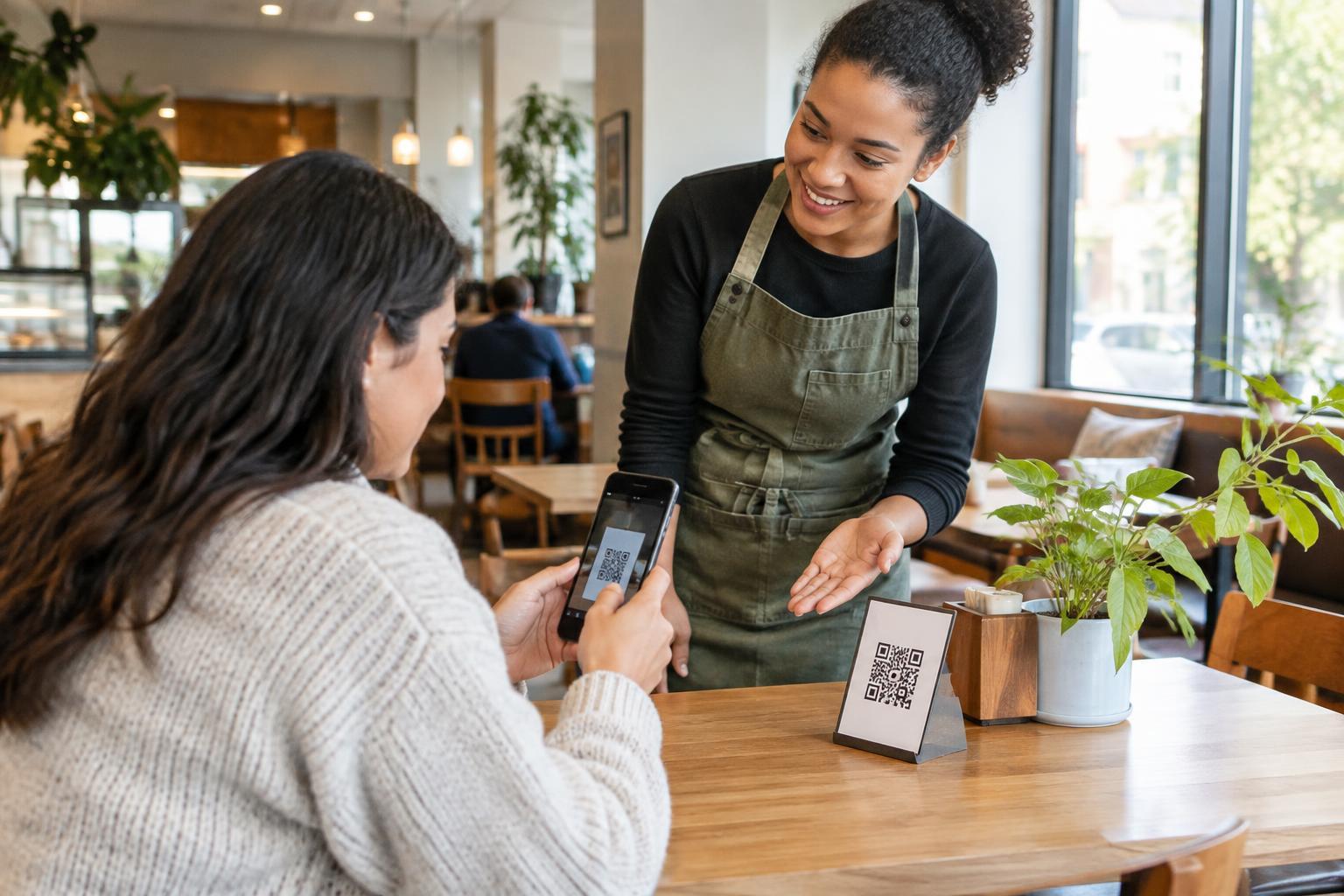
Choose a specific task to test, such as reading a café menu, checking in for an event or finding product instructions. Write down every step from first seeing the sign to finishing the task. At each step, ask what might happen for someone with low vision, limited hand dexterity, difficulty reading, hearing loss or an older phone. Accessibility needs vary, so use these questions to guide testing rather than assuming that one test represents everyone.
Check how people find and approach the code
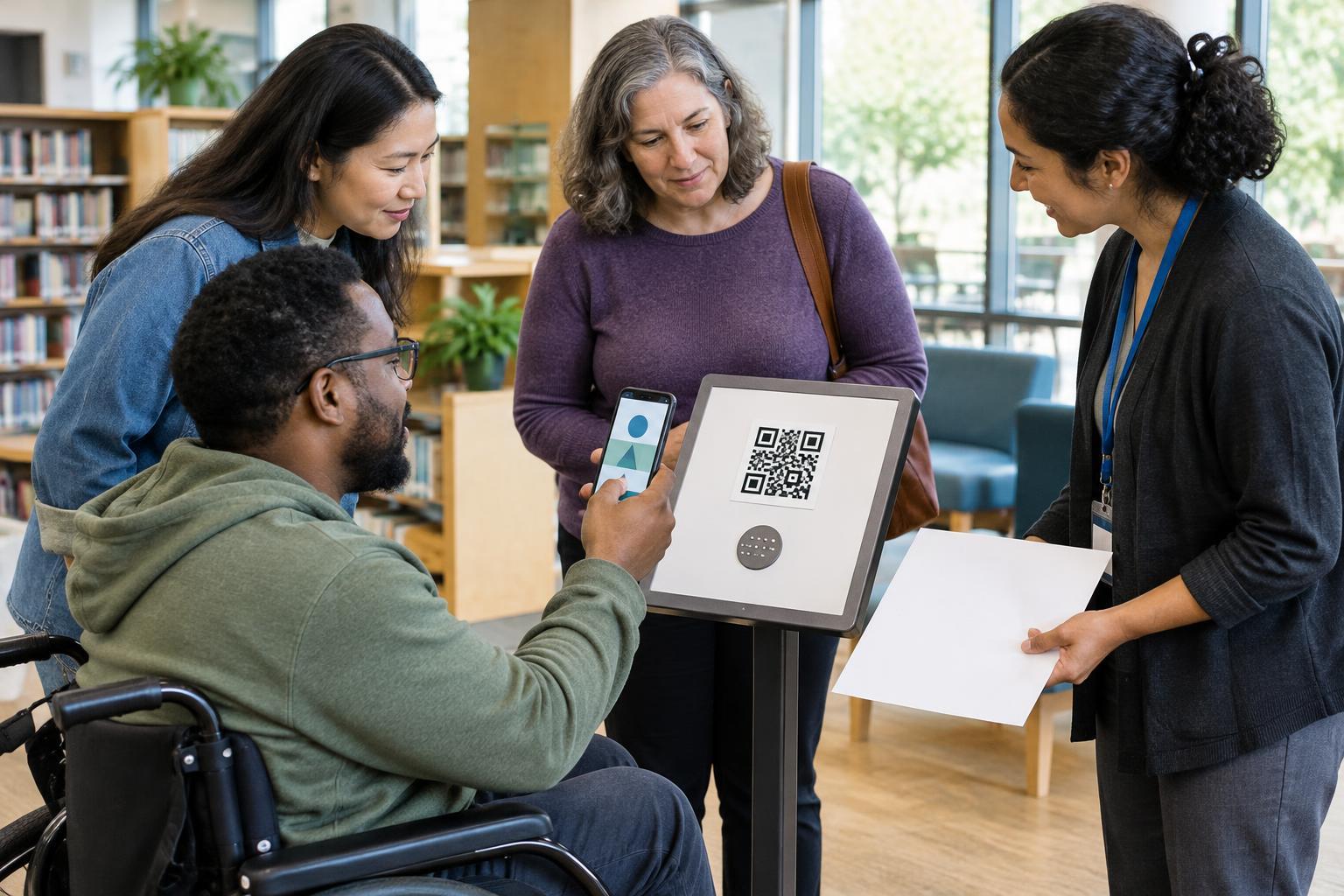
Place a test sign where the real one will go. Check it from the distances and angles people are likely to encounter, including from a seated position. Is the sign easy to locate? Does nearby text explain the action, such as “Scan to read the menu,” rather than relying on the QR pattern alone? Keep essential instructions in readable text with clear contrast; a code cannot explain its purpose to someone who cannot scan it.
Next, try reaching the code without moving furniture or holding a phone at an awkward angle. A code mounted too high, behind glass with glare or on a moving surface may be difficult to capture. Check it under the lighting available at the location. If people are expected to scan while standing in a queue, consider whether they have enough time and space to do so safely.
Test scanning with different devices and methods
Use more than one phone and try the built-in camera or scanning method people are likely to use. Confirm that the code scans at a comfortable distance without careful aiming or repeated attempts. Sharp printing, strong contrast and clear space around the pattern generally make scanning easier. Test the final printed size and material, not just an image on a screen.
Consider the physical steps involved: taking out a phone, opening a camera, holding it steady, following a prompt and switching to a browser. Someone with limited dexterity may find that sequence tiring or impractical. Someone without a smartphone may not be able to start it at all. Treat repeated failed scans as a problem with the experience to investigate, not as evidence that a visitor needs more instruction.
Follow the link all the way to completion
Once the code opens its destination, complete the original task on a small screen. Check whether the page identifies itself clearly, loads in a usable form and makes the next action obvious. Enlarge the text, rotate the phone and navigate without relying on precise taps. If the task involves a form, check labels, error messages and whether a person can correct a mistake without starting over.
Try the destination with a screen reader and, where practical, with voice control or another input method. Images that carry essential information need a text equivalent. Audio or video instructions should not be the only way to get important details; provide text as well. Keep wording direct and break complicated tasks into clear steps. A perfectly scannable code does not help if the linked content creates a barrier.
Provide another route and retest when things change
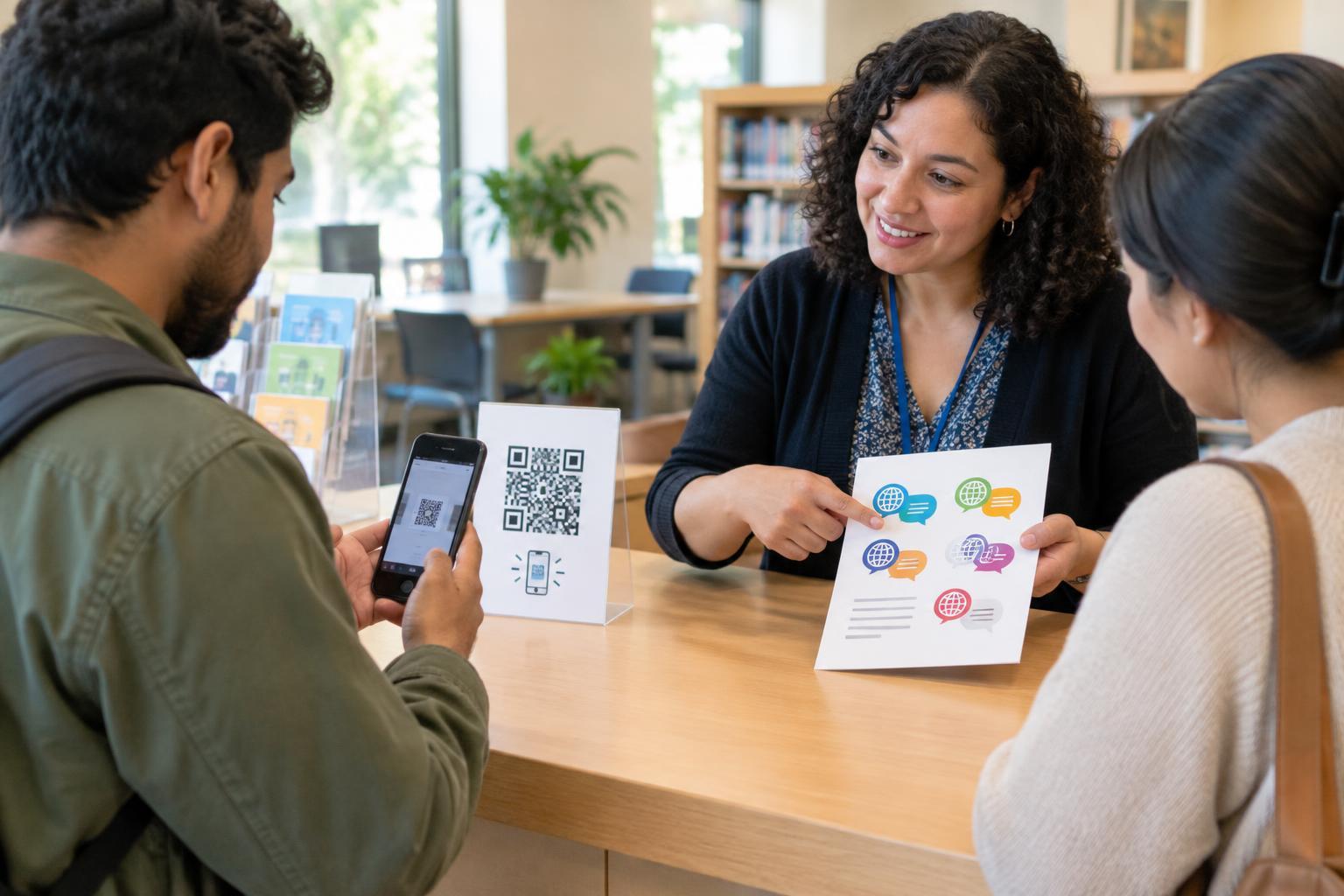
Offer a practical way to reach the same information without scanning. Depending on the setting, that might be a short, readable web address, printed information or a staff member who can help. The alternative should allow someone to complete the task, not merely tell them what they are missing. For sensitive tasks, make clear what the code leads to so visitors can decide whether they want to open it on their own device.
Record where testers hesitate, need help or abandon the task, then change one issue at a time and test again. Include people with different accessibility needs when possible, and invite feedback without asking anyone to speak for an entire group. Retest after changing the sign, print material, linked page or task flow. The goal is not simply a successful scan: it is a usable, understandable journey with a workable choice for people who cannot or prefer not to use the code.