Start with the service experience, not the code
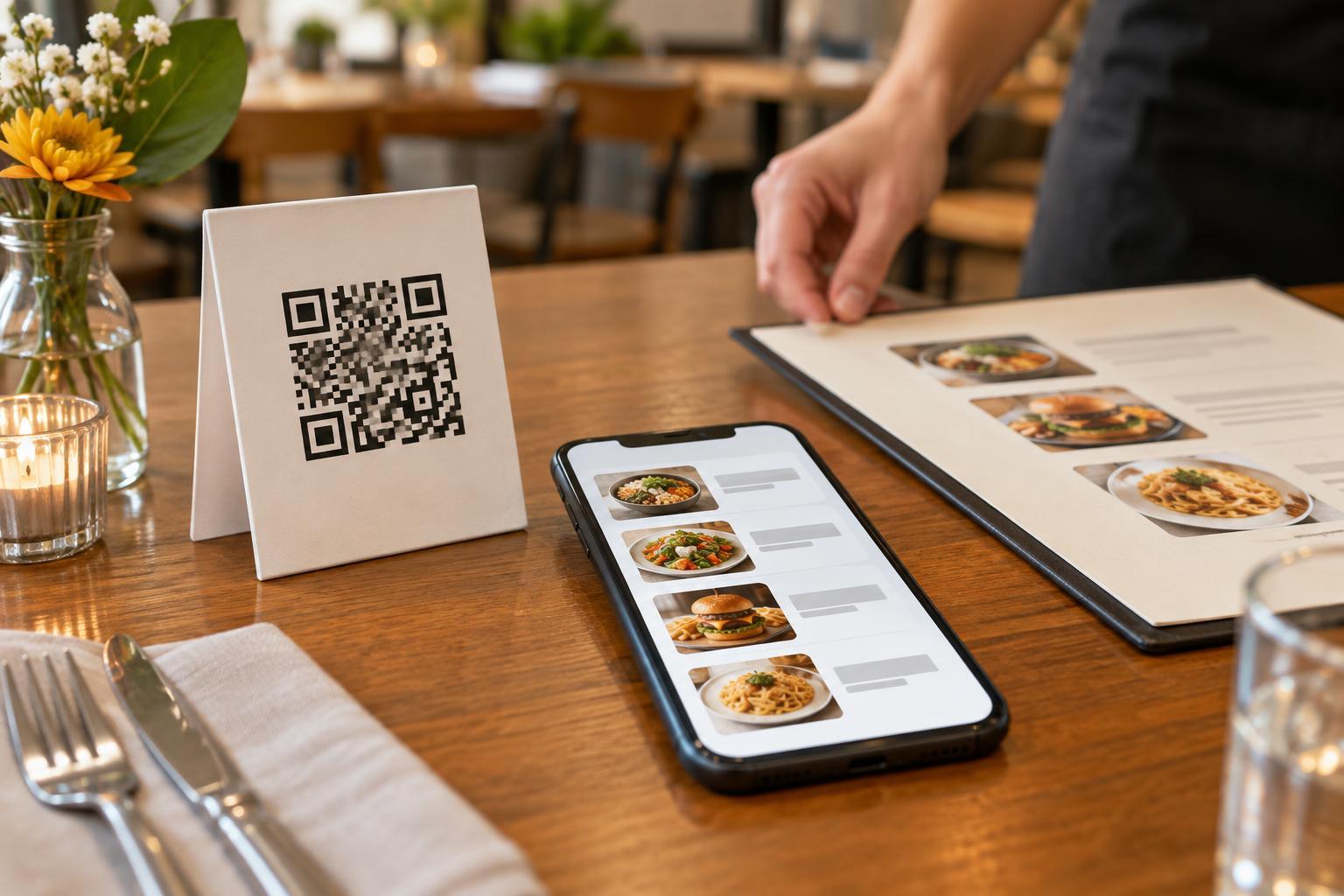
A QR code on a table can take a guest to a menu, an ordering page, or a payment page. Those are different experiences. A digital menu leaves ordering with a server, while table ordering asks guests to choose and submit items on their own devices. Before choosing a system, decide which parts of hospitality your team wants to keep in person.
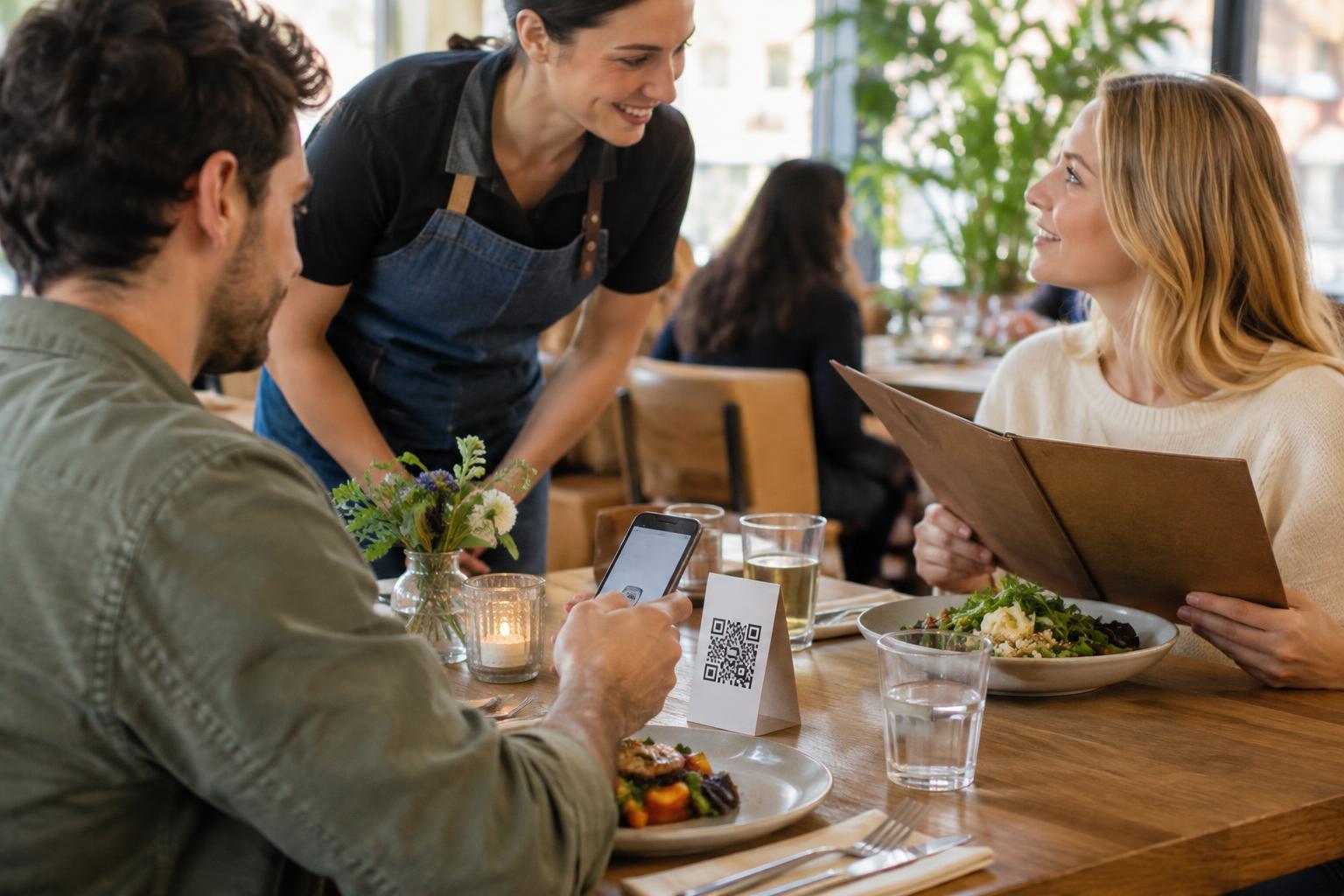
Table ordering may fit a casual restaurant where guests arrive at different times, order additional rounds, or prefer to move at their own pace. It may be less comfortable in a setting where conversation with a server is central to the meal, such as a tasting menu or a restaurant that frequently explains unfamiliar dishes. The question is not whether guests can scan a code. It is whether scanning makes the visit easier for both guests and staff.
Match the workflow to the restaurant
Map what happens from seating to payment before placing a code on every table. Who greets guests and explains how to order? How does the kitchen know which table placed an order? Can a guest add another item without starting over? Who checks on the table, handles mistakes, and brings the bill? A convenient ordering screen will not solve gaps in the rest of the workflow.
Consider the menu, too. A short menu with straightforward choices is usually easier to navigate on a phone than one with many substitutions or dishes that need explanation. If guests often ask about ingredients or dietary needs, keep a clear way to speak with staff before ordering. The system should also make prices, options, and the final order easy to review before submission.
Make the code easy to use at the table
Place the code where a seated guest can see and reach it without moving dishes or leaning across another person. Print it at a useful size with strong contrast, a quiet border around the pattern, and a matte finish if glare is likely. Add a short label such as “Scan to order for this table” so guests know what to expect. If different tables have different codes, check that each one opens the correct table’s ordering page.
Test the complete journey using several phones and ordinary dining-room conditions, including dim light and a busy table. Scan the printed code rather than only testing the link on a computer. Check that the page loads, text is readable without awkward zooming, buttons are easy to select, and guests can find their way back to the menu after adding an item. Recheck codes whenever a sign is reprinted or a destination changes.
Keep an inviting alternative
Not every guest has a charged phone, reliable connectivity, or the desire to order through a screen. Some may have difficulty scanning a small code or using a complex form. Offer a readily available alternative, such as a printed menu and ordering through a staff member. Present it as a normal choice rather than an exception guests must negotiate.
Accessibility also matters after the scan. Use readable text, clear item names, descriptive buttons, and a page that works with common phone accessibility features. Avoid making essential details available only in images. Staff should know how to help without taking control of a guest’s phone or asking them to disclose information they would rather keep private.
Pilot it, then judge the whole meal
A small trial can reveal issues before a full rollout. Try table ordering in one area or during a suitable service period. Watch where guests hesitate, which questions staff still answer, and whether orders reach the kitchen with enough detail. Ask staff what the new workflow changes for them: fewer trips to take routine orders may help, but correcting unclear orders can create different work.
Treat the code and its destination as part of the restaurant’s signage. Check printed codes for damage or stickers placed over them, use a web address guests can recognize where practical, and avoid collecting customer information that the ordering process does not need. Most importantly, keep the decision reversible. If table ordering improves convenience without making guests feel abandoned, it may be a good fit. If it shifts too much work onto diners, a QR-linked menu with in-person ordering may serve the restaurant better.