Treat scanning as an option, not an entry requirement
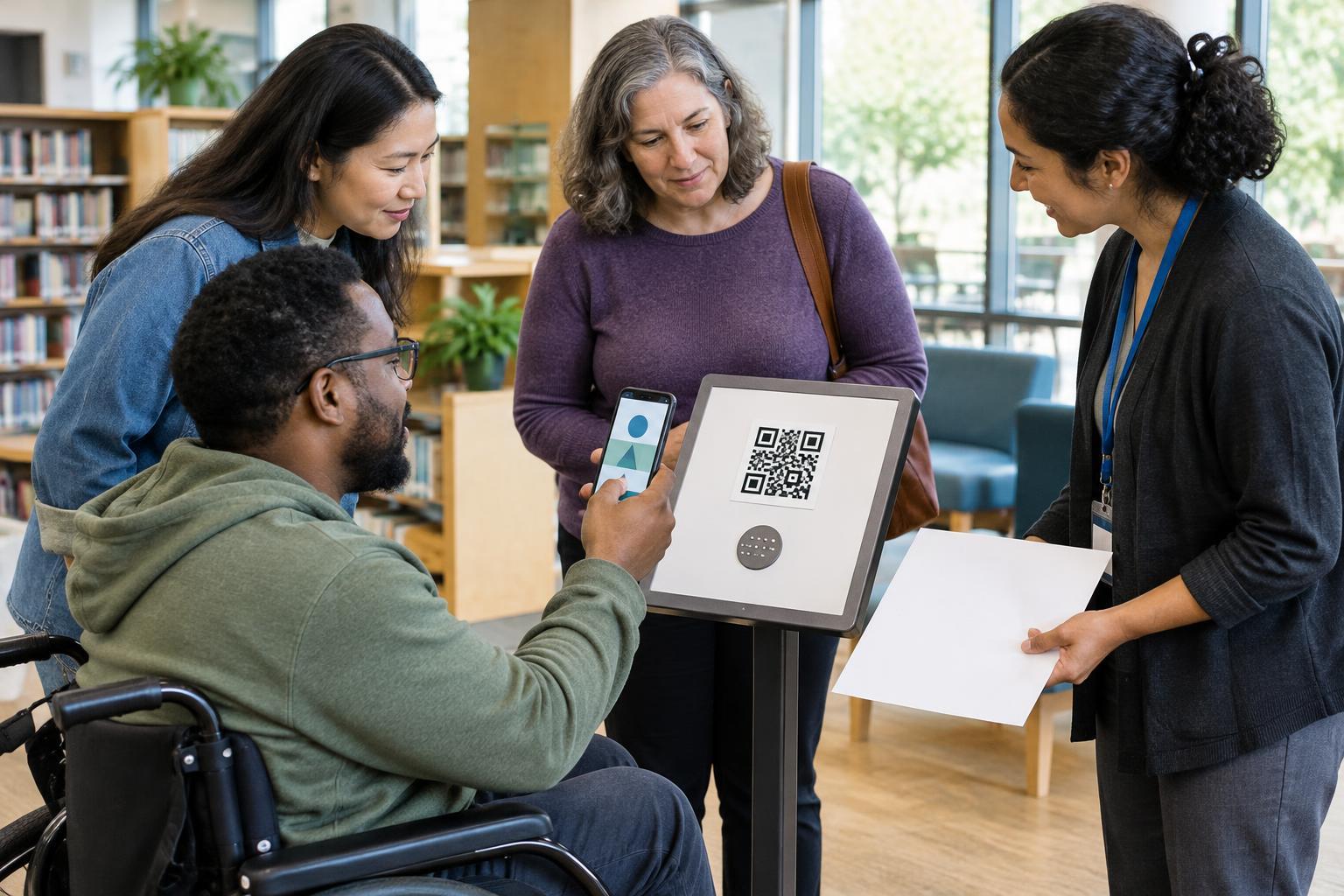
A QR code can be a quick route to a menu, form, instruction page or payment screen. It can also become a barrier when it is the only route. A customer may not own a smartphone, may have a broken camera or an empty battery, or may be unable to use a camera comfortably. Others may choose not to grant camera access or may have limited connectivity. None of these situations should prevent someone from getting essential information or completing a basic task.
Start by identifying what the code does. If it opens opening hours, provide those hours where customers can read them without scanning. If it opens a registration form, offer another way to register. The alternative need not look identical, but it should let customers achieve the same practical outcome without unnecessary delay or embarrassment.
Put useful information next to the code
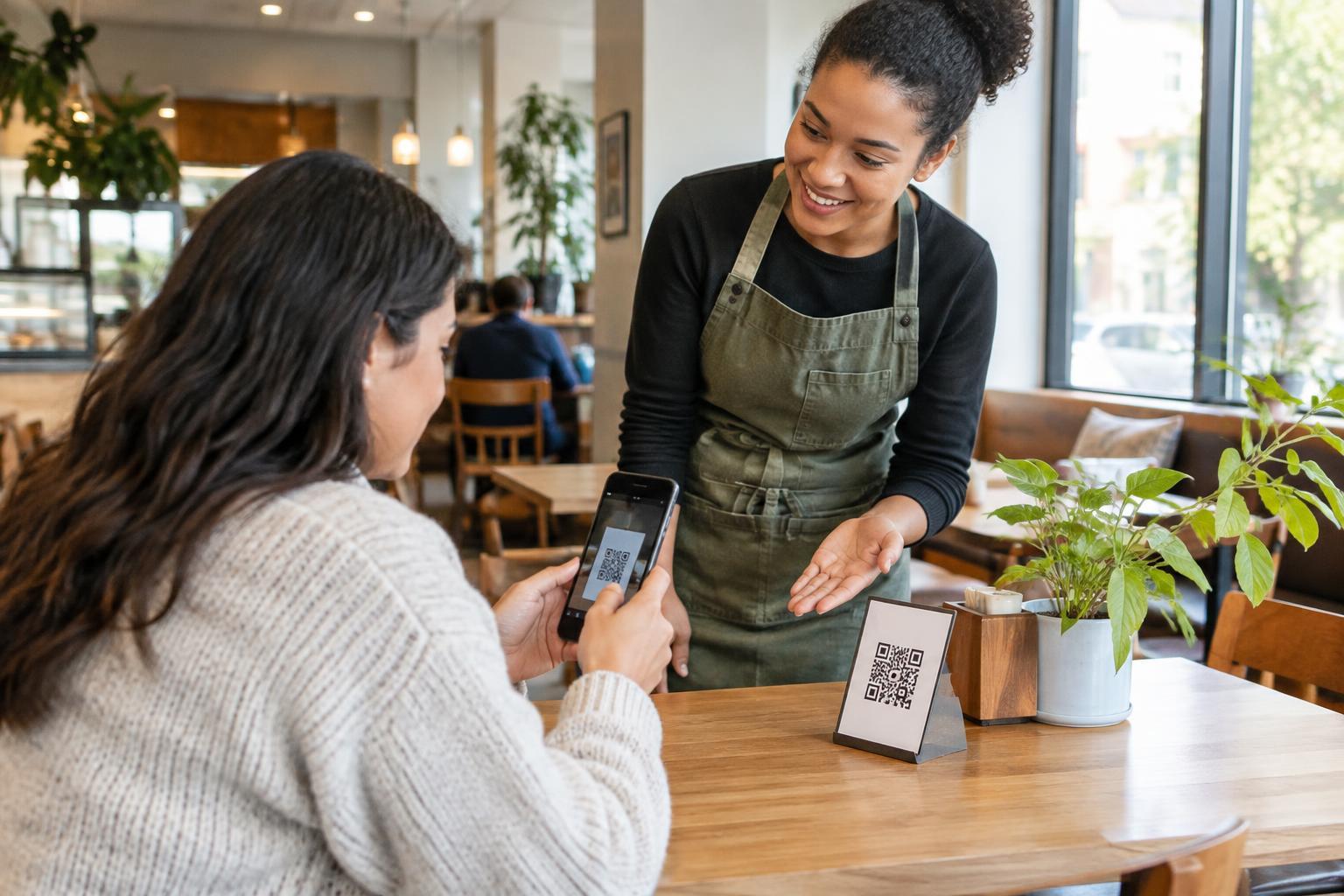
A label such as “Scan me” tells customers what action to take but not what they will receive. Use nearby text that names the destination: “View the menu,” “Read assembly instructions” or “Give feedback.” This helps people decide whether scanning is worth their time and helps staff explain the option.
For short, important information, print the information itself. A sign announcing a room change should state the new room, not send everyone to a web page to find it. When the destination contains too much detail to print, consider adding a short, readable web address that customers can type or share with someone who can help. Check that the address leads directly to the relevant content and remains readable at the size you intend to print.
Placement matters for both the code and its alternative. Put text where a seated customer can see it, use clear contrast, and avoid hiding the only instructions on a swinging door or behind a queue. A code on a small table card may be convenient for some people, while a clearly written menu or service list available on request supports those who cannot scan it.
Offer another route to the task
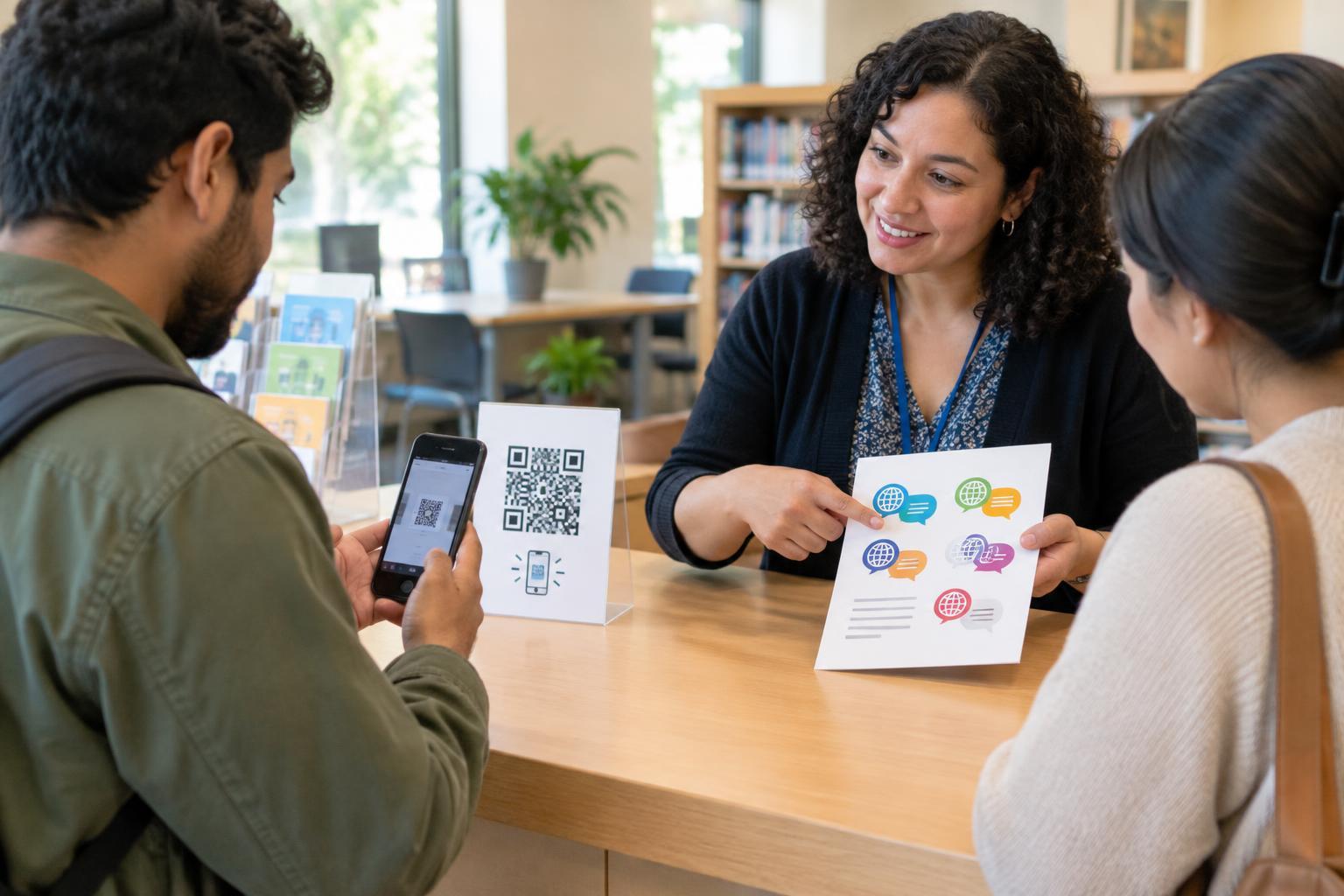
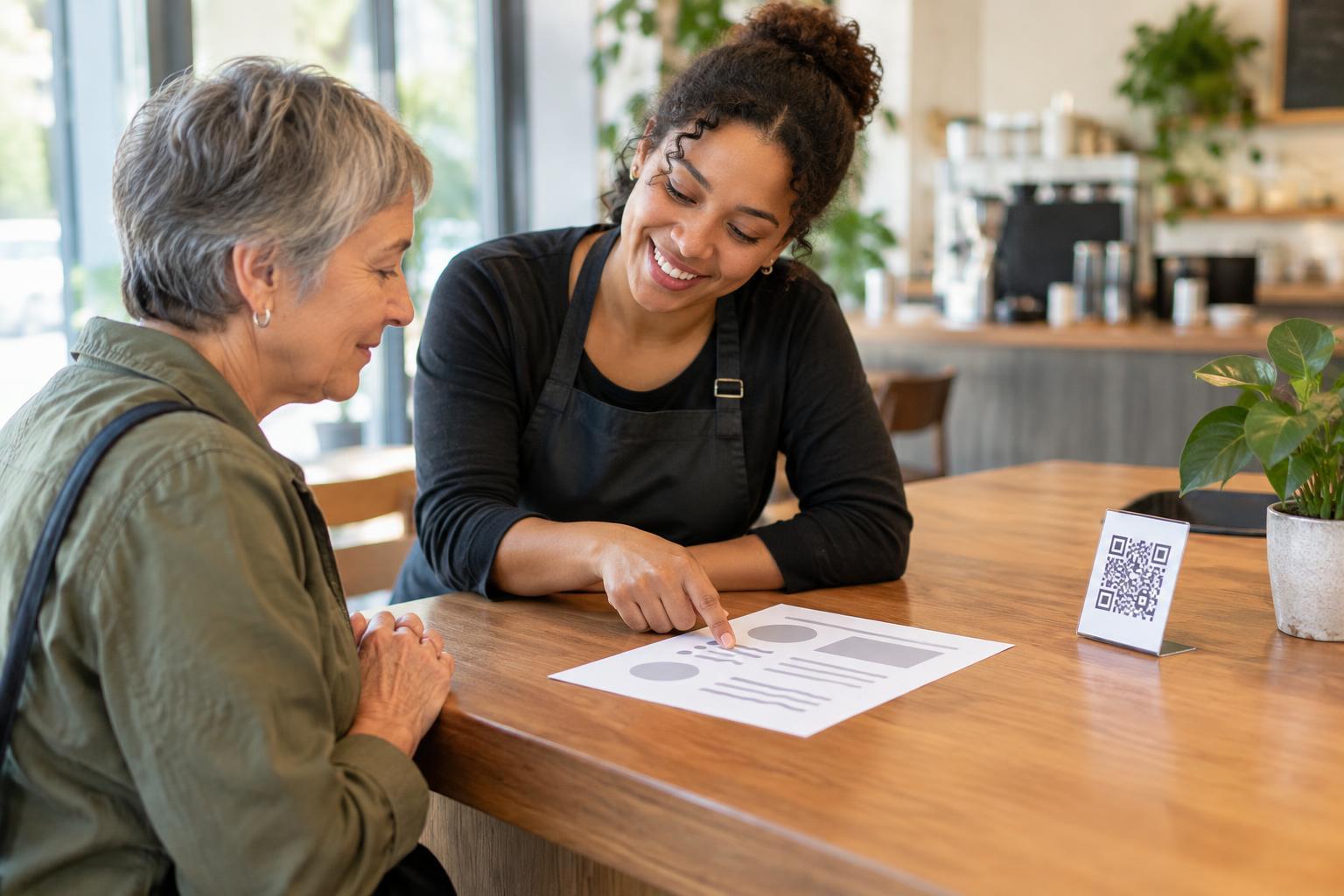
Think beyond a backup link. A restaurant using QR menus might keep a few current printed menus and let customers order directly with staff. An event using a code for check-in might provide a staffed check-in point where an attendee can give their name. A product display linking to detailed specifications might include a brief summary on the shelf label and offer a printed sheet for closer reading.
Make the alternative visible before someone has to ask. A simple line such as “No phone? Ask us for a printed copy” sets an expectation that help is normal, not an exception. Train staff on where to find the information and what to do if the linked page is unavailable. Avoid requiring customers to explain why they cannot scan or to disclose a disability to receive ordinary service.
If a task involves entering personal details, consider privacy in the fallback process. Do not ask customers to say sensitive information aloud in a busy line when a more private option is available. The aim is not merely to replace the camera step; it is to offer a usable, respectful way to finish the task.
Check the whole experience, not just the printed square
A code that scans successfully can still lead to an unusable page. Keep destination pages straightforward, with descriptive headings, legible text and controls that can be operated without precise gestures. If a customer types the printed address instead of scanning, they should reach the same relevant information. Avoid placing key instructions only in an image when text would make them easier to read or enlarge.
Test your setup under ordinary conditions: from the distance customers will stand, in the lighting they will encounter, and with the devices and materials you actually provide. Then try completing the task without a phone camera at all. Can you find the alternative quickly? Is a printed copy up to date? Does a staff member know how to help? Repeat the check whenever the destination or on-site process changes.
Build the fallback into routine maintenance
Alternatives work best when they are part of the normal workflow rather than an afterthought. When a menu changes, update the printed copy as well as the web page. When a form changes, tell the people handling in-person requests. If a code points to temporary information, remove or replace the sign when that information is no longer useful.
A good QR experience gives customers a convenient choice. A good accessible experience makes sure that choosing not to scan—or being unable to scan—does not mean being left out.