Why a sticker swap matters
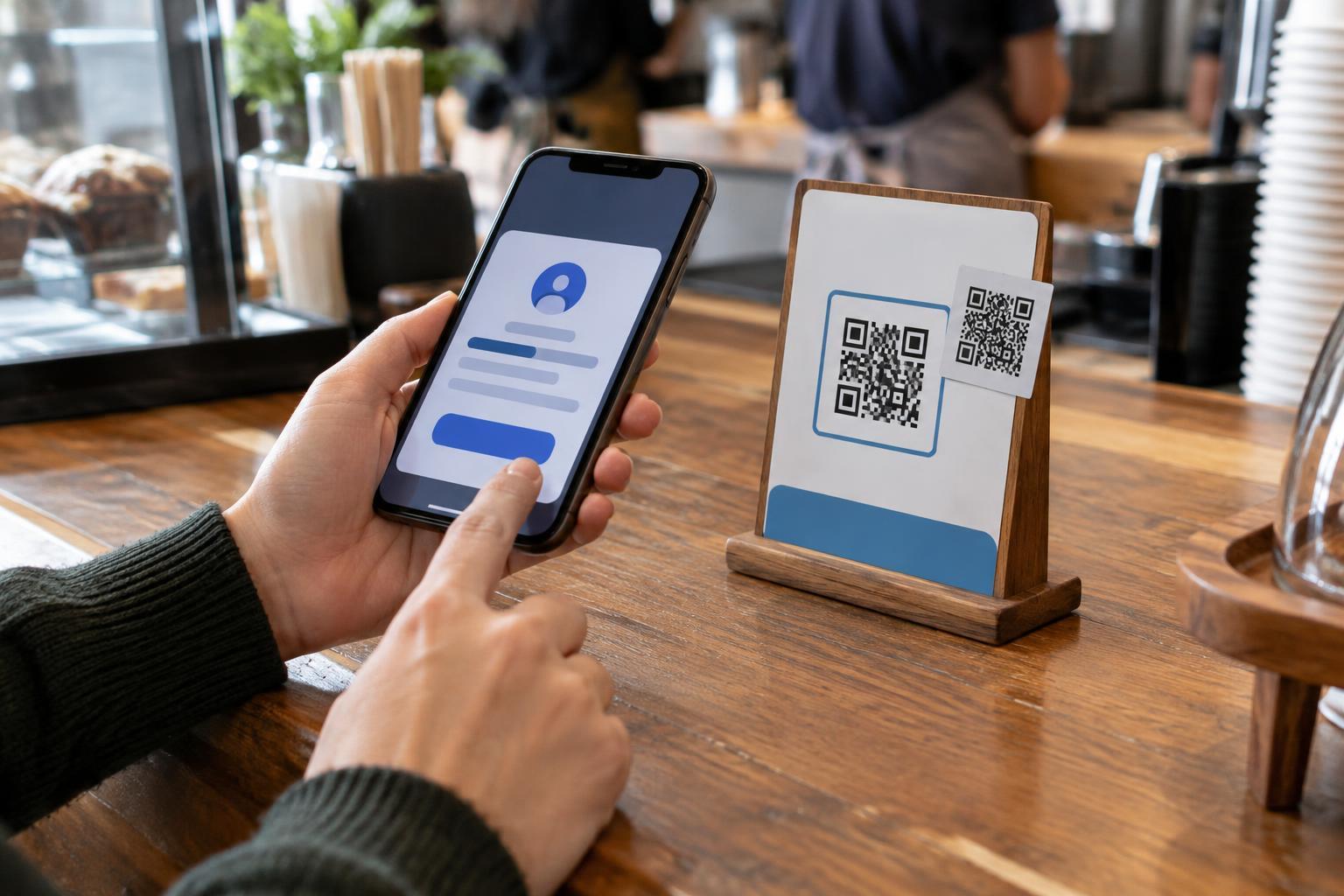
A QR code can hold a web address or other information that your phone reads when you scan it. The pattern itself does not tell you whether the destination is trustworthy. In a sticker swap, someone places a different QR code over the one a business or organization intended you to use. A person scanning the visible code may then reach an unrelated website, even though the sign, table card or machine around it looks familiar.
Public codes are useful because they can connect people to menus, payment pages, event details and instructions without requiring a long address to be typed. Those same uses make a replaced code worth checking, especially before you enter a password, payment details or personal information. A code may also be covered for an innocent reason, such as an authorized update, so an added sticker is a reason to verify—not proof of a scam.
Look at the code and its surroundings
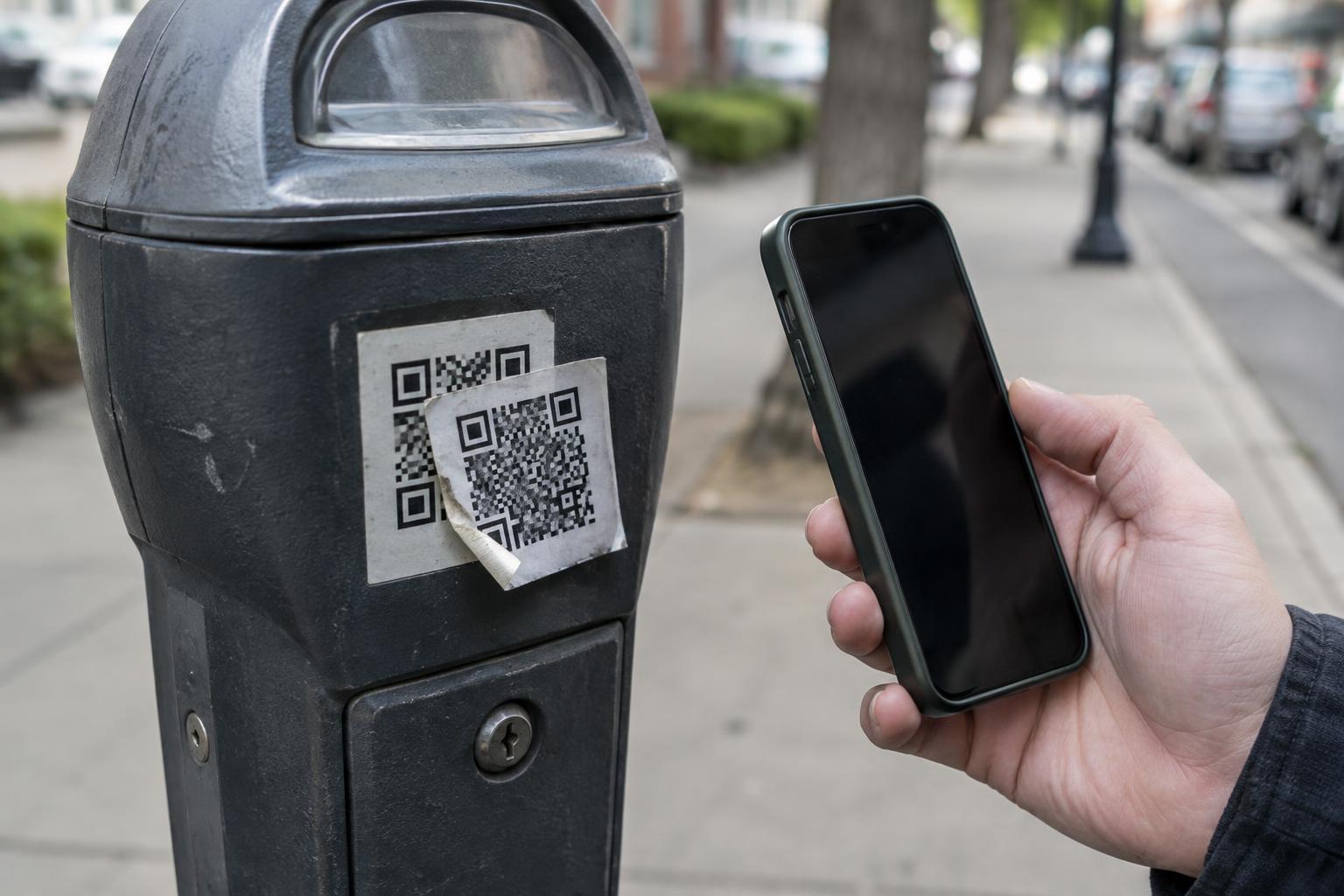
Before scanning, take a moment to see whether the code belongs to the sign. Look for a raised edge, a second layer of paper, peeling corners or a sticker that does not match the surrounding print. A code placed at an odd angle, covering part of the instructions or obscuring a printed web address deserves extra attention. Check whether nearby copies of the same notice show a different code or different directions.
Context matters as much as appearance. A code attached to a parking meter may be more convincing than one on a loose sticker beside it, but neither location guarantees authenticity. If the sign names a payment service or website, compare that information with what appears after scanning. If you are at a staffed location, ask an employee whether the code is theirs. Avoid peeling off a suspicious sticker yourself; tell the organization responsible for the sign so it can inspect and replace it.
Check where the scan wants to take you
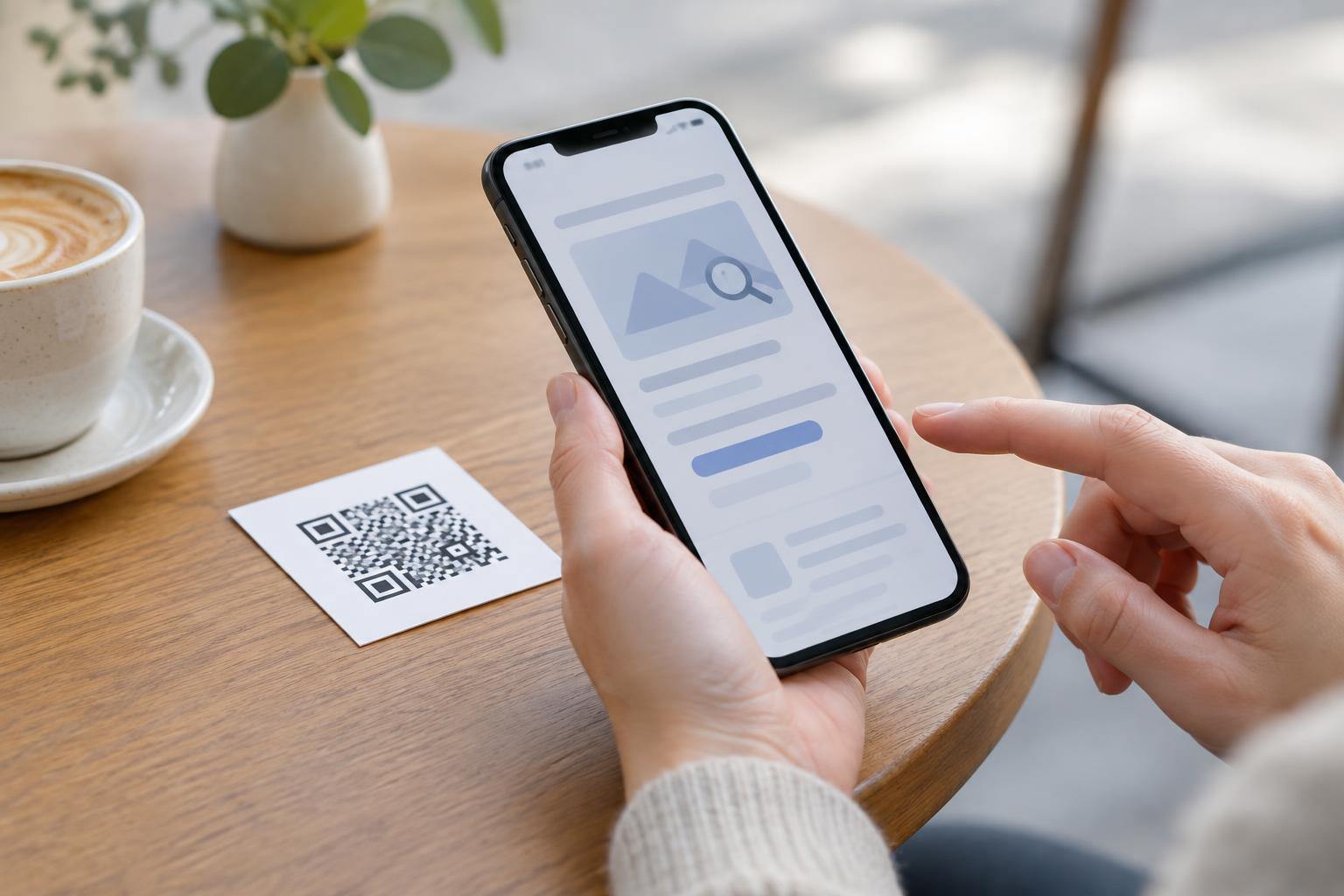
Many phone cameras show a link preview before opening a scanned code. Read it rather than tapping automatically. Watch for a domain that differs from the organization you expected, unusual spelling, or a destination that does not fit the task. A short or unfamiliar link is not automatically malicious, but it gives you less information to judge. The presence of “https” indicates an encrypted connection; it does not establish that the website belongs to the business on the sign.
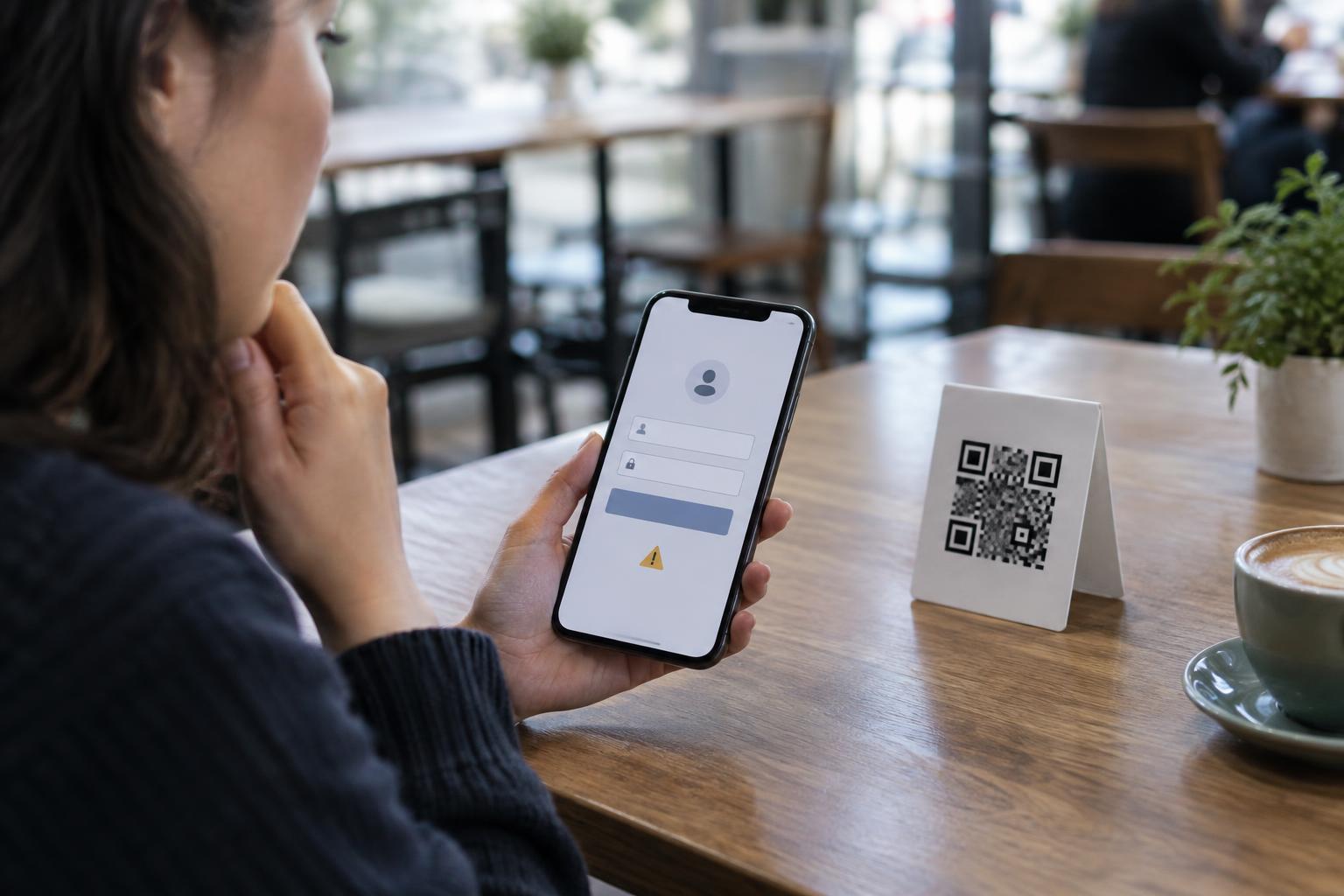
Once a page opens, pause again before acting. A café menu should not normally need your account password, and an information sign should not need payment details merely to display directions. Be wary of a page that urges you to act immediately or asks you to install an app you were not expecting. A professional-looking page can still be misleading, so judge the request as well as the design.
Use a trusted route when you are unsure
You do not have to use a public QR code to complete a task. For parking, check the instructions on the machine or use a payment method you already know the operator accepts. For a menu, ask for a printed copy or for the restaurant’s website. For a donation sign or event notice, find the organization through a source you trust rather than relying on a questionable sticker. Typing an address printed on the same tampered sign is not necessarily safer; confirm it independently if you have doubts.
If you already opened a suspicious link but did not provide information, close the page and use another route. If you entered a password, go to the account through its usual app or website and change that password; consider changing it anywhere else you reused it. If you submitted payment details, contact your payment provider through its official channels. Let the venue or sign owner know where you found the code so others can avoid it.
Make legitimate public codes easier to trust
Businesses and community groups can reduce confusion by treating printed QR codes as items that need occasional inspection. Place them where staff can see them, check for added layers or damage, and replace signs that are hard to read. Keep a plain-language description beside each code, such as “View the menu,” so visitors know what to expect after scanning. Where practical, provide another way to reach the same information or complete the task.
A QR code is a shortcut, not a requirement to set aside ordinary caution. A quick look at the physical sign, the link preview and the page’s request can help you decide whether to continue. When those pieces do not agree, stop and confirm the destination another way.