A QR code stores data, not a whole website
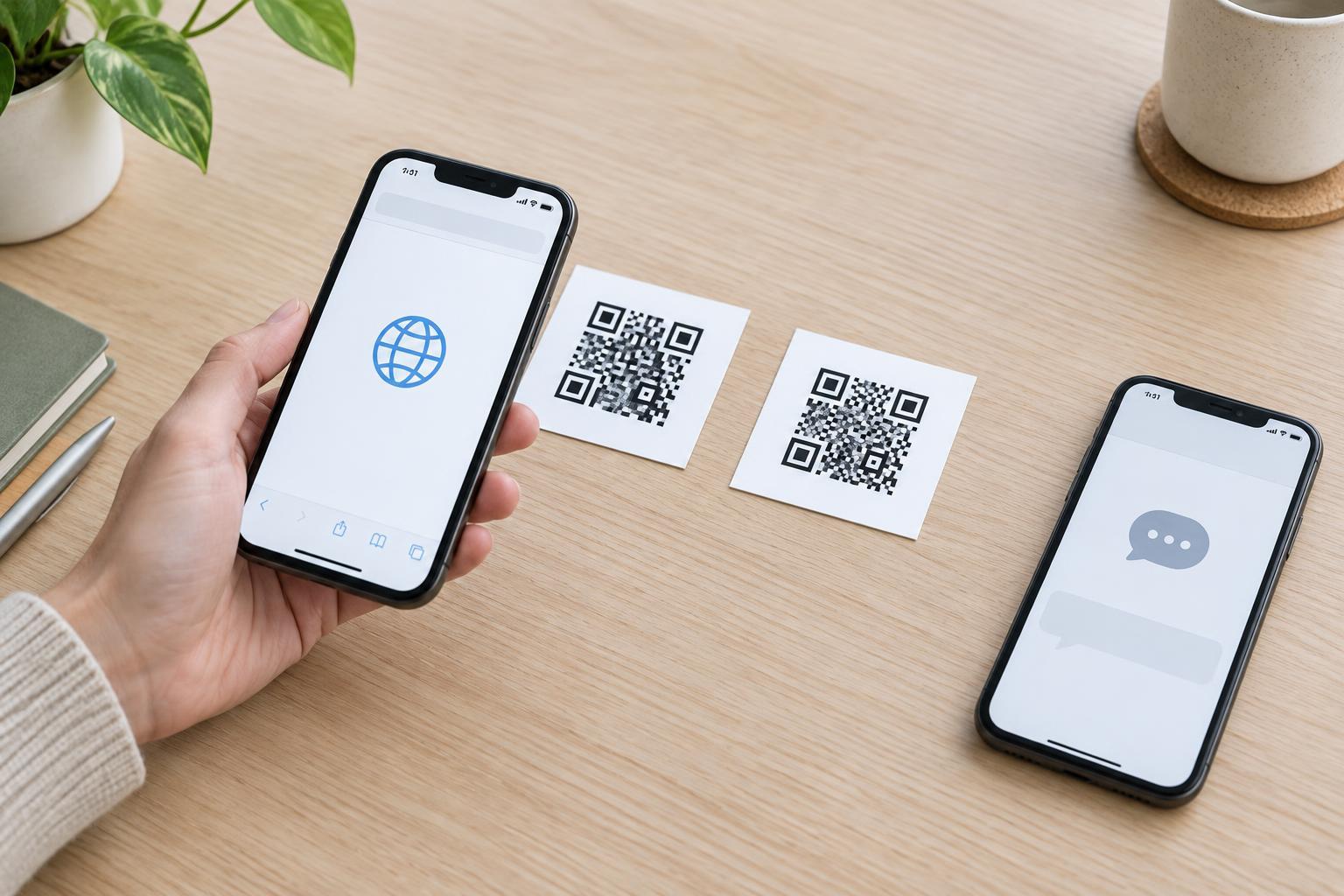
The squares in a QR code represent encoded data. When a phone scans the pattern, its software decodes that data and decides what to do with it. The result might be a web address, a short piece of text, contact details or another supported type of information. A code that opens a menu, for example, usually contains an address for the menu—not the menu’s pages and images.
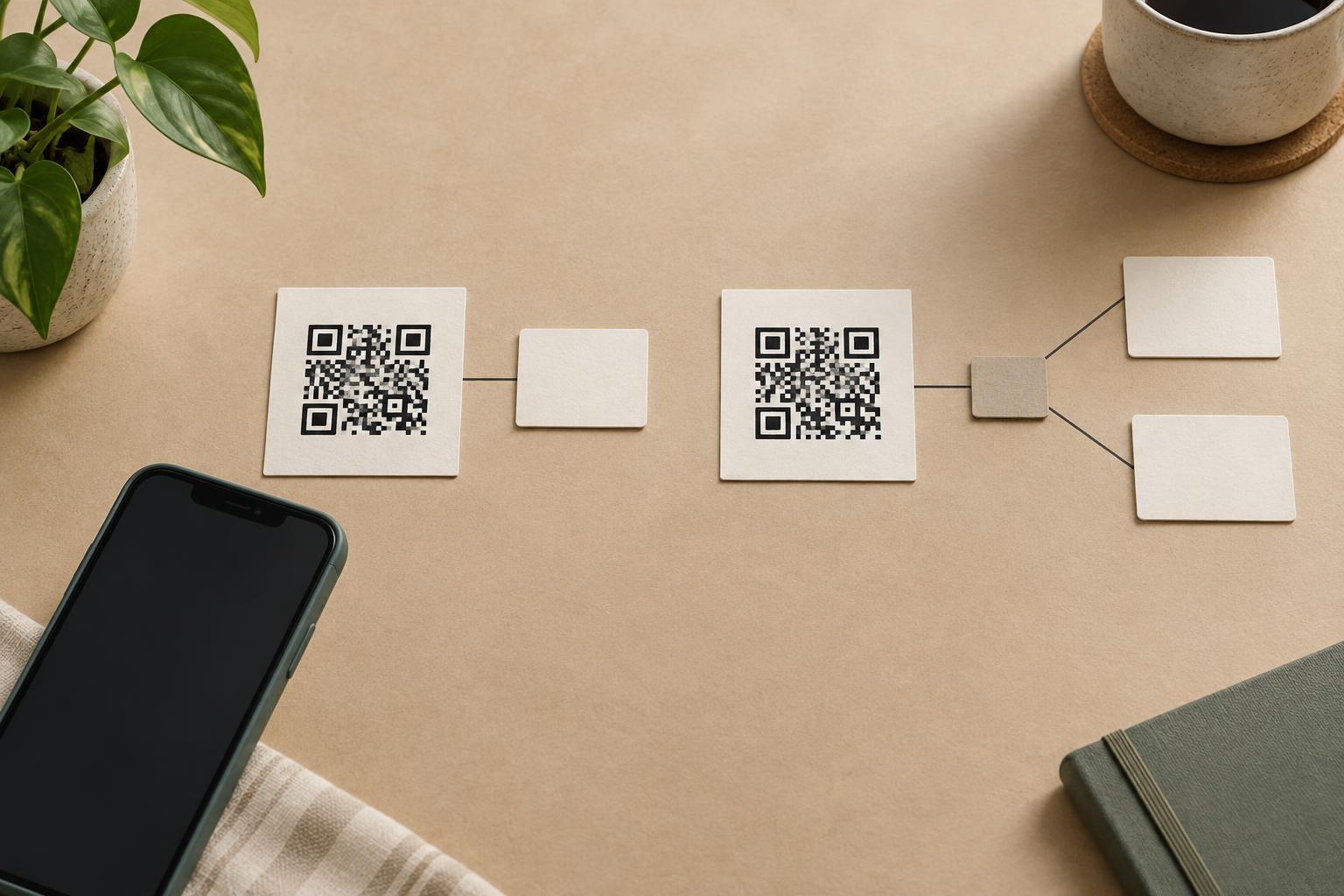
“Static” and “dynamic” describe how a code’s destination is managed, not two different-looking kinds of square pattern. Both can look much the same to a customer. The useful question is: does the code contain the final information or address, or does it contain an address that leads through a service before reaching the final destination?
What a static QR code contains
A static QR code directly encodes its intended data. If you make one for example.com/menu, that address is fixed in the printed pattern. Scanning the same undamaged code later will decode the same address. To put a different address in the pattern, you must create and distribute a new code.
That does not mean the page a visitor sees can never change. If you control the website, you can update the menu at that address while leaving the QR code alone. You may also be able to redirect that address using your own website. What you cannot change is the address encoded in the squares. If the domain expires or the page is removed without a replacement, the printed code may stop being useful.
Static codes are often a straightforward choice when the information is stable or when you control a durable web address. They do not need a separate QR-code management service to resolve a destination. However, a static code that points to a website still depends on that website being available.
What a dynamic QR code contains
A dynamic QR code typically encodes a short web address managed by a redirect service. After a scan, the browser requests that address; the service then sends the visitor to a destination chosen by whoever manages the code. The printed pattern continues to encode the same short address, even if the manager later changes where it redirects.
Imagine a poster promoting a workshop. Its code might point to a managed link that initially redirects to registration and later to a page with event materials. The poster does not need a new QR code for that change. But the code does depend on the managed link continuing to work and on someone retaining access to its settings. If the service closes or the account becomes unavailable, updating or even using the link may become difficult.
Redirect services may offer scan counts or other reporting, but tracking is not an inherent property of the QR pattern. What can be measured depends on the service and its settings. A scan also does not necessarily mean that someone read the destination page or took an action there.
How the choice affects printing and scanning
The amount of encoded data affects how dense a QR pattern may be. A short managed link can sometimes produce a simpler pattern than a long final address, which may help when space is limited. The actual result also depends on how the code is encoded and produced. Neither “static” nor “dynamic” guarantees that a small, poorly printed code will scan well.
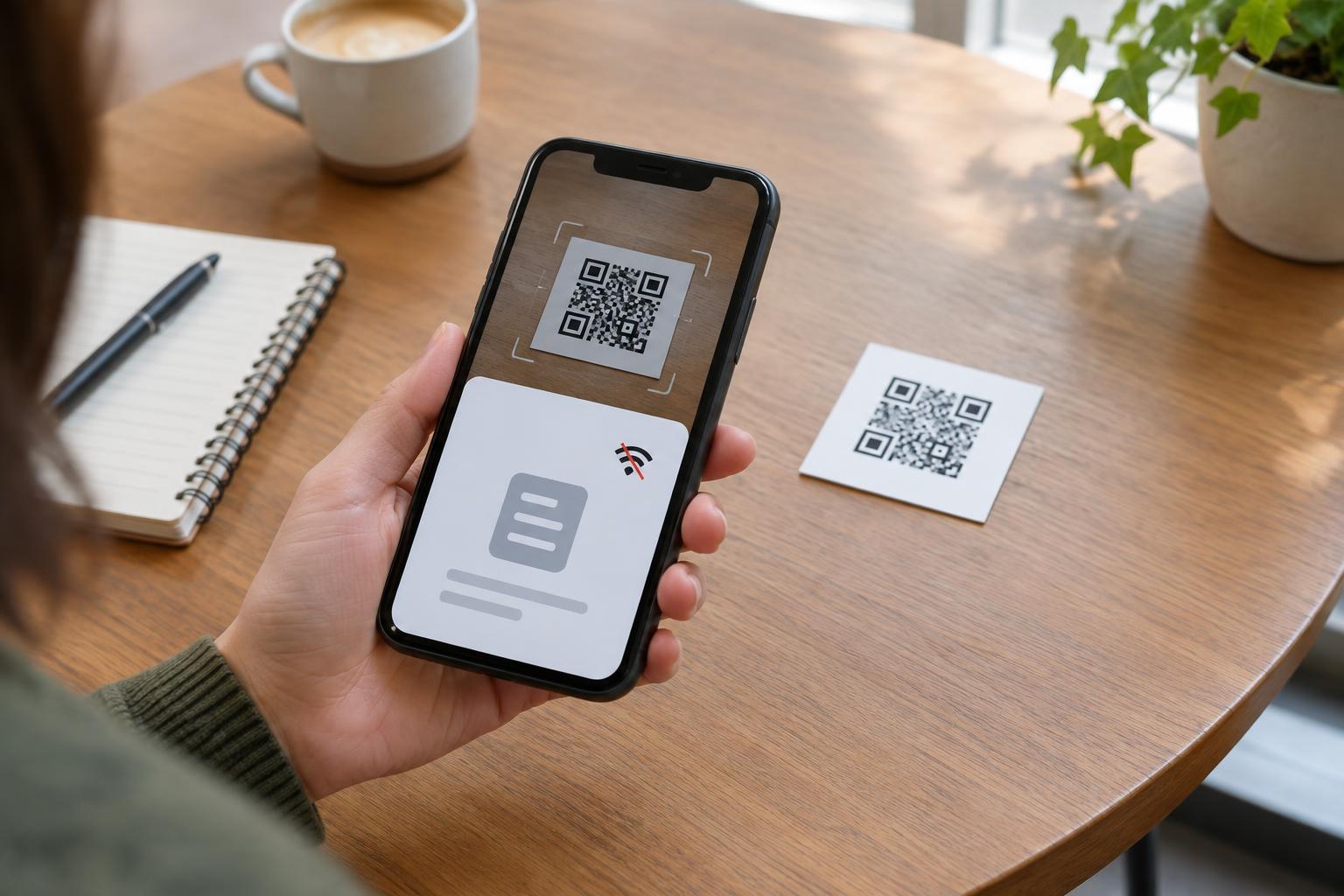
For either type, leave a clear blank margin around the pattern, use strong contrast and print at a size suited to the viewing distance. Test the finished design on several phones before distributing it. Test the complete journey too: check not just whether the camera recognizes the squares, but whether the address opens the expected page and that page works on a phone.
Choose based on control, maintenance and trust
Before printing, ask what might need to change. For a permanent label pointing to a page you maintain, a static code using your own domain may be enough: you can keep that page address stable while updating its contents. For a campaign whose destination must change without reprinting, a managed redirect may be useful. In either case, decide who is responsible for maintaining the address after the material is distributed.
Consider what a visitor can see before opening the link. A short redirect address may give fewer clues about the final website, so provide nearby text explaining where the code should lead and offer a readable address or another way to get the information when practical. Visitors should be able to review a link before opening it, especially on unfamiliar signs or stickers. The best choice is not simply the code that can be edited later; it is the one whose destination you can keep useful, understandable and trustworthy.