What a QR code shows—and what a short link hides
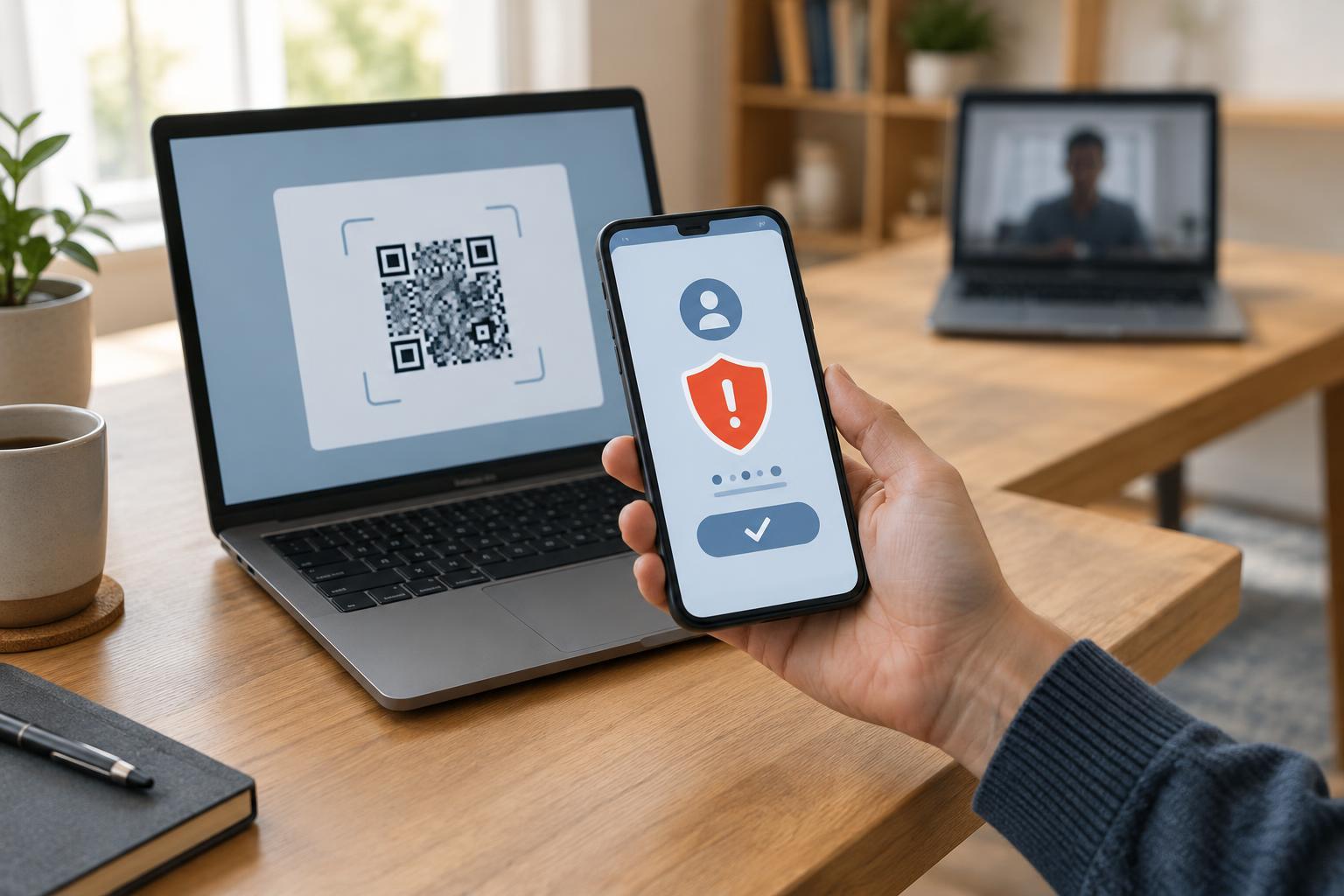
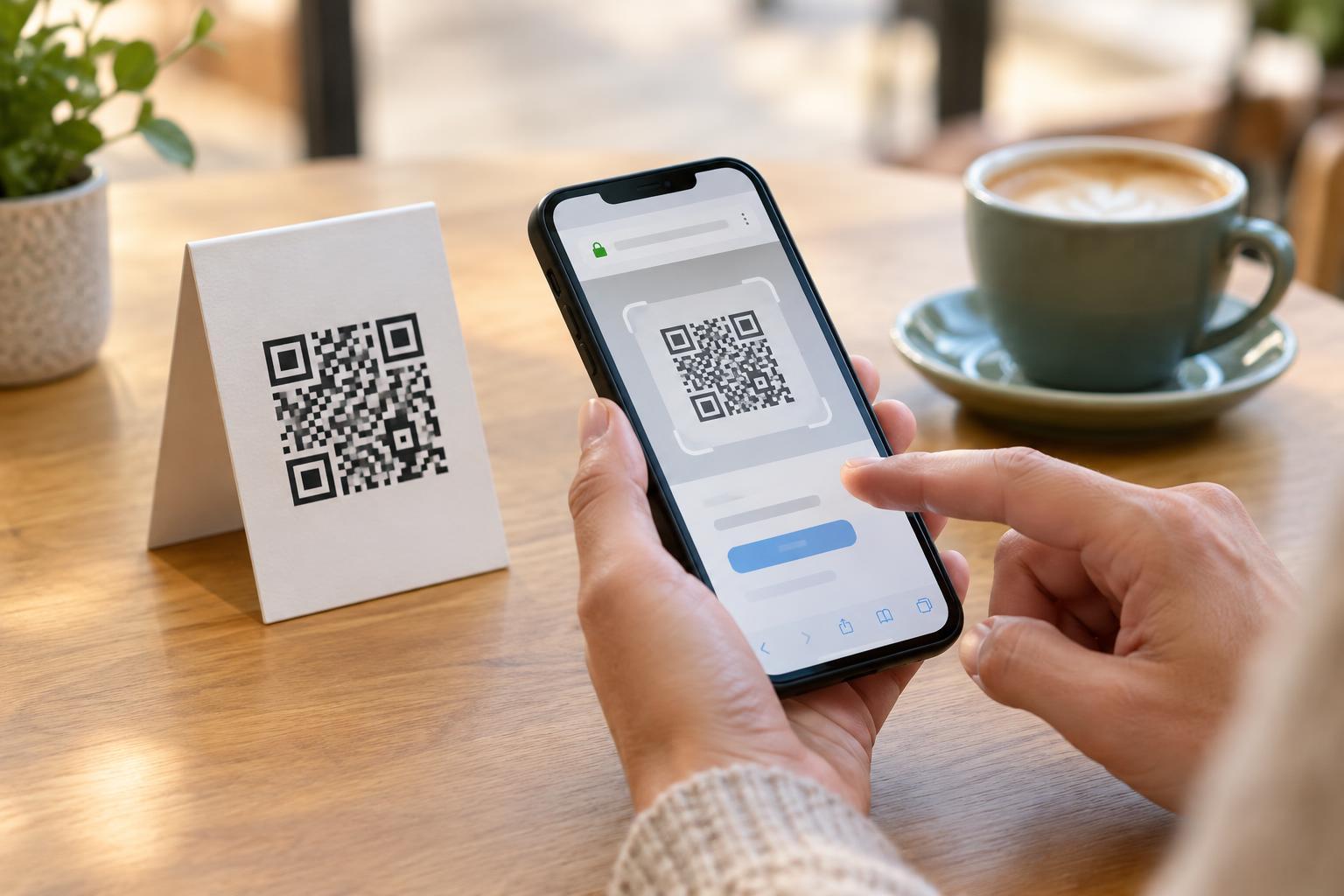
A QR code often contains a web address. Scanning it lets a phone read that address without requiring anyone to type it. The pattern itself does not tell a person whether the page is trustworthy, though. Depending on the scanner and phone settings, the person may see a link preview before opening it. That preview is an important chance to check where the code appears to lead.
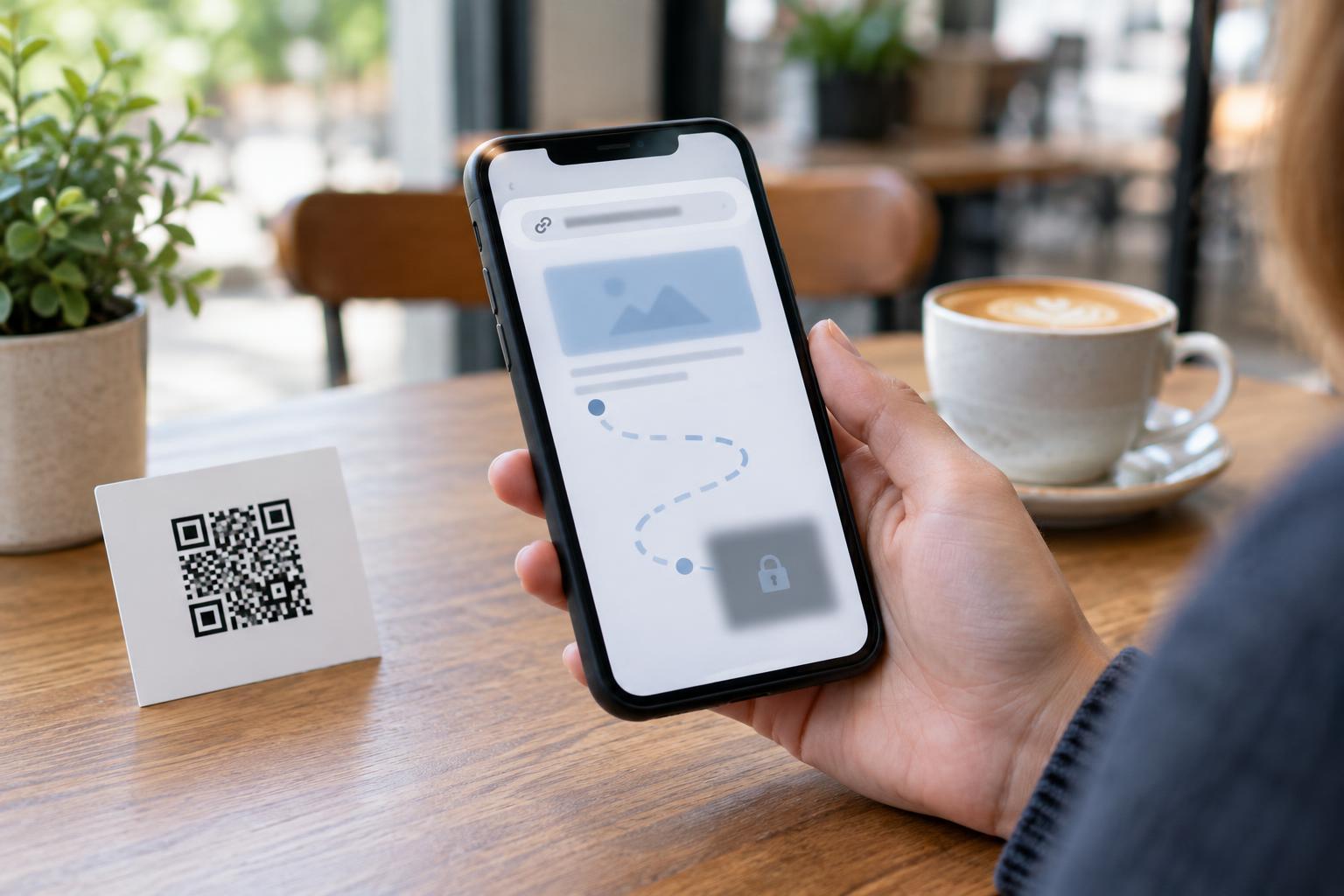
A shortened link adds another step. Instead of containing the address of the intended page, the QR code contains an address on a shortening service. Opening it sends the visitor through that service to a longer destination. A preview may therefore show only the short-link domain, not the website that will ultimately load. This does not make every shortened link unsafe, but it makes the final destination less obvious at the point of scanning.
Why the extra redirect matters
People often judge a link by its domain: the main website name in the address. A recognizable domain can help someone decide whether a code on a menu, poster or package matches the organization they expect. With a short link, that clue is replaced by the shortening service’s domain and a brief string of characters. The short address alone usually gives little useful information about the page behind it.
Redirects can also complicate troubleshooting. A short link may stop working if its owner changes its settings or the service becomes unavailable. Some link services allow the destination to be changed after printing, which can be convenient when information needs updating but also means the printed code does not permanently identify one page. In some circumstances, a link service may record information about visits. Its privacy practices are therefore relevant to the experience, not just those of the final website.
The surrounding context matters as much as the link. A code placed on an official receipt may seem more credible than one on an unattended sticker, but neither setting guarantees safety. Someone could place a replacement sticker over a legitimate code. Treat an unexpected request for a password, payment or personal details as a reason to pause, even if the code was easy to scan.
A practical check before opening
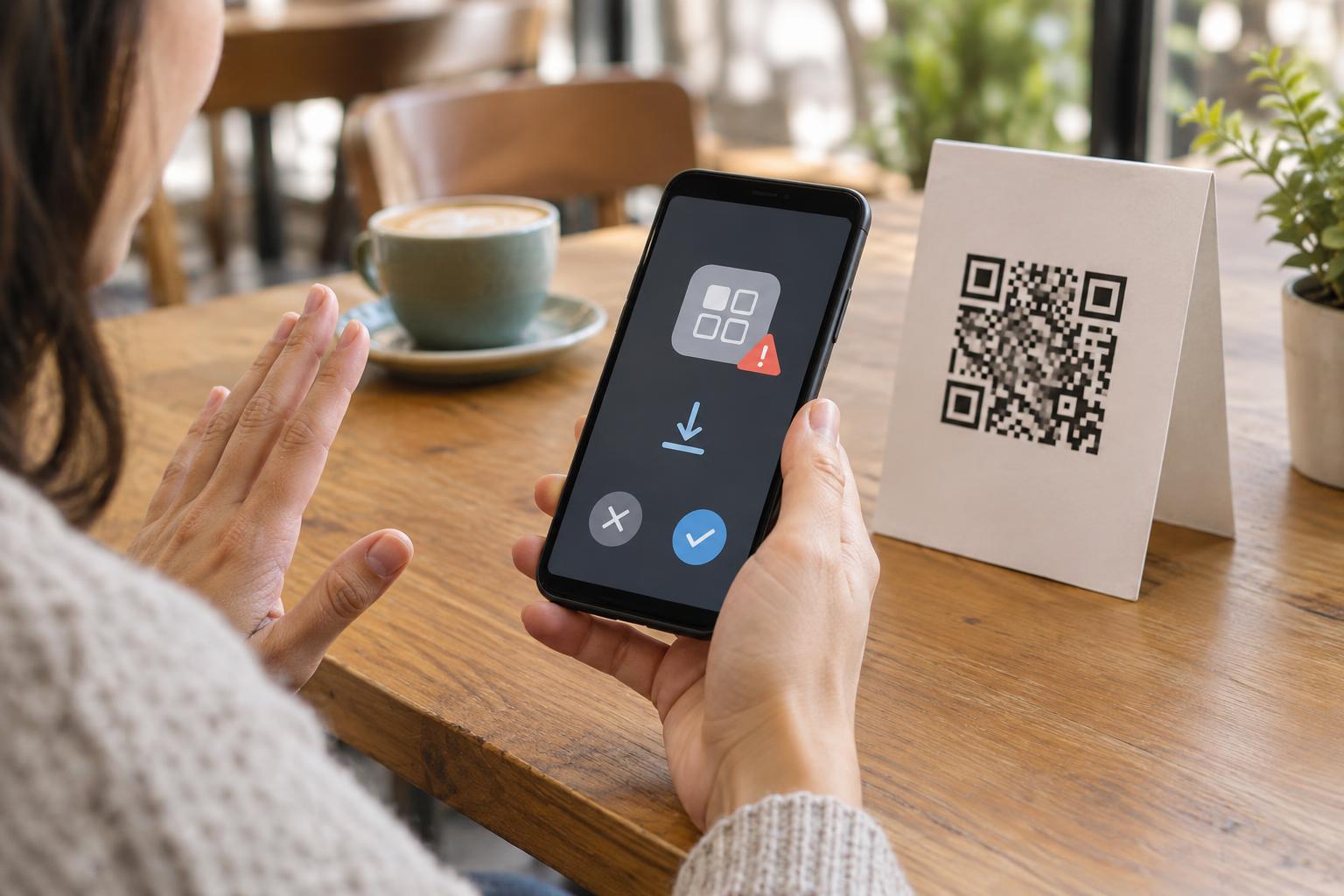
Use a scanner that displays the detected address before opening it, and take a moment to read that preview. If it shows a short link, recognize that you have checked the first stop, not necessarily the final destination. If the purpose of the code is unclear, look for a printed description beside it, such as “View the café menu,” and consider whether the code’s location and condition fit that purpose. A damaged label or a sticker covering another code deserves extra caution.
If a link opens, check the address of the page that actually loads before entering information. Watch for an unfamiliar or misspelled domain, a page that does not match the stated purpose, or a sudden demand to sign in. A padlock or HTTPS connection can indicate that traffic to a site is encrypted; it does not prove the site is the one you intended to visit. When in doubt, leave the page and reach the organization through a website or app you already know.
How publishers can make QR destinations clearer
If you publish QR codes, you can reduce uncertainty without expecting visitors to trust the pattern on sight. Place a brief description next to each code and, when space permits, print a readable web address as an alternative. A direct link to a page on your own domain is often easier for visitors to recognize in a preview than a generic shortened link. The printed text and the page that opens should agree about what the visitor will find.
There are legitimate reasons to use redirects, including updating a destination without reprinting materials. If you need that flexibility, consider an address on a domain your organization controls and maintain a clear process for reviewing where it leads. Test codes before distribution and periodically afterward, including the final page and any forms it contains. Remove outdated materials when they no longer serve their stated purpose.
Keep the decision in the visitor’s hands
A well-designed QR experience gives people enough context to choose whether to scan, open and continue. Do not make a QR code the only way to access essential information when a printed address or another straightforward option is practical. This also helps visitors whose devices cannot scan easily or who prefer not to open an unfamiliar link.
The useful habit is simple: separate scanning from trusting. A scan reads an address; a short link may then redirect to another one. Check what you can at each step, and do not enter sensitive information merely because a page was reached from a code. For publishers, clear labels and recognizable destinations make that careful choice easier.