A ticket code is more than a picture
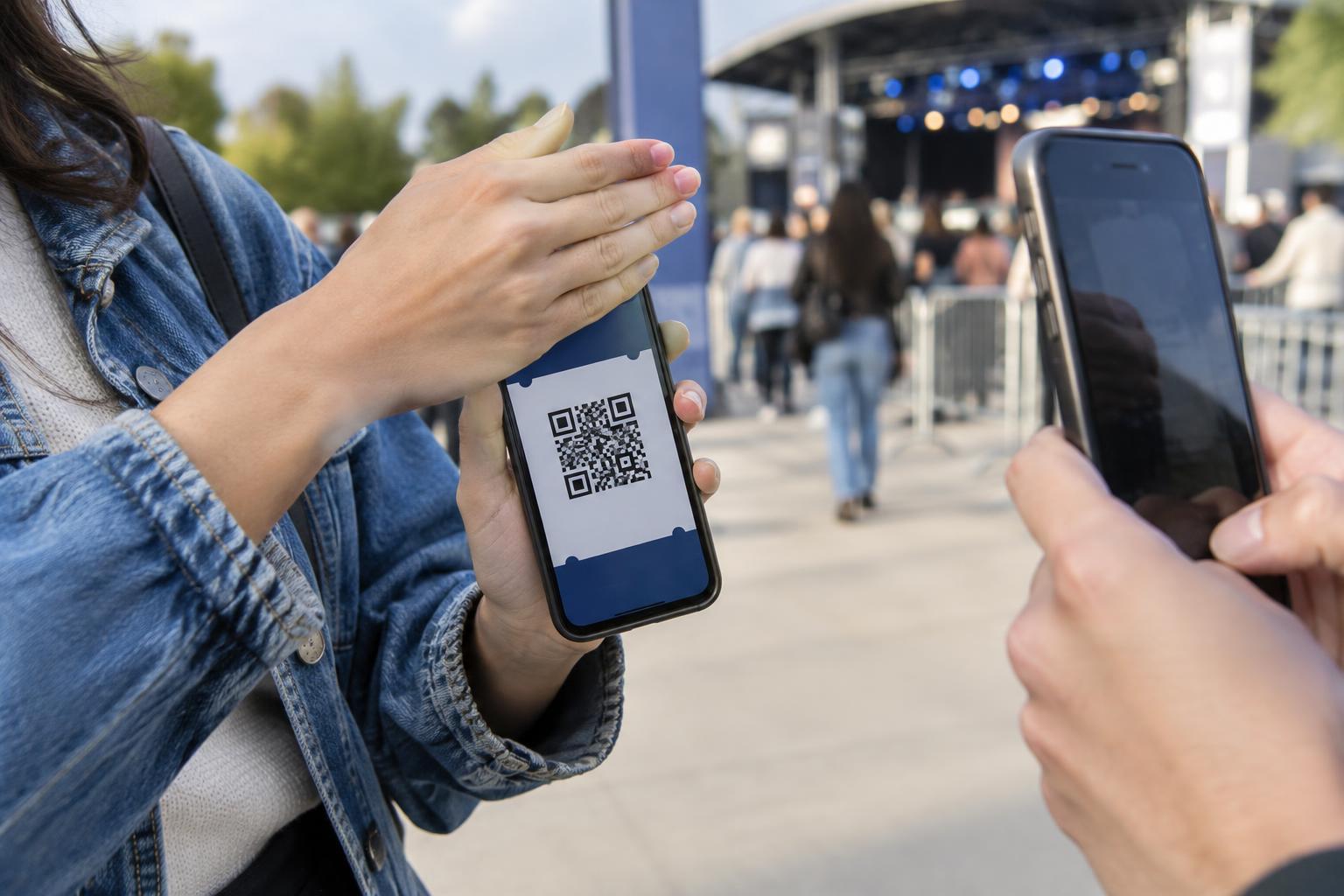
A QR code on an event ticket may carry an identifier that a venue’s scanner uses to look up admission rights. Depending on the ticketing system, the code might represent a single entry, a particular seat, or a ticket linked to an account. Someone who can scan or copy a readable code may be able to present the same credential at the gate. That makes a ticket screenshot different from an ordinary photo of your plans.
Not every screenshot will work for admission. Some ticket systems display codes that change over time, require a ticket inside an app, or use other checks at entry. But you cannot reliably tell which protections apply just by looking at the code. The safer assumption is that a visible, scannable ticket code could be useful to someone else.
How an innocent share can become a problem
It is easy to include a ticket in a social post while celebrating a purchase or arranging a meet-up. A screenshot sent to a group chat can also travel beyond its intended recipients through forwarding, saved images, or a screenshot of the conversation. If the image shows an active code, anyone who receives it may have access to information the ticket holder meant to keep private.
The QR code is not the only detail to check. A ticket image might also show a conventional barcode, booking reference, account name, email address, or order number. Some of these details may help a person locate or discuss a booking, even if they cannot enter with the image alone. Sharing a cropped image is safer only if every usable code and sensitive reference is outside the crop. Covering part of a QR code is not a dependable way to protect it; share a text description instead.
Share the plan, not the credential
If you want friends to know where and when to meet, type the event name, venue, start time, and meeting point in a message. If you want to show excitement online, use a photo that does not contain the ticket or its booking details. Before posting any image, check the entire frame, including notifications, other open tickets, and anything visible in the background.
When another person needs the ticket itself, look for an official transfer or sharing option provided by the ticket issuer. Follow its instructions and confirm that you are sending it to the intended recipient. An approved transfer may give the recipient a ticket under their own account or replace your access, depending on the system. A screenshot is not necessarily an accepted substitute, and forwarding one can leave both people uncertain about who has a usable ticket.
For a group booking, keep track of which ticket belongs to which person without distributing images to everyone by default. If the issuer supports assigning or transferring individual tickets, use that process. Otherwise, check the issuer’s entry instructions before deciding how your group will arrive and present its tickets.
Treat unexpected ticket requests with care
Be cautious if someone asks you to send a ticket screenshot to “verify” a sale, confirm a reservation, or troubleshoot entry. A stranger may be asking for the credential rather than proof that you own a ticket. If you are buying or transferring a ticket, use the issuer’s stated process when one is available, and review the ticket in the destination account or app rather than relying on an image alone.
A QR code can also appear in messages that claim to offer ticket help. Scanning an unfamiliar code may open a website that asks for account details or payment information. Instead of trusting a code supplied in an unexpected message, navigate to the ticket issuer through a route you already know and check your booking there.
What to do if you already shared a ticket image
Remove a public post or delete a shared image where possible, but remember that someone may already have saved it. Check whether the ticket issuer offers a way to replace, revoke, or transfer the ticket, or contact its support team to ask what options apply. The available remedy depends on the ticket system; deleting the image alone does not guarantee that an exposed code stops working.
If the image also displayed account or order details, review your ticket account for unexpected changes and secure it if you suspect someone else has access. Before the event, check that you can still open the ticket through the issuer’s intended method. A simple habit prevents much of this uncertainty: share the event details freely, but keep the entry credential private until it is presented through the proper process.