A printed code does not retire on its own
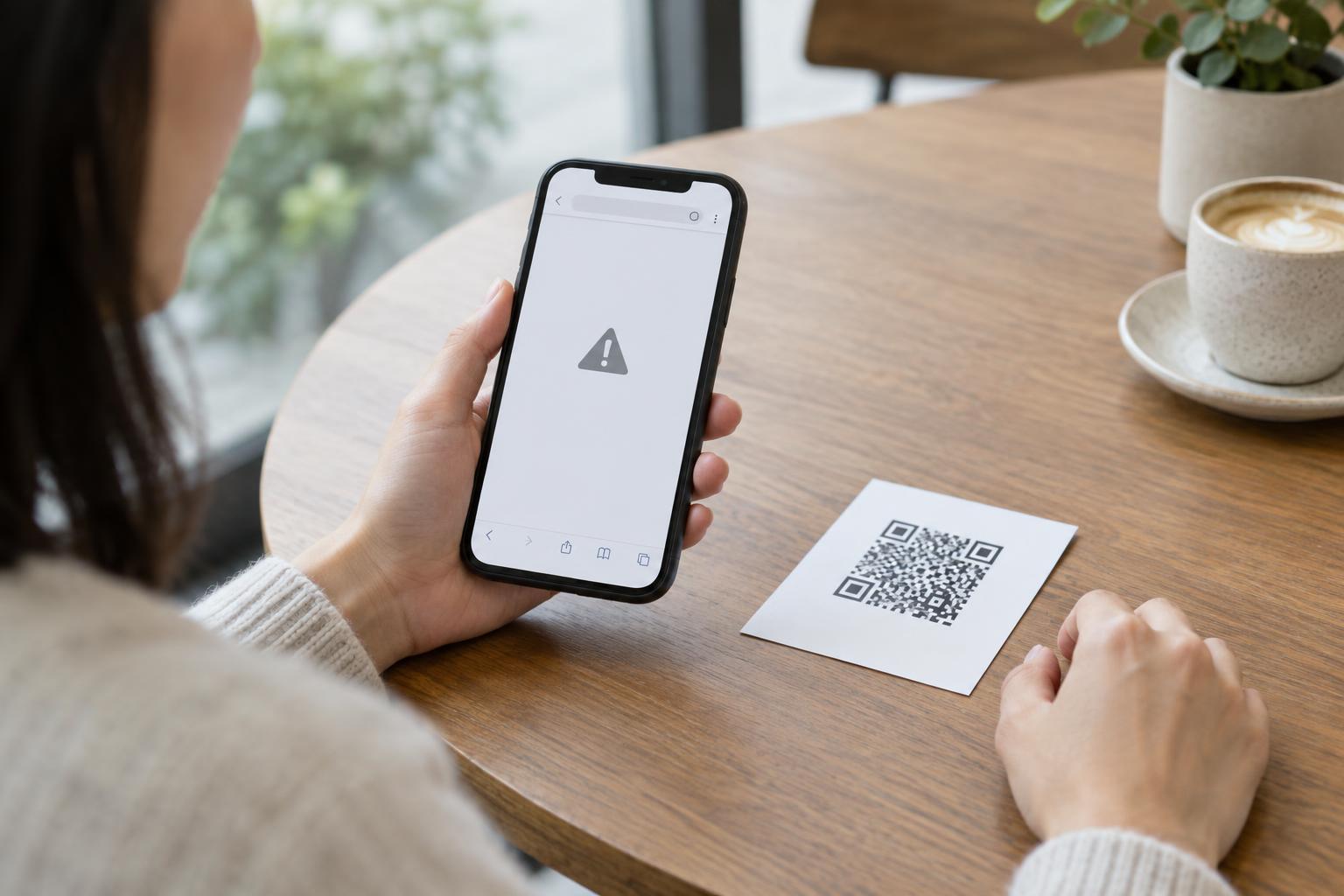
A QR code printed on a menu, poster, package, or instruction card can remain scannable long after its intended use ends. The code contains data, often a web address. If that address stops working, the print may lead to an error. If the address later points somewhere else, the same print can take a person to a page the original publisher did not intend.
Consider a seasonal event flyer that links to a short campaign domain. After the event, the organizer removes the page and eventually lets the domain registration lapse. If someone else later registers that domain, old flyers may direct visitors to the new owner’s site. The QR image has not changed; the destination behind its printed address has.
This is a reason to treat the destination as part of the printed material’s life cycle. Taking down a web page is not always the same as safely retiring every code that links to it.
Understand which part of the link can change
Some QR codes contain the final page address directly. Others contain an address that redirects visitors to another page. A redirect can be useful when a menu or help page needs to move, but it adds a point that someone must continue to manage. A code may also lead through a third-party short link, whose continued operation depends on that service.
Neither type of code is inherently temporary. A printed code containing a direct URL cannot usually be changed after printing; the site at that URL must be maintained, or the print must be replaced. With a redirect, the person or organization controlling the redirect can change its destination, but only while that redirect remains under their control. Labels such as “dynamic” and “static” do not tell a reader whether an old print is still safe.
Look beyond the final web page when reviewing a code. Check every domain and redirect in its path. An organization might still own its main website while an older campaign domain, link-shortening account, or redirect service has been forgotten.
Plan for the print’s likely lifetime
Before printing, ask where the code will appear and how long that item might remain in use. A handout may be passed along; packaging may sit in storage; a sign may be overlooked during a redesign. Choose an address you can reasonably maintain for that period. A stable page on a domain you manage is often easier to oversee than a separate domain created for one brief promotion.
Keep a simple record of each printed code: the exact address encoded, the intended destination, where the print was distributed, who manages the domain or redirect, and what should happen when the content is retired. If a third-party service is involved, record that dependency too. This makes it easier to find affected prints when a page moves or a service changes.
Give people another way to reach important information. A readable website address, a clear page title, or a contact route can help when a code fails or scanning is inconvenient. For essential instructions, avoid making an old QR destination the only place they can be found.
Retire the destination and the print together
When a campaign ends, first decide what visitors to its old address should see. A maintained notice can explain that the offer or event has ended and point to a relevant current page. Make the notice clear enough that people do not mistake it for an active promotion. Avoid redirecting to an unrelated sales page that gives no context for why they arrived.
Then identify prints still under your control. Remove or replace signs, update reusable materials, and review digital copies that people may continue to download or share. You may not be able to recover every flyer or package, so consider keeping the old address under your control for as long as those copies could reasonably circulate. If you cannot keep it, do not assume that deleting the page or canceling a redirect disables the code.
Test surviving prints with an ordinary phone camera, following the link through to its final page. Repeat checks at sensible intervals, especially after changing a domain, redirect, website, or service provider. A successful scan alone is not enough: confirm that the destination and its message are still appropriate.
Give scanners a reason to pause
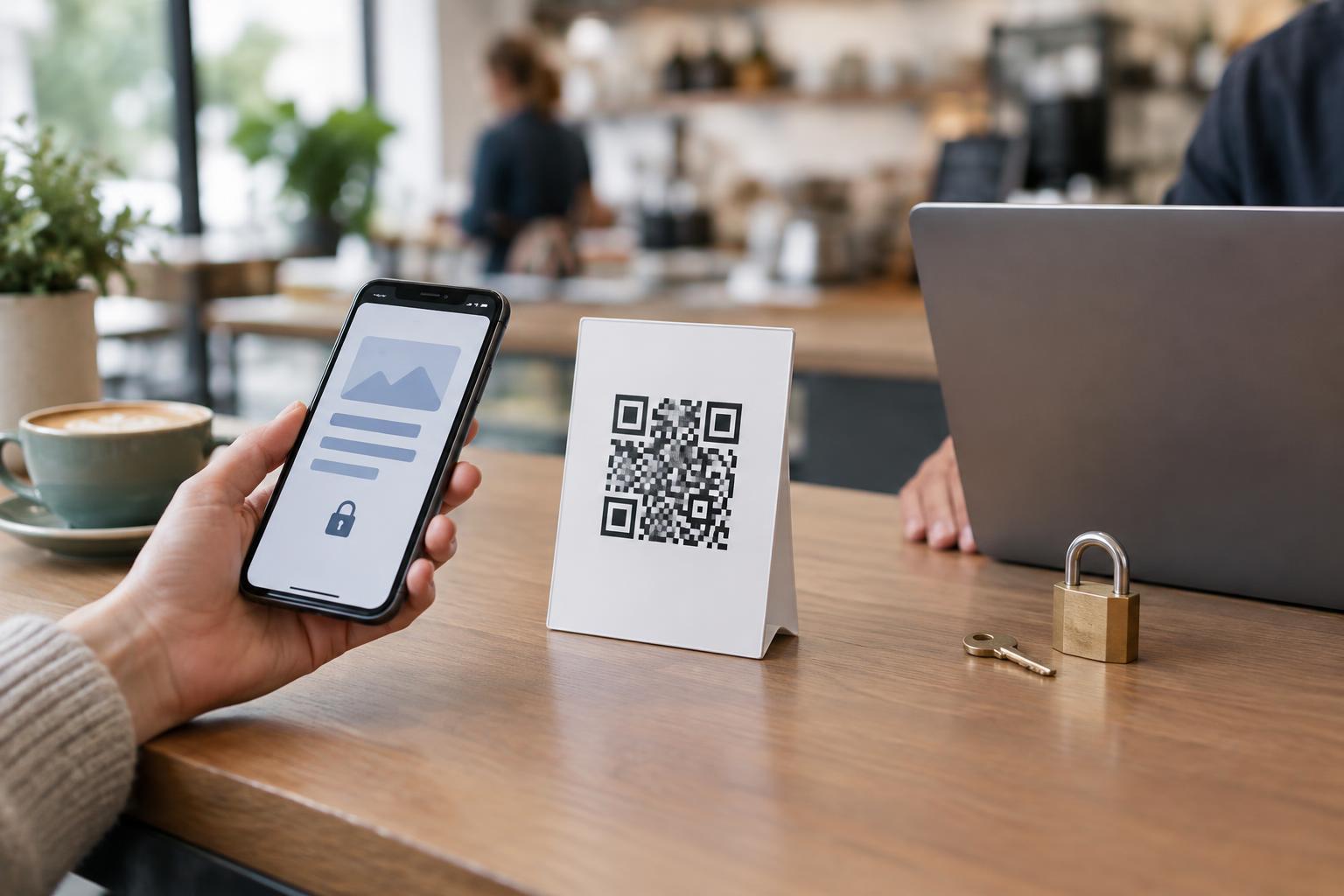
Someone encountering an old QR code cannot tell from its appearance whether the linked domain has changed hands. Printed context helps: place the organization’s name and the purpose of the link near the code, and show a readable address where practical. That does not guarantee safety, but it gives people something to compare with the address their phone displays.
If you are scanning an unfamiliar or weathered sign, inspect the address before opening it. Be especially cautious if the page unexpectedly asks for a password, payment details, or a download. A sticker placed over an original code can also substitute a different destination, so check the physical print when something looks altered. When in doubt, navigate to the organization’s known website independently rather than relying on the code.
For publishers, the goal is not to promise that a printed link will last forever. It is to know where old codes point, keep control of the addresses they use, and make a deliberate plan for what visitors will find after the original content is gone.