A visible code and a close-range tag
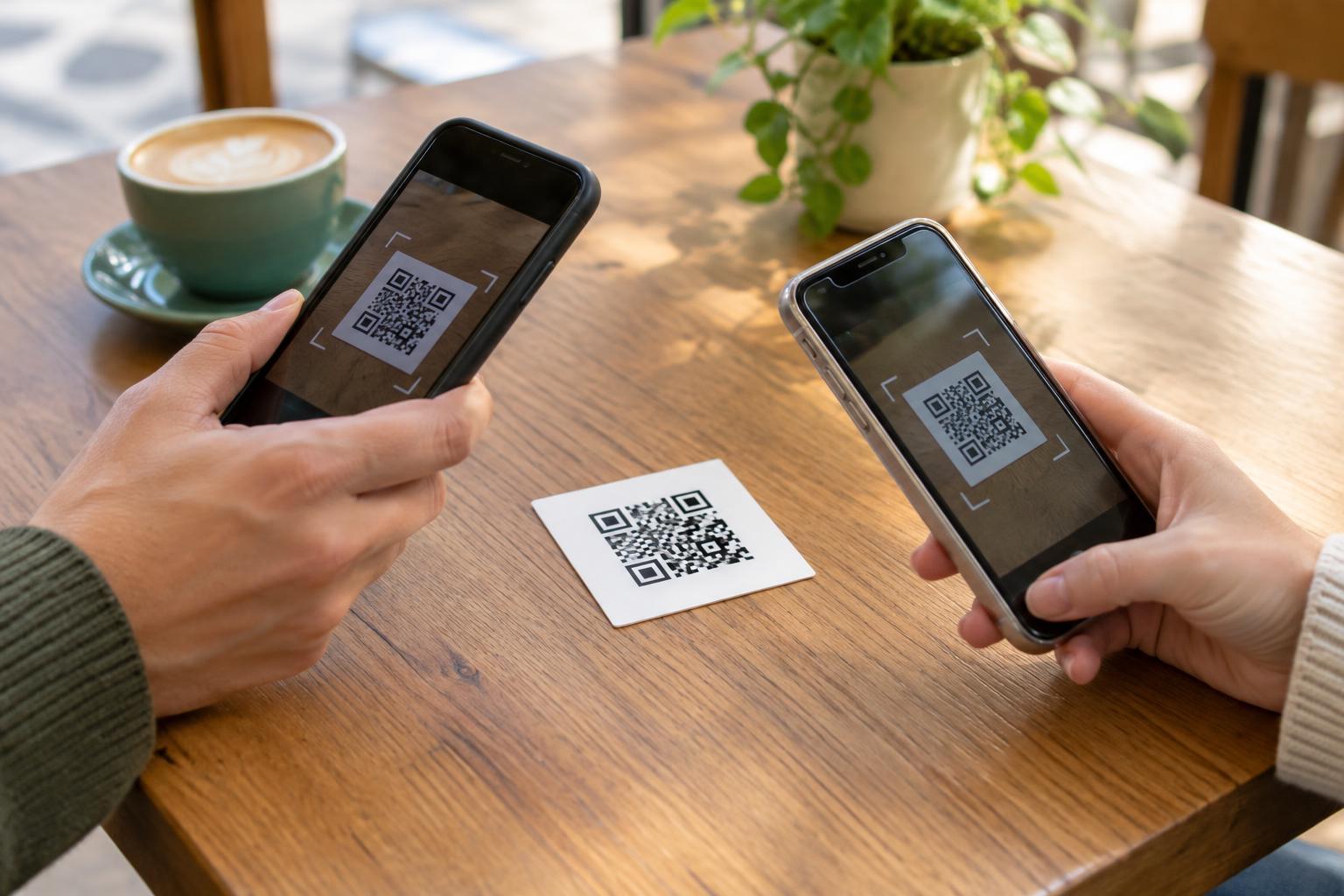
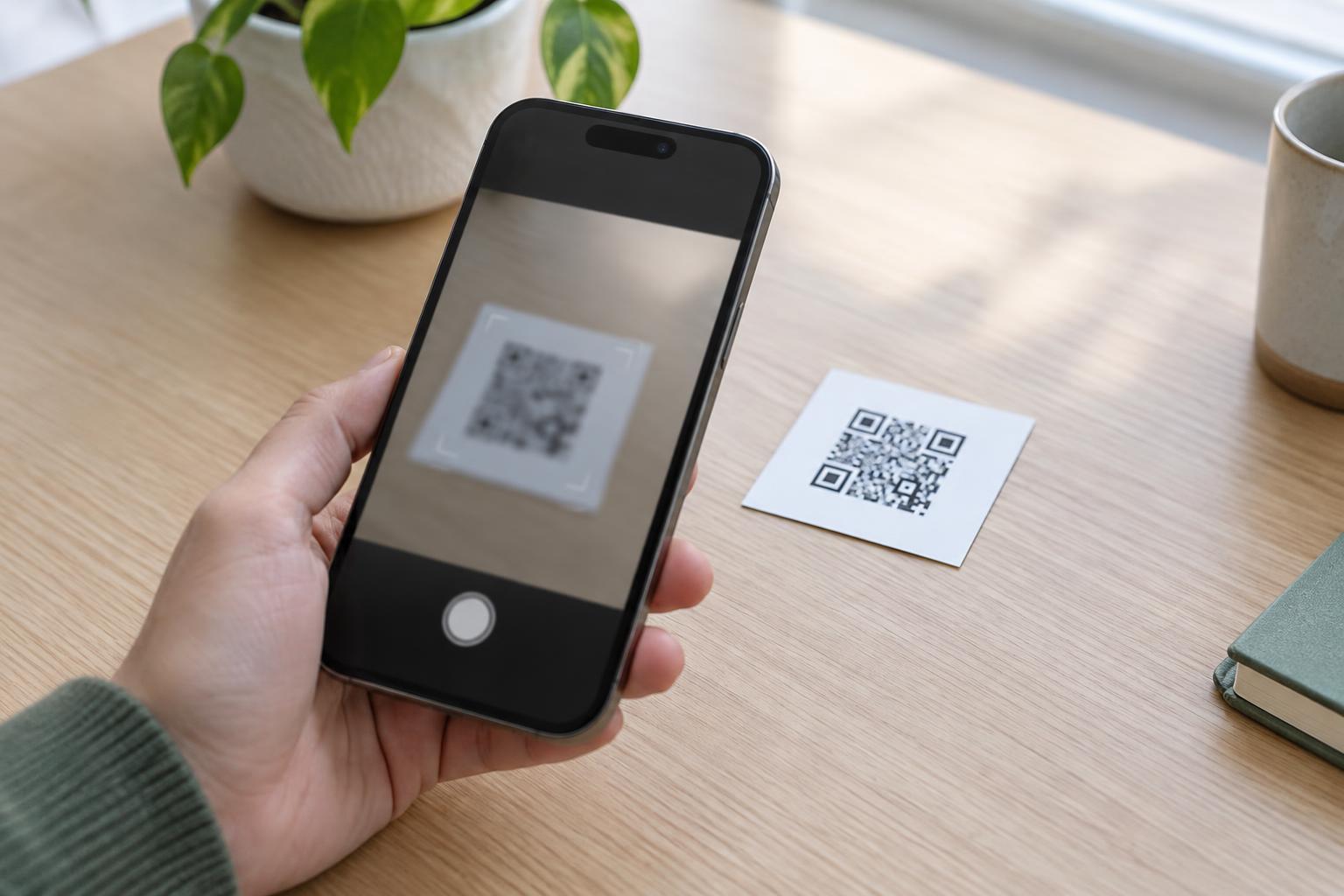
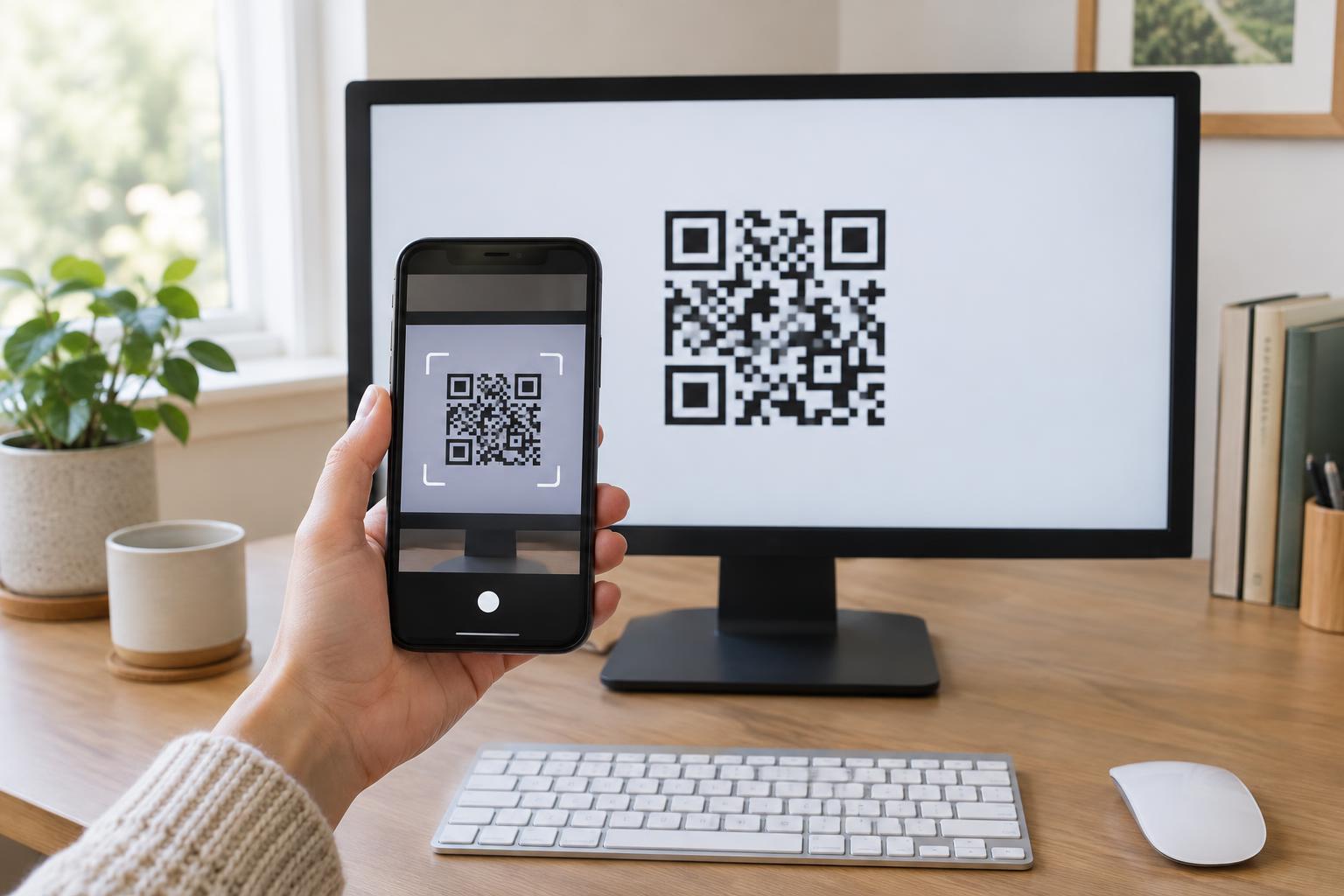
A QR code is a printed or displayed pattern that a camera can read. Its arrangement of dark and light squares represents data, often a web address. Someone points a phone camera or scanning app at the code, checks the result and chooses whether to open it. Because the pattern is visible, the person can usually scan from a short distance without touching the surface.
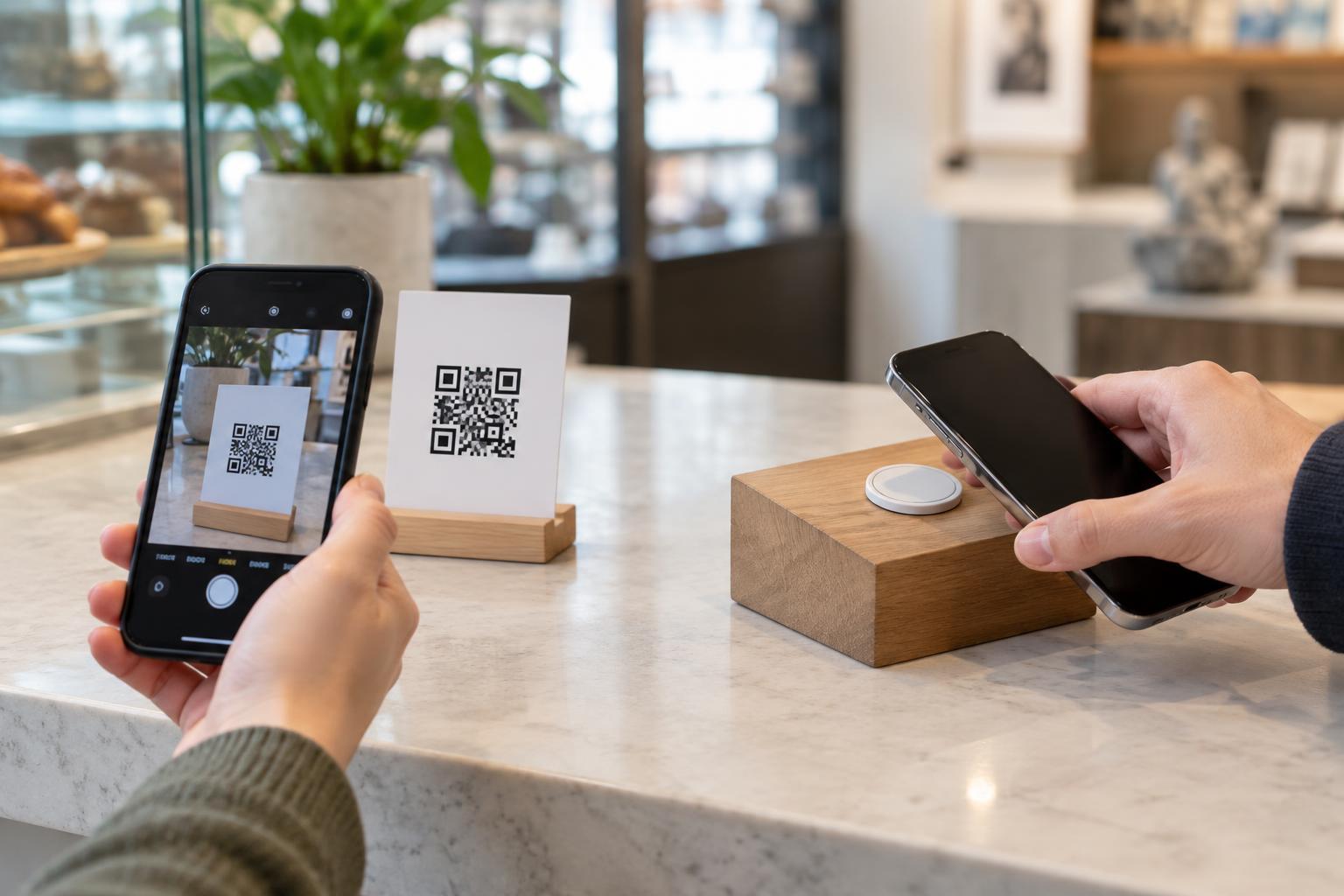
An NFC tag is a small electronic component that can store data such as a web address. A compatible phone reads it when brought very close, often within a few centimeters. The tag typically draws the small amount of power it needs from the reader during that interaction, so an ordinary passive tag does not need its own battery. Unlike a QR code, the data-bearing part may be hidden inside a sticker, card or product.
What the person actually experiences
The biggest difference is the action required. For a QR code, a person needs a clear view of the pattern and a working camera. Lighting, glare, print quality and camera focus can affect scanning. For NFC, the person needs a device that supports reading tags, with the relevant feature available, and must know roughly where to hold it. The phone may show a prompt before opening a link; behavior varies by device and settings.
Imagine a museum label linking to a longer description. A QR code lets visitors scan without leaning into the display, provided the label is large enough and placed where a camera can see it. An NFC tag could offer a quick tap at the same label, but visitors may not realize it is there unless a clear sign says what to do. Neither method guarantees that every visitor can or wants to use a phone.
Choosing for placement, cost and upkeep
QR codes are well suited to posters, packaging and screens because the pattern can be printed or displayed alongside ordinary text. They need enough size, contrast and clear space around the pattern to scan reliably. Placement matters too: a code on a curved package, behind reflective glass or high above eye level may be frustrating even if its underlying data is correct.
NFC tags can be useful where a close tap feels natural, such as a card handed to someone or a clearly marked point on a counter. The tag has a physical cost and must be positioned so a phone can get close enough to read it. Some tags can be rewritten, depending on how they are configured; others can be locked. If a tag is damaged or removed, the tap may stop working.
For either option, decide what happens when information changes. A QR code printed with a direct address cannot have its encoded data edited after printing, although the page at that address may be updated. A rewriteable NFC tag may allow its stored address to change, but updating tags across many physical locations takes work. A stable destination and a plan for checking links are often more important than the choice of format.
Make the invitation clear and accessible
Do not rely on a bare symbol or an unexplained tap icon. Say what the interaction offers, such as “Scan for assembly instructions” or “Tap here for the audio description.” Put this instruction near the code or tag, and use a short, readable web address as another way to reach the same information when practical. This also helps someone who prefers to type a destination or cannot use the scanning method.
Consider reach and visibility before installing either option. A QR code should be at a usable height with sufficient light; an NFC tap point should not require someone to stretch or touch an awkward surface. If the linked information is essential, provide an alternative way to access it, such as printed instructions or staff assistance. QR and NFC can be convenient additions, but they should not be the only path to important content.
Treat both as links, not proof of trust
Neither a QR code nor an NFC tag makes a destination safe by itself. A fraudulent sticker can cover a legitimate code, and a tag in a public place could be replaced or, if it is not protected, rewritten. Before opening a link, people can check the address shown by their phone and be cautious if a prompt asks for unexpected personal details or payment. A familiar-looking sign is not a guarantee that the destination is genuine.
For site owners, the practical choice is to match the method to the setting. Use a QR code when visual scanning is easy, an NFC tag when a deliberate close tap is convenient, or both when they genuinely help different visitors. Label each option, test it with the devices and placement you expect people to use, and periodically check that it still leads to the intended information.