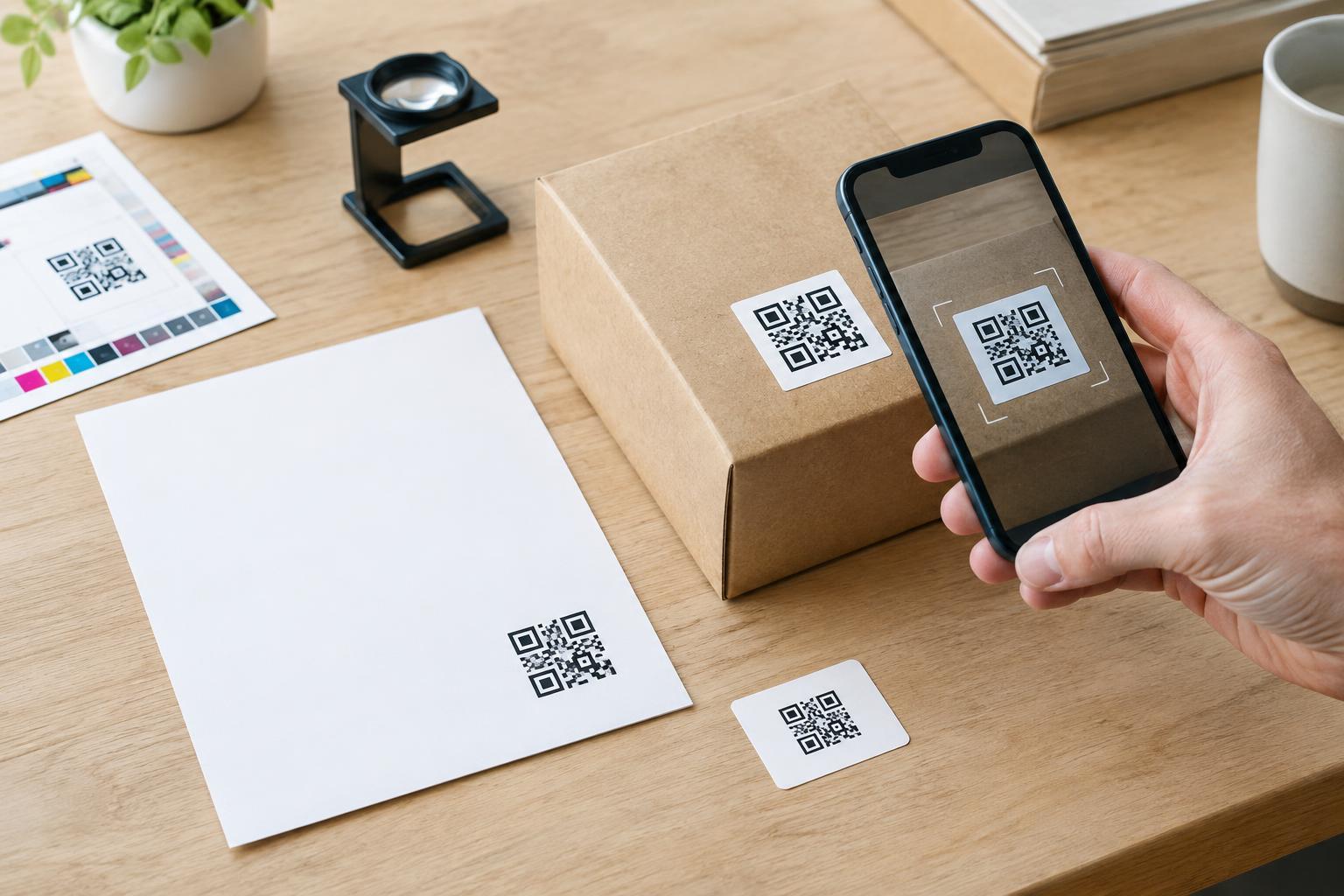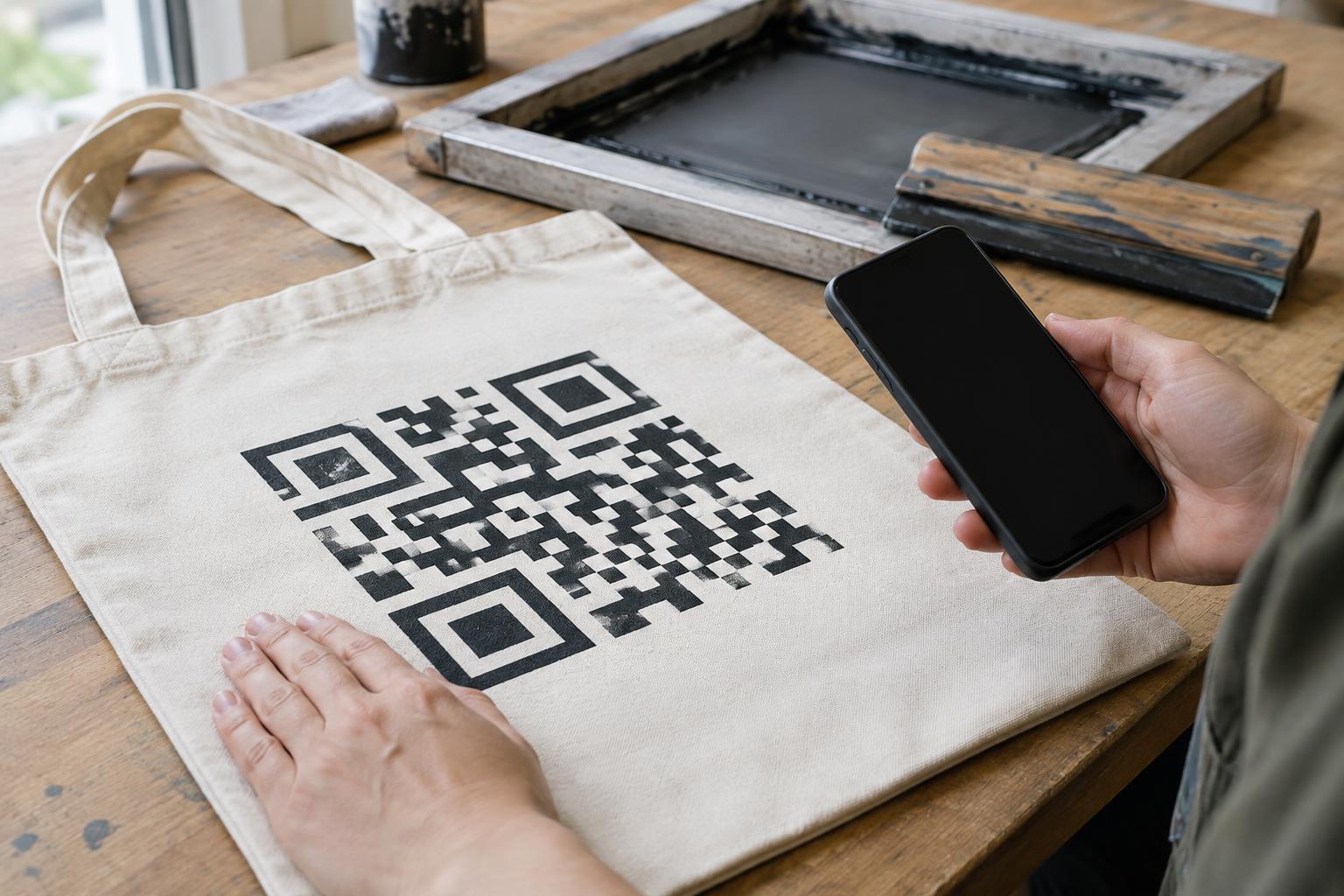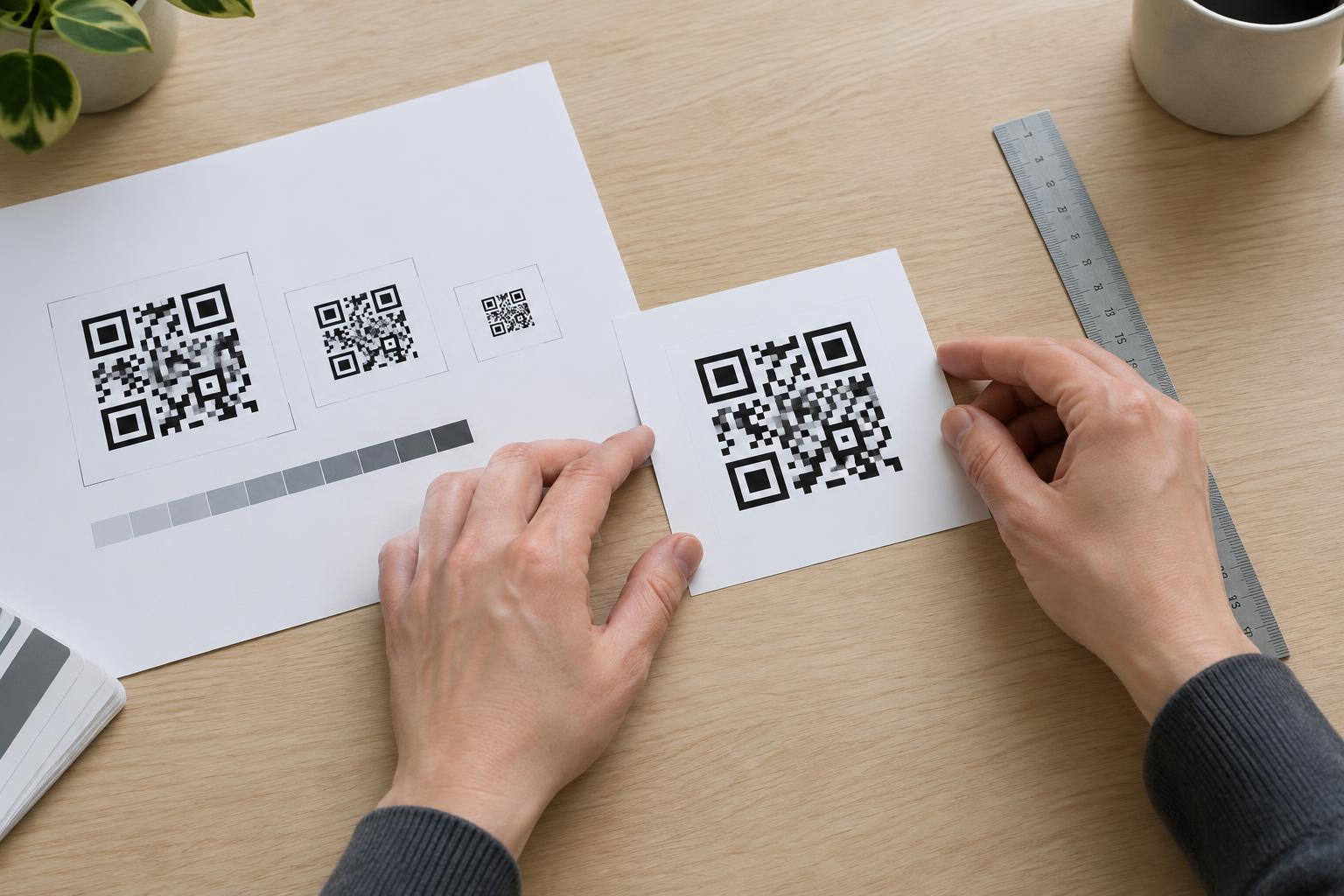
Why a clear label changes the design
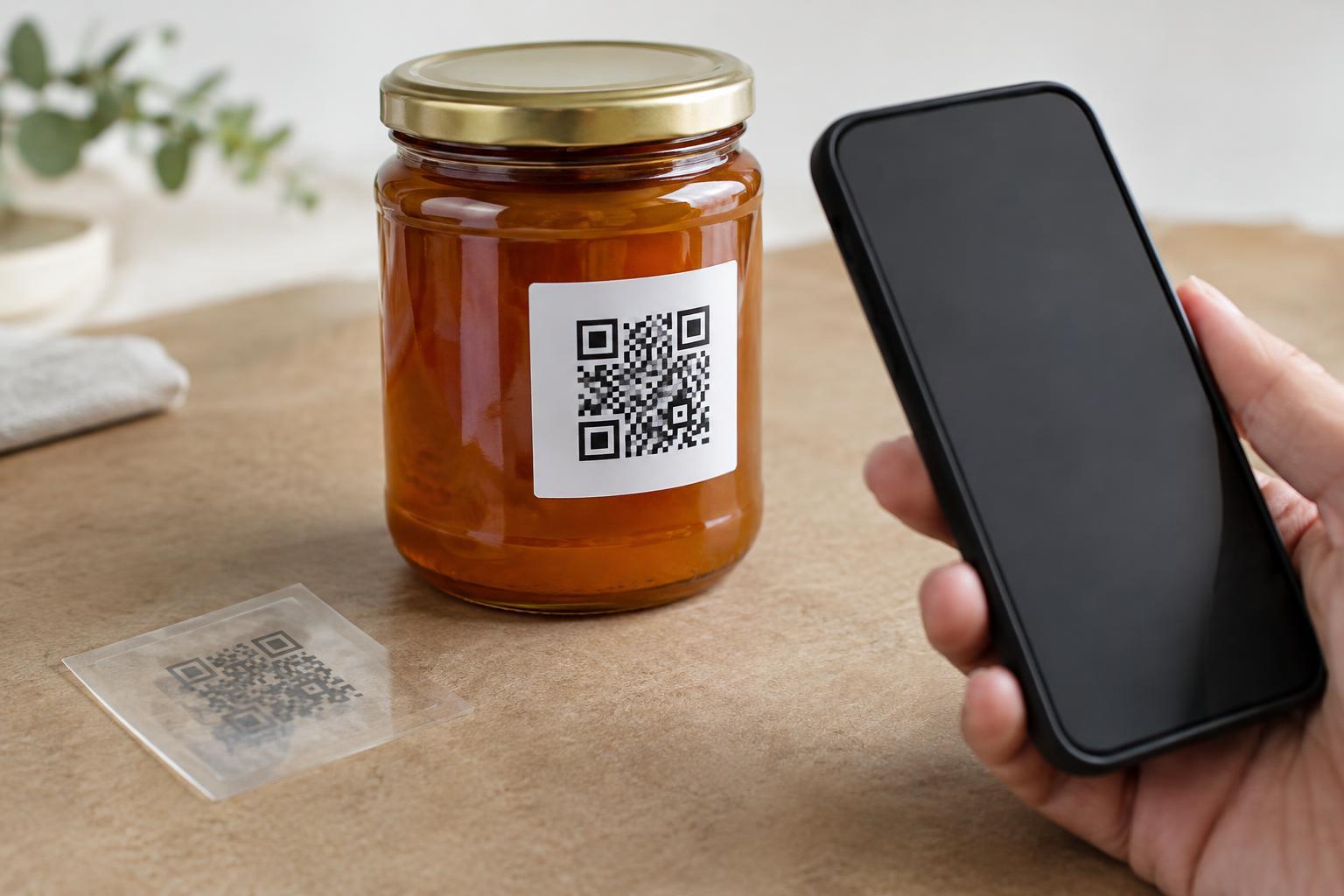
A QR code needs a clear visual difference between its dark and light areas. On a white paper label, the label provides a predictable light background. On a transparent label, the bottle, box, liquid, or product behind it may show through instead. A code that looks crisp on a computer screen can become difficult to distinguish when applied to a dark jar or a patterned package.
Transparency also makes results less predictable from one product to the next. A clear label on an empty glass container may scan during a proof check, then behave differently when the container is filled. Curved surfaces, seams, reflections, and changing contents can alter what appears behind the code. Treat the finished, filled product—not the artwork file—as the design you need to evaluate.
Give the code its own opaque background
The most dependable approach is to place the QR code on a solid, light-colored panel. That panel can be part of the label artwork, a separate opaque label, or a white ink layer printed beneath the code on clear stock. Confirm with your printer how that layer will be produced: a white shape shown in the artwork does not necessarily mean white ink will be printed. Some printing processes leave white areas unprinted, which would let the product show through.
Extend the panel beyond the code itself. QR codes need an empty margin, called a quiet zone, around all four sides so a scanner can identify where the symbol begins and ends. Keep text, borders, illustrations, and packaging patterns out of that margin. If the backing stops at the outermost dark squares, the code may lose the clear separation it needs. A simple dark code on a matte white panel is usually easier to assess than a decorative color combination.
Choose a placement that stays readable
Put the label where it can lie as flat as possible and where a phone can approach it without an awkward angle. A broad, relatively straight part of a container is generally a better choice than a tight curve, shoulder, folded edge, or seam. Avoid placing the code across ridges or where the label may wrinkle. If the package has a highly reflective finish, a matte label or matte area around the code may help reduce glare.
Think about the package in use, too. A hand should not have to cover the code to hold the product steady. Condensation, scuffs, and routine handling may affect a label over time, particularly if it sits near a cap or another high-contact area. Keep the code large enough to be comfortably photographed at the distance customers are likely to use, and resist shrinking it merely to preserve a minimal label design.
Test the finished label, not just a proof
Print a small batch using the intended clear stock, ink, backing, and finish. Apply the labels to actual products, including representative colors or contents. Check them under ordinary lighting and brighter, more reflective conditions. Scan with more than one phone if available, from a natural viewing distance, without carefully lining up every attempt. If scanning takes repeated tries, revise the design before producing the full run.
Look closely at failures. If the package pattern is visible through the light parts, add or strengthen the opaque backing. If glare obscures the code, reconsider the finish or location. If the code bends sharply around the container, move it or give it a flatter area. Recheck after any change to the label material, print process, code size, or packaging: each can affect the result.
Make the label useful without a scan
A short line of nearby text should tell people what the code opens, such as care instructions or product details. This helps customers decide whether to scan and gives the code a purpose beyond its appearance. Where space allows, include a readable alternative, such as a short web address or a way to request the information. Do not rely on the QR code as the only route to essential instructions.
The best transparent-label design is not necessarily the one that looks most invisible. A modest opaque panel can preserve the clear-label aesthetic while giving the code a stable background. Prioritize a label that works reliably on the real package over one that looks perfect only in a mockup.