Make the destination unmistakable
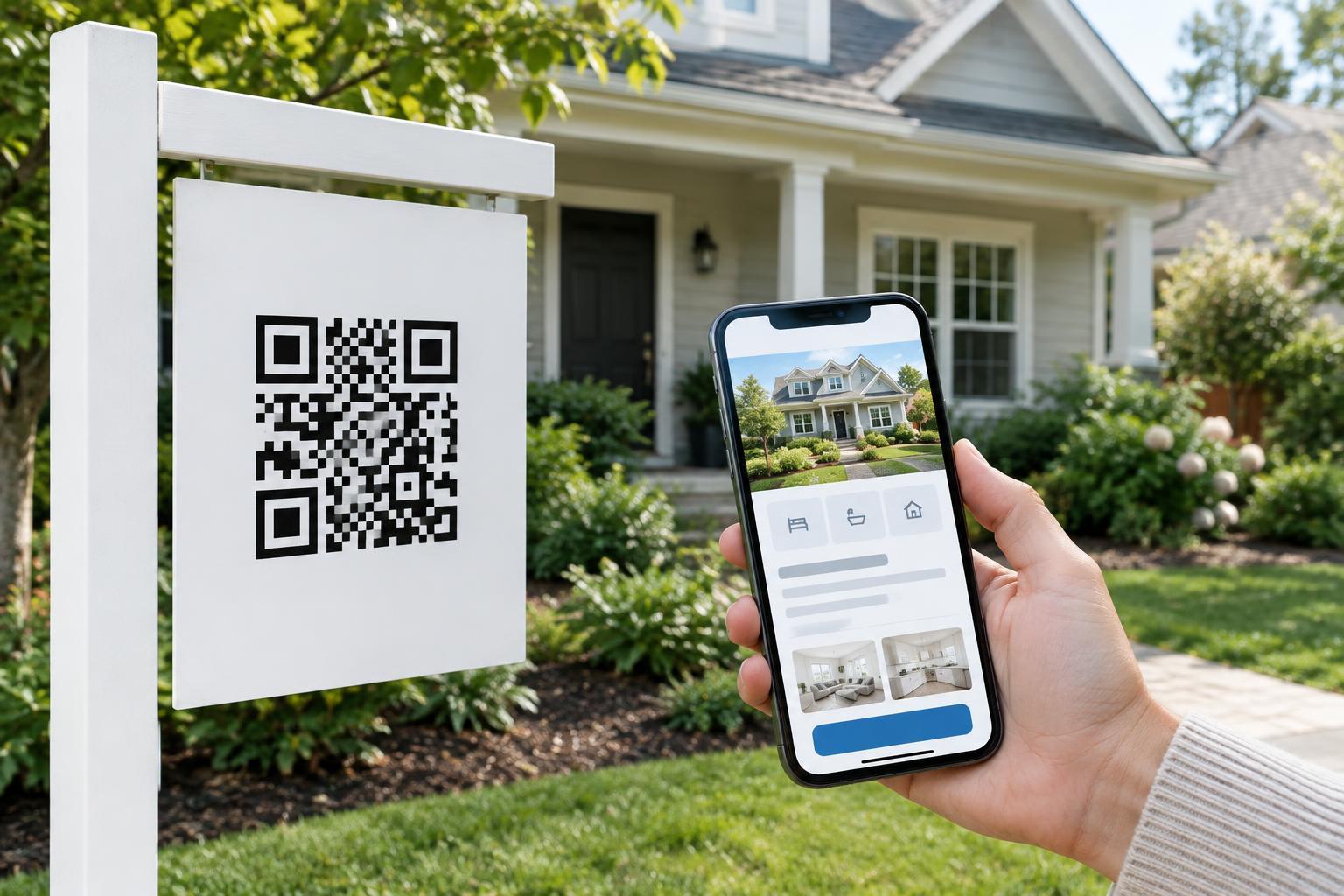
Someone scanning a code from a real estate sign expects information about the property in front of them. Send the code directly to that property's page rather than a brokerage homepage, a general search screen, or a form that blocks the listing. Put the address or another clear property identifier near the top, alongside a prominent exterior photo. That immediate match helps visitors know they scanned the intended sign.
Give the page a short overview before asking visitors to scroll: property type, key features, asking price if it is being advertised, and current availability. Keep these details consistent with the sign and other listing materials. If a price, viewing arrangement, or availability changes, update the page promptly. If the property is no longer available, say so clearly rather than leaving an apparently active listing in place.
Answer the questions a passerby is likely to have
Organize the main details so they are easy to find on a phone. Depending on the property, that may include bedrooms and bathrooms, approximate floor area, parking, outdoor space, accessibility features, and notable restrictions or included amenities. Use plain labels and distinguish confirmed facts from estimates. A short description can explain the layout or standout features, but it should not replace concrete information.
Use photos that help people understand the property, not just attractive detail shots. A sensible sequence might move from the exterior through main rooms and outdoor areas. Give each image a useful text alternative, and avoid placing essential information only inside an image or floor plan. If you offer a floor plan, make it easy to open on a phone and provide a written summary of important layout details.
Location information also matters. A map link can help visitors plan a route, while a written address or general location remains useful if the map does not load. Avoid unsupported promises about travel times, schools, or neighborhood conditions; where those details matter, encourage visitors to check them for their own needs.
Offer a clear next step without making it a barrier
After the listing details, offer a small number of obvious actions, such as requesting a viewing, calling or emailing the listed contact, or saving the page to revisit later. If there are scheduled open-house details, display them as readable text and keep them current. A visitor should be able to learn about the property even if they are not ready to share their contact information.
Keep forms brief and explain what will happen after submission. Ask only for information needed to respond, and do not make optional marketing consent a condition of viewing basic property details. If the page offers several ways to make contact, label each one clearly—for example, “Call about this property” rather than a vague “Learn more.”
Design for quick, accessible mobile use
A sign may be scanned outdoors, where glare, a weak connection, or limited time makes a crowded page frustrating. Use a mobile-friendly layout with readable text, clear headings, and buttons large enough to tap comfortably. Put the essential details near the top, compress images sensibly, and avoid videos that play automatically. Test the page on a phone using a mobile connection as well as a strong Wi-Fi connection.
Make the page usable without relying on color, animation, or images alone. Descriptive link text, properly labeled form fields, good text contrast, and a logical reading order help people using assistive technology and make the page easier for everyone to navigate. If you provide a virtual tour, also offer standard photos and written details so the tour is not the only route to understanding the property.
Connect the sign, code, and page responsibly
Place a short instruction beside the QR code, such as “Scan for property details and photos,” so people know what to expect. Include a readable web address or property reference as an alternative for anyone who cannot or does not want to scan. Before installing the sign, test the printed code from a realistic viewing distance and check that it opens the correct page. Retest it after any change to the code's destination.
Treat the link as part of the listing's upkeep. Use a destination you control, keep its security settings maintained, and check that the page remains available while the sign is displayed. A visitor should not have to download an app or provide personal information simply to see the listing. If the site uses analytics or collects inquiries, explain that in an accessible privacy notice. The best sign-to-page experience is straightforward: the code takes visitors where the sign says it will, and the page helps them decide what to do next.