Start with a specific job for the code
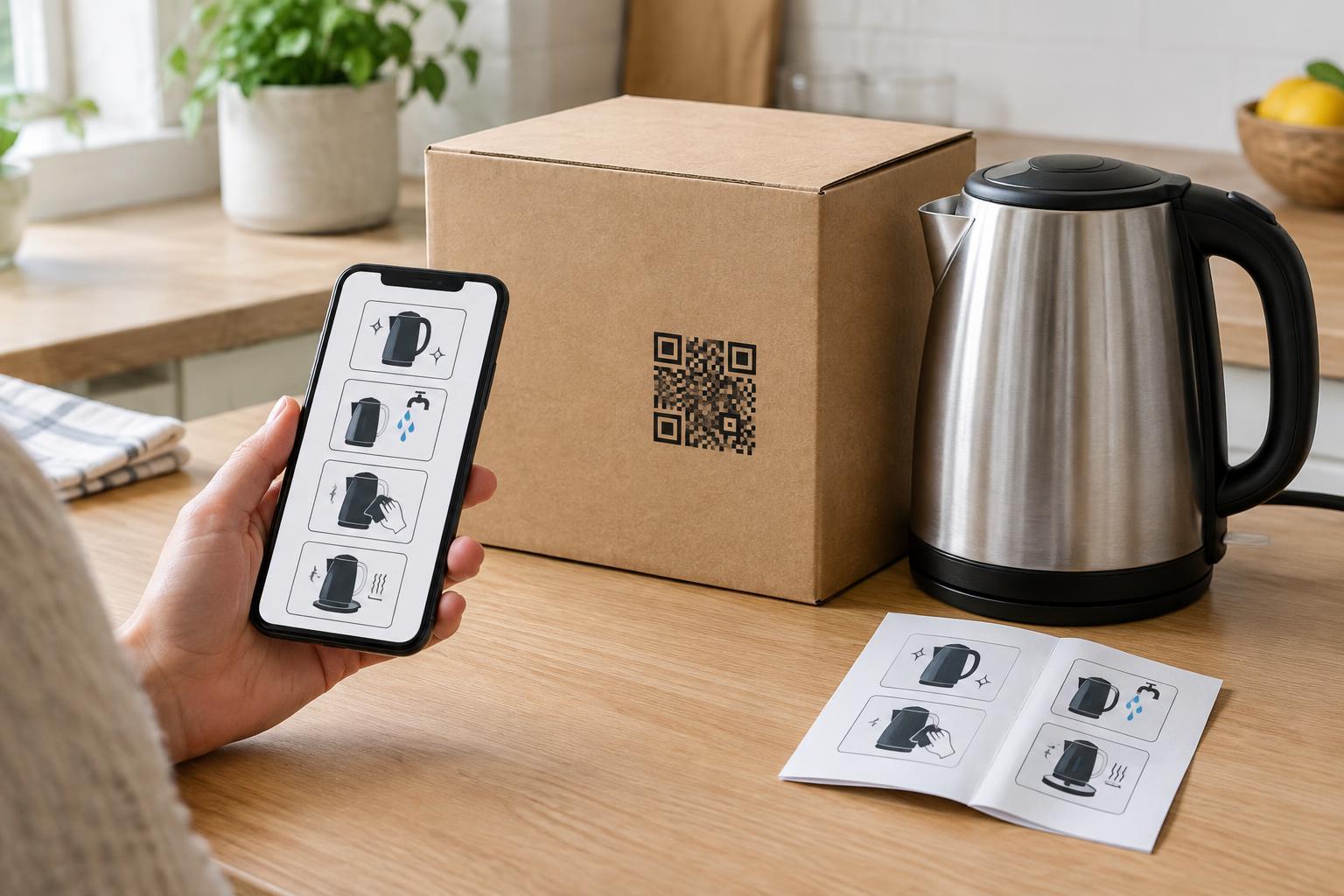
A buyer opening a product often has a simple question: how do I assemble it, use it for the first time, or keep it in good condition? A QR code on the package can take them directly to the relevant answer. It works best when its purpose is clear. “Scan for setup and care instructions” is more useful than “Scan me,” because buyers can decide whether the link will help before reaching for their phones.
Choose a destination that matches the item in the box, not a general homepage that makes buyers search again. A page for a particular model might lead with quick-start steps, then offer fuller instructions, cleaning guidance, replacement-part information, and common troubleshooting questions. If a product has several versions, make the version easy to identify on both the package and the linked page. That small check can help buyers avoid following instructions for a similar-looking item.
Make the linked instructions easy to use
Packaging is often scanned while someone is standing at a counter or holding a partly assembled product. Put the essential steps near the top of the destination page, use clear headings, and keep text readable on a phone. Short steps paired with labeled images can clarify which button, fitting, or component you mean. If you provide a video, include written instructions as well: readers may have limited bandwidth, need to work without sound, or prefer to move at their own pace.
Think beyond first use. A care page can explain routine cleaning, storage, and signs that a part needs attention. Keep instructions specific enough to be helpful without burying important cautions in a long page. Where a product needs warnings or information on its physical packaging or included documentation, a QR link should supplement that material rather than replace it. Buyers should not need a working phone or internet connection to discover essential safety information.
Place and label the code for reliable scanning
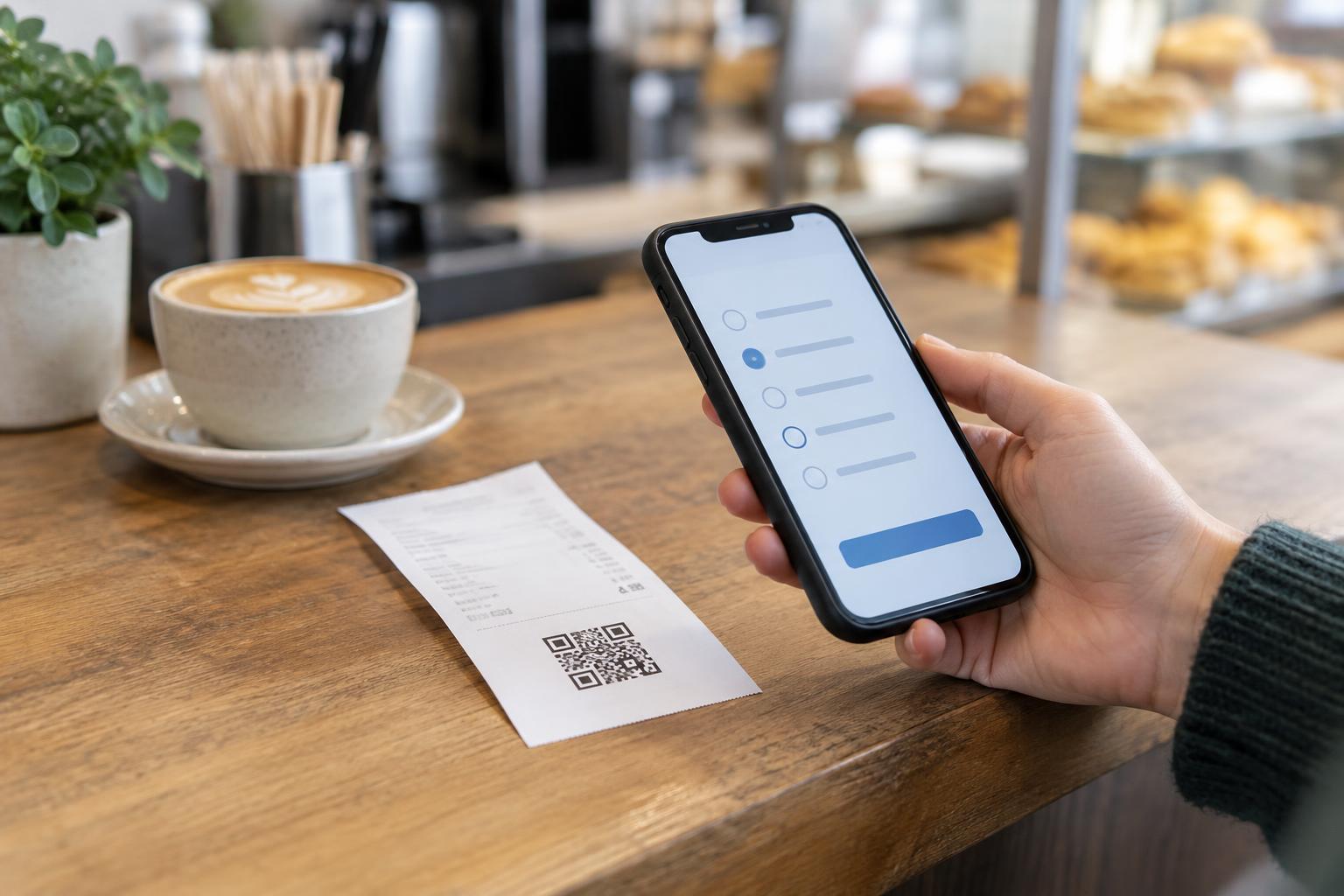
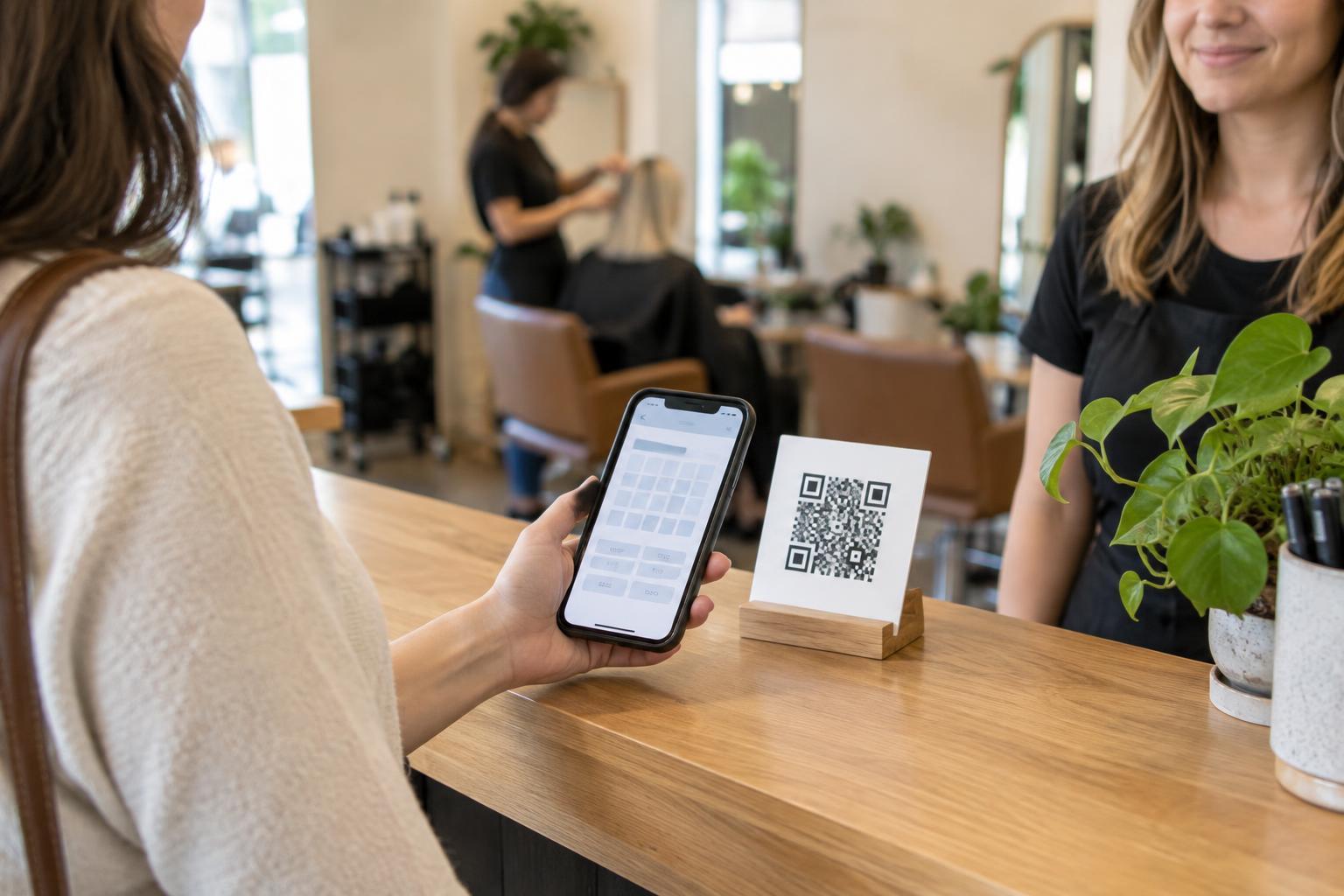
A well-written page is little help if its code is hard to scan. Place the code on a reasonably flat, visible part of the package rather than across a fold, seam, or curved edge. Give it clear space around all sides, strong contrast with its background, and enough printed size for someone to scan without pressing a phone against the box. Glossy finishes, busy patterns, and damage from opening the package can also interfere, so choose the surrounding design with care.
Test a print proof at its intended size, on the actual packaging material if possible. Try scanning under ordinary indoor lighting and with more than one phone. Check the result after typical handling, such as opening a flap or removing an outer wrap. If the code appears only on packaging that will be discarded immediately, consider whether a second reference on an included card would help buyers find the instructions later.
Offer a route for buyers who cannot scan
Print a short, readable web address beside the code and label both routes with the same purpose. A buyer with an older phone, a damaged camera, or no mobile data can then type the address on another device when convenient. Including the product model near the address also gives customer support a useful reference. Avoid making the code the sole path to information that buyers are likely to need repeatedly.
The destination page should support different ways of reading and navigating. Use descriptive headings and links, text alternatives for instructional images, and captions or a transcript for video. Do not rely on color alone to identify parts or steps. These choices help people using assistive technology, and they also make instructions easier to follow on a small screen in a busy room.
Keep the destination trustworthy over time
A printed package may remain in a home or store long after it is produced. Before printing, choose a web address that your business expects to maintain, and plan what should happen if a product page moves. Once packages are in circulation, changing the address encoded in the printed code is not practical; maintaining the destination or a suitable redirect is usually more useful. Periodically check that the code still reaches the correct instructions and that the page matches the product.
Tell buyers what they will find before they scan, and avoid sending them through unrelated promotions or unexpected sign-up forms. If optional registration or support features collect personal information, explain that separately from access to basic instructions. A predictable destination, a visible alternative address, and useful content give buyers good reasons to trust the code—and make the package more helpful after the purchase.