Why a curve changes the scan
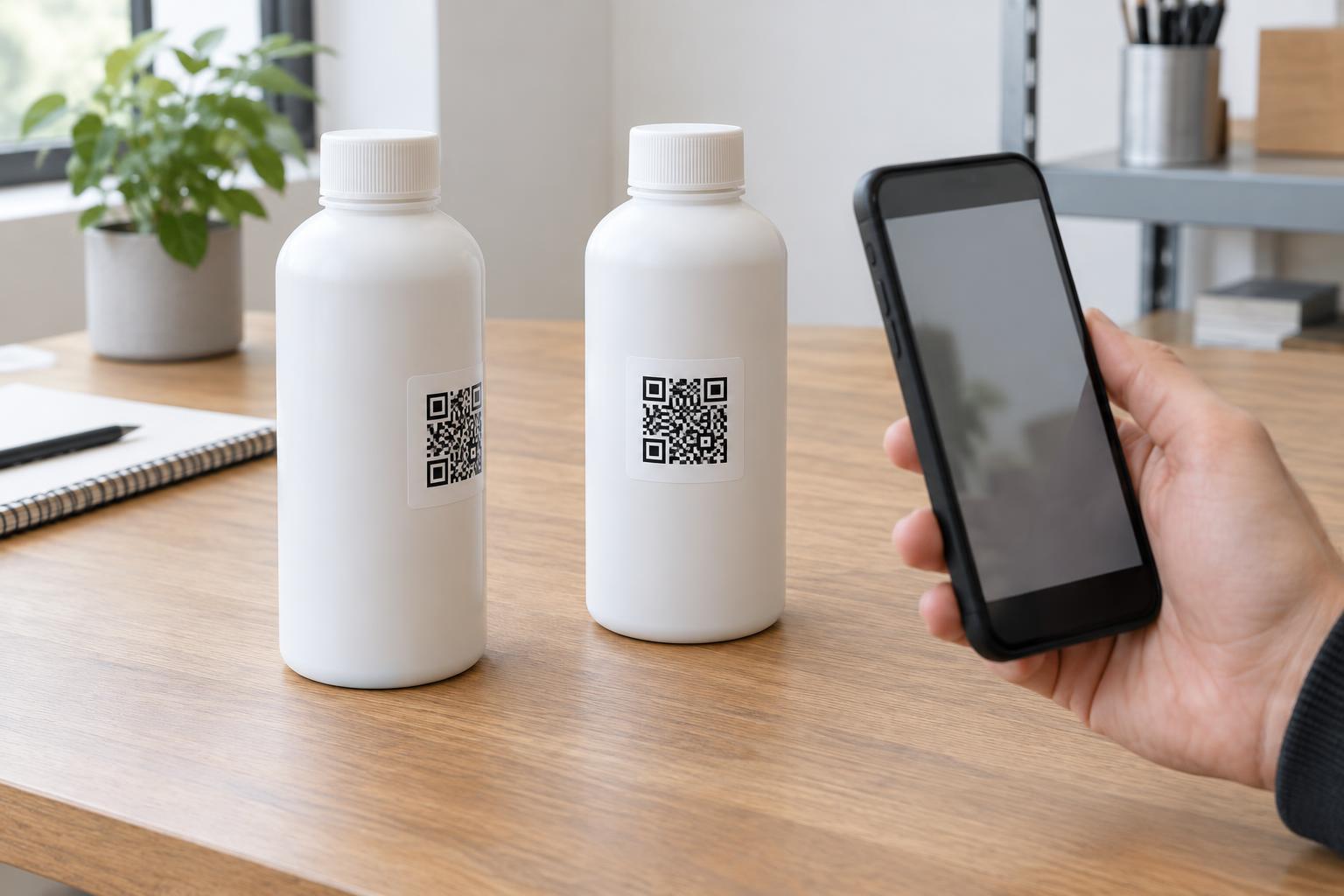
A QR code is a square pattern that a phone camera must see clearly enough to distinguish its dark and light areas. On a flat label, the whole pattern faces roughly the same direction. On a curved package, its edges turn away from the camera. The code may still scan, but a steep curve can make part of it look compressed or hide it around the side.
The effect depends on both the package and the code. A small code on a broad bottle may sit on a nearly flat-looking area. The same code wrapped tightly around a narrow tube has a sharper change in angle from its center to its edges. As a practical rule, try to keep the entire square visible from one comfortable viewing position rather than asking someone to rotate the package while scanning.
Choose the flattest useful location
Start by looking for the least curved area a customer can easily find. A flat panel, a broad face or the center of a gently rounded label is usually a better candidate than a shoulder, neck or tapered section. Keep the code away from folds, seams and label overlaps, which can interrupt the pattern or create a raised edge.
Orientation matters too. On a cylindrical package, a code that is too wide may wrap out of view on both sides. Reducing its width can help it remain visible, but shrinking it also makes its individual squares harder to print and photograph. If space is tight, consider moving the code to a flatter part of the package rather than simply making it smaller. Leave clear space around all four sides so nearby artwork does not blend into the pattern.
Think about how the package will be held or displayed. A code near the bottom may be obscured by a shelf edge; one near a grip area may be covered by a hand. Place it where a person can point a phone at it without awkwardly turning the item.
Design for the printed surface, not just the screen
A crisp digital preview cannot show every effect of ink, material and lighting. Fine details may soften in print, while glossy coatings can produce glare that hides part of a code. Metallic, transparent or heavily textured surfaces can make the contrast less predictable. A solid, light background behind a dark code is often easier to scan than a pattern printed directly over photography or a reflective finish.
Avoid decorative changes that make the squares difficult to tell apart. Keep surrounding text and graphics outside the code’s clear border, and check that any required product copy does not crowd it. If the package is flexible, consider what happens when it is squeezed or wrinkled: a code on a frequently creased area may look fine when empty or laid flat but distort during normal use.
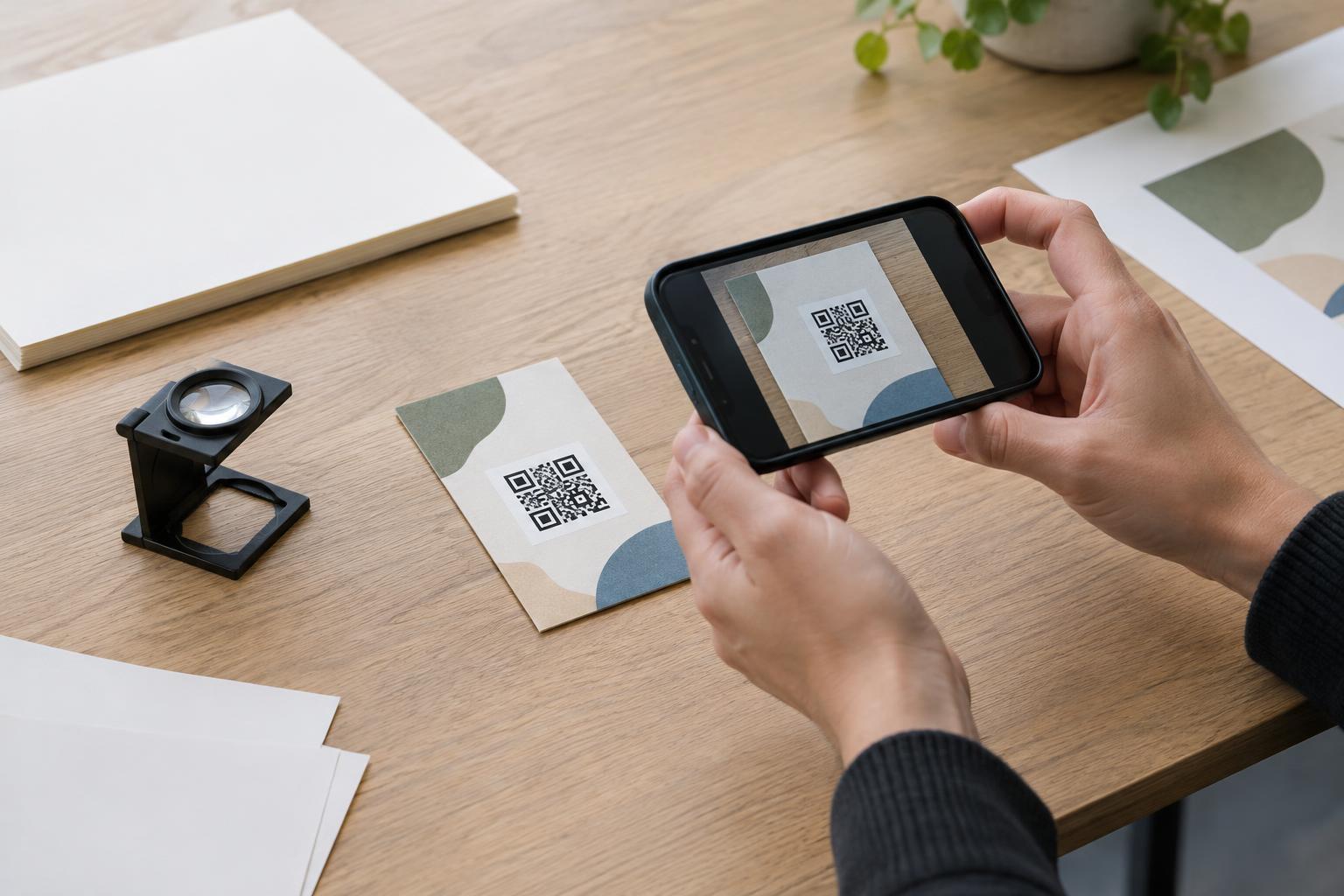
Printing choices should follow the actual production method. A proof on office paper is useful for checking the destination and basic layout, but it cannot confirm how the final ink and substrate will behave. Ask for a print proof or sample on the intended material when that is possible.
Test the package as someone will use it
Test a physical sample after it has been applied to or formed into the final package shape. Hold it at ordinary scanning distances and try more than one phone or camera app if available. Check it under varied everyday lighting, including conditions that may reveal glare. Rotate the package slightly and see whether the code is easy to find and scan without careful alignment.
Test more than a single perfect sample. Look at examples from different positions on a print sheet or run, and inspect packages with normal handling, label placement and fill conditions. If scanning is inconsistent, change one factor at a time: location, size, contrast or finish. Retesting after each change makes it easier to identify what helped.
Finally, verify the experience after the scan. Make sure the code leads to the intended destination, that the destination is appropriate for a small screen, and that the package also gives people a readable description or alternative way to access essential information. A reliable scan is valuable, but it should not be the only way a customer can understand what the code offers.