Why a familiar-looking message is not enough
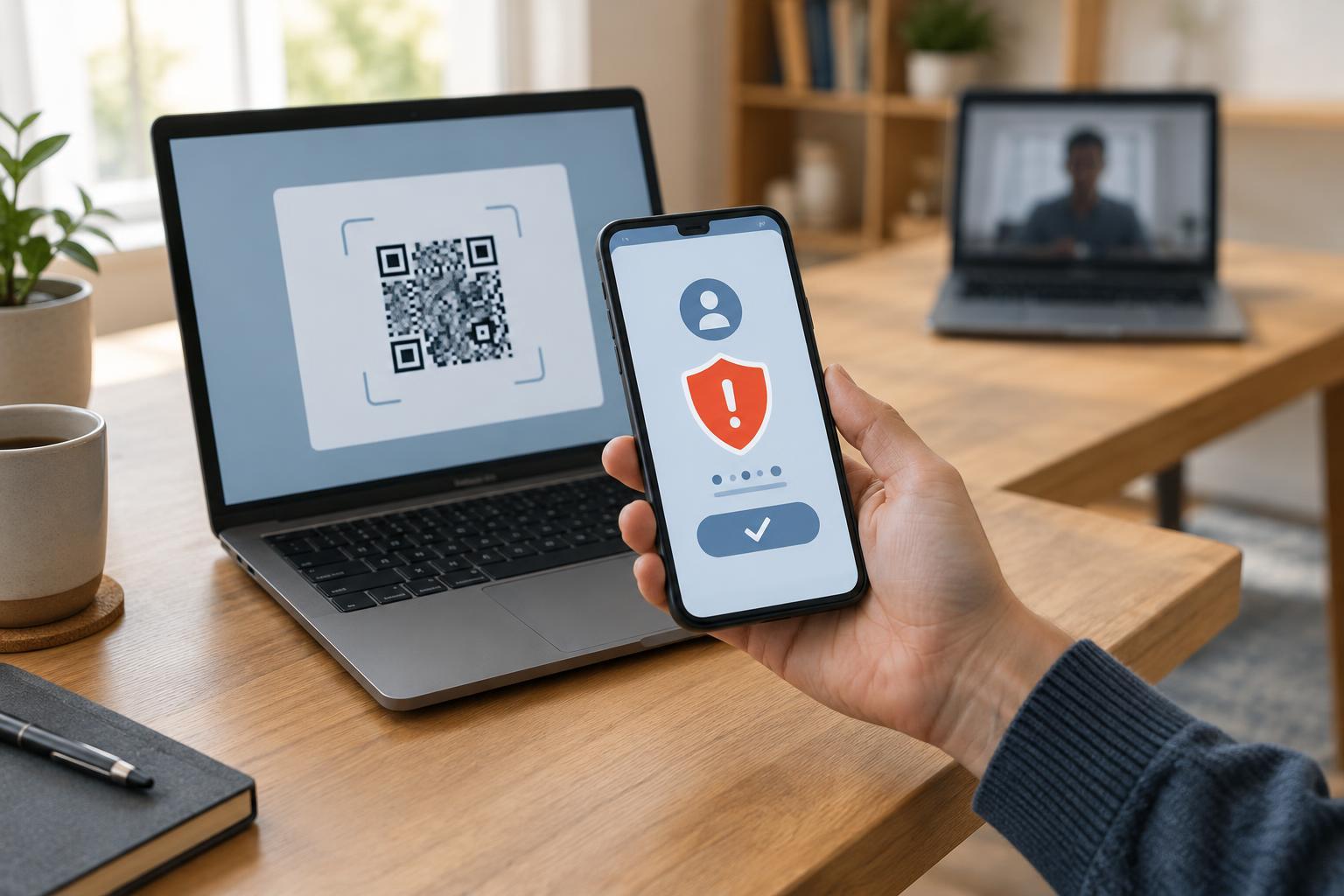
A QR code can hold a web address that your phone opens after you scan it. In an email or message, that makes the code a shortcut from one screen to another. The shortcut may be useful for an event ticket or a document, but it can also lead to a page that asks for a password, payment details, or other personal information. You cannot judge the destination from the pattern of squares alone.
Treat the message and the code as two separate things to check. A displayed sender name, company logo, familiar writing style, or message in an existing conversation can make a request seem credible, but none guarantees that the request is genuine. An account may be misused, a sender address may be misleading, or a message may simply imitate a service you know. The more urgent the instruction to scan, the more worthwhile it is to pause.
Check the claim through a separate route
Start by asking what the sender wants you to do. Is the code supposed to confirm a delivery, restore account access, view a shared file, or pay a bill? Was that request expected? If an unexpected message says there is a problem with an account, open the service through its usual app or a web address you already know rather than using the code. Look for the notice there, or contact the organization using contact information you found independently.
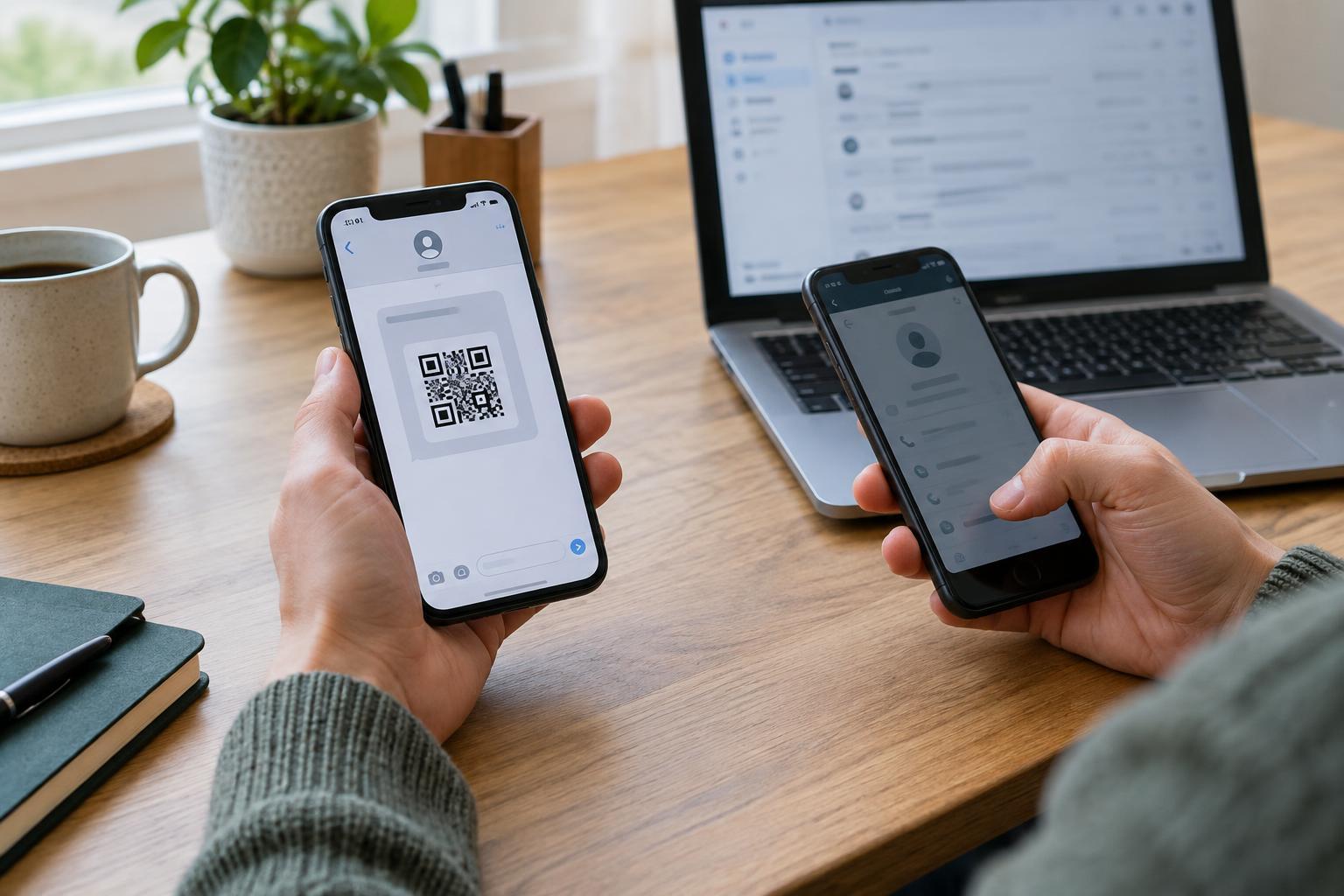
For a request that appears to come from a person you know, ask them about it through a separate conversation or a phone number you already have. Do not rely on a reply to the same suspicious message as your only check. A simple question, such as “Did you send me a QR code for this invoice?” can reveal a mix-up before you open anything. If you cannot verify the request, there is usually no need to scan immediately.
Inspect the destination before opening it
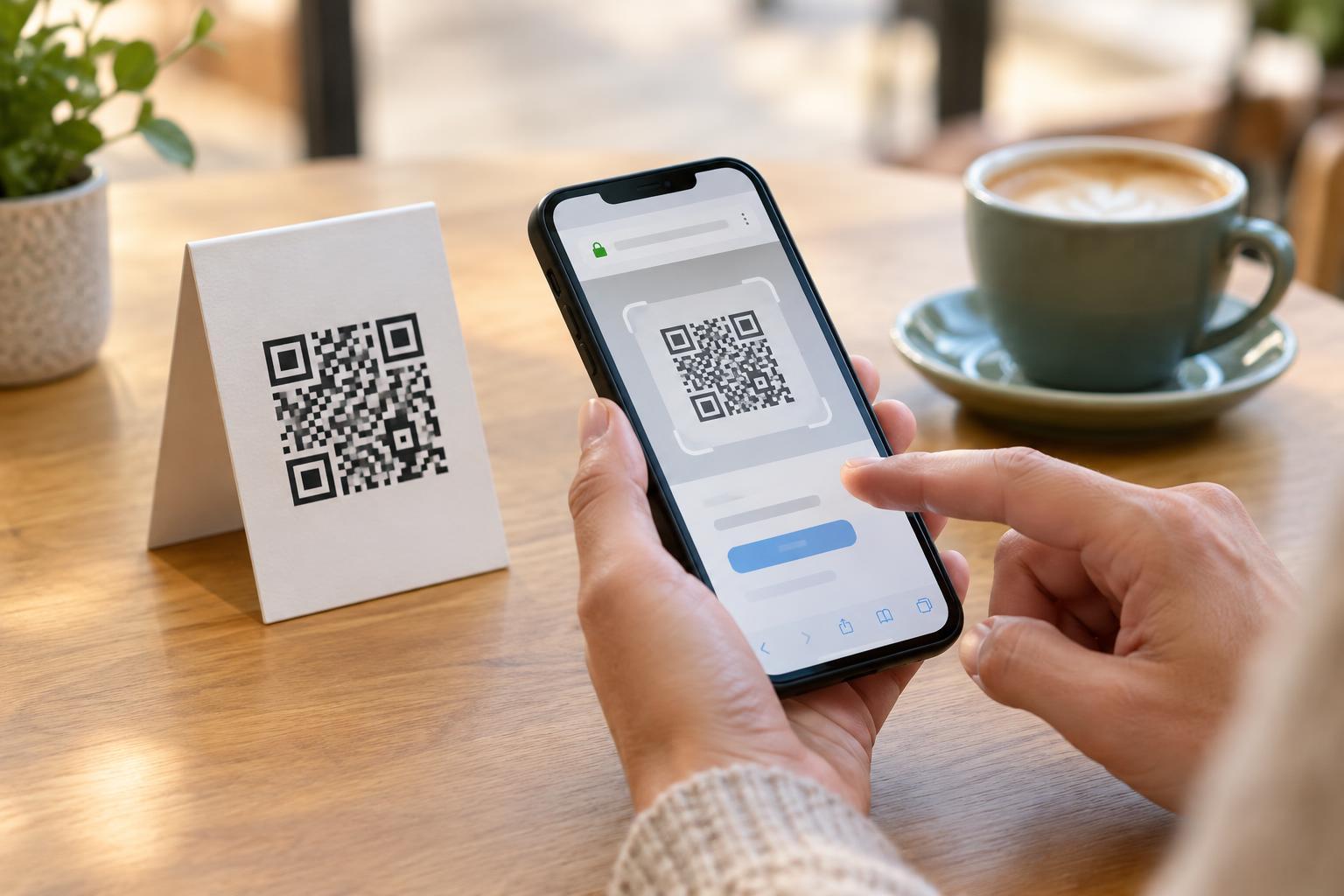
Many phone cameras and QR scanning features show a web address before opening it. Use that preview when available, and avoid scanners that open links automatically if you can change that setting. Read the actual address, not just the page title or a recognizable word inside it. A brand name appearing in a long address does not, by itself, mean the address belongs to that brand. Shortened links and unfamiliar domains give you less to assess, so verify the request independently instead of guessing.
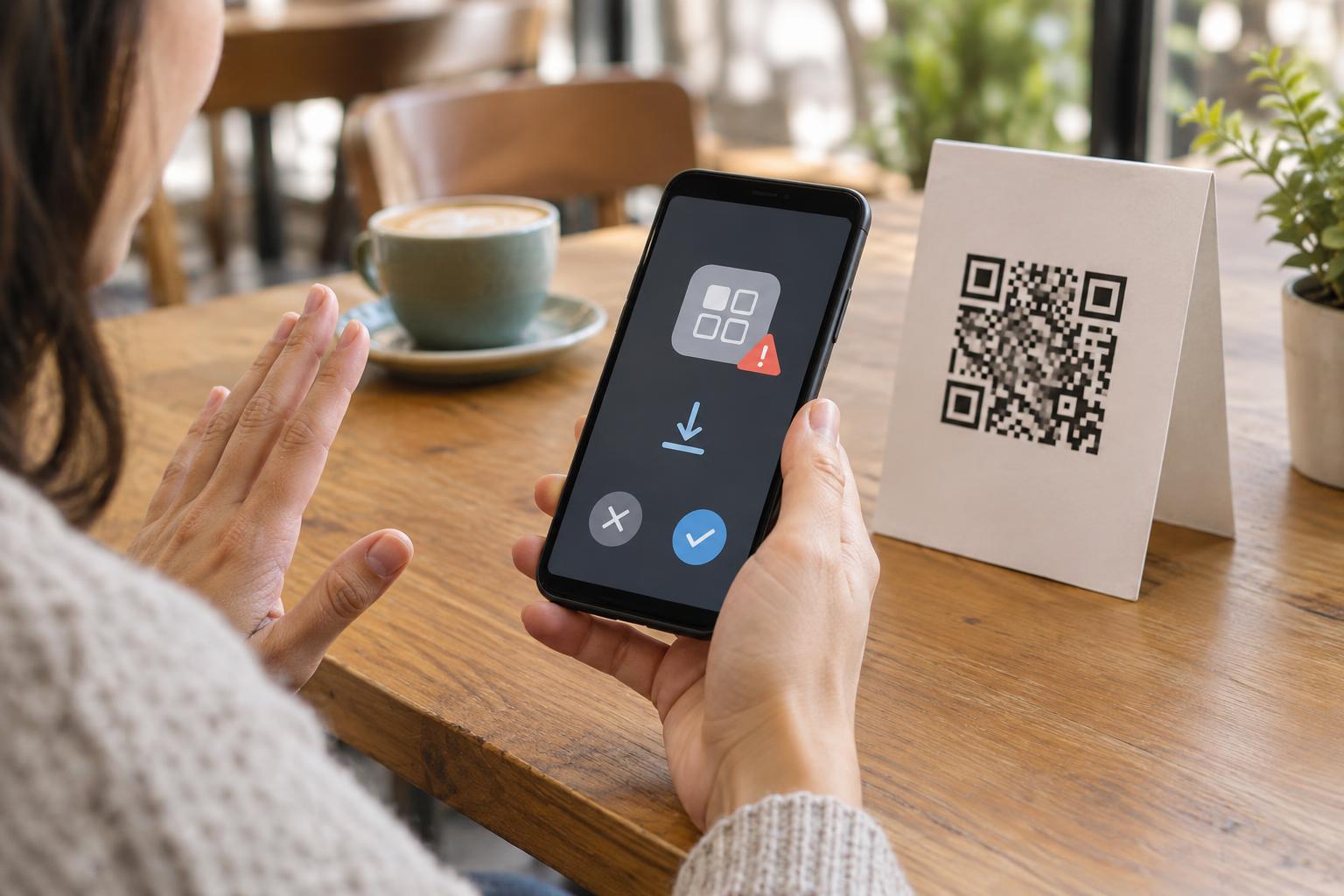
A preview is a useful checkpoint, not proof of safety. A legitimate-looking address might lead to a page you did not expect, and a convincing page can still ask for information it should not need. If the code opens a sign-in screen, payment form, or request to install an app, stop and return to the service through your usual route. Do not enter a password or a one-time verification code merely because the page says it is required.
Watch for pressure and mismatched requests
Be especially cautious when a message says you must scan within minutes to avoid a fee, keep an account open, or receive money. Urgency can discourage the checks you would otherwise make. The same goes for a code presented as the only way to resolve a problem, particularly when the sender refuses to explain the request through another channel. A legitimate task may be time-sensitive, but that does not remove the need to establish who is asking.
Compare the action with the relationship you have with the sender. A colleague sharing meeting details might reasonably send a code for a location, but a sudden request to sign in to a new site deserves closer checking. A delivery update might provide useful tracking information, but an unexpected payment demand should be verified through the delivery service’s usual channels. Context matters more than whether the code looks professionally designed.
If you scanned or entered information
Scanning alone is not the same as submitting information. If a page opened and you did nothing further, close it and avoid any downloads or prompts you did not expect. If you entered a password, go to the real service through your usual app or saved address and change it there. If you reused that password elsewhere, change it on those accounts too. Review available account security settings and recent activity for anything you do not recognize.
If you supplied payment details or sent money, contact your payment provider using a number or app you already trust and explain what happened. If the message came through a work account, follow your organization’s reporting process so others can be warned. You can also report a suspicious message within the email or messaging service. The aim is not to identify every risky QR code by sight; it is to verify the request before letting a code guide your next action.