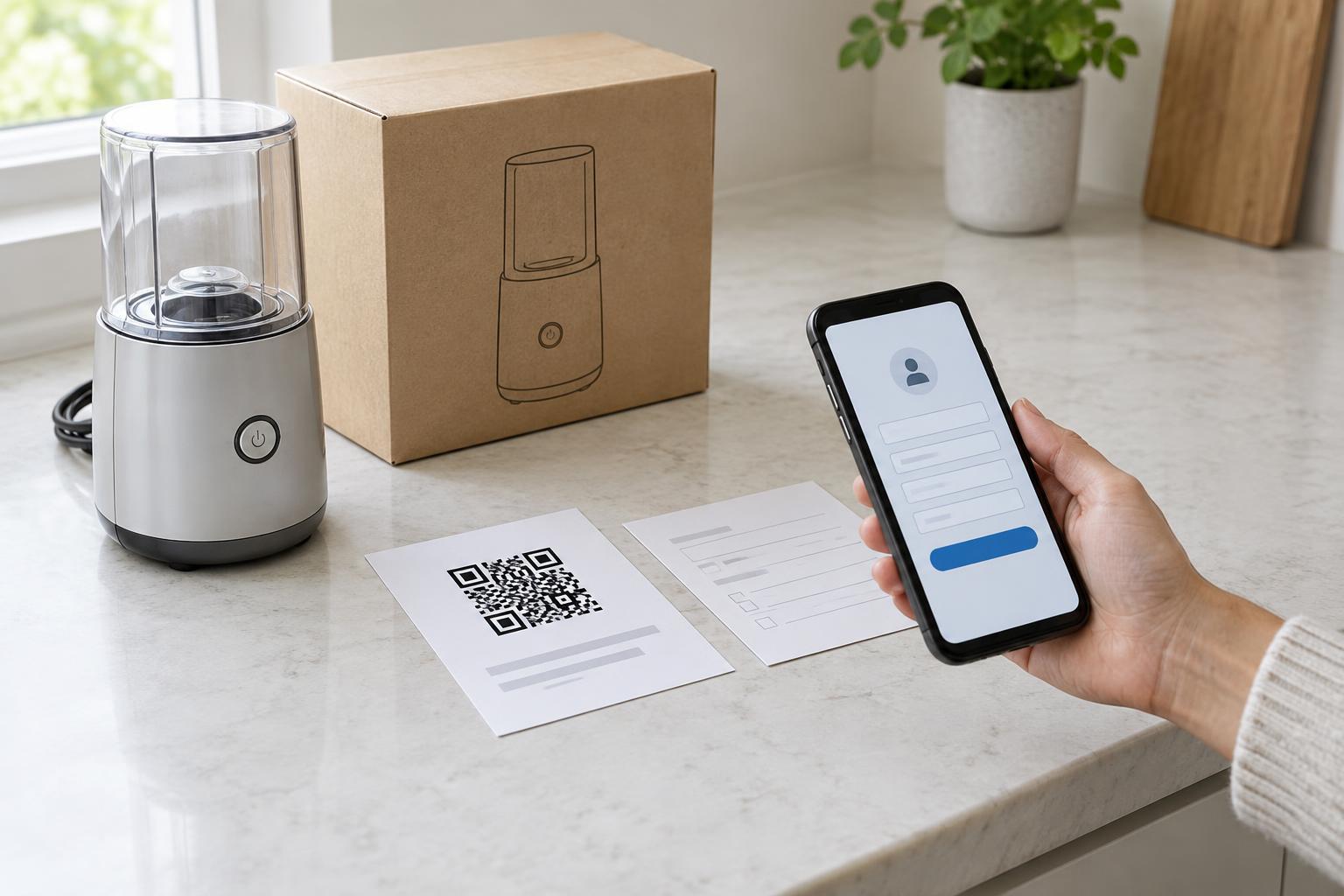
Give the code one clear job
Warranty registration often happens at an awkward moment: the customer has just opened a box, found the paperwork, and may be trying to set up the product. A QR code can remove the step of typing a long web address. It should lead directly to a mobile-friendly registration page, not a general homepage where the customer must search for the form.
Place the code where people are likely to have the product details in hand, such as on a warranty card, setup guide, or packaging insert. Label it with a specific action: “Scan to register this product.” Add a short explanation of what happens next, such as “You’ll need the serial number from the label on the underside.” That small amount of preparation can prevent customers from abandoning the form halfway through.
Make the form easier than the paper it replaces
A convenient scan cannot rescue a demanding form. Ask only for information needed to identify the product, contact the customer about their registration, or support a later warranty request. If a model or product line can be identified from the card or package, consider linking to a page that has it preselected. Let customers check and correct any prefilled detail rather than treating it as certain.
Explain where to find a serial number and show an example of its format without displaying a real customer’s number. Use fields that work well on a phone, provide clear error messages, and preserve entries when someone needs to correct a mistake. Before submission, summarize what the customer is registering. Afterward, show a confirmation they can save and explain whether they should expect an email.
Be precise about the benefit. Registration may help a business locate product details or provide support, but the role it plays in warranty coverage can vary. Do not suggest that scanning is required to obtain rights unless that statement accurately reflects the applicable terms. Keep the warranty terms available in readable text so customers can understand what they are agreeing to.
Design the printed path for real conditions
Print placement matters because customers may scan in poor light, through glossy packaging, or from a folded card. Use strong contrast, leave clear space around the code, and avoid printing it across a crease or over a busy image. Test the finished material at its actual size with several phones, including phones that are not the newest models. A code that works on a large design proof may be difficult to scan once reduced.
Print a readable web address near the code as a fallback. It should lead to the same registration starting point, not an unrelated page. If the code will appear on packaging that may remain in circulation, plan how its destination will be maintained. A broken link years later turns a useful shortcut into an obstacle, particularly for customers who kept the card for future reference.
Offer a route for people who cannot or prefer not to scan
A QR code should be one way to register, not the only way. Some customers do not use a smartphone camera, cannot easily aim it at a printed code, or prefer to complete a form on a computer. The printed web address gives them another route. If phone or mail registration is available, state that plainly on the same card.
The destination page also needs to be usable without relying on vision or precise touch. Give fields visible labels, make instructions understandable to screen-reader users, and avoid errors identified only by color. Keep the page readable when text is enlarged and allow enough time for customers to find a product number. Test the full journey—from the printed instructions through confirmation—rather than treating a successful scan as the finish line.
Keep trust separate from marketing
Customers scanning a warranty card expect to register a product. Show the business name and a clear page purpose before requesting personal details. Explain why each item is collected and link to the relevant privacy information. If you invite customers to receive marketing messages, make that choice separate from registration and do not preselect it. A customer should be able to understand whether they have completed registration without opting into anything else.
Finally, review the experience whenever the product, form, or printed materials change. Check that the code and fallback address still reach the intended page, the listed product details remain accurate, and the confirmation is clear. A good warranty QR code does not add a new process; it makes an existing one easier to find and finish.