Start with the questions guests ask most
A hotel QR code is most useful when it answers a specific question at the moment a guest has it. Before making a page, list the requests your front desk and housekeeping teams hear repeatedly: Wi-Fi access, breakfast hours, checkout time, parking, luggage storage and how to reach reception. Group related answers so guests can find them quickly rather than scrolling through a long, unstructured document.
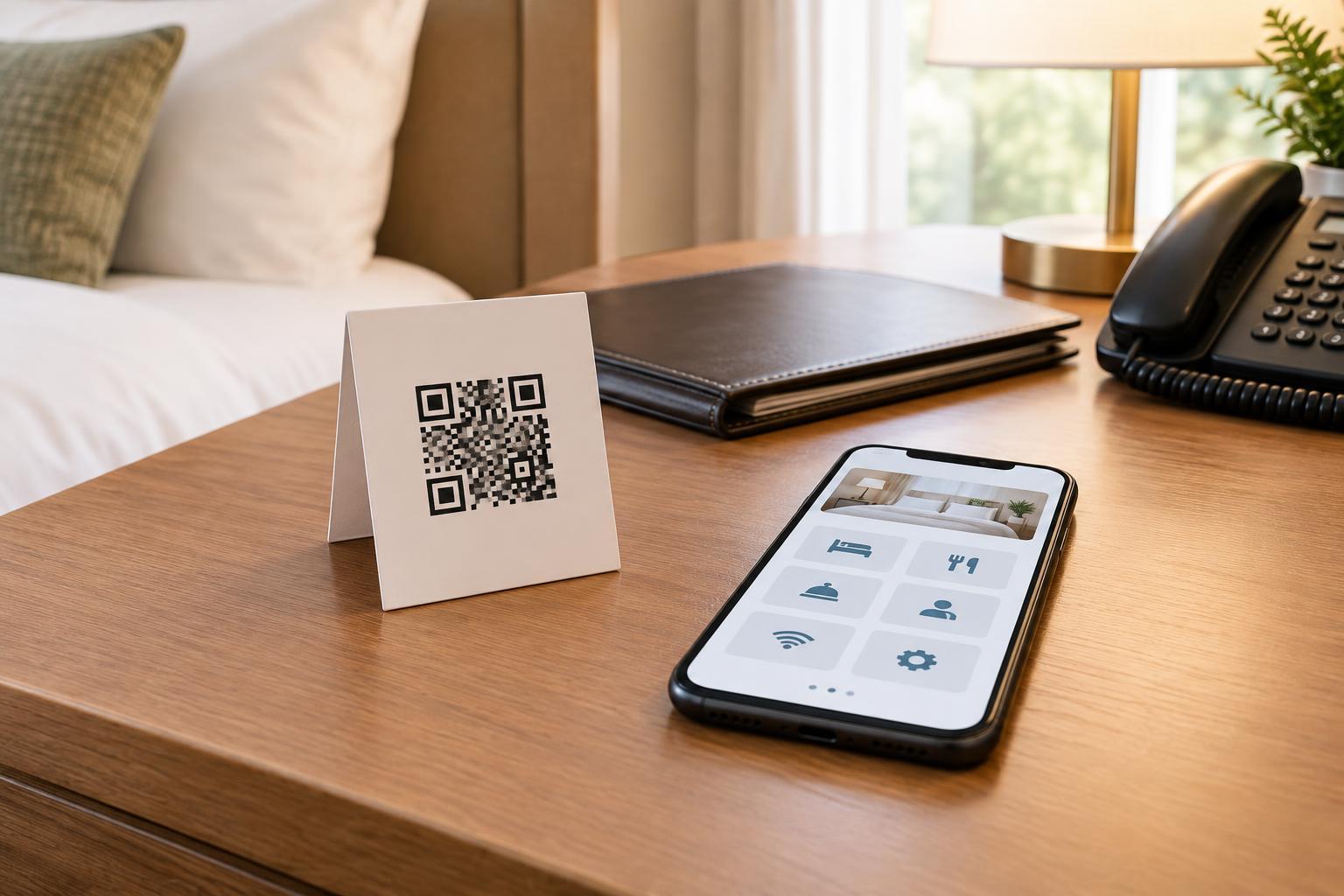
Think about where each question arises. A room card might point to Wi-Fi instructions and hotel services, while a sign near the breakfast area might lead directly to hours and dietary information. A single general information page can still serve both codes, provided its sections are clearly labeled. The goal is to reduce searching, not to put every possible hotel detail behind one small square.
Make the destination easy to use on a phone
Most guests will open a QR link on a phone, so the destination should load into a simple, readable page. Put the most requested details near the top, use short headings and make contact options easy to spot. Write instructions as actions: “Connect to the Guest Wi-Fi network, then enter the password shown on your key sleeve” is more useful than a heading that says only “Internet.” If information varies by room or building, explain how guests can identify the correct option.
Separate stable information from details that change often. An overview of hotel facilities may need little attention, but restaurant hours, shuttle arrangements and service availability should have an owner responsible for checking them. If a service requires a reservation or is subject to availability, say so plainly. Avoid leaving outdated promises on a page simply because the printed code still scans.
Place codes where guests can use them comfortably
A code needs a clear purpose beside it. A small card on a desk could say “Scan for Wi-Fi, hotel hours and reception details,” while a sign by the elevators could say “Scan for breakfast and checkout information.” Descriptive labels help guests decide whether scanning is worth their time and distinguish an official hotel sign from an unfamiliar code.
Print codes at a size appropriate for the viewing distance, with strong contrast and a clear margin around the pattern. Avoid glossy surfaces, folds and spots with poor lighting. Test each printed version from a normal guest position, not only from a design file on a screen. A code placed behind a door or on a moving display may be technically scannable but inconvenient in practice. When possible, place it near the service it explains without blocking signs or creating a queue.
Keep essential information available without scanning
Not every guest has a smartphone, mobile data or a camera they can use easily. Others may prefer not to open links. Keep essentials such as checkout time, reception contact details and emergency instructions available in another clear format. Staff should also be able to answer questions without directing every guest to a code.
Accessibility matters on the linked page as well as on the printed sign. Use readable text, meaningful headings and descriptive link labels rather than relying on images of text. If the page offers a menu, map or service request form, check that guests can understand and use it on a small screen. A QR code can make information more convenient, but it should add a route to help rather than become the only route.
Build trust and maintain the experience
Guests may be cautious about scanning codes in public spaces, especially if a sticker could be placed over a printed sign. Use consistent hotel branding and a short explanation of what the code opens. Inspect signs during routine checks for damage or unexpected stickers. If a page asks for personal information or payment, make its purpose clear and offer a way to confirm the request with reception.
Treat the code and its destination as one service. Test the link before printing, then scan physical copies after installation. Recheck them whenever a web address, page layout or hotel service changes. Assign someone to review the information regularly and provide a simple way for staff to report an error. A well-maintained code will not replace a helpful front desk, but it can give guests quick answers while letting staff focus on questions that need a person.