Give guests one clear place to start
A guided tour often involves several details that guests need at different times: where to meet, when to arrive, what to bring, and whom to contact if they are delayed. A QR code can point to a single trip-information page rather than trying to fit every instruction on a ticket or printed handout. The code is a shortcut, not the information itself, so the destination page must be easy to read and maintain.
Organize that page around guests’ immediate questions. Put the tour name, date or booking identifier, meeting location, arrival time, and contact instructions near the top. Follow with preparation notes such as footwear, accessibility information, or what happens if conditions change. Keep instructions specific to the particular tour; a generic home page may leave guests searching again. For broader ideas about preparing for a trip, guests may also browse Travel Organization · Bucket List Travel Club.
Match the code to the moment guests will scan it
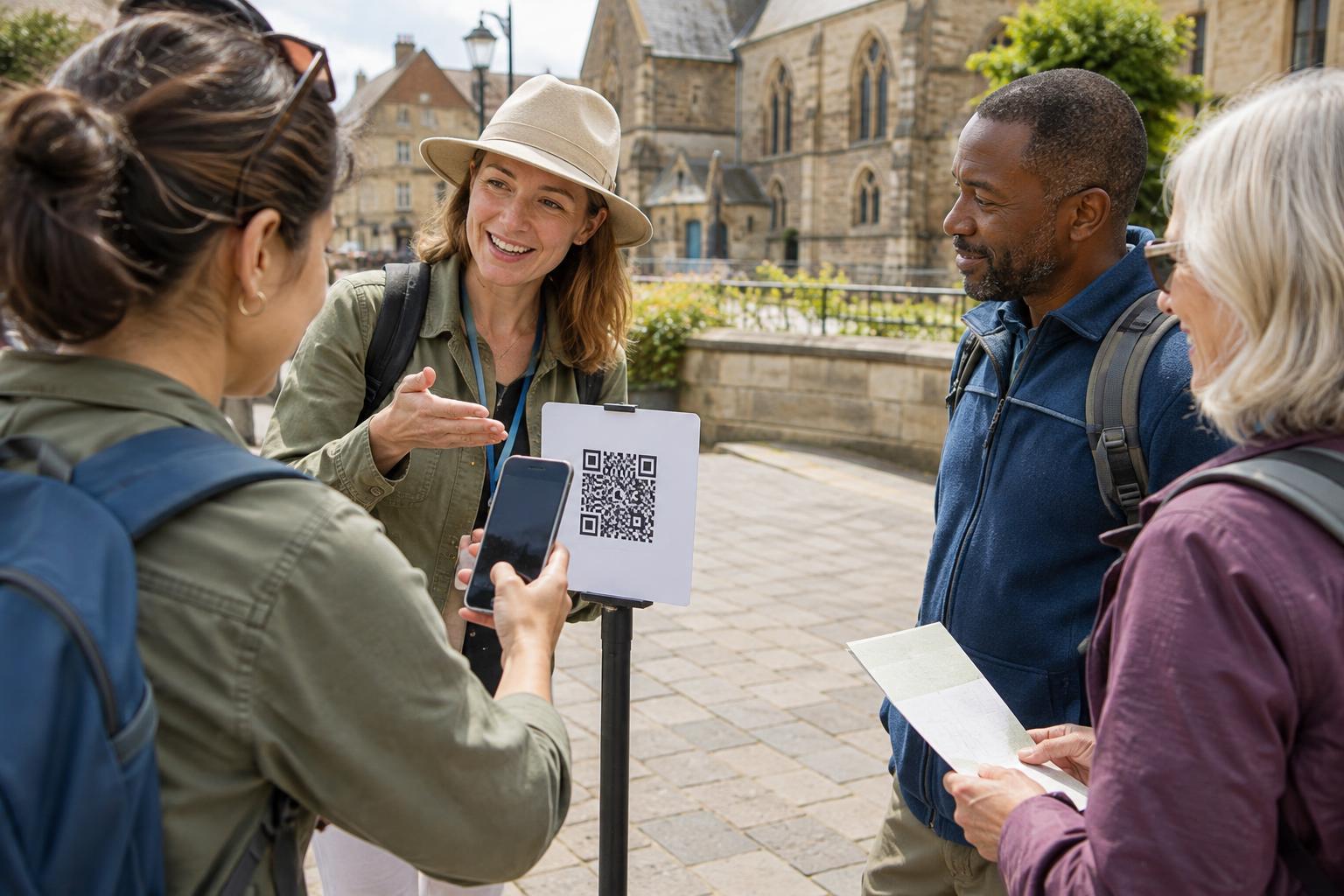
A code on a booking confirmation can help guests prepare in advance, while one on a meeting-point sign can help them check they are in the right place. These are different situations. A pre-trip page might emphasize directions and what to bring; a sign at the departure point might prioritize the tour name, start time, and staff contact. If one page serves both purposes, make the most time-sensitive details visible without scrolling through a long introduction.
Think carefully before adding a code to an email that guests will likely open on the same phone they would use to scan. In that setting, a normal text link is usually more convenient. A QR code is more useful on a printed ticket, a counter card, or a sign viewed from another device. If guests are comparing activities across a longer trip, Itinerary Planning · Bucket List Travel Club is an optional place to browse for itinerary-planning ideas; it should not replace the tour’s own confirmed instructions.
Make the printed code easy to use
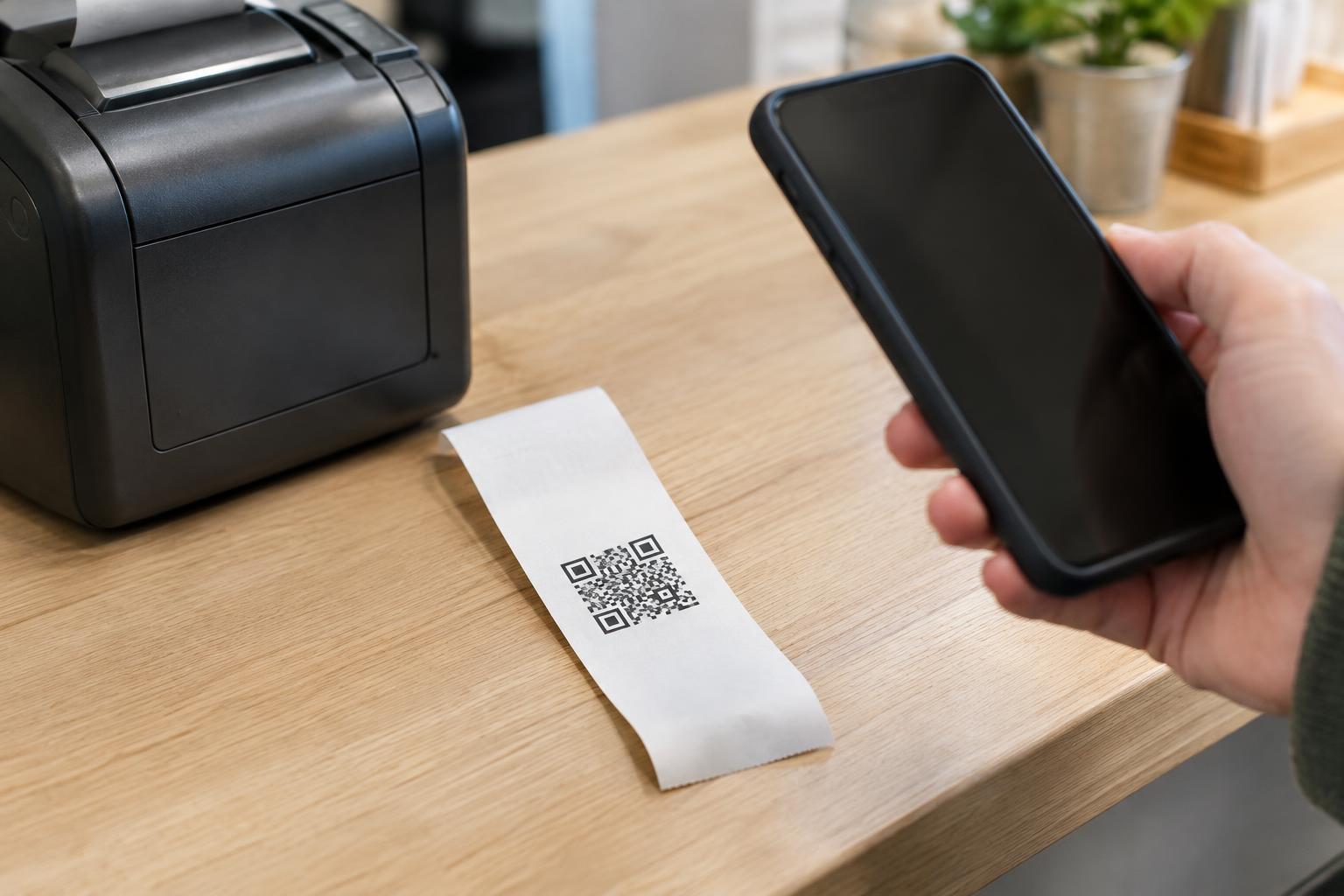
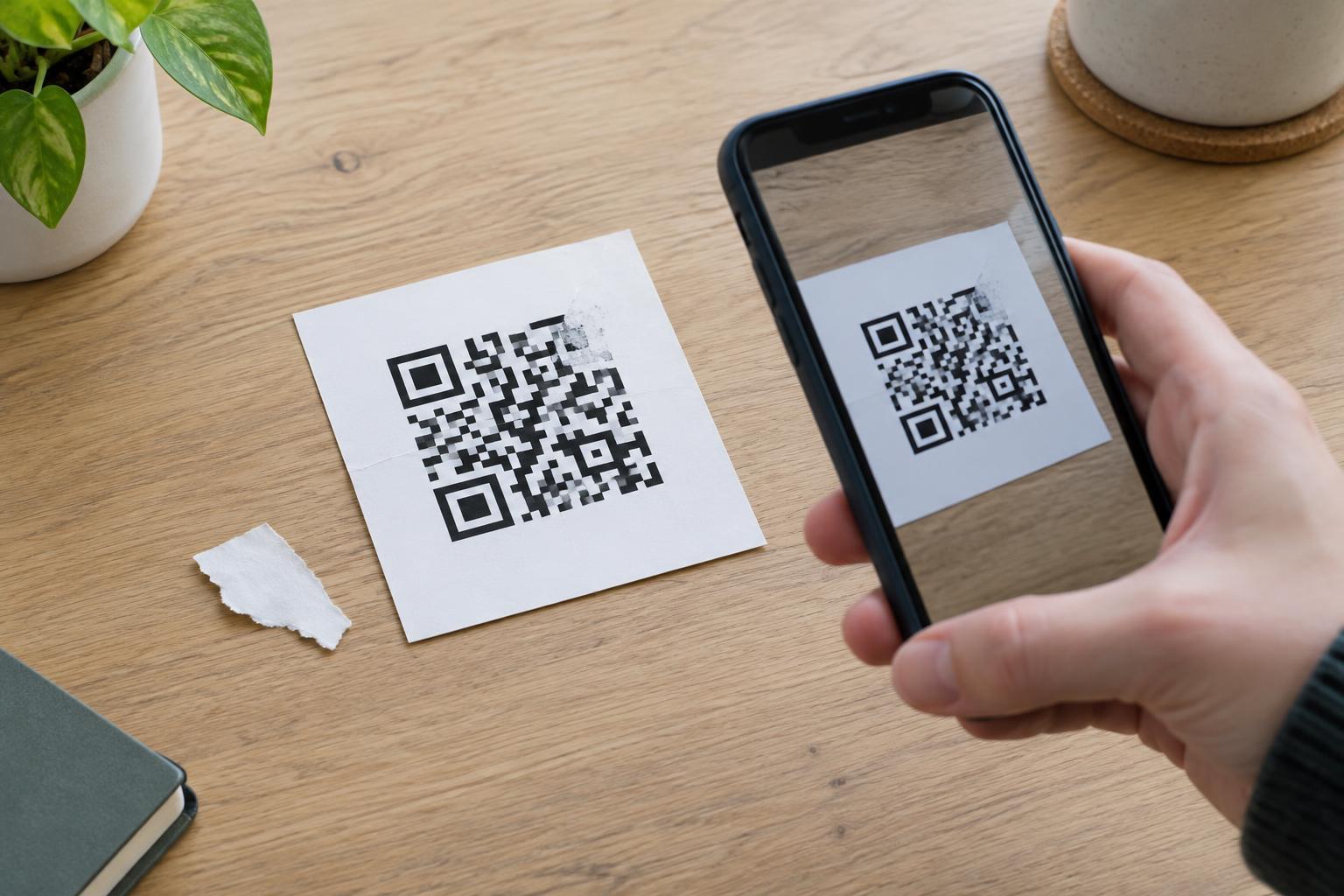
Print the code where a guest can stop safely and scan without blocking a doorway or queue. On a meeting-point sign, place it at a comfortable viewing height and give it enough space that nearby graphics do not crowd its edges. Use strong contrast and test the finished print at the distance and lighting guests will encounter. A code that scans on a bright computer screen may be less reliable on a small, glossy handout outdoors.
Pair the code with a short description of its destination, such as “Scan for meeting details and tour updates.” That wording tells guests what to expect and helps them decide whether they need to scan. If you print a web address as a backup, keep it readable and check that it reaches the same useful information. Before distributing tickets or putting up signs, test the code with more than one phone and confirm that the page works on a mobile screen.
Plan for changes without creating confusion
Meeting points, routes, and schedules can change. If printed materials must remain in use for a while, a code that leads to a maintained information page can be more practical than printing every detail beside it. Assign someone to keep that page accurate, and remove outdated instructions rather than leaving competing versions visible. When an important change occurs, use the contact method guests agreed to receive; do not assume everyone will revisit the page.
Avoid making the QR code the only place to find essential information. Include basic meeting details in the booking message or ticket, and give guests a way to ask questions. At the departure point, staff should know which information is on the page so they can help guests who arrive without a charged phone, mobile data, or confidence using a camera app. The printed sign and the digital page should complement each other, not contradict each other.
Protect trust and respect guests’ choices
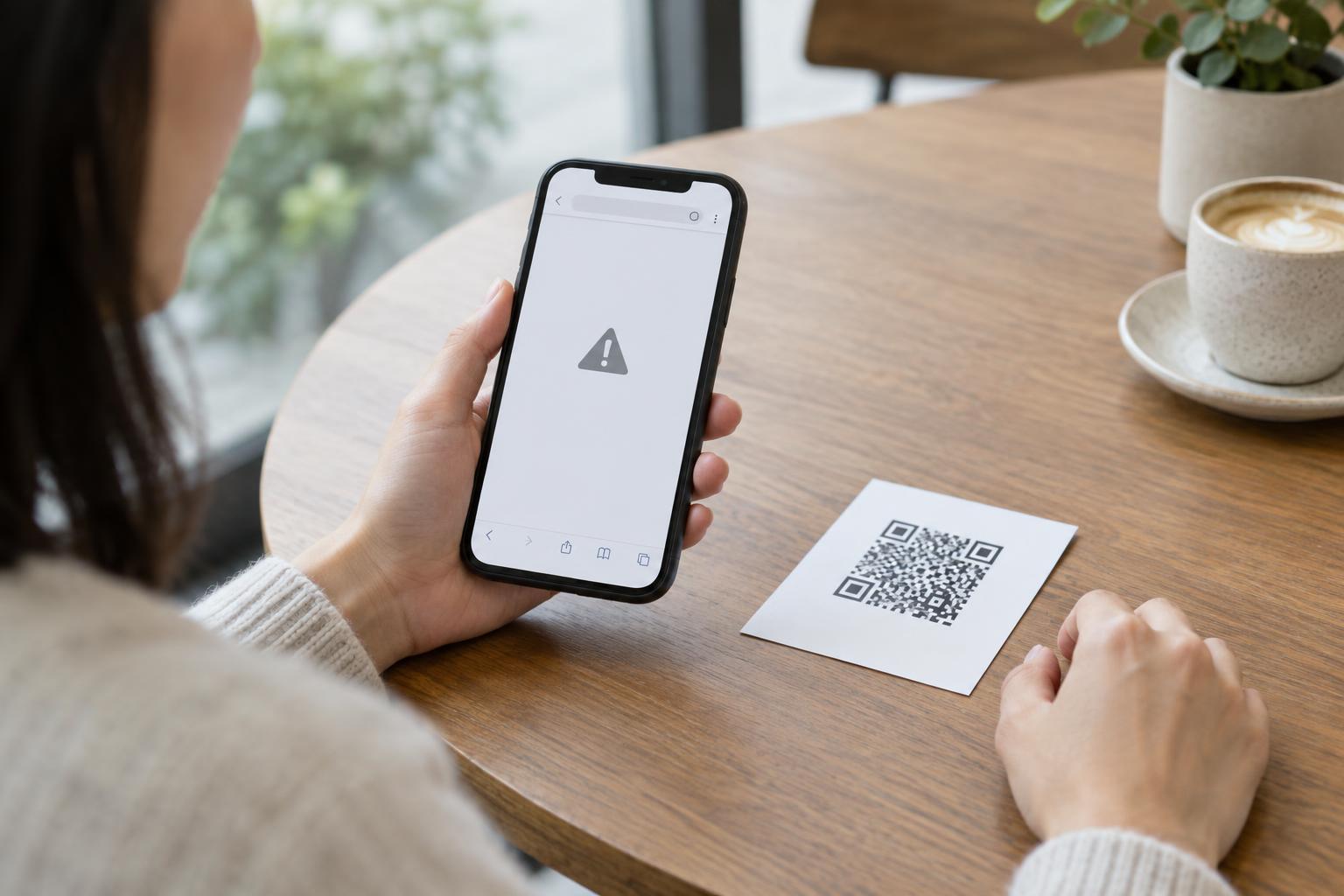
A guest deciding whether to scan should be able to recognize the purpose of the code. Keep signage under the tour operator’s control, inspect public-facing signs for stickers placed over the original code, and make the destination page clearly identifiable as tour information. If a page asks guests to sign in, pay, or provide personal details, explain why before they begin. Avoid collecting information merely because a digital page makes it possible.
Finally, review the full journey as a guest would: open the booking message, find the meeting point, scan the sign, and look for a way to get help. Check that text is legible, directions make sense without a map app, and the key instructions can be read without scanning. A useful tour QR code does not add another task to the trip; it makes the next step easier to find.