Start with the journey, not the code
Picture a guest arriving while others are looking for the entrance, opening tickets, or asking where to leave a bag. A fast scan will not solve a confusing queue. Before choosing a QR-based process, map the steps from the venue entrance to the point where a guest is admitted. Decide where people can stop without blocking a doorway, where they will find their confirmation, and when a staff member will need to help.
Be clear about what the QR code does. An individual code on a ticket or confirmation can identify a registration record for staff to check. A shared code on a sign might instead open a self-check-in page or an event information page. Those are different experiences: the first asks guests to present a code, while the second asks them to scan one. Tell guests which action to take before they reach the front of the line.
Design the queue around real arrival patterns
Put the first instruction where guests naturally pause, not only at the check-in desk. A sign near the queue entrance might say, “Have your ticket code ready,” followed by a short direction for people who cannot find it. At the desk, show the next step: present the code, wait for confirmation, then move to badge pickup or the event entrance. Simple, sequential instructions help guests prepare without having to guess what staff expect.
If the event has several types of admission, decide whether they need separate lines. Splitting every ticket type into its own queue can create uncertainty, while one line for clearly different tasks may slow everyone down. A general check-in line and a visible help point may be enough. Assign someone to answer questions before guests reach the scanner if the venue and staffing allow it.
Walk the route from the perspective of a guest who has never visited the venue. Check whether signs are visible above a crowd, whether the line leaves room for people to pass, and whether guests can reach the desk without having to scan a sign from an awkward angle.
Prepare the code and the scanning station
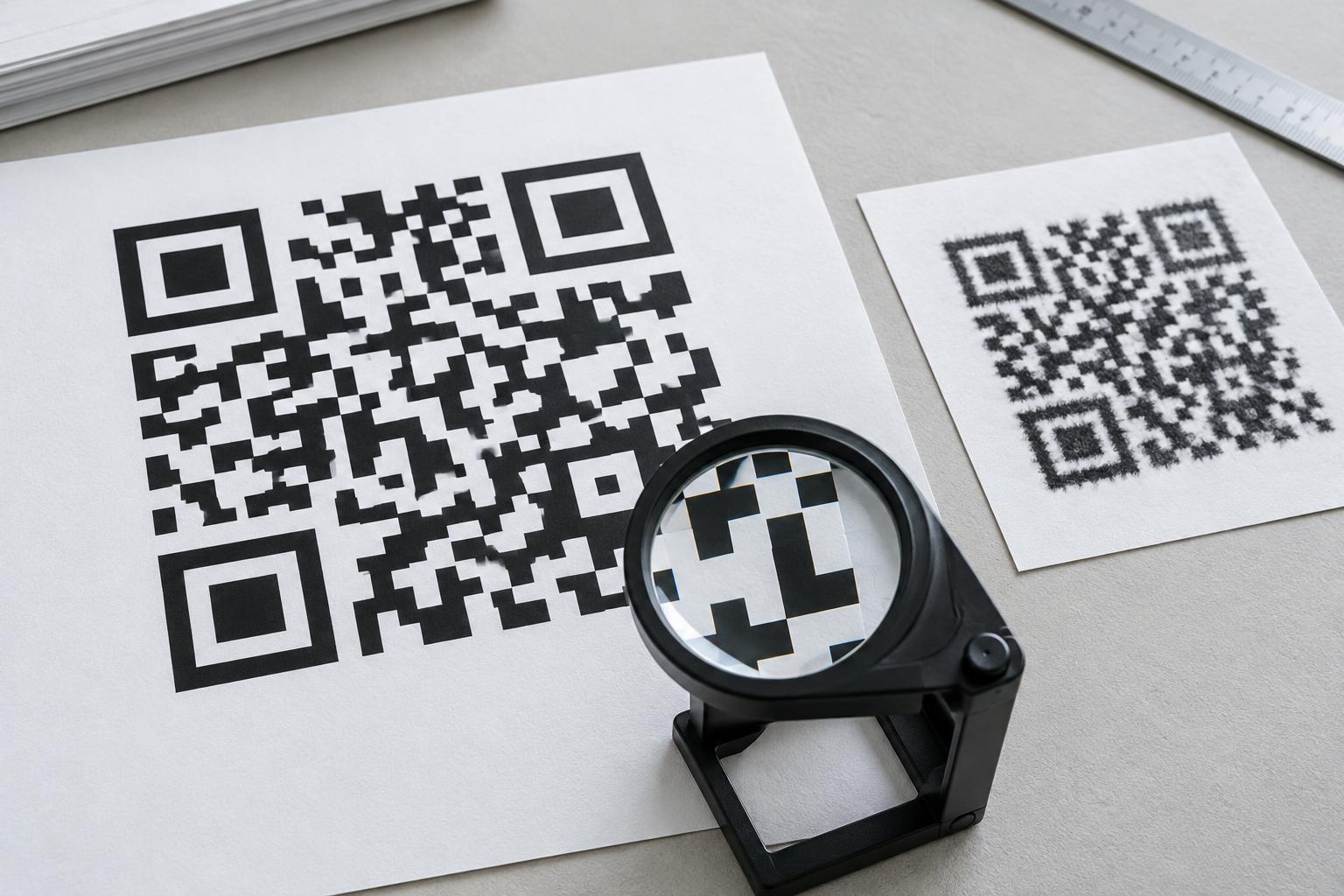
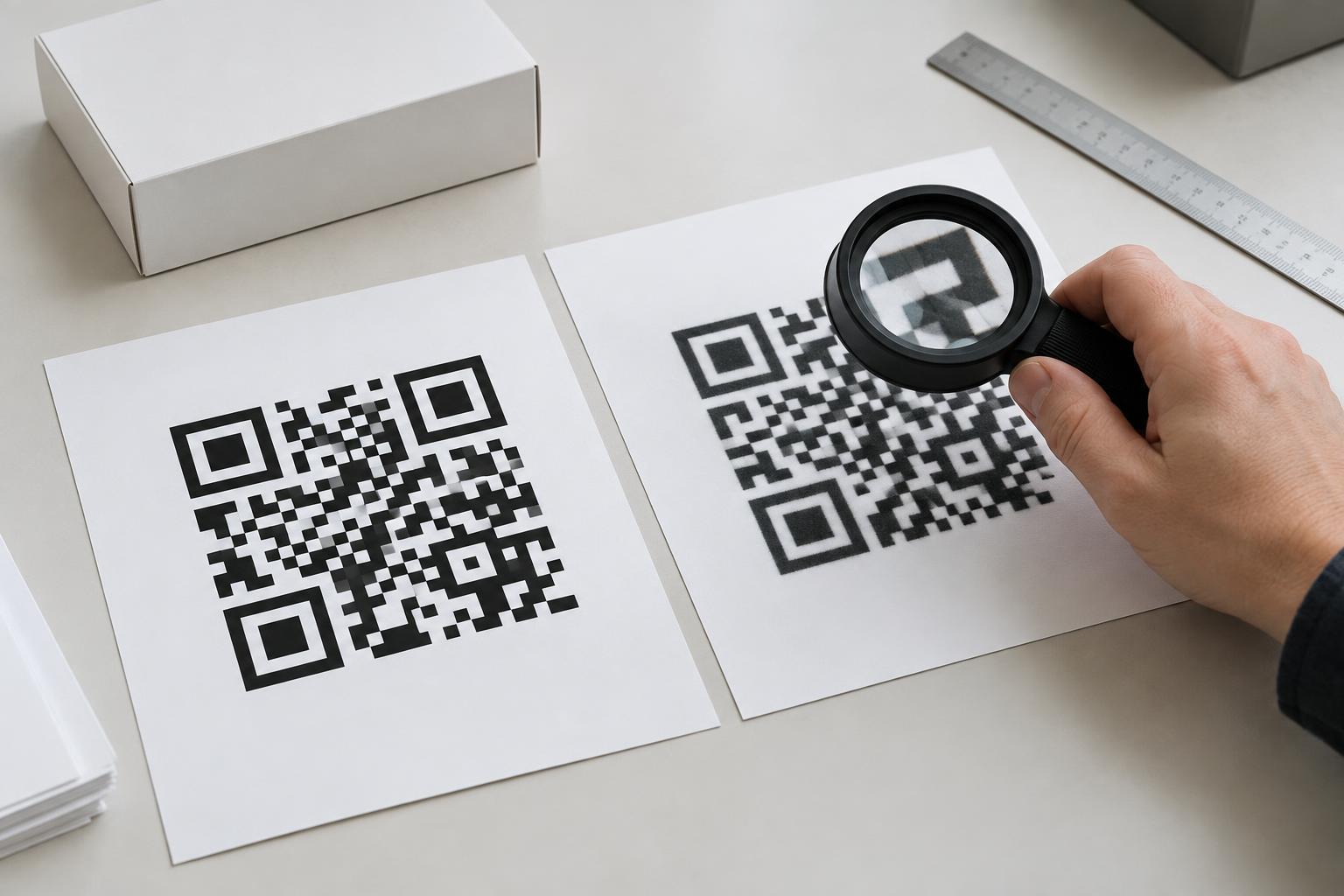
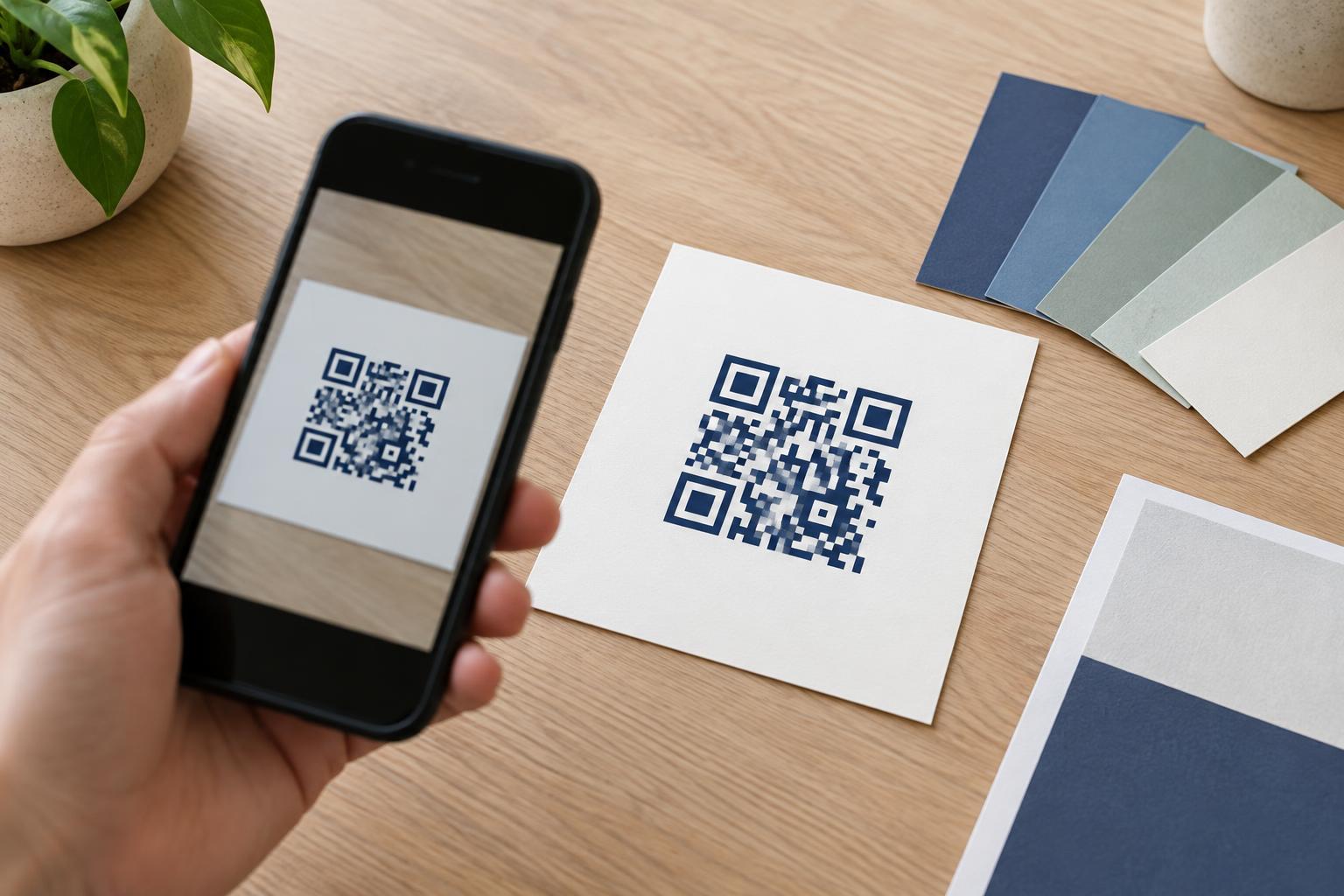
For ticket-based check-in, make the code easy to find in the confirmation message and large enough to present on a phone screen or printout. Include a plain-language label such as “Show this at check-in.” If a shared code is posted at the venue, place it where someone can stand safely to scan it; avoid making guests aim across a busy walkway. Use good contrast and leave clear space around the code so nearby text or graphics do not interfere with scanning.
Test the complete process, not just whether a camera recognizes the code. Try the devices staff will use, check what appears after a scan, and confirm how the system signals that a guest has already checked in. Test with a phone screen at different brightness levels and with a printed confirmation. If the process depends on an internet connection, find out how staff will recognize and handle a connection problem before doors open.
Give each station the supplies it needs, such as charging access, a printed guest list if appropriate, or a way to contact a lead staff member. A short practice run helps staff learn when to admit a guest, when to ask a clarifying question, and when to direct someone to the help point.
Make room for people who cannot scan
A guest may have a damaged screen, an empty battery, a paper ticket that will not scan, or no smartphone at all. Offer another way to find the registration, such as a name or booking reference, and explain where that help is available. Staff should be able to resolve a problem without repeatedly sending someone to the back of the queue.
Accessibility also depends on the space and instructions around the code. Keep signs readable, avoid relying on color alone to distinguish lines, and provide a route to assistance that does not require scanning a sign. If the code opens a web form, make sure the essential instructions are available from staff as well. The goal is for the QR path to be convenient, not compulsory for every guest.
Protect guest information and plan for exceptions
Use the code to support a defined check-in task rather than displaying unnecessary personal details. Consider what staff need to see to confirm admission and who can access the guest list. If a code leads to a web page, use a recognizable event name and clear instructions so guests understand where they are going before entering information. Remove temporary check-in signs after the event so an outdated code does not continue to invite scans.
Agree on a simple procedure for duplicate scans, missing registrations, transferred tickets, and system outages. For example, desk staff can pause an uncertain admission and refer it to a lead instead of debating it in the main line. When check-in is planned as a complete arrival flow—with directions, scanning, human help, and a backup—the QR code becomes a useful part of the experience rather than a single point of failure.