A QR code stores a link, not an instruction to contact someone
A QR code is a way to store information that a camera or scanning app can read. For a call, email, or text message, that information is usually an action link: a short piece of text that begins with a scheme such as tel:, mailto:, or sms:. The scheme tells the device what kind of action to offer. For example, tel:+15551234567 points to a phone number, while mailto:hello@example.com points to an email address.
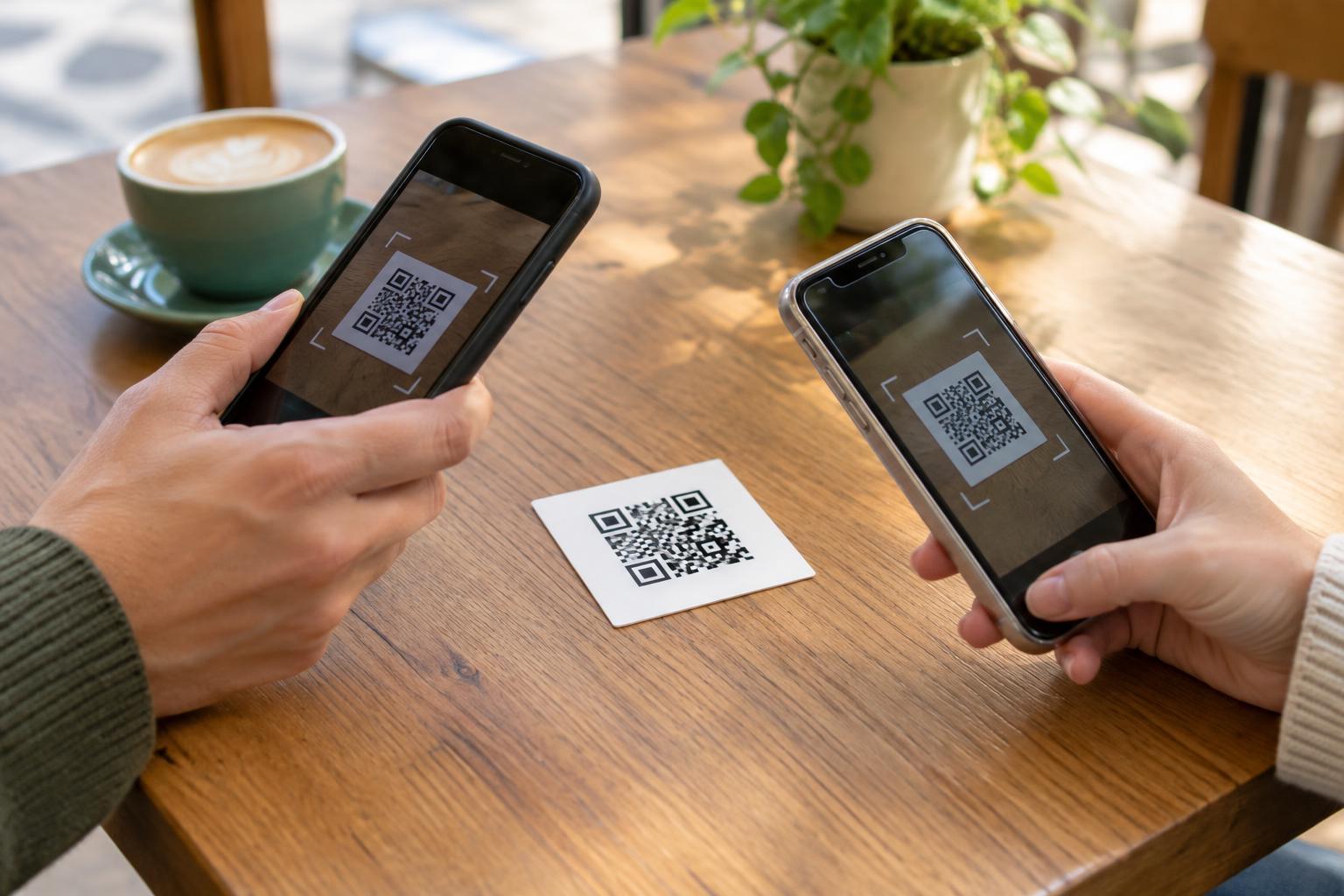
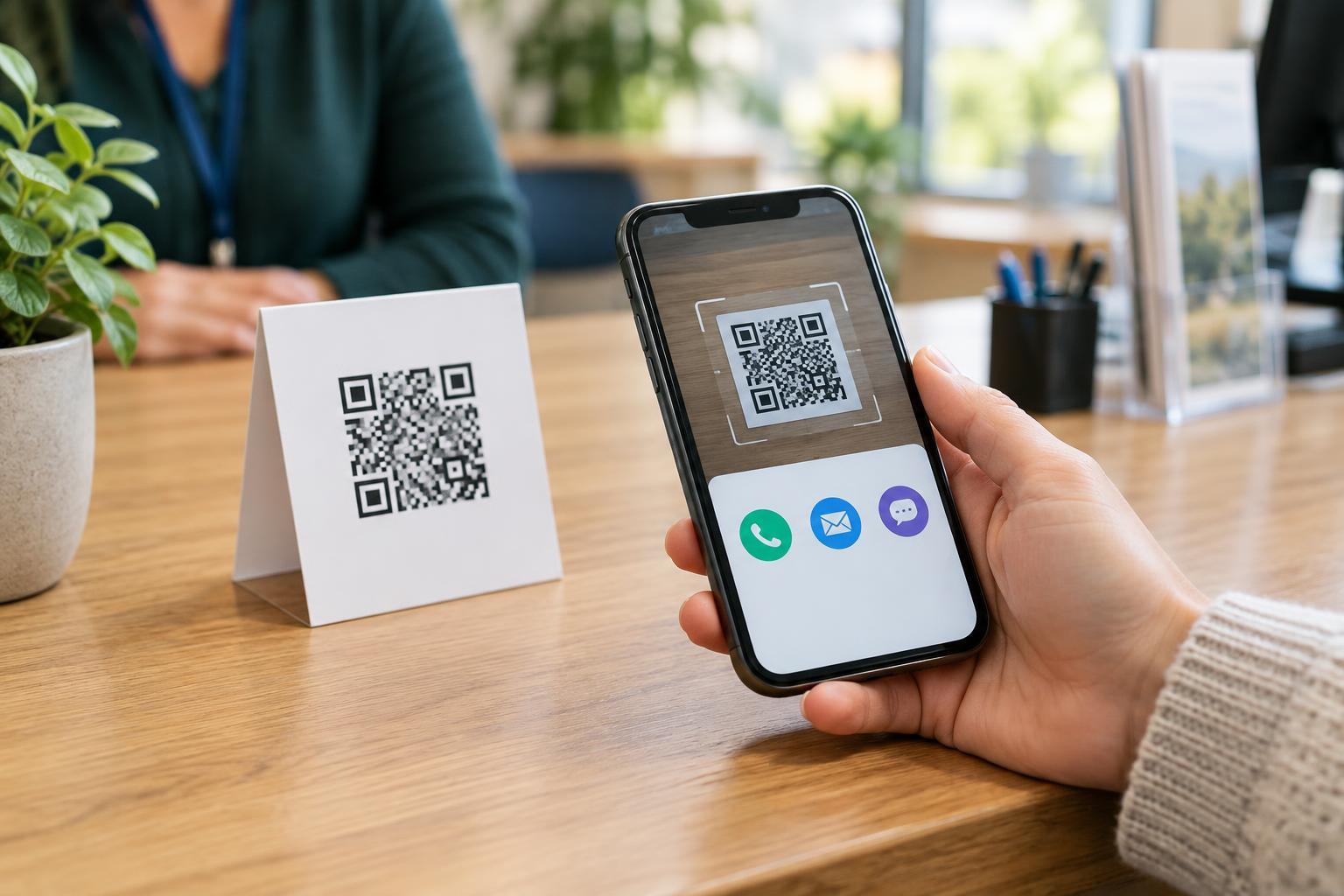
Scanning the code does not, by itself, place a call or send a message. Typically, the phone recognizes the link and offers to open its calling or messaging app. The person scanning can then check the number or address and decide whether to continue. The exact prompts and app choices depend on the device, its settings, and the scanner being used.
Call links: a quick route to the dialer
A call link begins with tel: followed by a phone number. When someone scans a QR code containing that link, their phone may open the dialer with the number filled in. This can be useful on a service counter sign, a printed appointment card, or equipment instructions where a person might need help while standing nearby.
Use the complete number that customers should dial, including the country code when the code may be seen by people outside your area. Check that the number reaches the intended team before printing. If callers must navigate an extension, give that information in nearby text rather than assuming every device will handle an extension in the link the same way. A visible phone number also lets people call without scanning and helps them verify what the code is meant to do.
Email links: starting a draft with useful details
An email link begins with mailto: and an address, such as mailto:support@example.com. It can also suggest a subject line or message body. A QR code on a product instruction sheet, for instance, could open a draft addressed to support with a subject such as “Product question.” The sender should still be able to review and edit the draft before sending it.
Extra fields in an email link need to be formatted carefully. Spaces and special characters in a suggested subject or body must be encoded so the link is read correctly. Long prewritten messages can be awkward to review on a phone, so keep them brief and avoid filling in personal information on someone’s behalf. Some visitors may not have an email app configured; print the address nearby so they have another way to use it.
Text-message links: useful, but less predictable
An sms: link can suggest a recipient for a text message. In some cases it can also suggest message text, such as a short request for opening hours. This might suit a sign that invites customers to text a local business, provided the business can receive and respond to texts at that number. It should not imply that scanning automatically opts someone into a conversation or sends a message.
Handling of prefilled text varies across phones and messaging apps. A link that opens the intended draft on one device may omit the text or behave differently on another. If the exact wording matters, do not rely on the QR code alone: show the number and a short instruction beside it, such as “Text this number to ask about availability.” Confirm that texting is an appropriate way to reach the recipient, especially if the number is also used for calls.
Make the action clear, test it, and offer a fallback
The printed label should describe the action before anyone scans: “Scan to call reception” is more helpful than “Scan me.” For an email or text, say who will receive the message and what it is for. Place the code where people can comfortably reach and photograph it, with enough contrast and a quiet margin around the pattern. Leave room for a plain-text number or address as an alternative for people who cannot or prefer not to scan.
Before sharing the code, scan the finished version with more than one device or app if possible. Check the displayed recipient, any suggested text, and whether the person can review the action before completing it. Repeat the test after printing at the actual size and on the intended material. If a destination changes, an already printed code containing that number or address will not change with it.
Finally, treat contact details and prompts as matters of trust. A replaced sticker or an unfamiliar code can point to a different recipient than the surrounding sign suggests. Showing the intended number or address nearby gives people something to compare with their phone’s prompt, while a clear purpose helps them decide whether contacting you is right for them.