What is a QR code version?
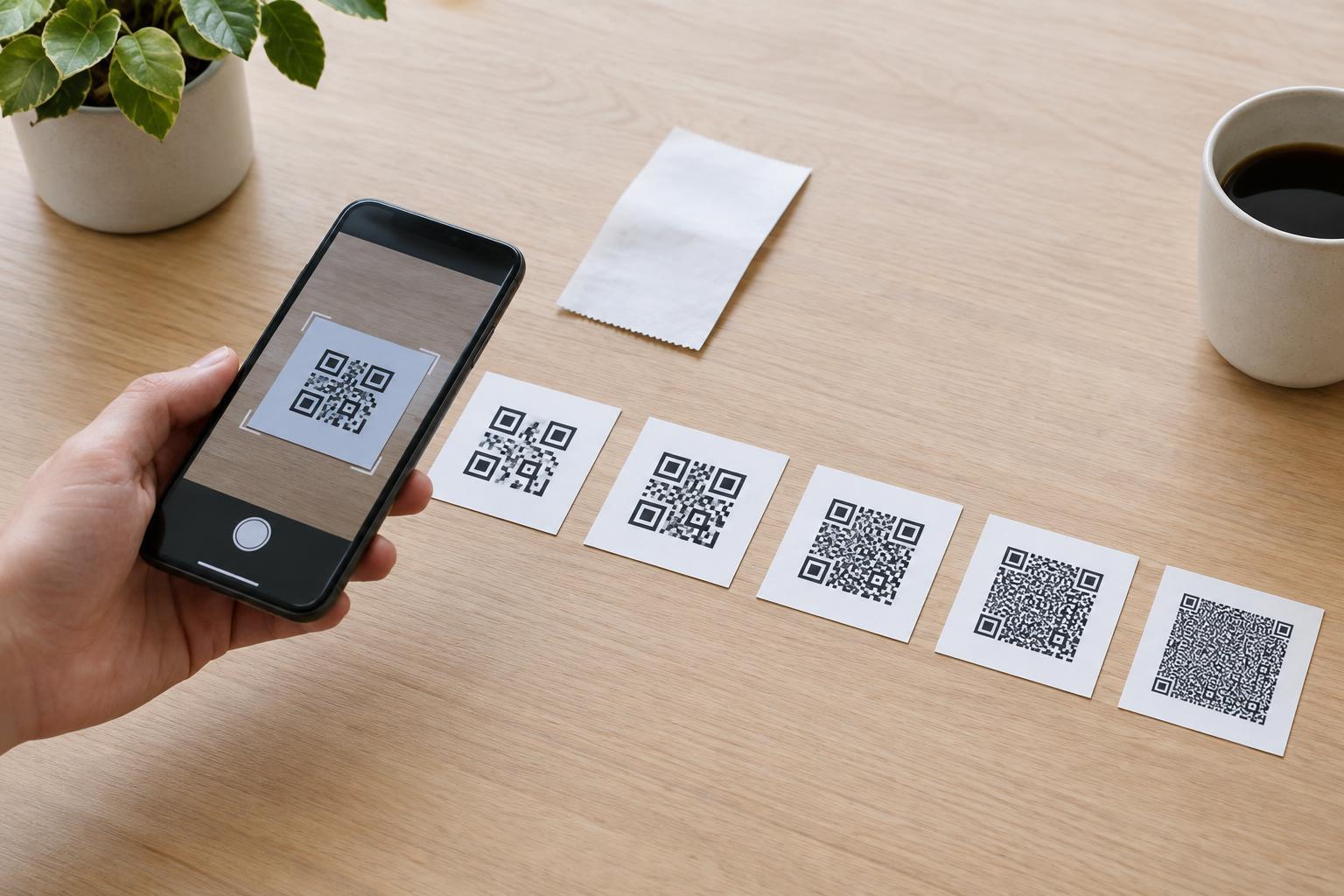
A QR code is built from small square cells called modules. Its version specifies how many modules fit along each side of the square grid. Version 1 has a 21-by-21-module grid. Each successive version adds four modules per side, up to version 40 at 177 by 177 modules. The version describes the grid’s dimensions, not its physical size: a version 1 code could be printed large, while a higher-version code could be printed too small to scan reliably.
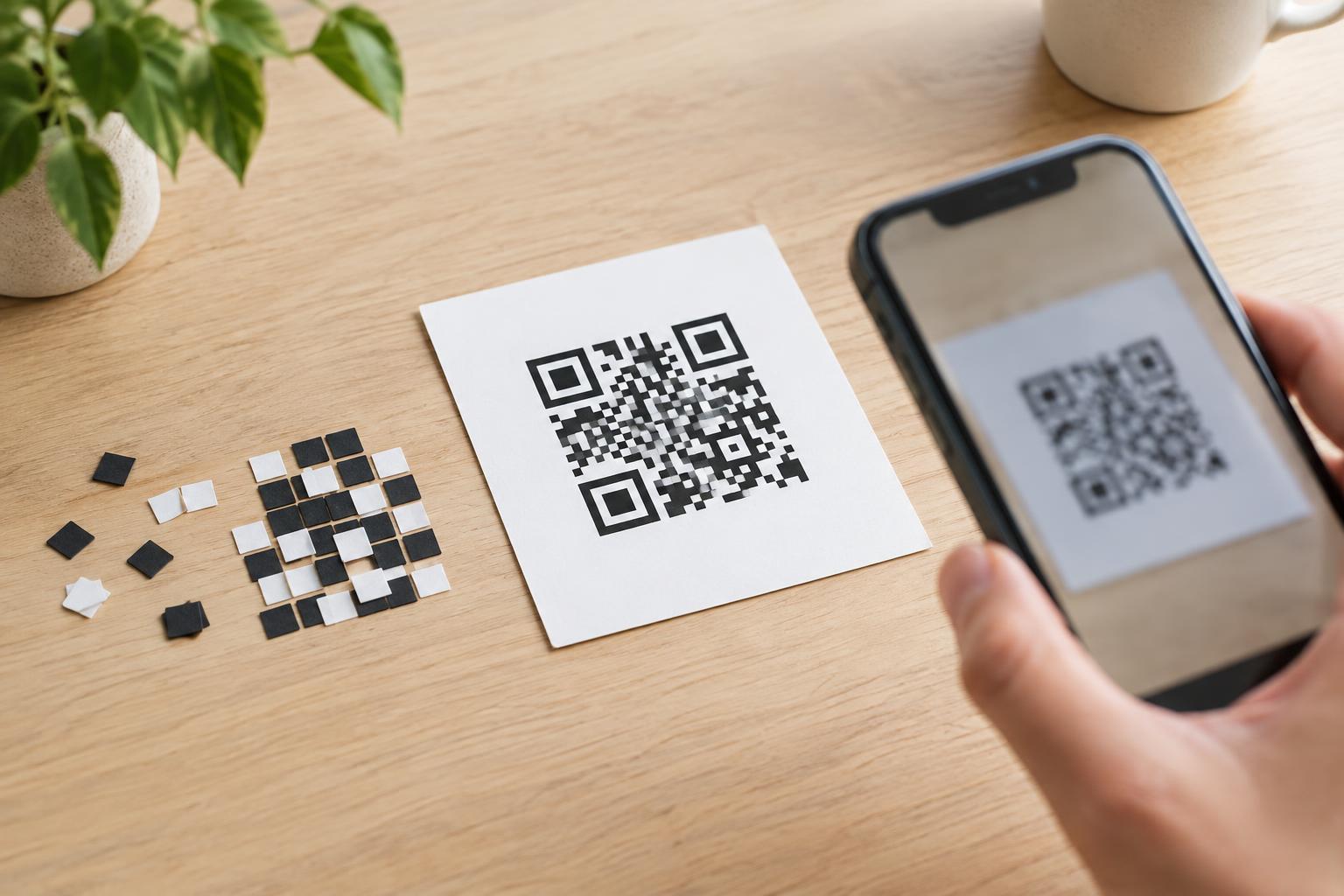
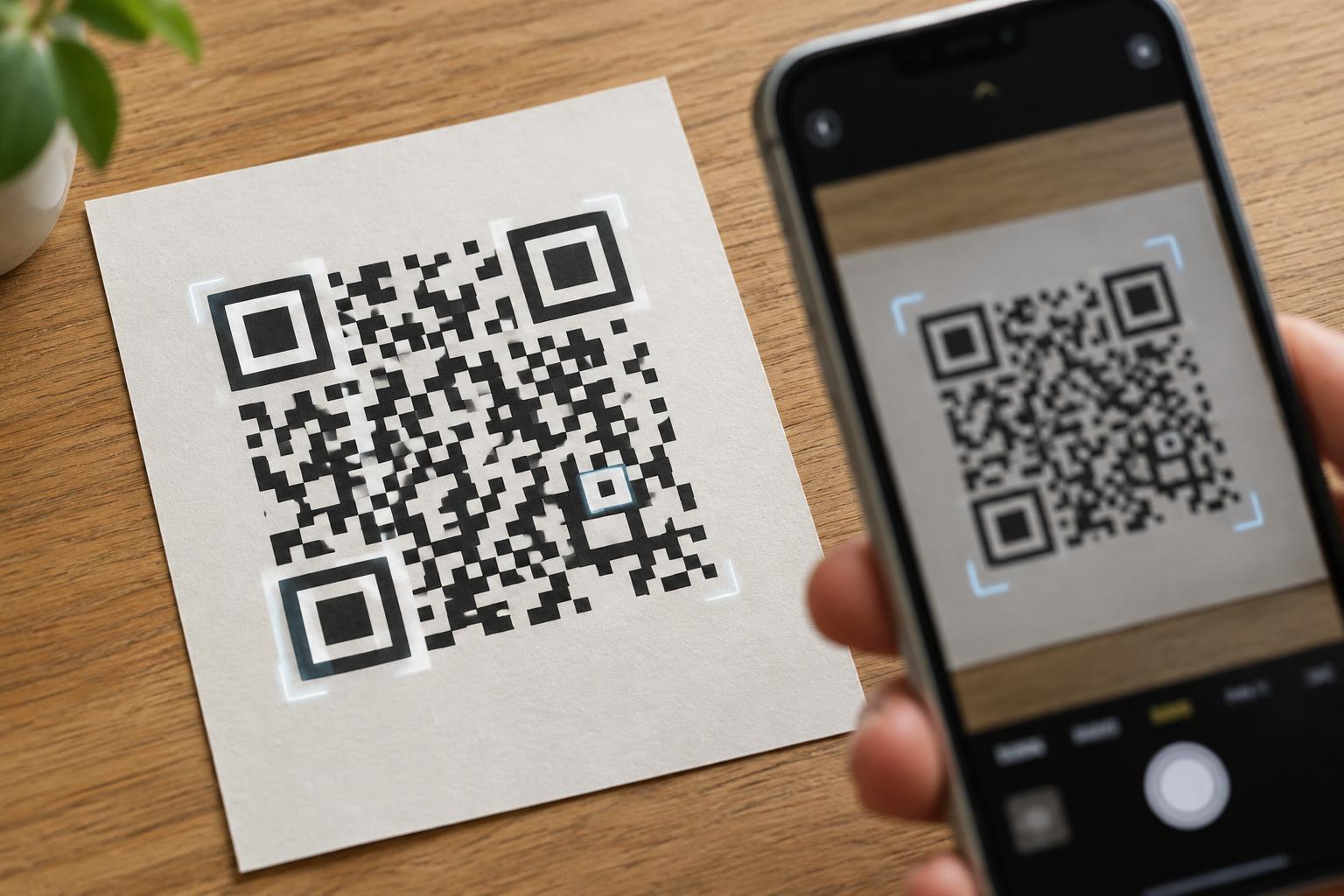
The grid does more than hold the message. Some modules form the familiar square patterns near three corners, which help a scanner locate and orient the code. Others support alignment, timing, and information about how the code was encoded. As versions increase, there is more room for data, but the layout also includes the structures needed to read a larger grid.
Why does one code need a larger grid?
The amount and type of information you encode are major factors. A short web address may fit in a relatively small grid; a long address with tracking parameters, or a substantial block of text, may require a higher version. Capacity also depends on the characters used and how they are encoded. You cannot reliably predict a version just by counting the characters you see on screen.
Error correction matters too. QR codes include redundant information that can help a scanner recover data when part of a code is damaged or obscured. Choosing a stronger error-correction level leaves less room for the message within a given version. If the message no longer fits, the grid must grow. Error correction is useful protection, but it does not make poor contrast, extreme distortion, or a missing border harmless.
A larger grid is not inherently better. It provides capacity, but if the overall printed square stays the same size, each module becomes smaller. That can make the code harder for a camera to distinguish, especially at a distance or on an uneven surface.
Version number versus printed dimensions
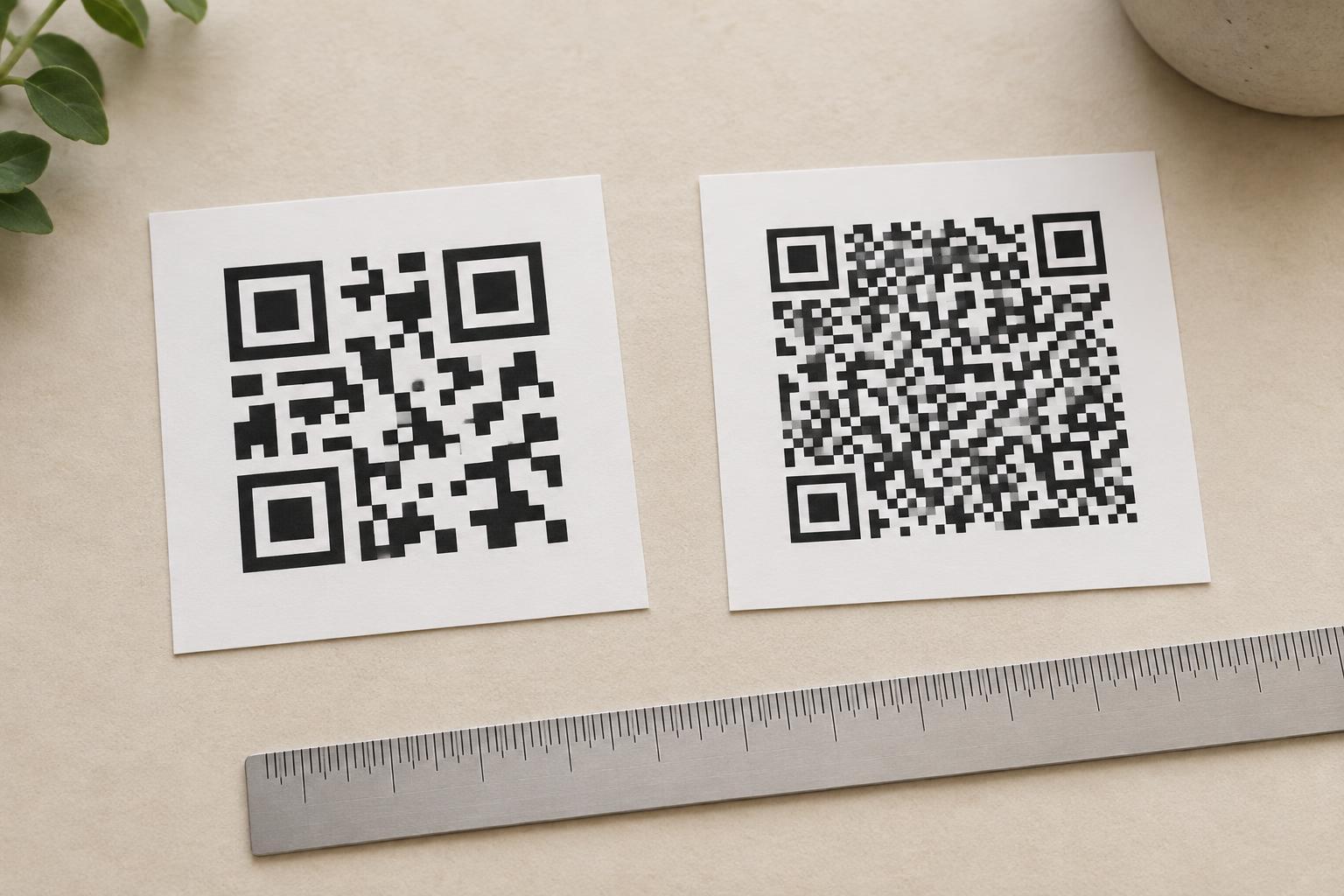
Imagine two codes printed at the same width. One has a 21-by-21 grid and the other has a much denser grid. The denser code has smaller individual modules, even though both occupy the same space on the page. For a fair print comparison, include the quiet zone: the clear margin around the code. A standard QR code needs a quiet zone at least four modules wide on every side so a scanner can separate the symbol from nearby text or graphics.
This is why a code that scans easily on a monitor may disappoint on a small product label. A screen preview can be enlarged, while a printed label fixes both the overall size and the module size. Printing can also soften edges or fill narrow gaps. If you must use a dense code, give it more physical space rather than squeezing it into a layout designed for a simpler one.
How to keep a QR code manageable
Start with the information people actually need. For a sign that points to a web page, encode the intended address rather than a paragraph explaining the sign. Remove unnecessary address parameters when you control the destination and know they are not needed. A short address can produce a simpler code, but use a destination you can maintain and that people can recognize or verify; an unfamiliar redirect can make it harder to judge where a scan will lead.
Next, decide whether the code needs extra resilience because it will appear on packaging, outdoor material, or another surface that may be worn. Balance that choice against the available print area. Keep the design high contrast, preserve the quiet zone, and avoid placing text, logos, or decorative shapes over essential modules. Then test the code at its intended size and viewing distance on the actual material, using more than one phone if practical.
What readers should take away
A QR code’s version explains its grid dimensions: higher versions have more modules and can accommodate more encoded information. The version you need depends on the content and encoding choices, including error correction. It does not, by itself, tell you whether the finished code will scan well.
For everyday use, focus on the whole experience. Keep the content concise, leave a clear border, allow enough physical space for each module, and test the finished placement. If a scan opens a link, provide a readable label or alternative way to find the destination. A code is most useful when people can both scan it and understand what to expect afterward.