Scanning is not always the same as visiting
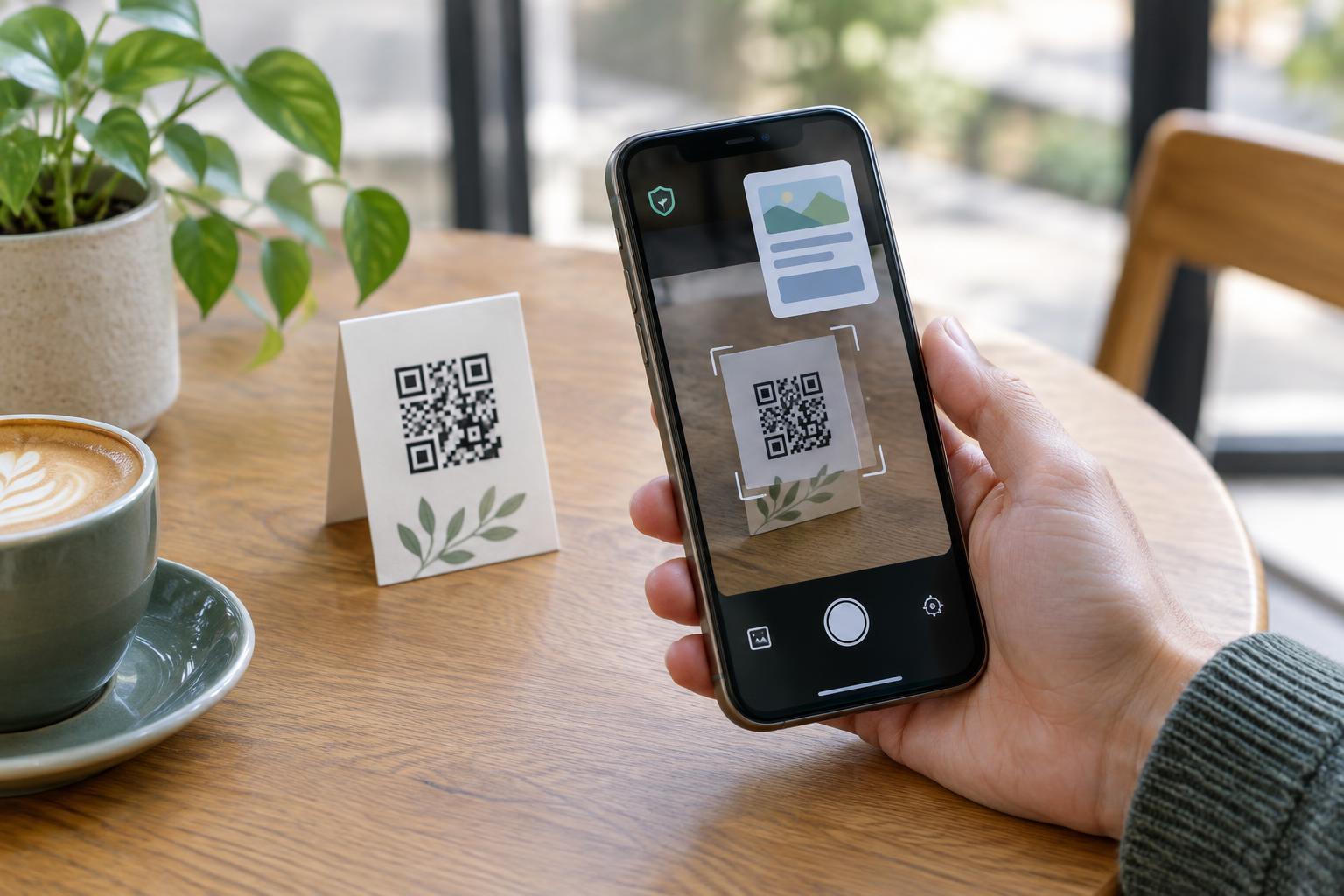
A QR code is a way to store information in a pattern a camera can read. It might contain a web address, contact details, or plain text. Reading the pattern does not, by itself, tell the linked website who scanned it. If a phone displays a web address and you decide not to open it, the destination website generally receives no visit from that action.
The distinction matters because people often call every interaction a “scan.” A publisher may count visits to a QR-linked page and describe them as scans, but that count does not necessarily include people who only previewed the code. Conversely, some scanning apps or link-preview features may contact a destination before you deliberately open the page. What happens depends on the camera app, browser, and device settings.
What the website may receive when you open the link
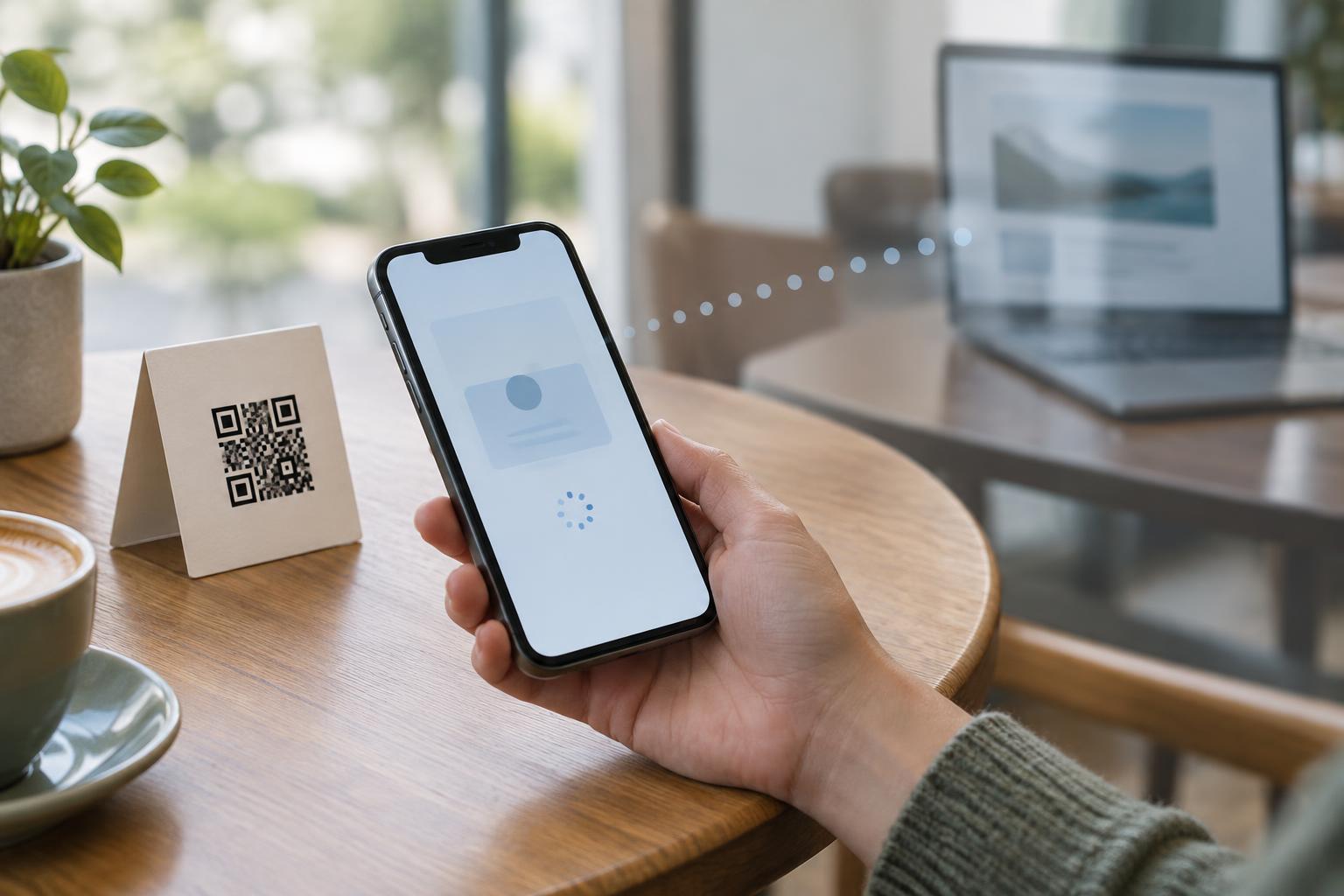
Opening a QR-linked page works much like opening any other web link. The website can typically receive your IP address and information sent by your browser, such as its type, supported features, and language preferences. It can record the time of the request and the pages you visit on that site. An IP address may suggest a broad geographic area, but it does not reliably identify your exact location.
The site may also use cookies or other browser storage to recognize a returning browser. If you sign in, submit a form, or place an order, the site can connect those actions with the visit. It does not automatically receive your name, contacts, camera contents, or precise GPS location simply because you used a QR code. Access to precise location or other device features generally requires a separate permission or an action that supplies that information.
How a QR link can identify where a visit came from
A QR code can point to a distinctive address, such as a page used only on a restaurant table card. Visits to that address can help the publisher estimate how often people opened links from that placement. A publisher can also put a label in the address, such as a campaign parameter, to distinguish a poster from a receipt. If the same code is printed in many places, however, its visit count cannot reliably show which individual printout a visitor used.
Some QR links first pass through a redirecting website before reaching the final page. That intermediate service may record the request too. A code with a different link for each ticket, mailing, or customer can enable more specific tracking, particularly if its creator already knows who received each code. Neither a QR pattern nor a tracking label identifies a person on its own; the privacy implications depend on how the link was assigned and what other information is connected to the visit.
Tracking can extend beyond the destination page
A linked website may load images, analytics tools, or other resources from outside providers. Those providers may receive information when the page loads, subject to the site's setup and your browser settings. The website might also ask for permission to use your location or invite you to enter personal details. Those are separate steps, not properties of the QR code itself.
Private browsing can reduce information kept on your device between sessions, but it does not make a website visit invisible. The website still needs to receive your request to deliver the page. Similarly, an HTTPS address protects data in transit to that site, but the presence of HTTPS alone does not establish that the site is trustworthy or that its tracking practices are appropriate.
Practical privacy choices for visitors and publishers
Before opening a code, look at the address your phone displays. Check for unexpected spelling, an unfamiliar domain, or a destination that does not fit the printed context. A code on a menu should not require you to enter an account password merely to read the menu. If the address looks suspicious, use another way to reach the business or service. Be especially cautious when a code has been placed over an existing sign or label.
If you publish QR codes, use links that clearly relate to the promised content and explain any meaningful tracking in plain language. Consider whether an aggregate count of visits is enough before assigning unique links to individuals. Avoid collecting details you do not need, and make essential information available another way when practical. A transparent link and a useful alternative let people choose how to access the content without treating a scan as consent to unnecessary tracking.