Start with a menu address you can maintain
A QR code on a table usually contains a web address, not the menu itself. When a guest scans it, their phone opens that address. If the menu changes but its address stays the same, the printed code can keep working. This makes the destination you choose as important as the design of the code.
Use a menu page or document location that your restaurant can maintain over time. A page under your control can display updated items without requiring new table cards each time a price changes. If you link directly to a file, avoid replacing it with a new file at a different address unless you also check every printed code. An editable QR service may let you change where a code points, but it can add a dependency on that service. Understand who controls the link before relying on it.
Give every update a clear owner and process
Decide who can change the menu and who approves changes before they appear to guests. A simple checklist helps: confirm the item name, description, price, applicable options and availability, then review the published page on a phone. If different teams manage the kitchen, website and printed menus, agree on which version is the reference when information conflicts.
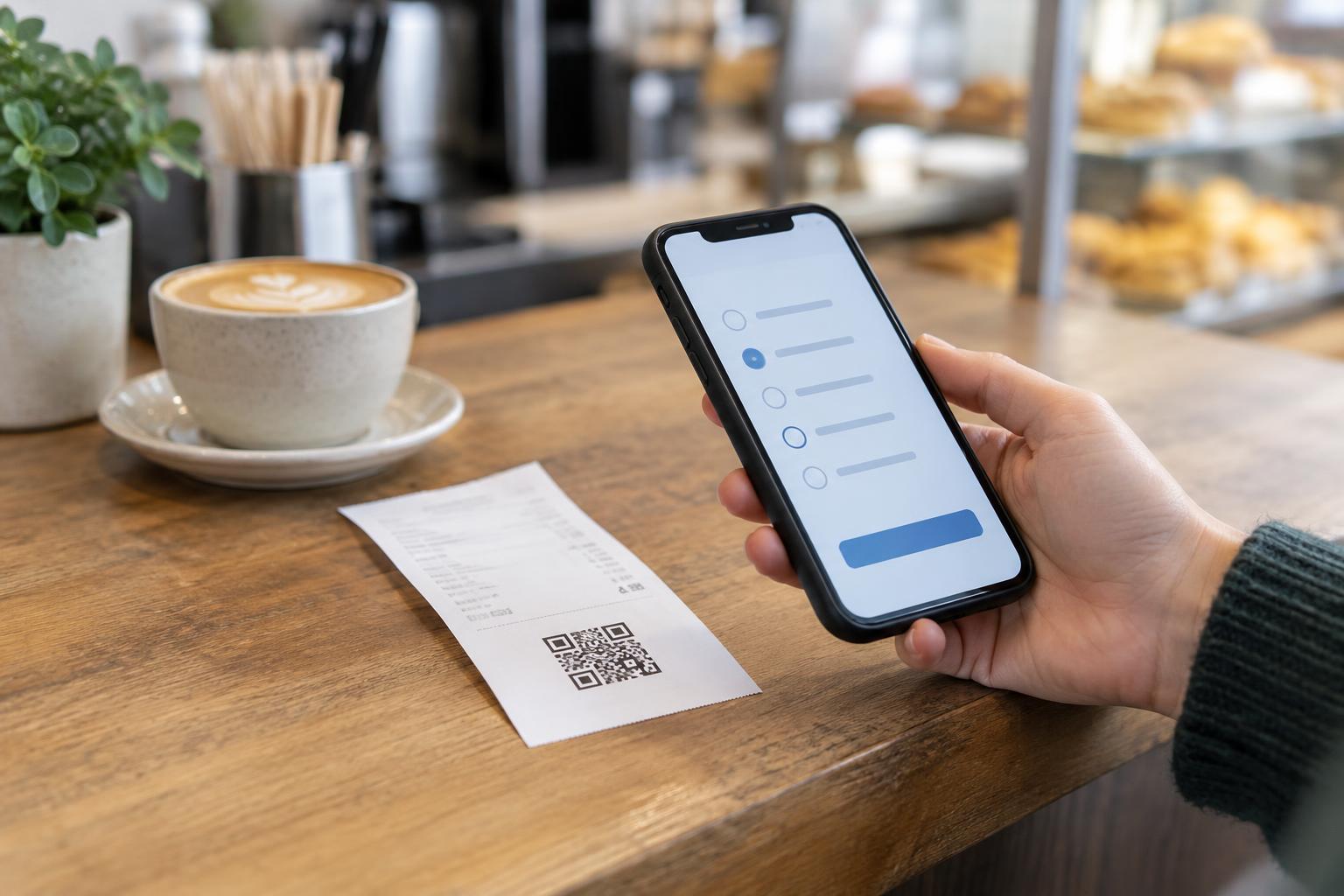
Prices and availability may change at different speeds. A dish that is unavailable for one evening might need a temporary notice rather than a permanent deletion; a lasting price change should be reflected wherever guests are likely to see that price. Remember to check linked ordering pages, specials, downloadable menus and signs as well as the main QR menu. Otherwise, a guest may see one price at the table and another when ordering.
Make changes easy for guests to understand
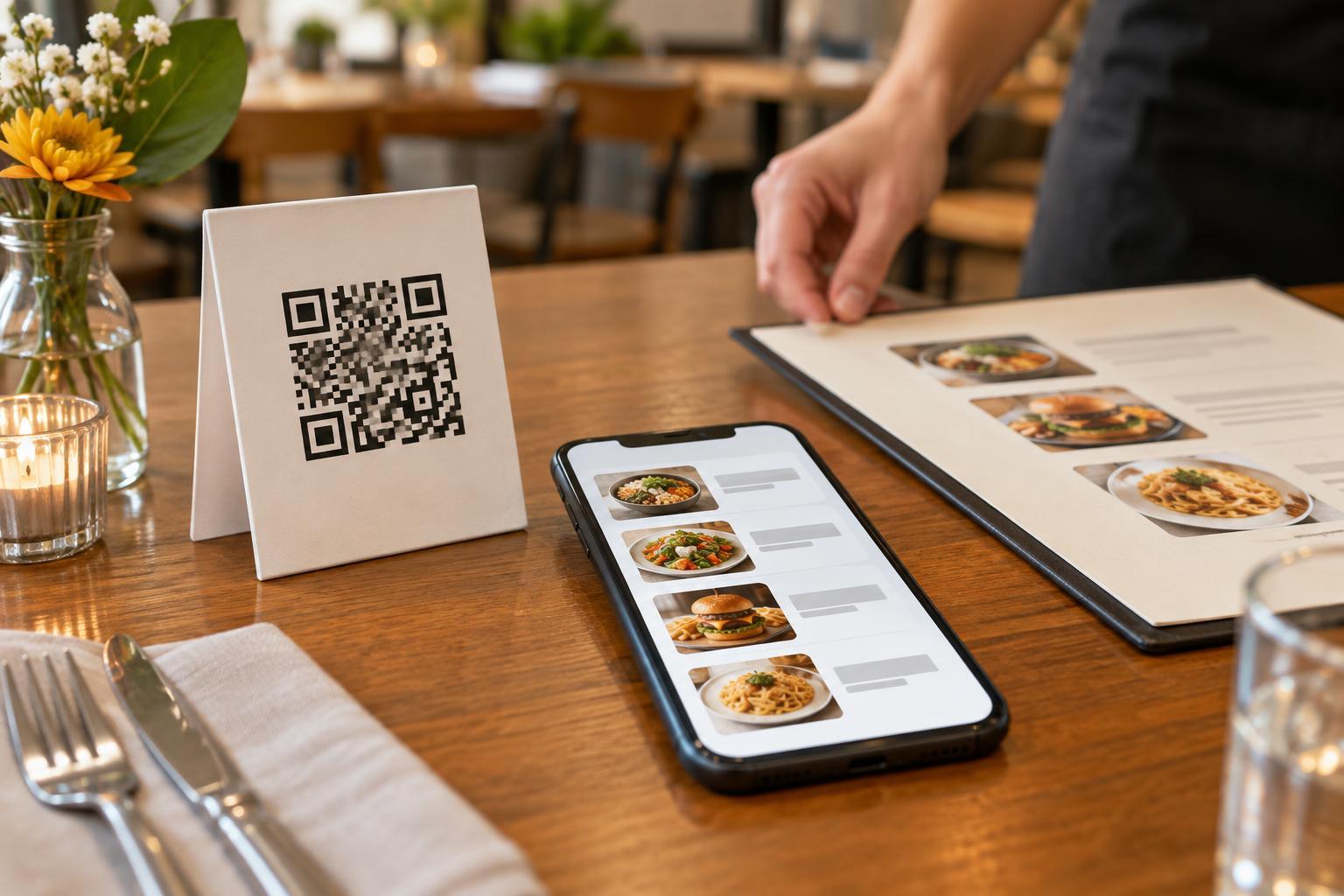
Organize the mobile menu so guests can find sections and prices without excessive scrolling or zooming. Put the price close to its item, explain choices that affect the total, and label unavailable dishes clearly. If a special varies by day or location, say which menu it applies to rather than leaving guests to guess. Keep descriptions concise, but include details guests need to make a choice.
Before publishing an update, view the menu as a first-time visitor would. Check that the correct location opens, that images do not hide text, and that the menu remains readable on a small screen. If the restaurant has multiple locations, make the location visible near the top of each menu. A code that scans perfectly still creates confusion if it opens the wrong branch’s prices.
Check the printed code when the menu changes
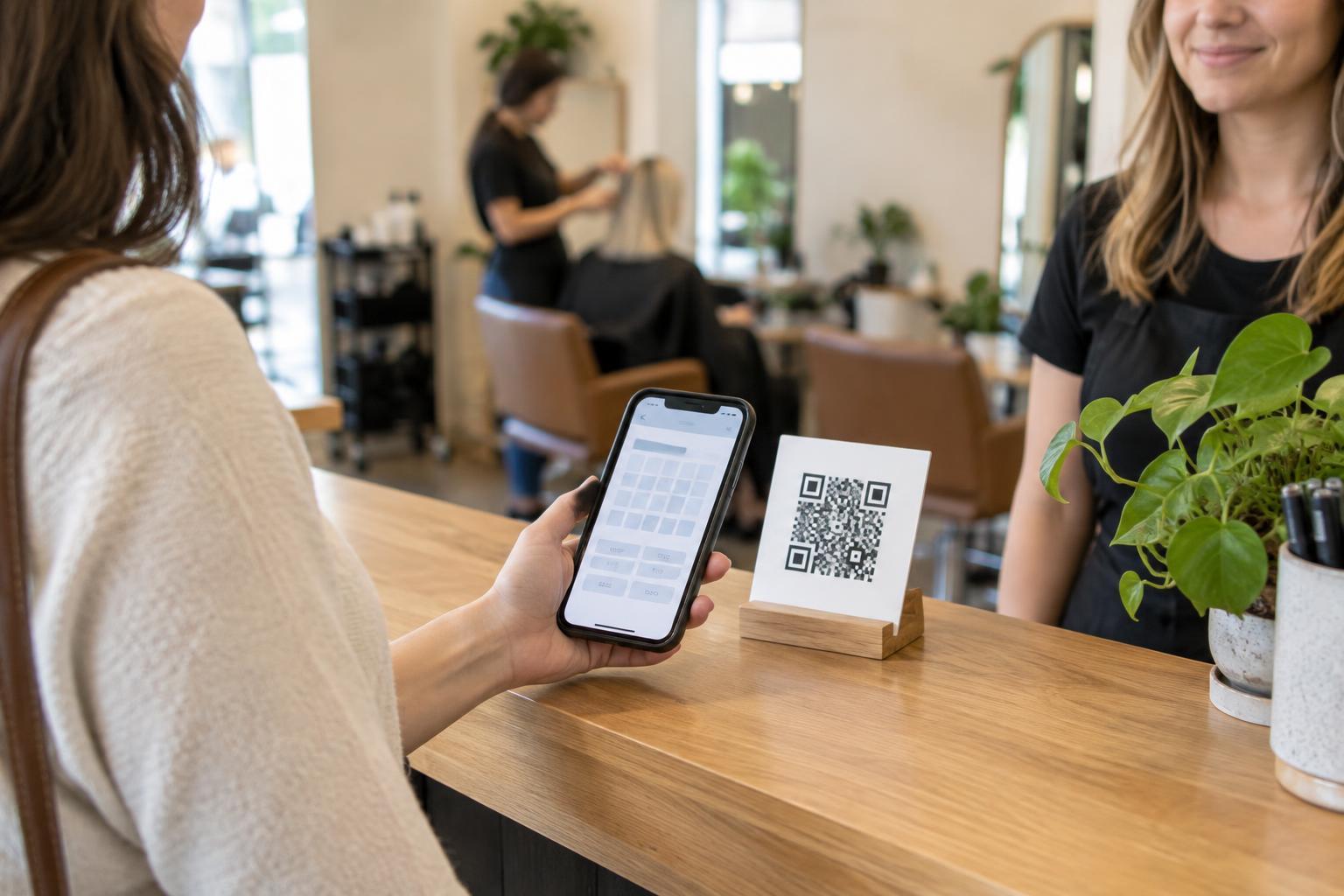
Test a code from the actual table card, window sign or takeaway insert, not just from the image used to print it. Scan from a comfortable distance in ordinary lighting and confirm that the intended menu opens. Small codes, low contrast, glare, folds and marks across the pattern can make scanning harder. Leave clear space around the code and place it where guests can reach it without moving dishes or leaning across a table.
Recheck codes after changing a website address, moving a menu file or renewing a service used for the link. Also look for damaged or altered stickers on tables and signs. If a printed code must be replaced, remove the old one rather than covering it loosely: guests should not have to decide which code is valid.
Keep the menu usable without a scan
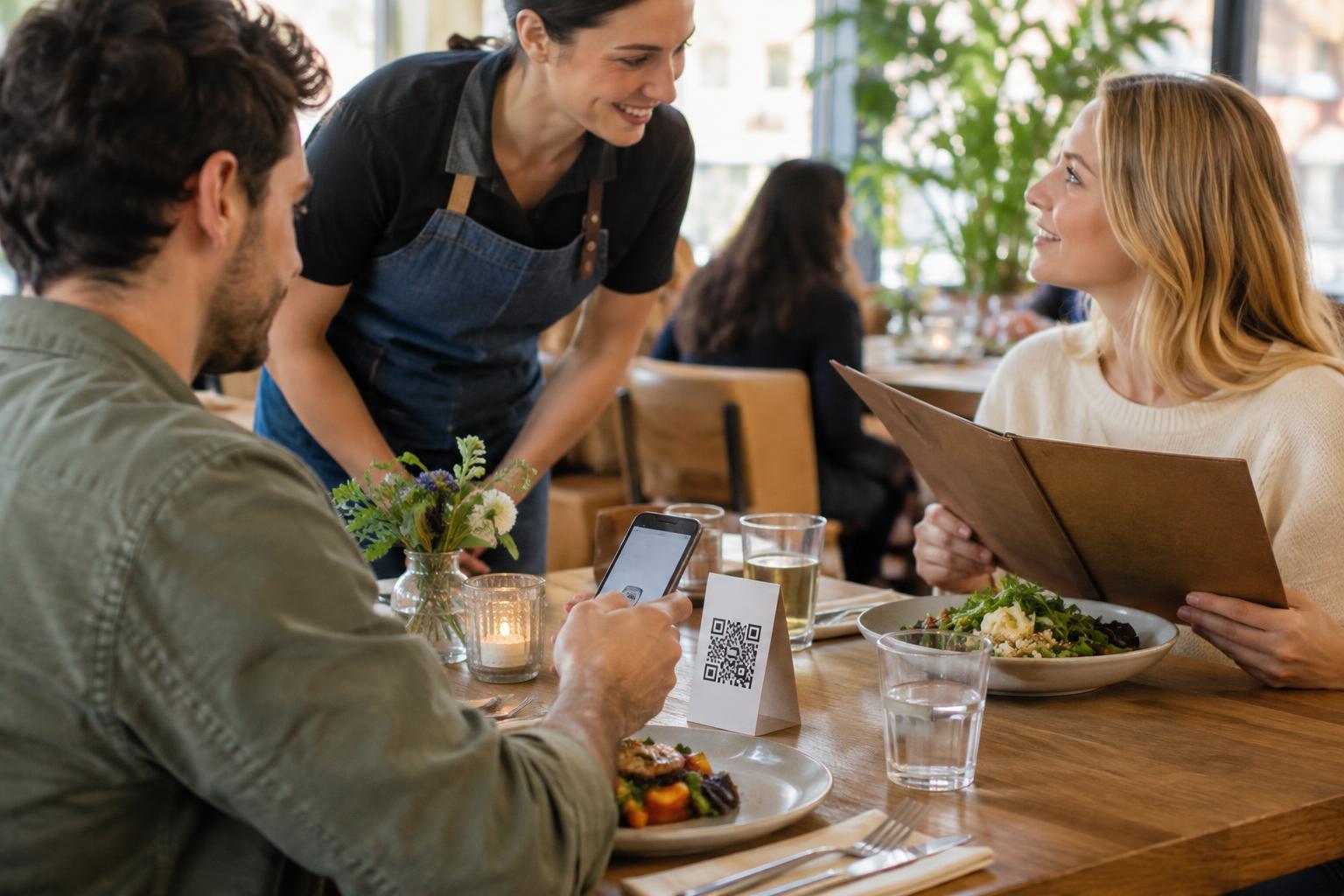
Not every guest can or wants to scan a QR code. Offer a practical alternative, such as a readable printed menu or help from staff, and make that option easy to request. On the web menu, use legible text, clear headings and descriptive labels for links. A menu made only of images can be difficult to enlarge, search or read with assistive technology; text-based item names, descriptions and prices are more flexible.
A menu should not require guests to enter personal information merely to read it. If the menu leads to online ordering or payment, distinguish those steps from browsing and make the destination recognizable. Keep staff informed about recent updates so they can answer questions when a screen and a printed sign disagree. Regular checks and a clear fallback make the QR code a convenient way to view the menu rather than the only way to understand it.