Start where the viewer will stand
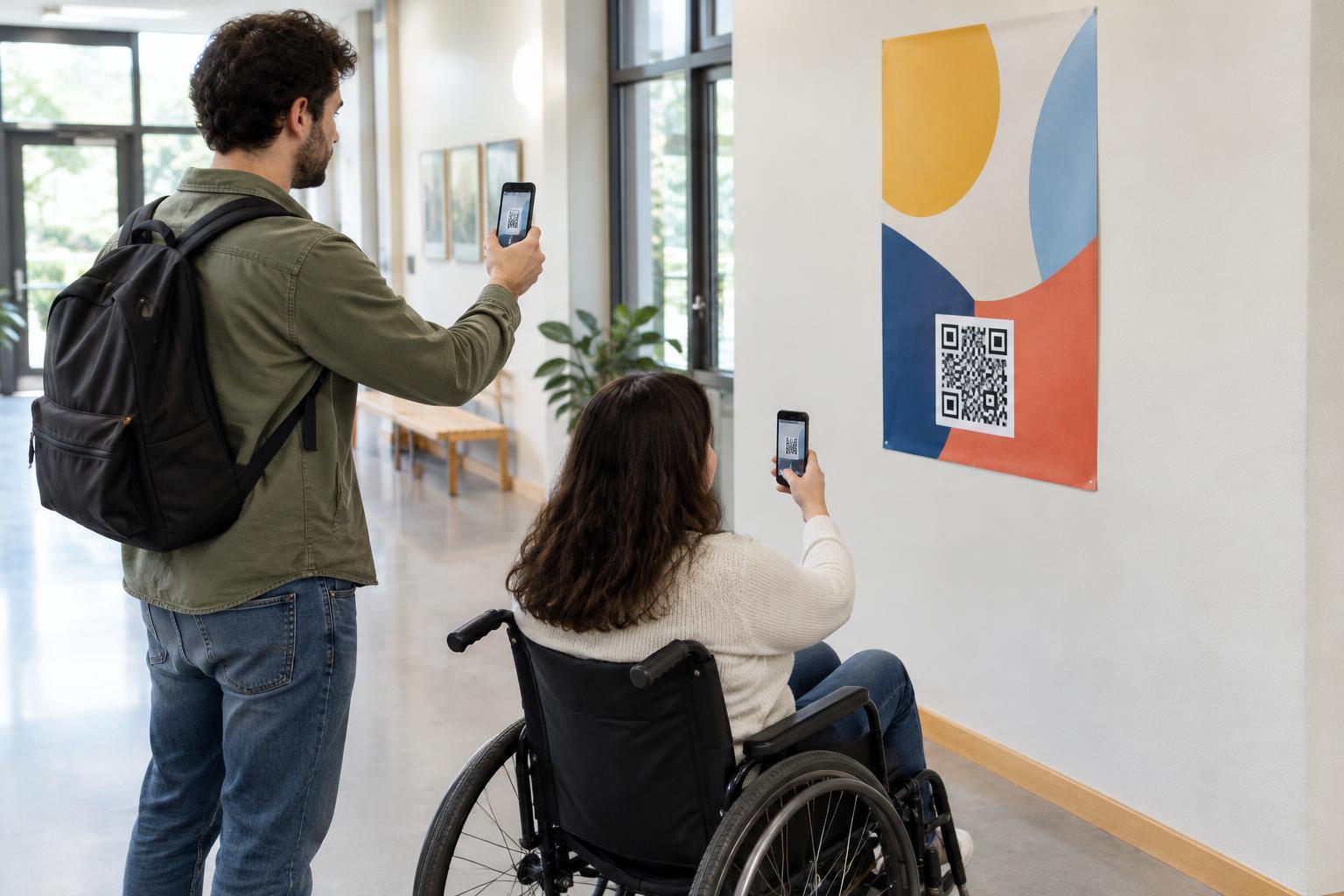
Before deciding where a QR code belongs on a poster, picture the moment someone will try to use it. A person reading a poster in a hallway may be able to walk right up to it. Someone viewing one behind a counter or across a waiting area may not. The usable scanning distance is the distance between the phone and the printed code, not simply the distance from which the headline can be read.
Observe the likely approach and stopping points. Can someone pause without blocking a doorway or walkway? Is there furniture, a queue barrier, or a display case between the viewer and the poster? If people cannot comfortably get close, a small code at the bottom of the layout is unlikely to serve them well. Move the code to a more accessible location, enlarge it, or offer another way to reach the same information.
Choose a height people can use
Place the code where a person can aim a phone at it without stretching, crouching, or holding the phone overhead. Eye level is a useful starting point, but it is not one fixed measurement: people have different heights and may be seated or using mobility aids. A code near the middle of a reachable poster is often easier to use than one tucked into a top corner or along the floor.
Consider the phone as well as the person. A code mounted high above a viewer may be seen at a steep angle, while one placed low can be blocked by bags, chairs, or passing feet. If a poster must hang high, make the code large enough to test from the actual viewing position and consider placing a second, reachable copy nearby. Avoid putting a code where scanning it would require someone to step into a hazardous or restricted area.
Size the code for the real viewing distance
The farther away a phone is, the smaller the code appears in its camera view. That means poster dimensions alone do not determine a useful code size. A code on a large poster across a room may need much more space than one on a notice people can approach closely. Dense codes, which contain many small squares, can be harder to scan at a distance than simpler ones of the same printed size.
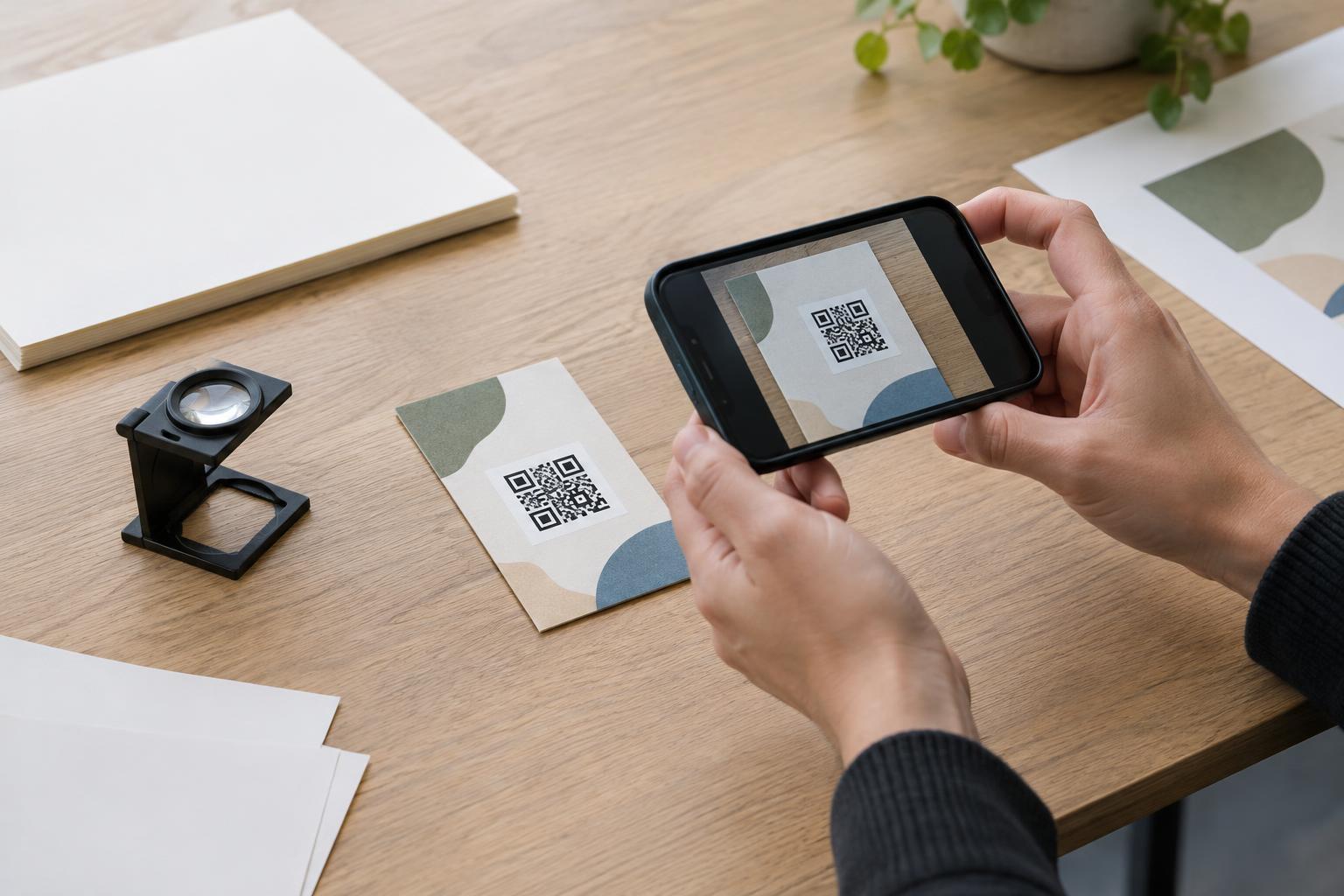
Treat any proposed size as a draft until you test it. Print a sample at its intended dimensions, put it at the planned height, and try scanning from the places where viewers will actually stand. Test with more than one phone if possible. If scanning requires repeated attempts, increase the code size, simplify the content encoded in it where feasible, or change the placement. Enlarging a code in a design file is not enough if the final print makes its edges blurry.
Protect the code from layout and lighting problems
Give the code clear space on all sides so nearby text, borders, or artwork do not crowd its pattern. Use strong contrast between the dark and light areas, and keep the code on a plain background rather than a photograph or texture. Place a short instruction beside it, such as “Scan for the event schedule,” so people know what they will get before opening their camera.
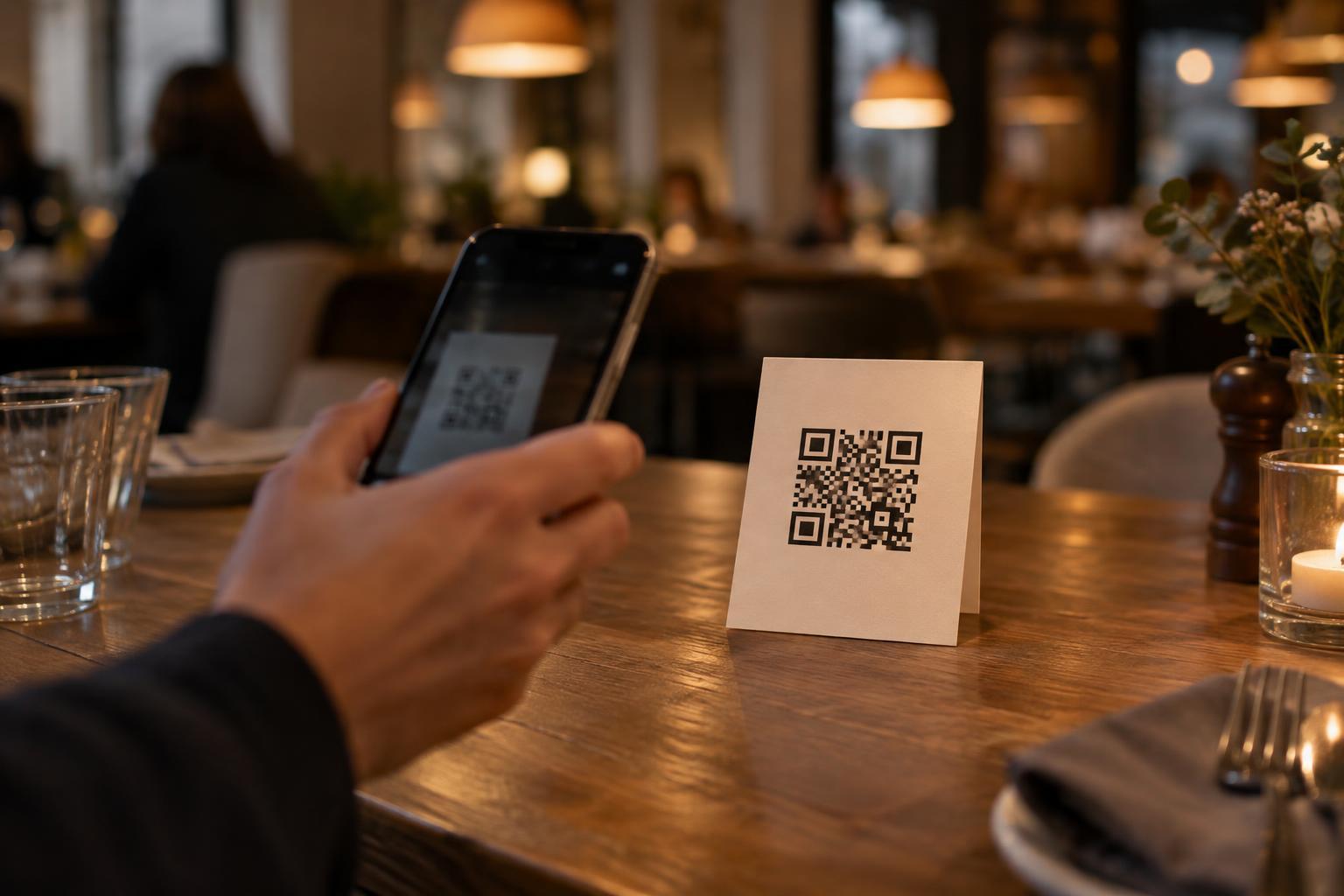
Check the planned location at different times if lighting changes. Reflections on a glossy poster, shadows across the code, or light shining directly behind the viewer can make scanning less reliable. Keep the code away from folds, trim edges, and areas likely to be covered by tape or mounting hardware. A code that works perfectly on a screen still needs a test on the chosen paper and finish.
Test the complete poster, not just the code
Make a full-size proof and mount it as the finished poster will be mounted. From a normal approach, check whether the code is easy to spot, whether its purpose is clear, and whether scanning feels comfortable. Then try from a seated position and from the farthest place where you expect someone to use it. If a viewer has to search for the code or change position awkwardly, revise the layout before printing more copies.
A printed alternative, such as a short readable web address, can help people who cannot or prefer not to scan. Make sure it leads to the same destination and can be copied without guessing. Finally, scan the proof to confirm that it opens the intended page. Placement, print quality, and destination all matter: a poster succeeds when people can notice the invitation, use the code comfortably, and understand what happens next.