What error correction does
A QR code contains both the data you want to share and extra information that helps a scanner reconstruct data it cannot read. This is called error correction. It can help when a small part of a printed code is scratched, stained or otherwise obscured. It does not make every damaged code readable: the location of the damage, the code’s size and the quality of the remaining pattern all matter.
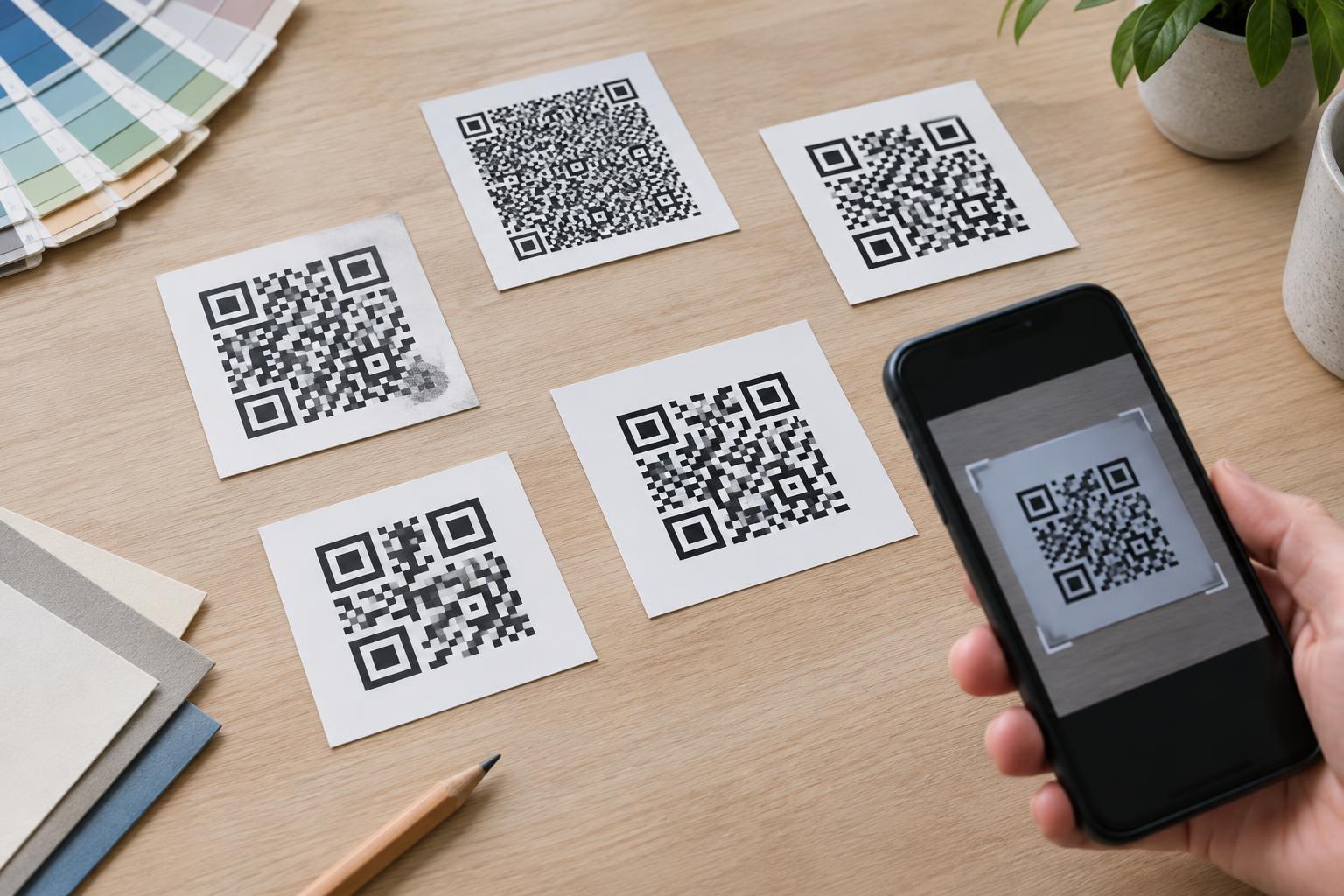
Error correction is useful, but it has a trade-off. More recovery information leaves less room for the content within a given QR code size. If the content does not fit, the code must use a larger grid with more modules—the individual dark and light squares. When that larger grid is printed in the same physical space, its modules become smaller and may be harder for a camera to distinguish.
Understanding L, M, Q and H
Standard QR codes offer four error correction levels: L, M, Q and H. They are commonly described as allowing recovery of approximately 7%, 15%, 25% and 30% of codewords, respectively. A codeword is a unit of encoded information. These figures are not promises that you can cover the same percentage of the visible image and still get a scan.
L reserves the least space for recovery information and can help keep a code less dense. M offers a middle ground for many ordinary uses. Q and H add more recovery capacity and may be helpful where moderate wear or partial obstruction is plausible. The best choice depends on the amount of data, the printed dimensions and the conditions in which someone will scan the code—not just on the level’s letter.
Why a higher level can make a print less reliable
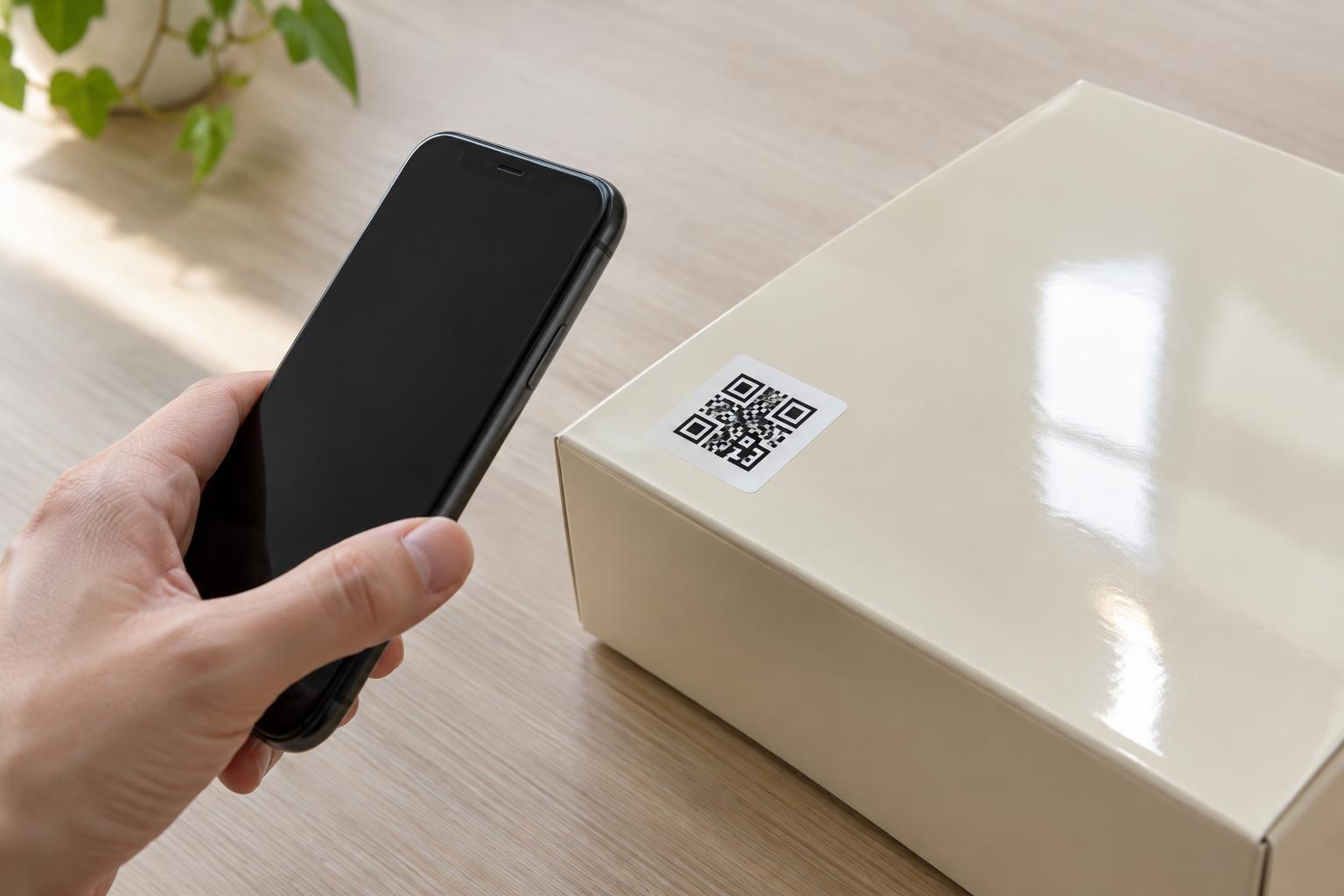
Consider a small product label that links to a long web address. Switching from M to H may force the QR code into a larger grid. If the label cannot grow, each module has to shrink. A phone may then struggle to separate neighboring squares, particularly if ink spreads, the surface is textured or the label is viewed from a distance. Extra error correction cannot reliably compensate for a pattern that was printed too finely in the first place.
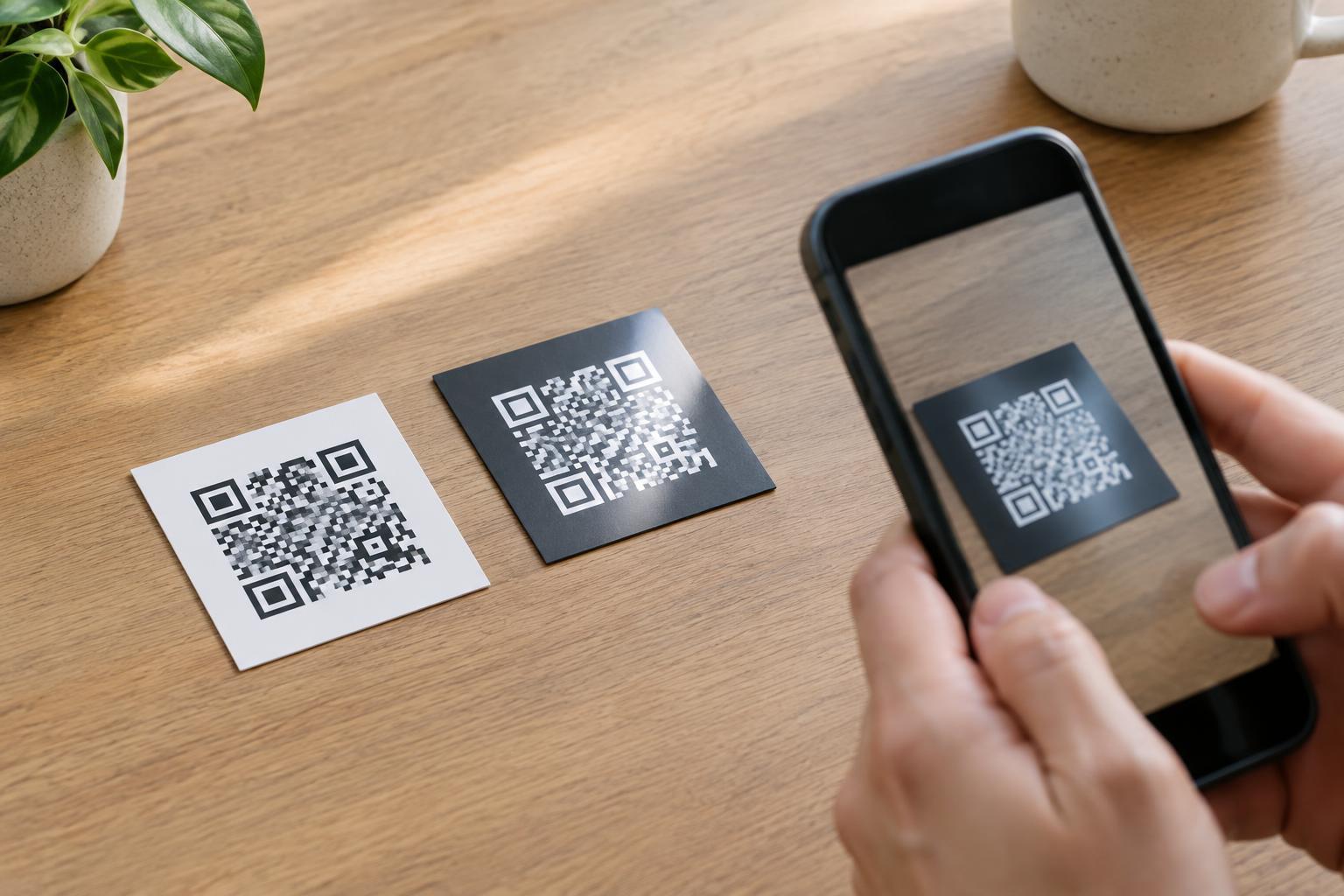
Start by keeping the encoded content short when possible, without relying on a link you cannot maintain. Then give the code enough physical space for its modules to print cleanly. Keep a clear margin around all four sides, known as the quiet zone; the standard minimum is four modules wide. Strong contrast between the code and its background also matters. These basic layout choices often do more for scan reliability than selecting the highest error correction level.
Choosing a level for the setting
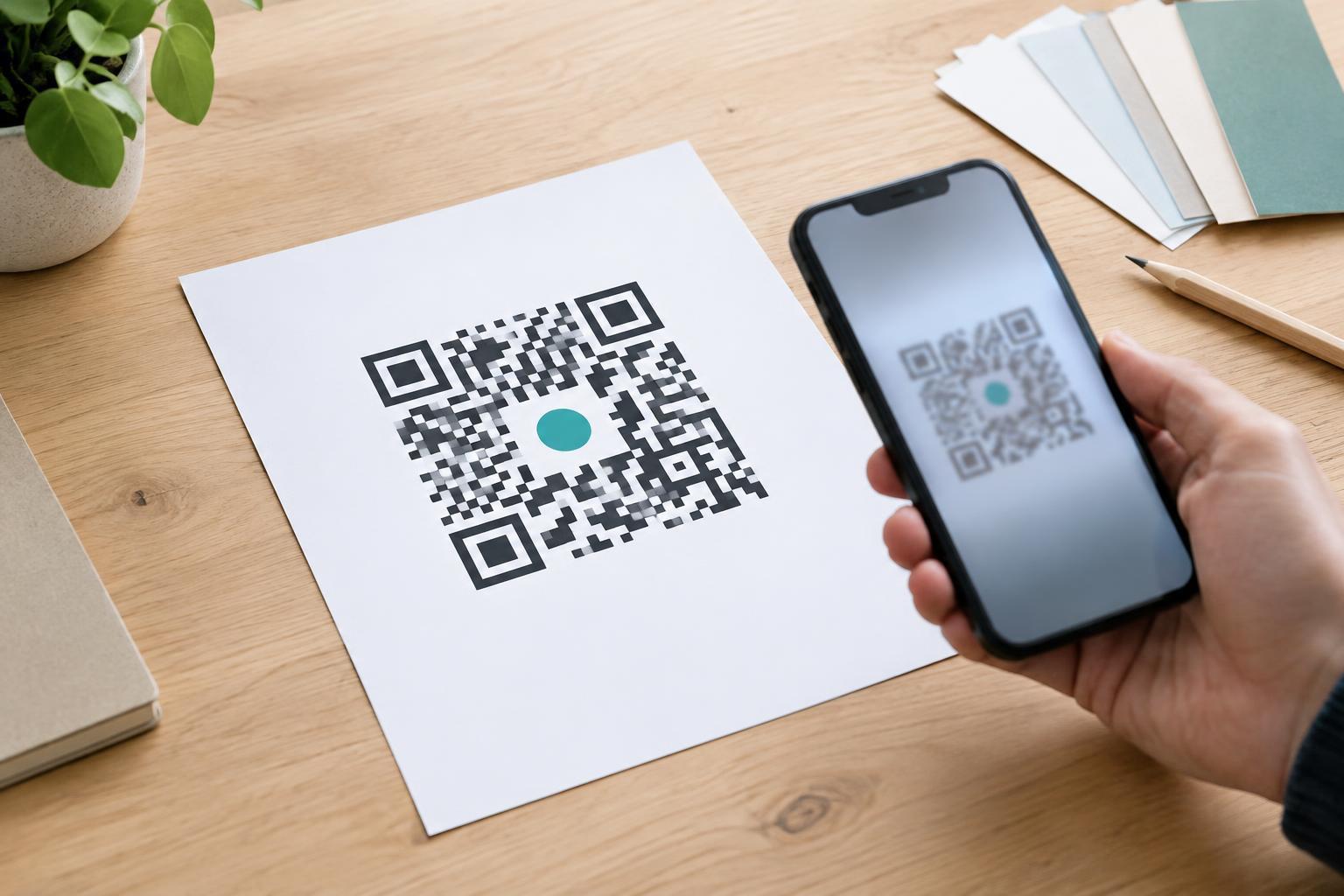
For a clean, adequately sized indoor sign, M is a reasonable starting point. L may suit a space-constrained design if testing confirms that the code scans easily and damage is unlikely. For packaging that may pick up scuffs, or a code on a surface exposed to handling, Q or H may be worth testing. Higher levels can also provide some margin for a small design element placed over the pattern, but they do not guarantee that a logo-covered code will work.
Avoid treating error correction as permission to put artwork across important parts of the code. The corner position markers and the clear space around the code should remain easy to recognize. If a design requires a logo, compare it with an unobstructed version and keep the overlay modest. A plain code that scans promptly is more useful than a decorated one that works only in ideal conditions.
Test the finished piece, not just the file
Check a proof at its intended print size before producing a batch. Scan it with more than one phone if available, from the distance and angle a customer is likely to use. Then check a sample from the actual print process: paper finish, ink spread, glare, curvature and placement can affect the result. A code that works on a bright monitor may behave differently on a small, glossy label.
If scanning is inconsistent, first look for cramped margins, weak contrast, tiny modules or an awkward location. Enlarging the code or simplifying its content may help more than increasing error correction. Choose the lowest level that performs reliably for the finished design and its expected wear, then test again whenever you change the content, size, artwork or print material.