Why contrast matters
A QR code scanner looks for a pattern of dark and light areas. If those areas are difficult to distinguish, a phone may struggle to find the code or read its smaller details. Strong contrast gives the scanner a clearer pattern, especially when the code is small, the lighting is uneven or someone is holding a phone at an angle.
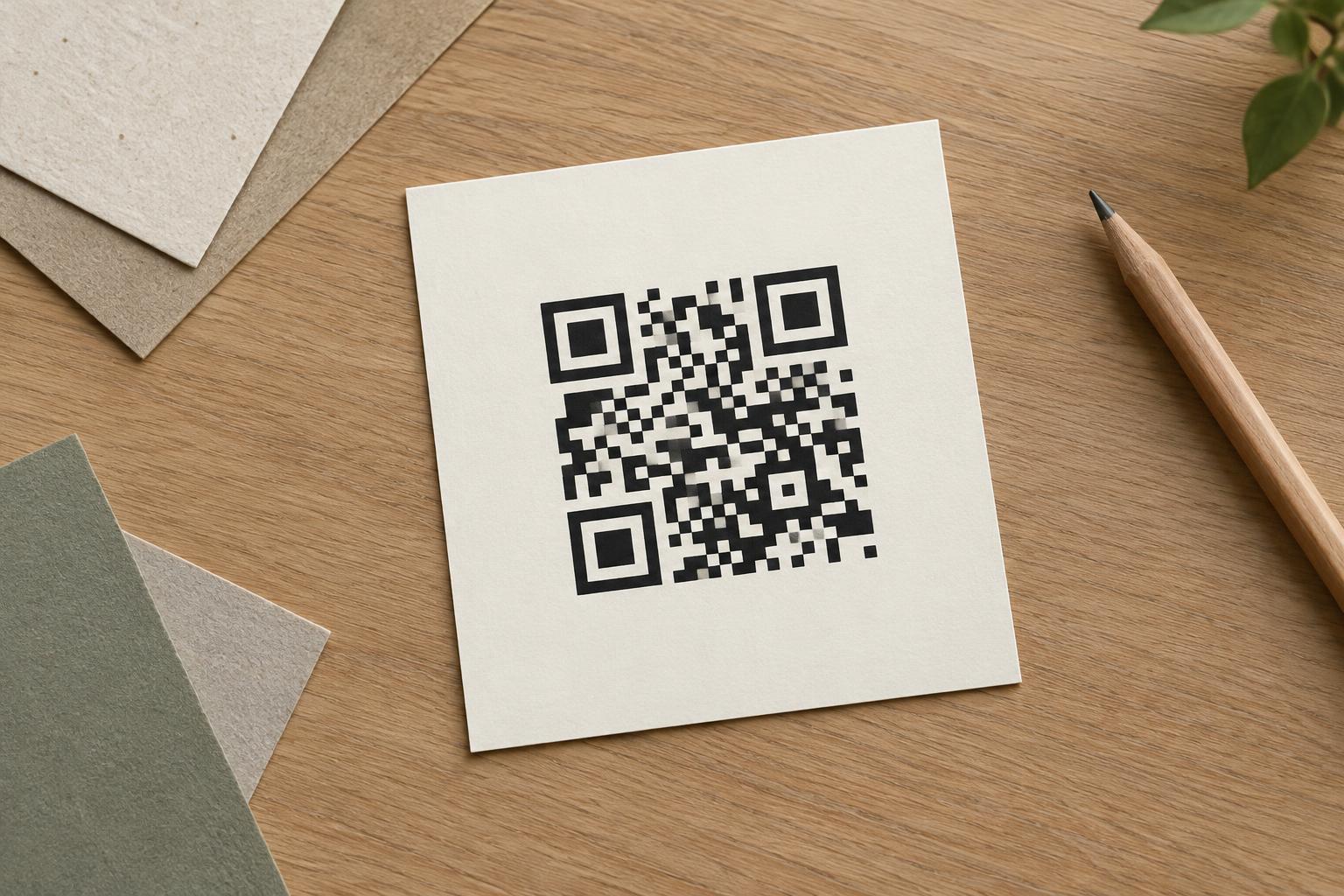
The safest starting point is a dark foreground on a light, solid background: black on white is the familiar example. Other color combinations can work, but appearance on a design screen is not proof that the printed code will scan. Color brightness, background texture, printing and the device camera can all change the result.
Choose colors by lightness, not just hue
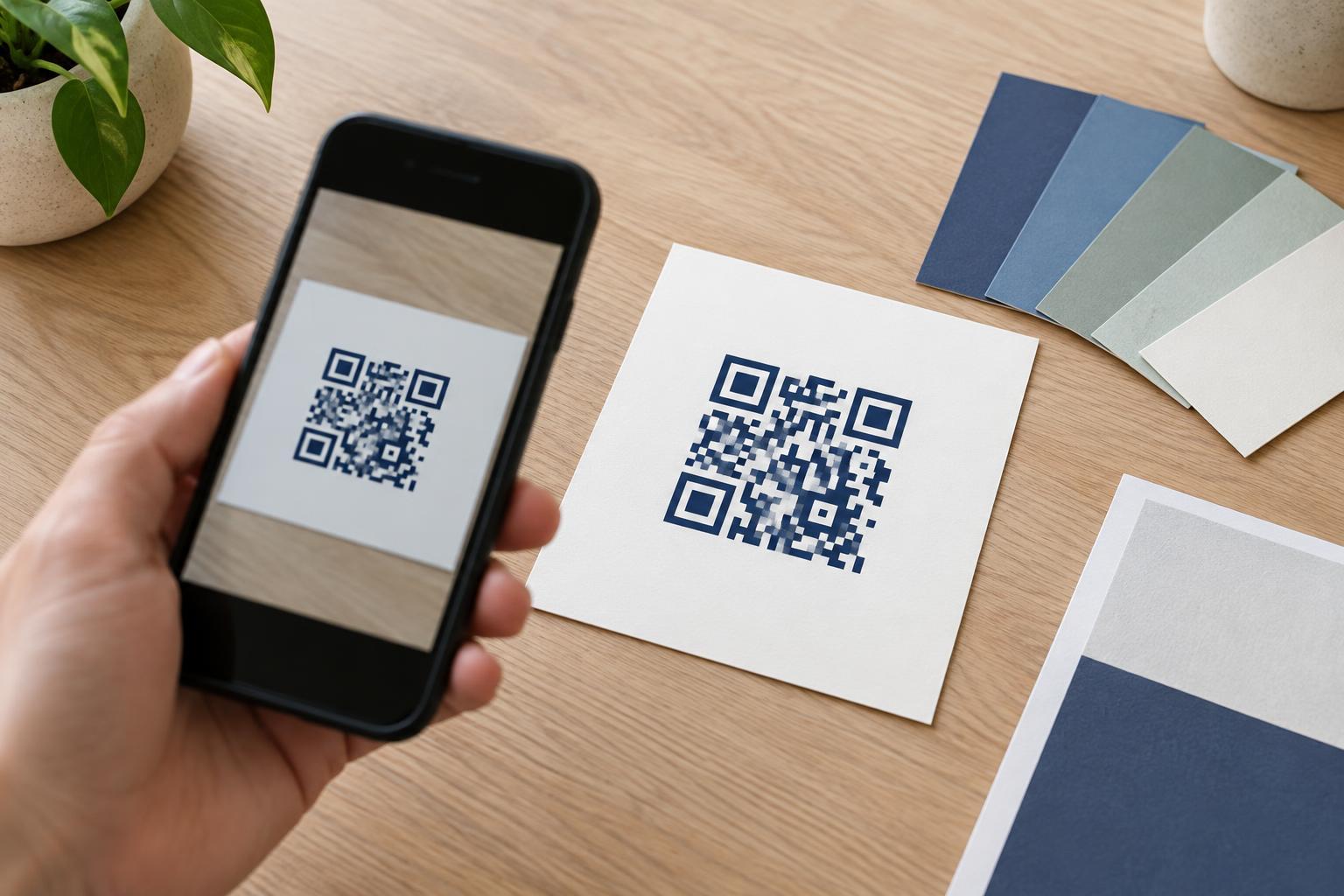
Two colors can look different to a person yet appear similarly light to a camera. For example, a bright red pattern on a bright green background may stand out as a color combination without creating a clear light-and-dark pattern. When choosing brand colors, use a distinctly dark shade for the code’s modules and a distinctly light shade behind them.
A quick design check is to view the code in grayscale. If the modules and background begin to blend together, increase the difference in lightness. Grayscale is only a screening tool, not a substitute for a scan test. Avoid relying on subtle color changes, gradients across the code or pale foreground colors. Keep the foreground consistent so the small squares remain easy to distinguish.
Give the code a clear, uninterrupted background
Place the QR code on a plain area rather than directly over a photograph, illustration or busy pattern. Even if the center looks clear, details behind the edges can make it harder for a scanner to identify where the code begins. If the design uses a patterned background, put a solid, light panel behind the entire code.
Preserve the quiet zone: the empty border around the QR pattern. It should be the same light background as the area behind the code, with no text, border, logo or decorative marks intruding into it. Follow the spacing guidance for the particular code you are preparing. A dark frame can be useful elsewhere in a layout, but it should sit outside the quiet zone, not crowd the modules.
Account for the printed surface
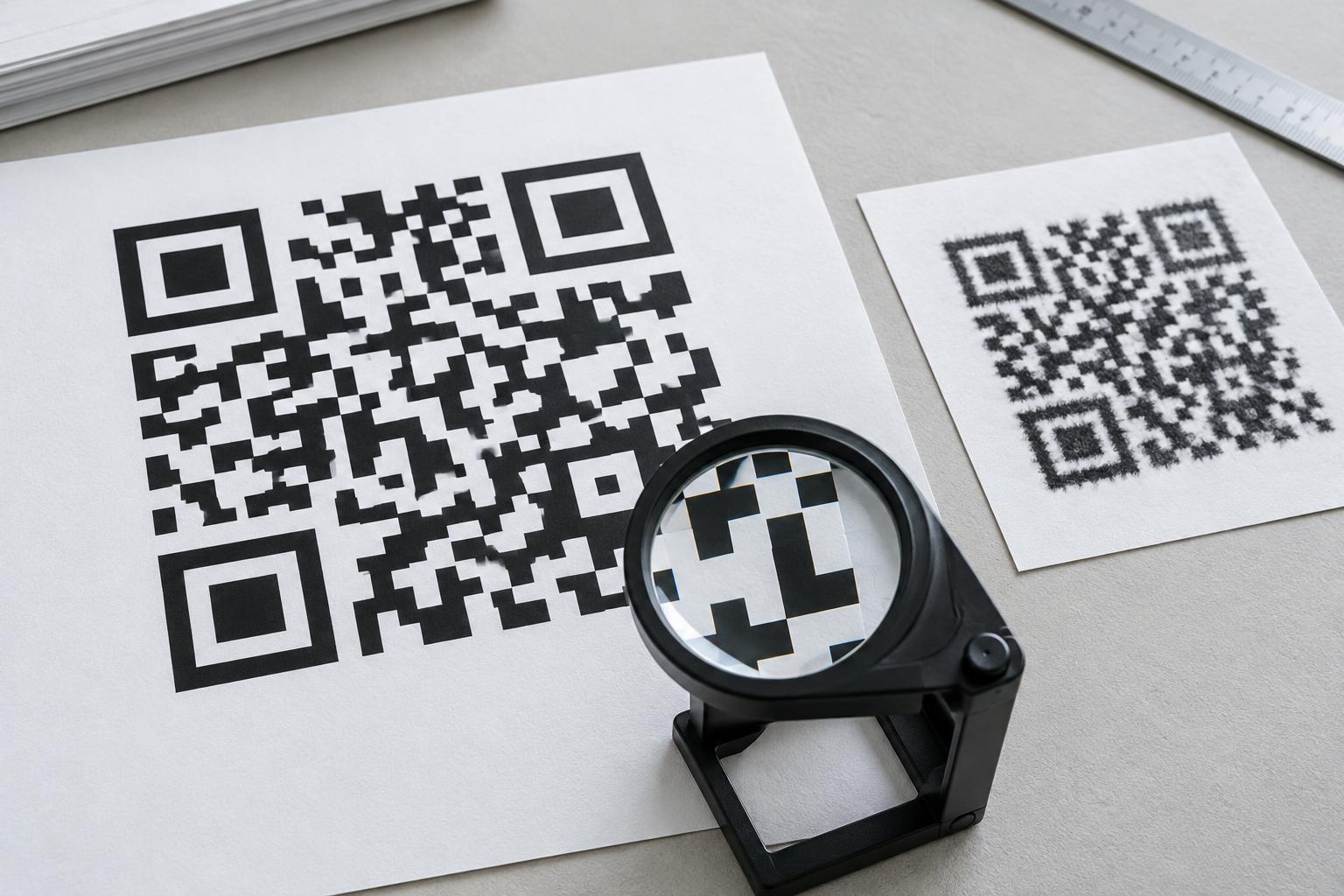
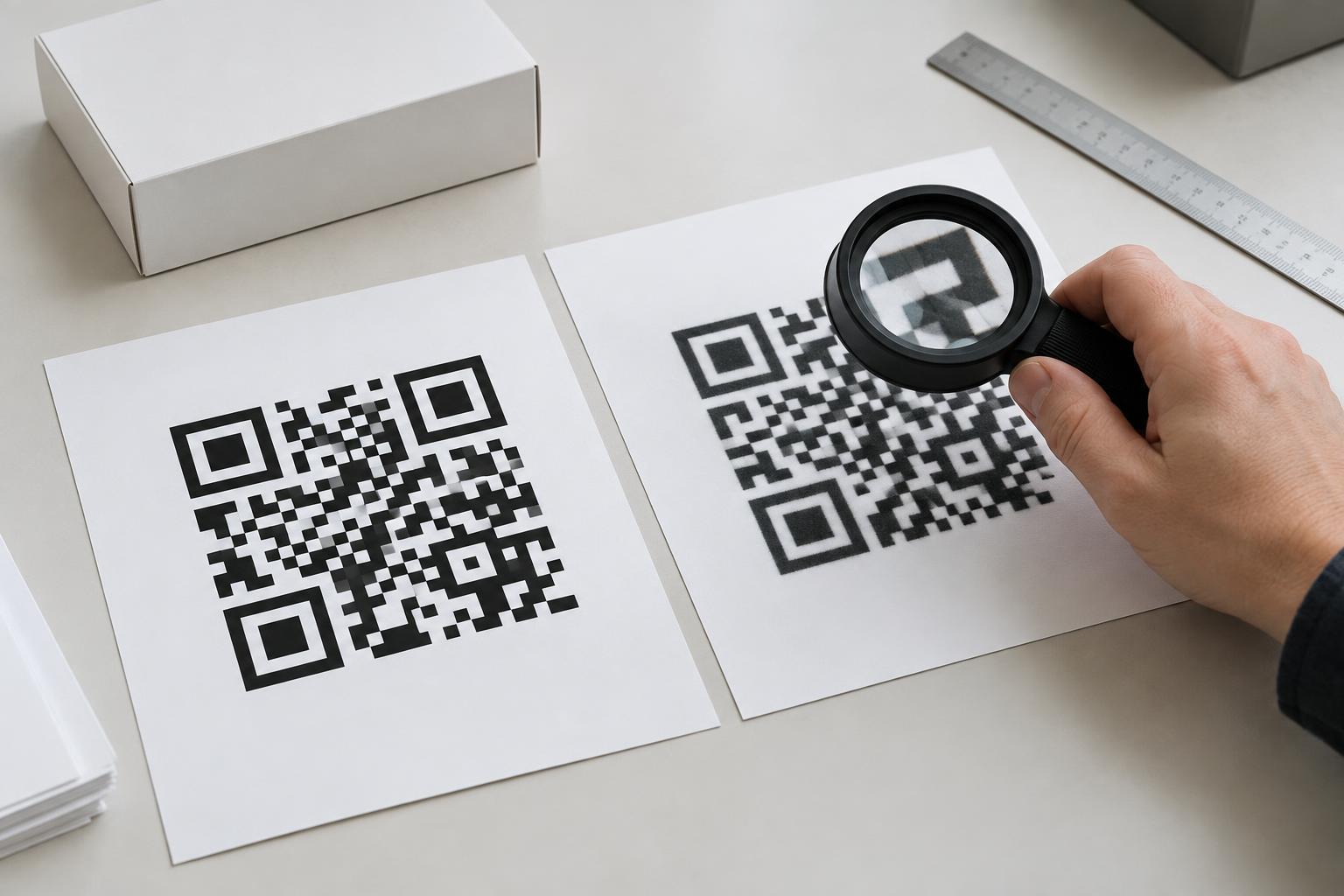
A color pairing that works on a bright screen may look different on paper, packaging or signage. Thin paper can let printing on the reverse side show through. Textured stock may break up fine details. Glossy finishes, transparent labels and reflective surfaces can create glare or let an unpredictable background affect the apparent contrast.
For dependable print placement, favor a solid light area and a dark ink that reproduces clearly on the chosen material. Be cautious with reversed codes, such as white modules on a dark field: some may scan, but they are less dependable as a default than a dark-on-light design. Likewise, a transparent background is only as consistent as whatever surface sits behind it. Check a physical proof on the intended material when possible.
Test the finished design in realistic conditions
Test the code at its final size, not only as a large image on a monitor. Scan a printed proof with more than one phone if available. Try it at the distance and angle someone would use in context, such as reaching a table sign, reading a package or approaching a poster. Check it in both bright and modest indoor lighting, and confirm that it opens the intended destination.
If scanning takes repeated attempts, simplify before assuming the reader will try harder. Increase the light-and-dark difference, remove background details, restore the quiet zone or make the printed code larger. The goal is not merely a code that scans once under ideal conditions, but one that people can use without having to adjust their phone, position or lighting.