Accessibility starts before the scan
A QR code is a doorway, not the whole experience. It may take someone to a menu, event schedule, instruction page or feedback form. If that destination is difficult to read or operate, a clear, easy-to-scan code has not solved the visitor’s problem. Plan the code and its destination as one journey: noticing the sign, understanding what the code does, scanning it and completing the task on the page.
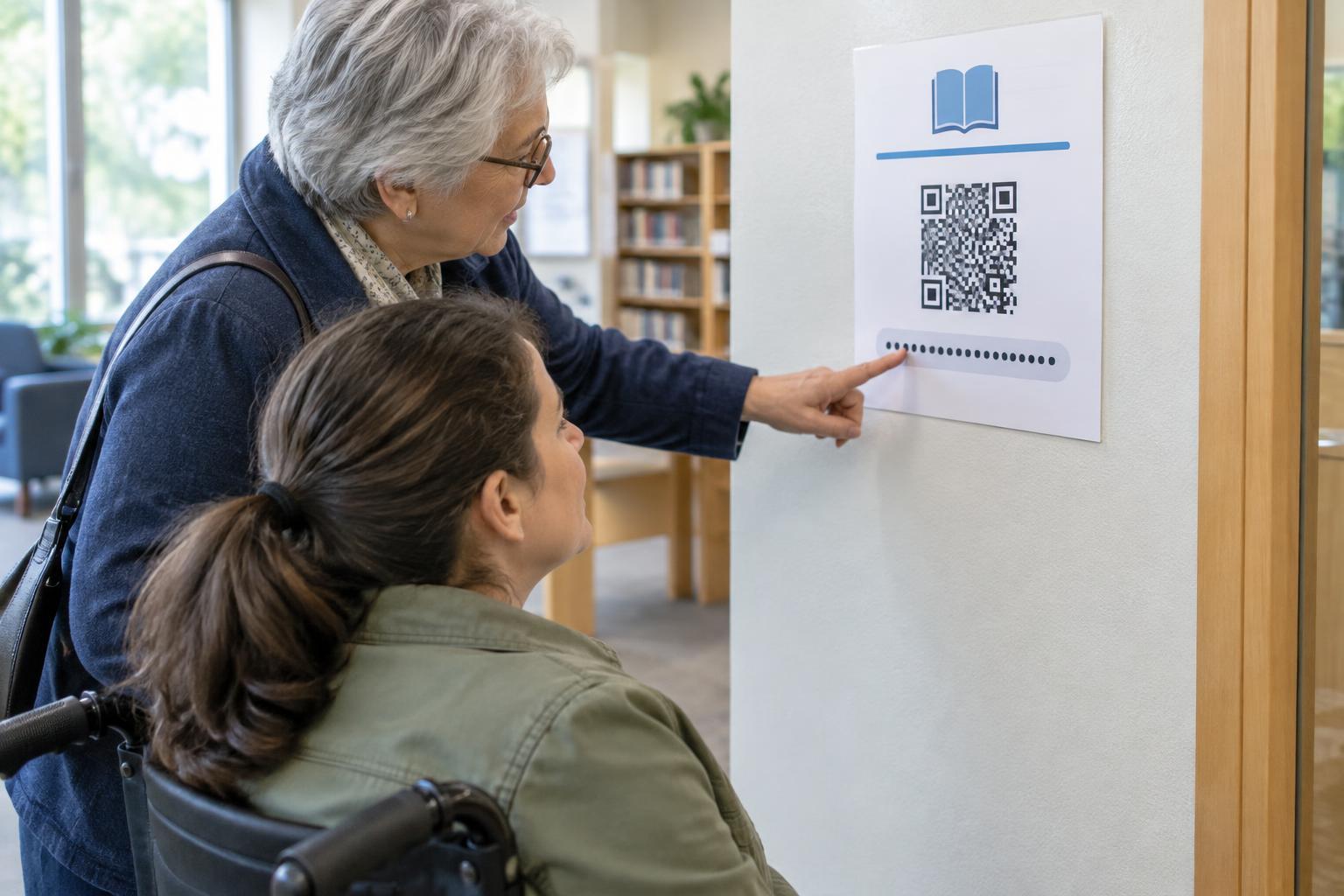
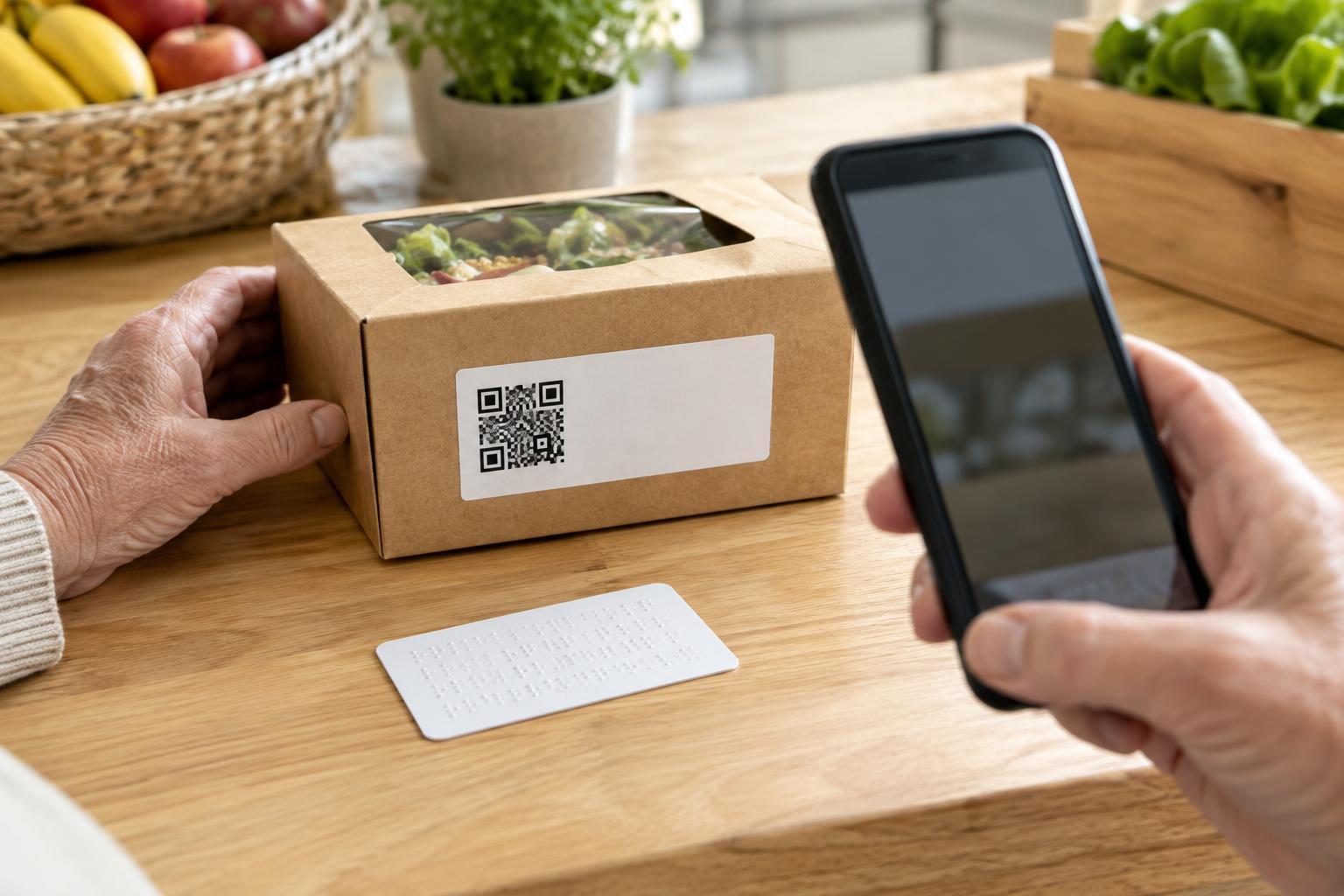
Give the code a short, visible description such as “Scan for the full menu” rather than leaving visitors to guess. Place it where people can approach and see it without awkward reaching or glare, and keep enough space around it for a reliable scan. Provide another route when possible, such as a readable short address, a printed copy or help from staff. Not everyone has a smartphone, can use a camera comfortably or wants to scan a code.
Build a destination that works on a phone
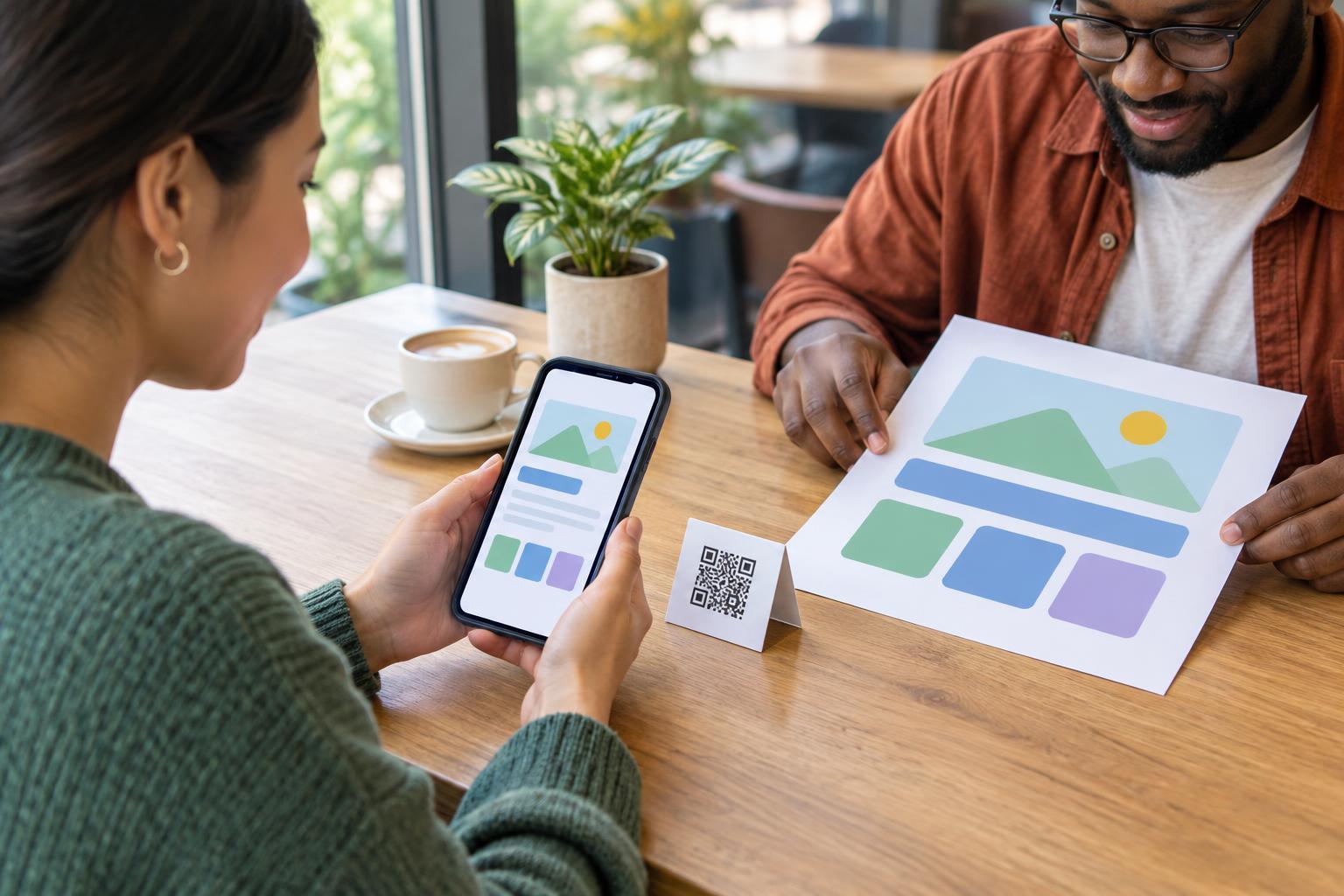
Most people who scan a code will open the destination on a phone, often while standing or moving. Use a layout that fits a narrow screen without forcing horizontal scrolling. Keep text readable without requiring zoom, allow text to enlarge without hiding essential content, and leave enough space between links and buttons to reduce accidental taps. Important details should appear as ordinary page text, not only inside an image or a document that is difficult to navigate.
Put the promised information near the top of the page. A code labeled “Scan for opening hours” should not lead to a general home page that makes visitors hunt for those hours. Use descriptive headings to break up longer content and link labels that explain where they go. “View the menu” is more useful than several links labeled “Click here,” especially when someone is moving through links with assistive technology.
Support different ways of reading and navigating
A usable page should not depend on sight or touch alone. Structure headings in a sensible order, give meaningful images text alternatives and label form fields clearly. If an image carries essential information—such as a seating plan or a diagram of a machine—describe that information in nearby text or an appropriate alternative. Avoid putting instructions only in a video; provide text for steps people need to follow, and captions for spoken video content.
People may navigate with a keyboard, a screen reader, voice control or enlarged text. Make sure links and controls can be reached and operated without precise tapping, and that the currently selected control is visibly clear. Do not rely on color alone to convey meaning: a required field, error or availability status should also have a text label. Plain language helps, too. Short sentences and direct instructions make a page easier to use in a busy setting.
Make forms and transactions less demanding
QR destinations sometimes ask visitors to register, order, pay or provide feedback. These tasks need extra care because an unclear step can stop someone from finishing. Keep forms as short as the task allows. Tell people what information is required, place instructions next to the relevant field and explain errors in words that identify what needs fixing. If a session can expire, give a clear warning and a way to continue where feasible.
Avoid making the QR route the only way to complete an essential task. A customer who cannot open a digital menu should still be able to find out what is available; a visitor who cannot use a mobile form should have a reasonable way to ask for assistance. An alternative need not be identical in format, but it should let the person accomplish the same practical goal with dignity.
Test the complete journey, then maintain it
Before printing a code, try the experience on a phone as a first-time visitor would. Scan from the intended position, read the destination at increased text size, move through it using keyboard controls if available, and check whether the task can be completed without relying on images alone. Ask people with different access needs to try it when you can; their experience may reveal obstacles that a visual check misses.
Keep checking after the code is posted. A page redesign can bury the promised information, a form change can introduce an unlabeled field, and a moved page can leave a printed code pointing nowhere useful. Give someone responsibility for the destination as well as the printed sign. The most accessible QR experience is not simply one that scans quickly; it is one that helps people reach, understand and use the information they came for.