Why a transcript belongs alongside the audio
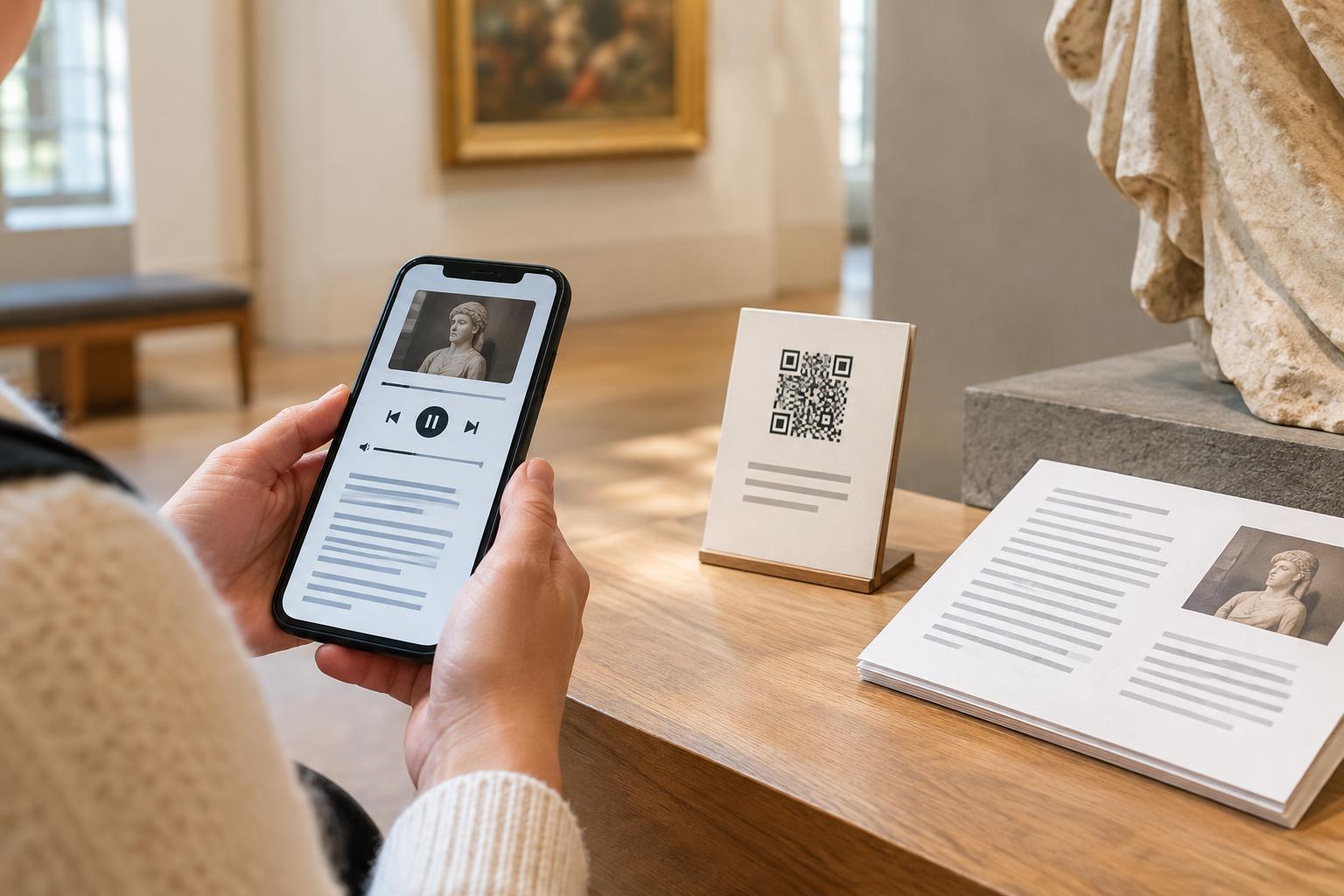
QR codes often lead to spoken content: a museum label may open an audio description, a walking route may play a local story, or a product tag may link to setup instructions. Audio can be convenient, but it does not work equally well for everyone. A visitor may be deaf or hard of hearing, unable to use sound in a quiet space, or struggling to understand speech in a noisy one. A written transcript gives those visitors another way to get the information.
A transcript also helps people who prefer to read at their own pace. They can search for a detail, reread a difficult passage or check a name they did not catch. The goal is not to replace the recording. It is to let people choose how to receive the same essential content, without having to request a separate accommodation.
Make the transcript complete and easy to find
Put a clearly labeled “Read transcript” link near the audio player, ideally before or immediately after it. Do not hide the text behind an unlabeled icon or a series of menus. If a QR code opens a page for a particular stop or item, that page should present both the recording and its matching transcript. Give each a descriptive title so visitors can tell whether they have reached the right content.
Include the spoken words and any sounds needed to understand the message. For example, if an audio tour pauses for a bell that signals a change of scene, briefly describe the bell in the transcript. Identify speakers when that matters, and preserve meaningful instructions such as “turn left at the next doorway.” A summary can be helpful, but it is not a substitute for a transcript when visitors need the full information.
Design the page for reading and navigation
Use ordinary page text for the transcript rather than an image of text. Break longer recordings into paragraphs with useful headings, and keep the reading order aligned with the audio. Clear contrast, legible type and a layout that works when enlarged make the text more comfortable to use. Avoid forcing visitors to scroll through a long introduction before they can reach either format.
Make controls and links understandable without relying on color alone. A person using a screen reader should be able to find the recording, locate the transcript and move through its headings. If the page contains several audio clips, label each player and transcript with the item or location it describes. On a small phone screen, that clarity matters more than decorative effects.
Offer a route that does not require scanning
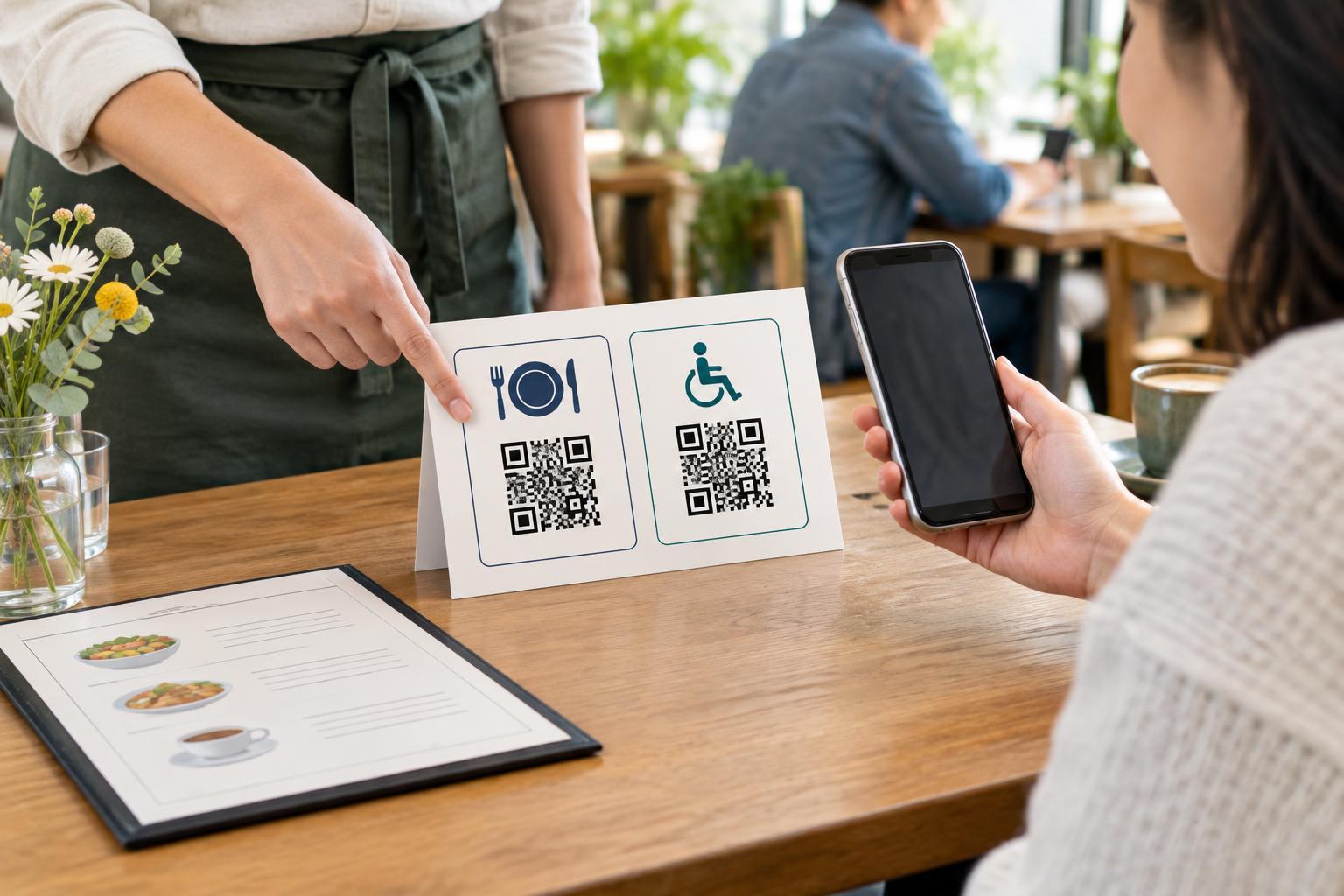
A transcript on the destination page helps only if visitors can reach that page. Near the QR code, explain what it opens, such as “Audio guide and transcript for the garden entrance.” Include a short, readable web address or another practical way to access the same material. Someone may have a phone that cannot scan, limited connectivity, or difficulty aiming a camera at a code.
Placement matters too. Put the code and its accompanying text where people can approach and read them without awkward reaching or glare. On a printed exhibit label, avoid placing the code around a corner from the object it describes. Where printed material is practical, staff or organizers can also make a text version available for visitors who do not want to use a phone.
Check the whole experience before publishing
Test the printed code with more than one phone and check that it opens the intended page. Then try finding and reading the transcript without playing the audio. Review the text against the final recording; a script drafted before recording may miss changes made during narration. If the audio is updated later, update the transcript at the same time.
Finally, look at the experience from the visitor’s point of view. Can they identify the content before scanning? Does the destination page load into a clear title? Can they switch between listening and reading without losing their place? These checks help turn a QR code from a quick link into a dependable choice between formats.