Why captions matter after the scan
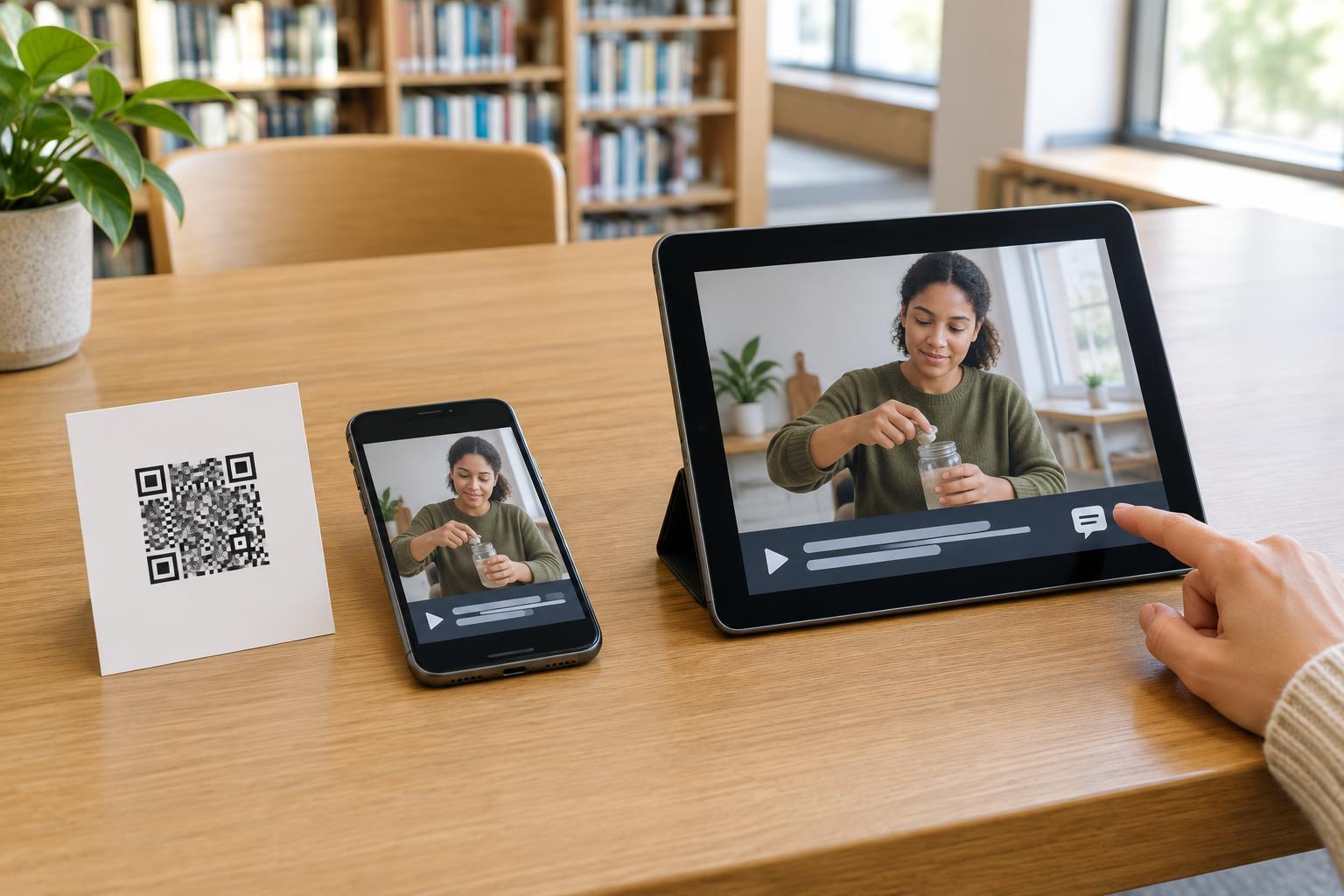
A QR code on a museum label, product package or event sign can lead directly to a video. That may save space in print, but it also moves part of the experience onto a phone. People might open the video in a noisy room, keep their sound off to avoid disturbing others, or be unable to hear the audio clearly. Captions let them follow spoken information without relying on sound.
Captions are particularly important when the audio contains information that is not otherwise visible. A demonstration might show how to assemble an item while a narrator explains which part to use. Without captions, someone watching silently may see the movements but miss the instructions. Treat captions as part of preparing the video, not as an optional addition made after the QR code is printed.
Make captions accurate and easy to use
Provide captions that match the spoken words and include meaningful sounds when those sounds help explain the video. For example, a caption can identify a timer ringing if that sound tells viewers a process is complete. Keep the text synchronized with the action and on screen long enough to read. Identify speakers when it is not clear who is talking.
Automatic captions can provide a starting point, but review them before sharing the video. Names, technical terms and numbers are easy to mishear, and a small error can change an instruction. Check the finished captions on a phone as well as a larger screen. Viewers should be able to find the caption control, turn captions on, and read them without text covering essential details. If you cannot control the video player's appearance, test what the chosen platform actually offers before committing it to a printed code.
Choose a destination that supports the whole experience
A QR code can link directly to a video, but a simple landing page may give visitors more useful choices. It can introduce the video in a sentence, link to a captioned version, provide a written transcript, and offer a way to find related instructions. This is especially helpful when a visitor cannot play media immediately or would rather read than watch. If the video has important visual action that the audio does not describe, include those steps in the written information too.
Keep the route from scan to content short and understandable. A visitor should not have to create an account or search through a page to find the promised video unless that requirement is genuinely necessary and clearly stated. If captions are available only through a player setting, consider adding a brief note such as “Captions available in the video player.” Check that the page and player work on a small screen, including when the phone is held vertically.
Do not make scanning the only way in
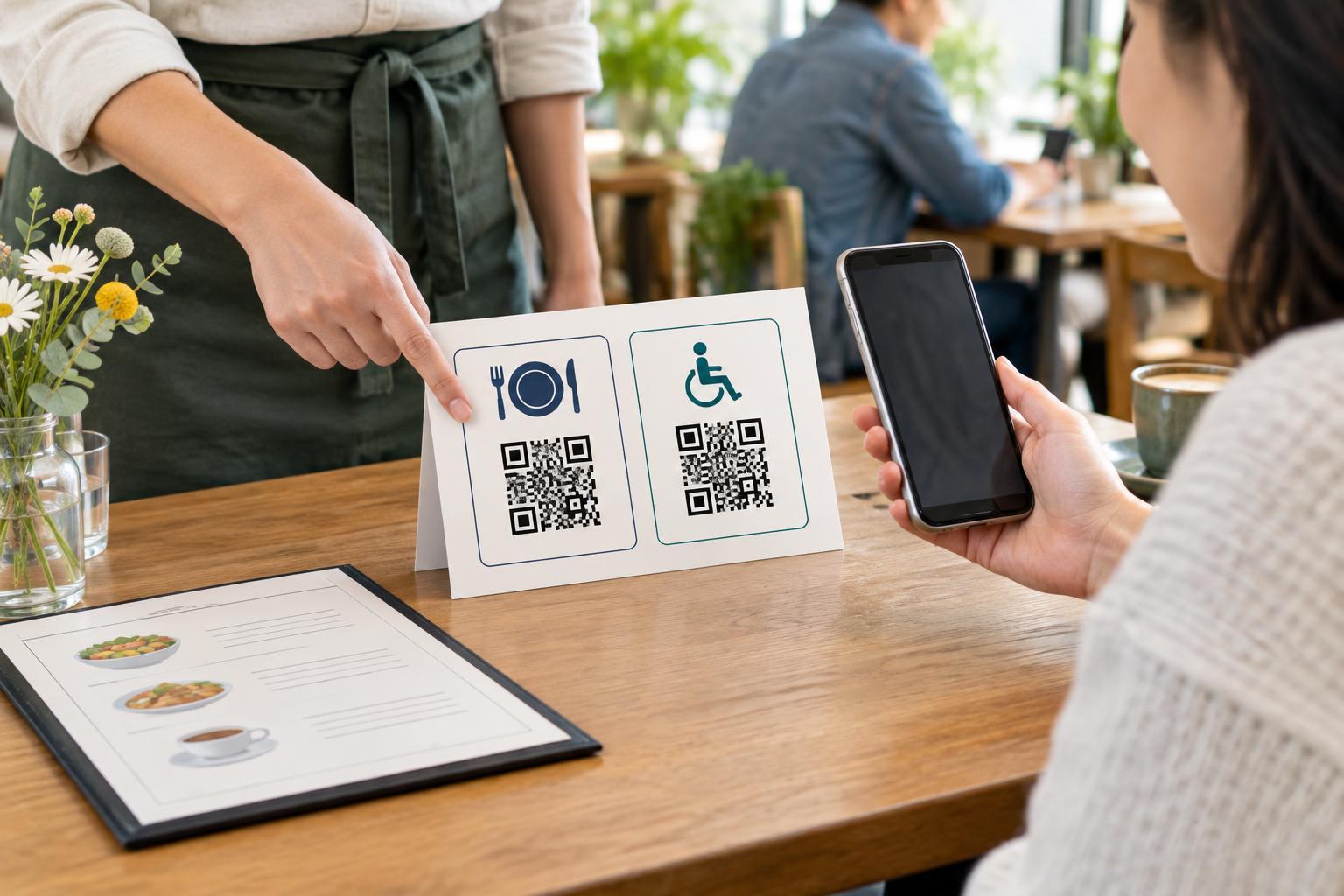
Captions improve a video, but they do not solve every barrier to reaching it. Some visitors cannot easily aim a camera at a small code, hold a phone steady, or use a camera at all. Place the QR code where people can approach it comfortably, give it clear visual contrast, and leave enough blank space around it for reliable scanning. Avoid putting it on a curved surface or behind glare when another placement is possible.
Print a short, readable web address or other access instruction near the code when space allows. Also describe what the code opens, such as “Scan to watch the captioned setup video,” rather than printing an unexplained square. In a setting with staff, staff can point visitors to the same information through another route. The goal is not to force everyone into one method; it is to make the information available in a form they can use.
Test the complete journey and maintain it
Before printing, ask someone unfamiliar with the material to try the code. Can they tell what it is for? Does it scan at the intended size and distance? Does the link open the expected page, and can they find and turn on captions without guidance? Watch the full video with the sound off to catch missing dialogue or confusing timing. Read the transcript separately to see whether it stands on its own.
Keep a record of where printed codes appear so you can revisit them if the destination changes. A perfectly captioned video is of little help when its link no longer works. When you update the video, check that its captions and transcript still match. Testing the printed code, destination and media together turns a small square on a sign into a more dependable way to share information.