A QR code makes a link convenient, not confidential
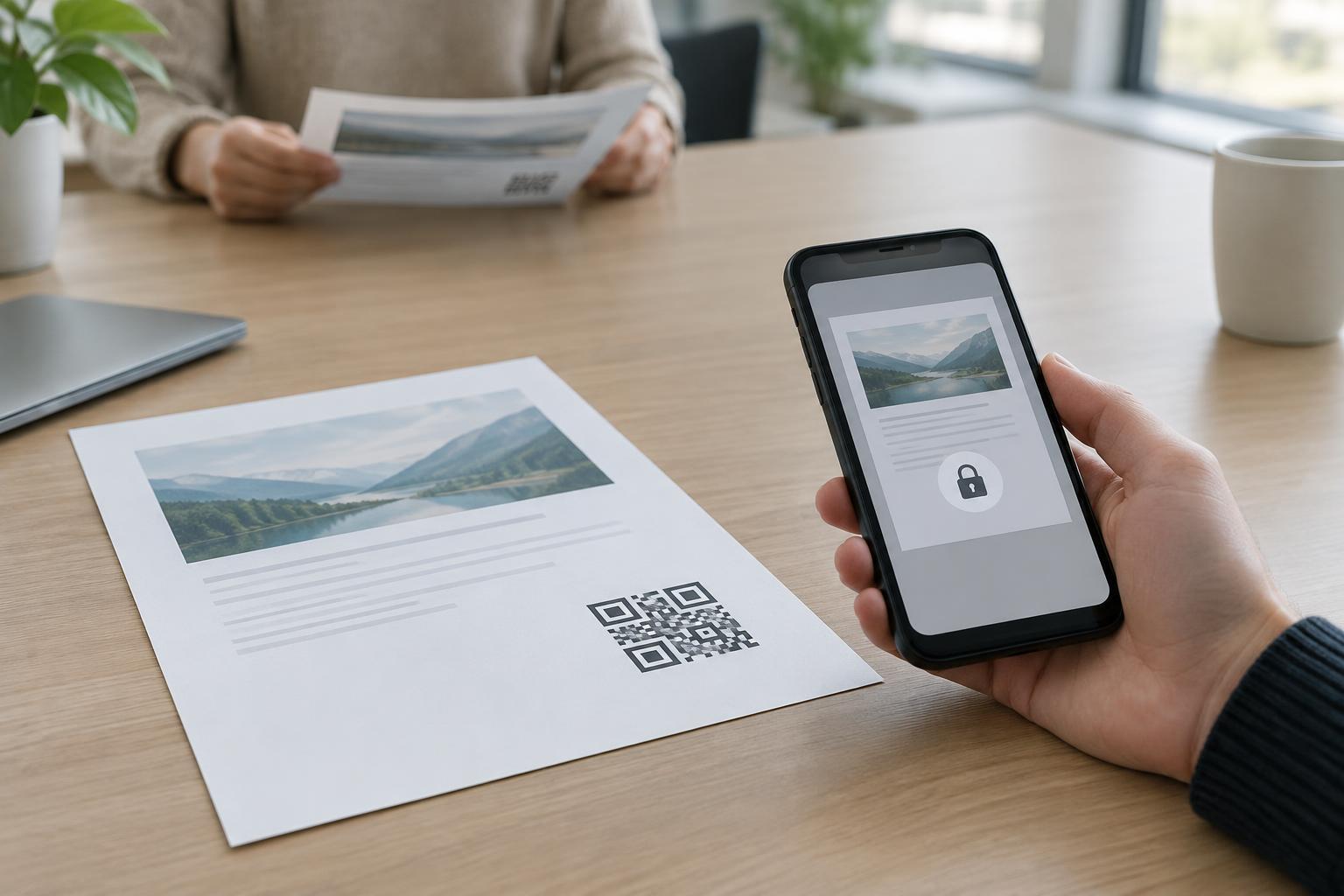
Imagine printing a QR code on a welcome packet so staff can open an internal document. The destination is an unlisted page: it does not appear in the site menu, and you have not advertised its address. That may reduce casual discovery, but anyone who obtains the link may still be able to open it. The QR code is simply another way to convey that address.
This distinction matters because “not easy to find” and “restricted to authorized people” solve different problems. An unlisted link relies on people not encountering or sharing it. Access control checks whether a person is allowed to view the document, even after the address has become known. If the material would cause a problem when seen by someone outside its intended audience, an unlisted URL alone is a poor safeguard.
How an unlisted document can travel
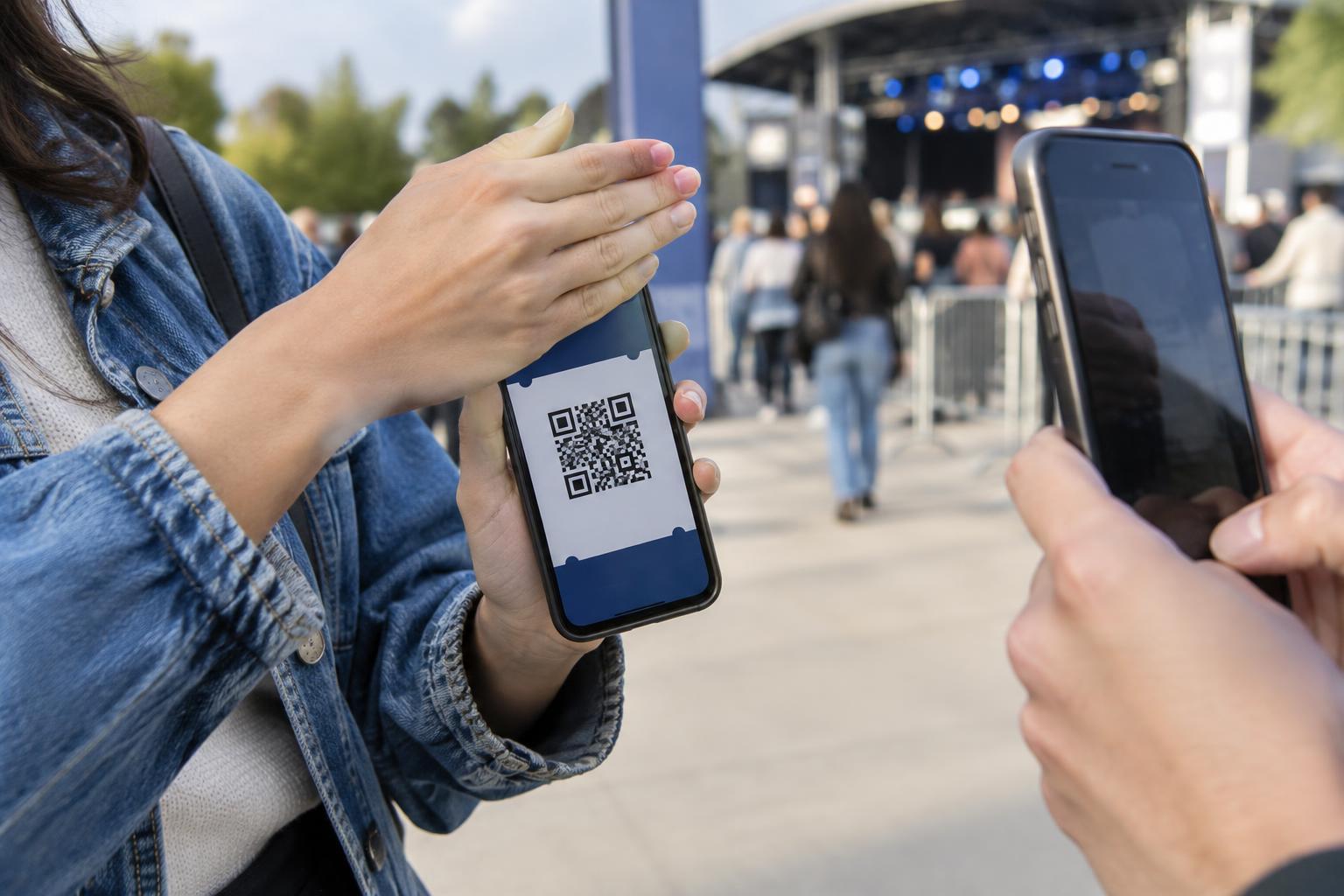
A printed code can be photographed, copied, left on a desk or included in a forwarded packet. After scanning, someone can copy the resulting URL into a message or share a screenshot of the document. The link may also appear in places such as browser history or a message preview, depending on the tools people use. None of these routes requires someone to guess the address.
Even a long, hard-to-guess URL mainly limits guessing. It does not stop a person who has the link from passing it along. A link with a secret token can function like a key: anyone holding it may gain access while it remains valid. That approach can be useful for some low-risk sharing, but it should not be mistaken for proof of a viewer’s identity.
Match the protection to the document
Start by asking what the document contains and who should see it. A public event schedule may need no restriction at all; a QR code that opens it directly creates a simple experience. A document intended only for employees, customers or a small project team needs a different plan, especially if it includes personal information, account details or material not meant for redistribution.
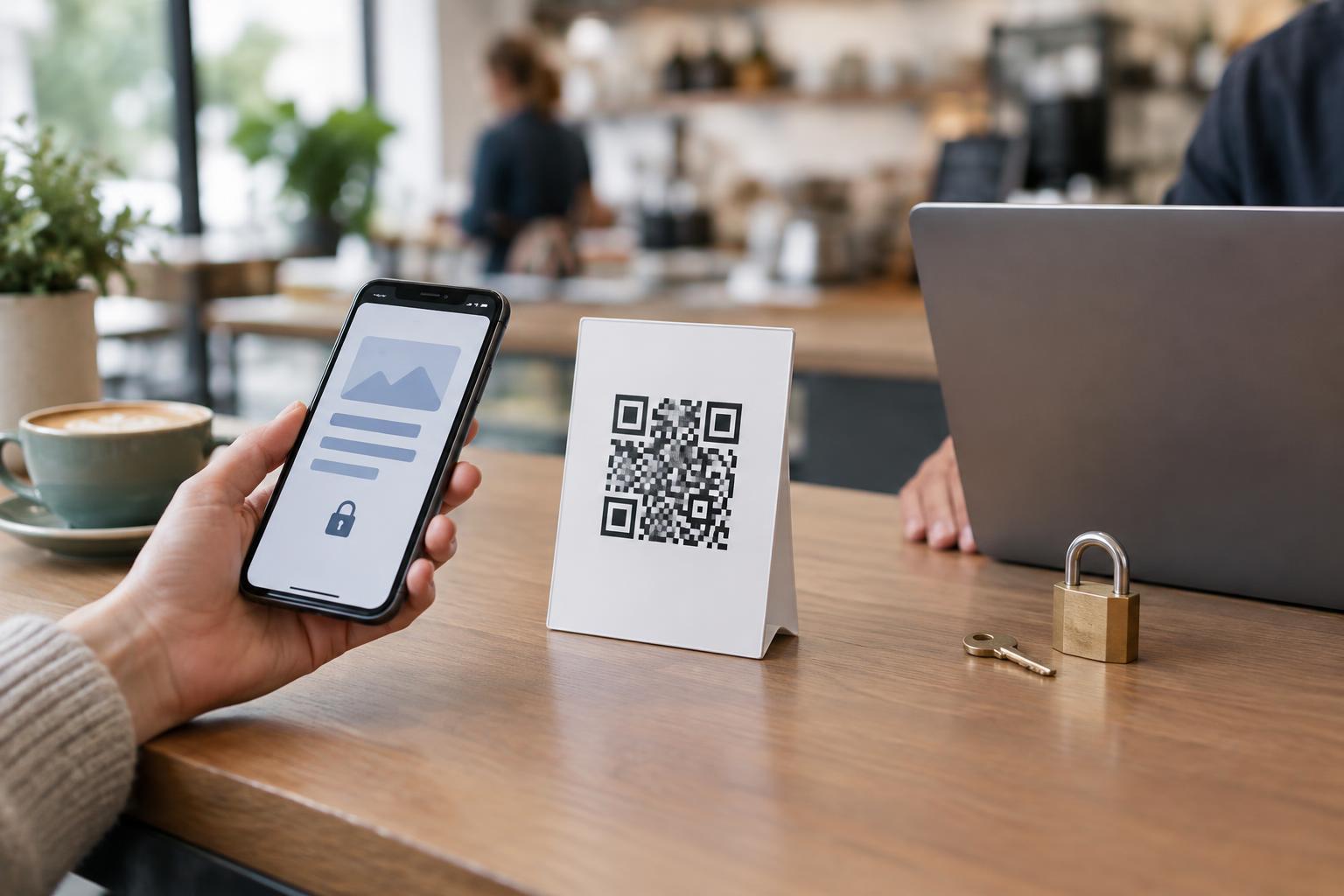
For restricted material, consider hosting it in a system that requires a sign-in and grants access to specified people or groups. Check the sharing settings on the document itself, not just the page that links to it. A login screen is only useful if accounts without permission cannot open the file. If access should end when someone leaves a team or project, choose a setup in which permissions can be changed without retrieving every printed QR code.
A time-limited link or password can add a barrier in some situations, but each has limits. A link may be forwarded before it expires, and a password printed beside a QR code provides little separation. Choose controls based on the consequences of unwanted access, rather than on how private the URL looks.
Plan for the life of the printed code
Printing makes a QR code durable. Before distributing it, decide who can update or remove the destination document, what should happen when the content changes, and how you will handle a code that reaches the wrong audience. Test the full path as a person without permission as well as a person with permission. A successful scan confirms only that the QR code works; it does not confirm that the access rules work.
When possible, point the code to a managed landing page rather than directly to a sensitive file. The page can explain what the document is, where it comes from and how an authorized reader can sign in. If the file moves, the landing page can be updated while the printed code stays the same. This does not replace access control on the file, but it can make maintenance and instructions clearer.
Think about people who cannot scan the code, too. Provide a readable alternative path, such as a short written address or directions to a known site section. If the document requires sign-in, explain that before someone scans so the prompt is expected rather than surprising.
Give readers a reason to trust the destination
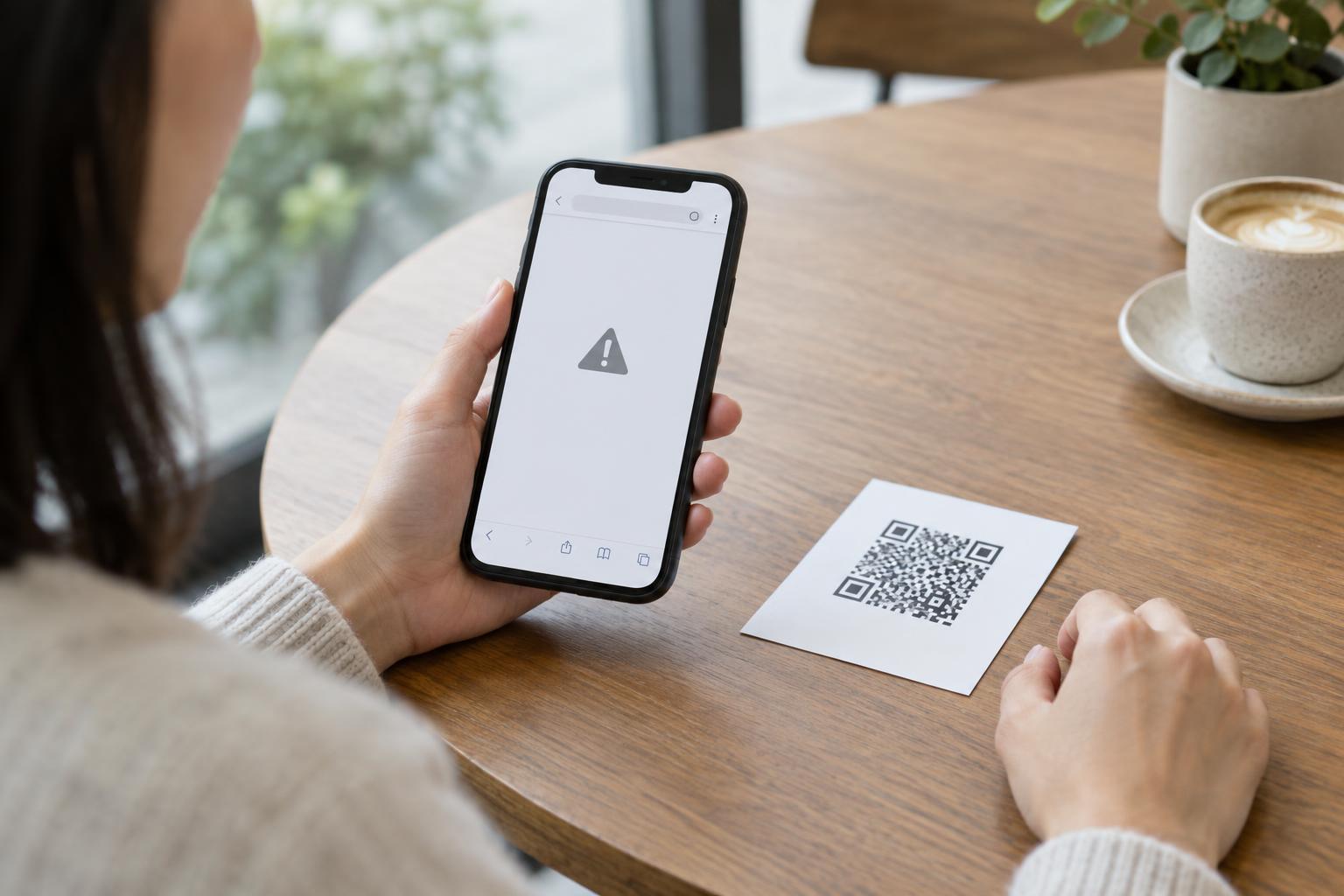
People should not have to assume that every QR code on a printed sheet is safe. Place a brief description next to the code, identify the organization responsible for it, and say whether sign-in is expected. Readers can then compare the page they reach with that description and pause if the destination looks unrelated or asks for unexpected information. A visible, recognizable domain can help, although its appearance alone is not a guarantee of safety.
The practical rule is simple: use QR codes to make access easier, and use appropriate permissions to decide who actually gets access. Treat an unlisted link as a convenience or a way to reduce casual discovery, not as the boundary protecting a confidential document.