Why a glossy code can be difficult to scan
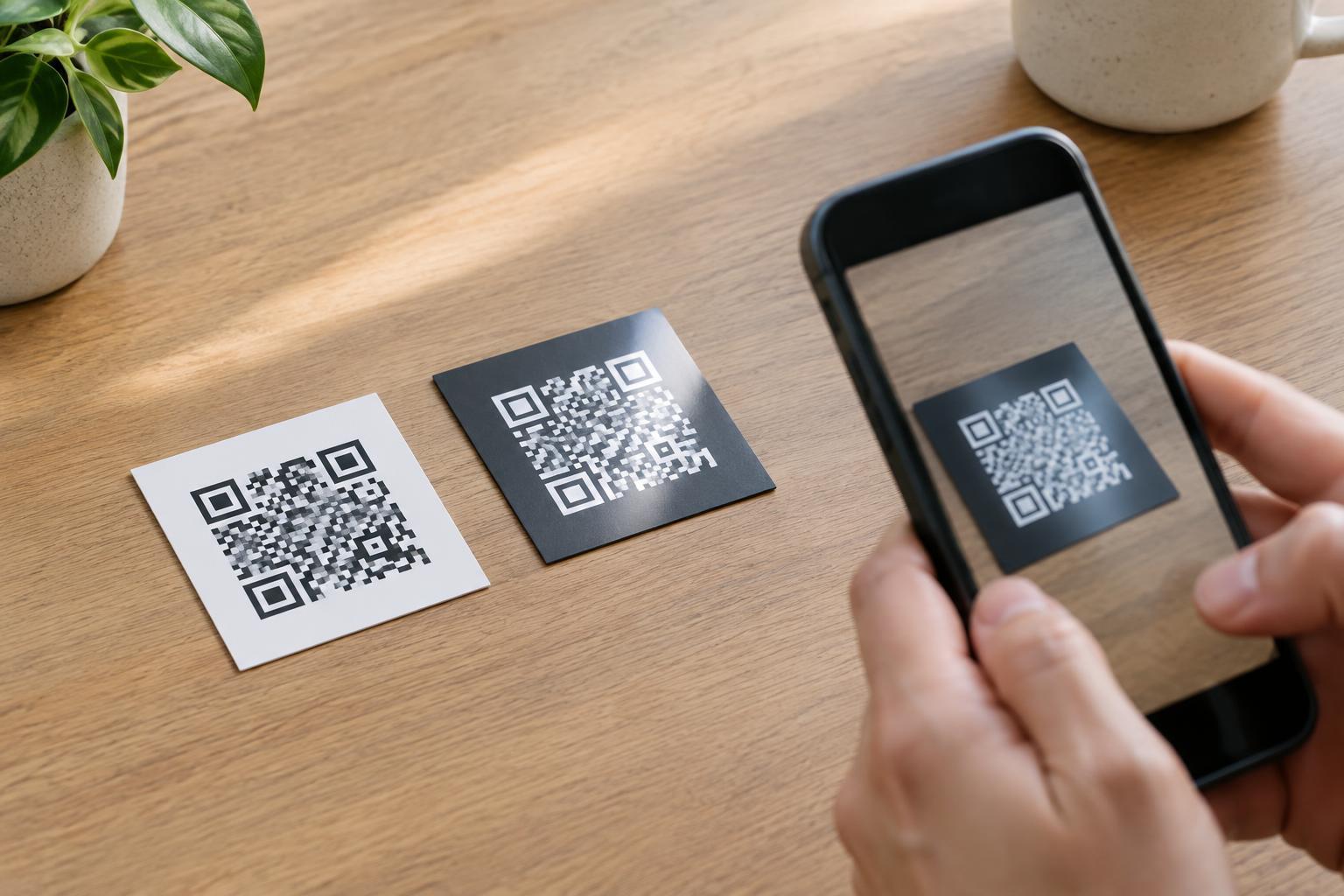
A QR code depends on a camera distinguishing its dark and light areas. A glossy coating can reflect a lamp, window, or the sky into the camera. When a bright reflection covers part of the pattern, the light areas and dark areas may become difficult to tell apart. The code can look perfectly clear from one viewing angle and nearly disappear from another.
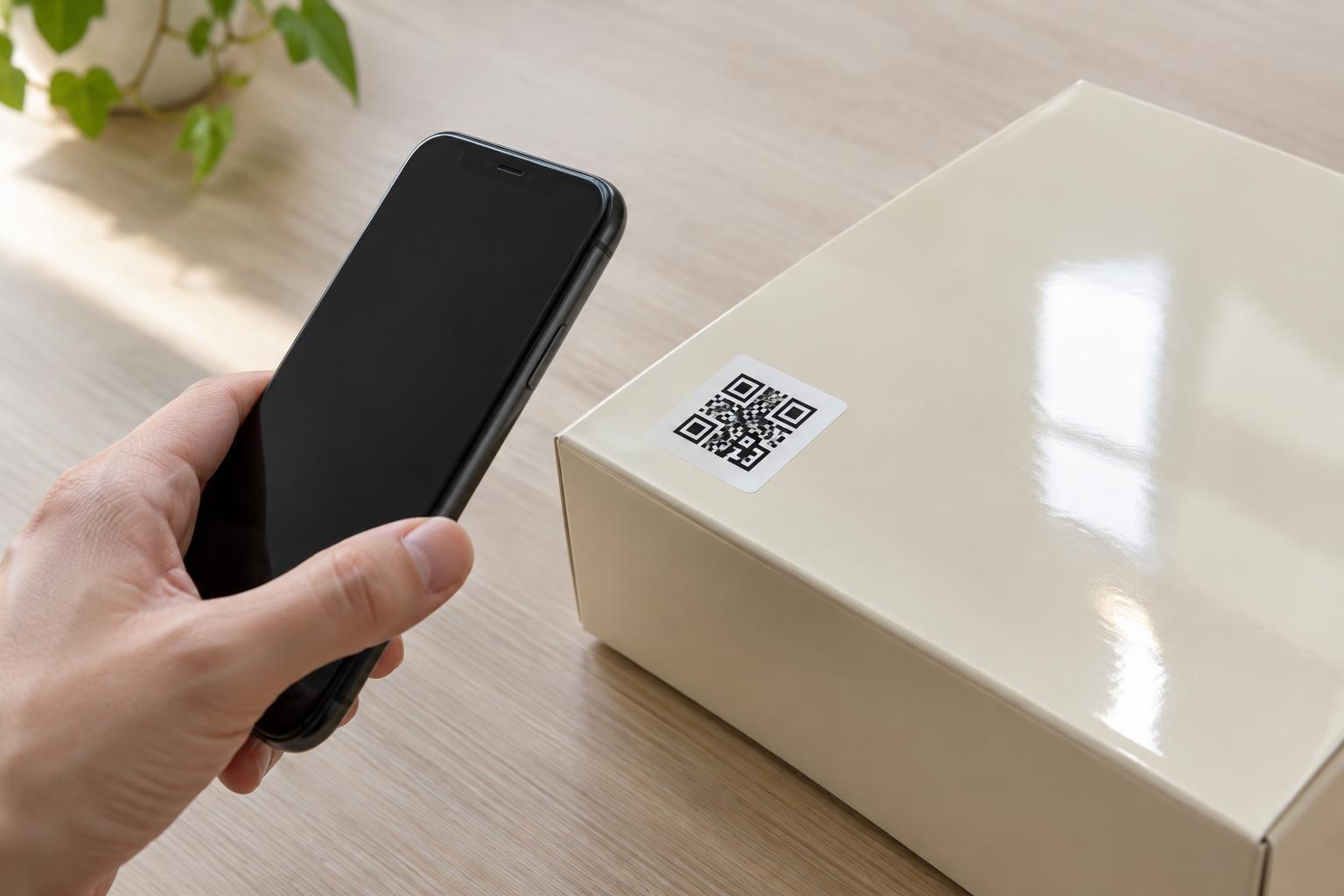
This matters on product packaging, laminated menus, window decals, and signs behind shiny covers. The effect changes with the position of the light, the phone, and the person scanning. A successful scan at a desk does not necessarily mean the same print will work under shop lighting or outdoors. Treat the finished surface and its surroundings as part of the QR code design.
Choose a print finish that keeps the code readable
If you can specify the finish, consider a matte or low-glare area for the code, even when the rest of the design is glossy. A matte label, an uncoated panel, or a selectively applied finish can preserve the overall look while reducing direct reflections over the pattern. For a code displayed behind a clear cover, a less reflective cover or a different mounting position may help more than changing the printed artwork.
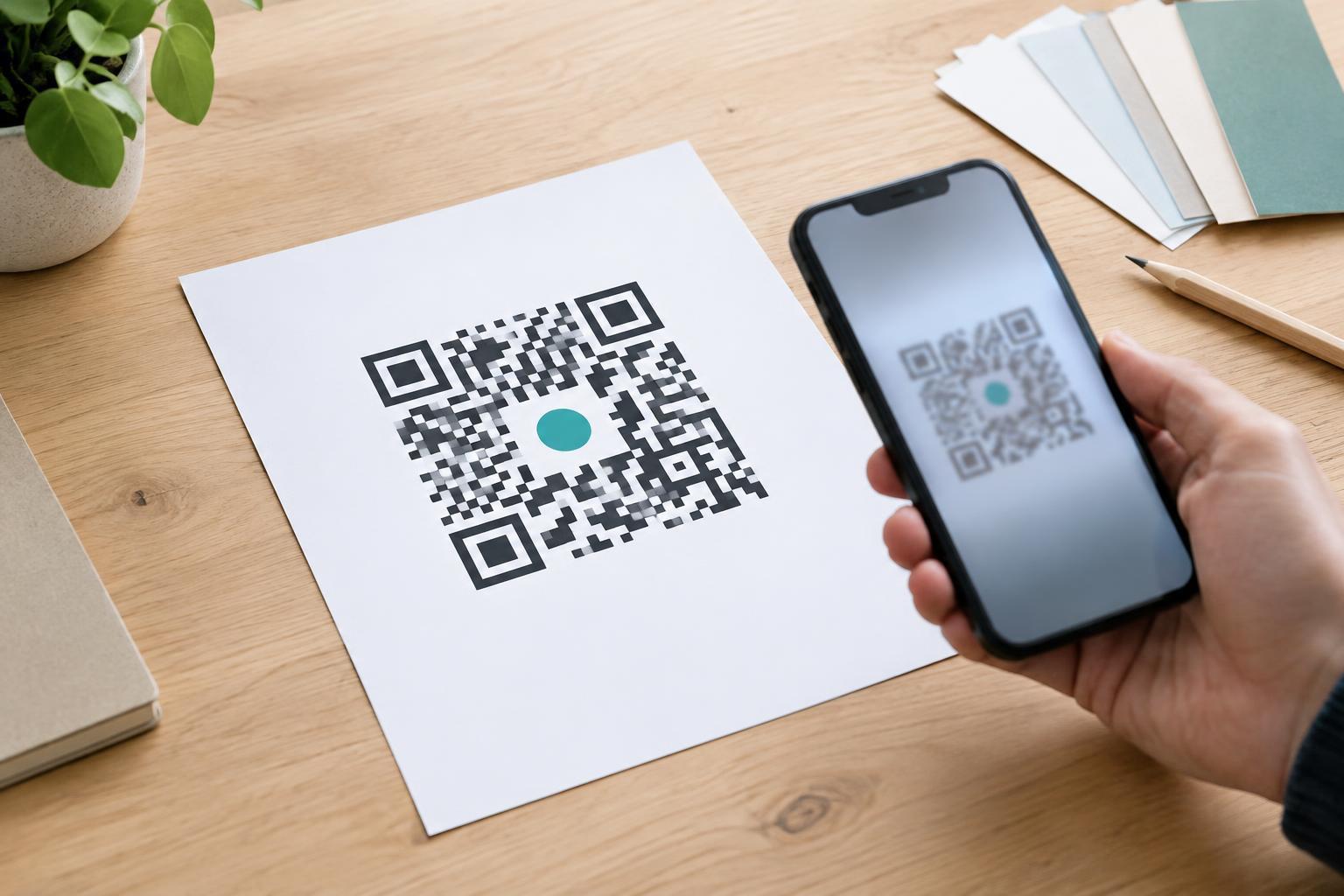
Aim for strong contrast between the code and its background. A dark code on a solid, light background is generally a safer choice than a pale code, a metallic ink, or a pattern printed over a photograph. Keep the clear margin around the code free of text, decoration, and busy imagery. That margin helps a scanner identify the code’s boundaries.
Avoid relying on a high error-correction setting to compensate for glare. Error correction can help when some parts of a code are missing or damaged, but a reflection that obscures a large area may still prevent a scan. Reducing glare in the physical print is the more dependable approach.
Place the code with lighting and viewing angles in mind
Before committing to a location, imagine where someone will hold a phone and where reflections will appear from that position. On a wall sign, overhead lights may shine across the code. On a window, daylight and the scene behind the glass may compete with the printed pattern. Moving the code to another part of the sign, or changing the angle of the display, can make a noticeable difference.
Flat areas are preferable to folds, seams, and strongly curved surfaces. A code wrapped around a bottle or crossing a package corner may be distorted or partly hidden, even without glare. Leave enough room for a person to approach and frame the entire code on a phone screen. If a sign is mounted high, behind an obstacle, or where people must lean into a reflection to scan it, consider a more reachable position.
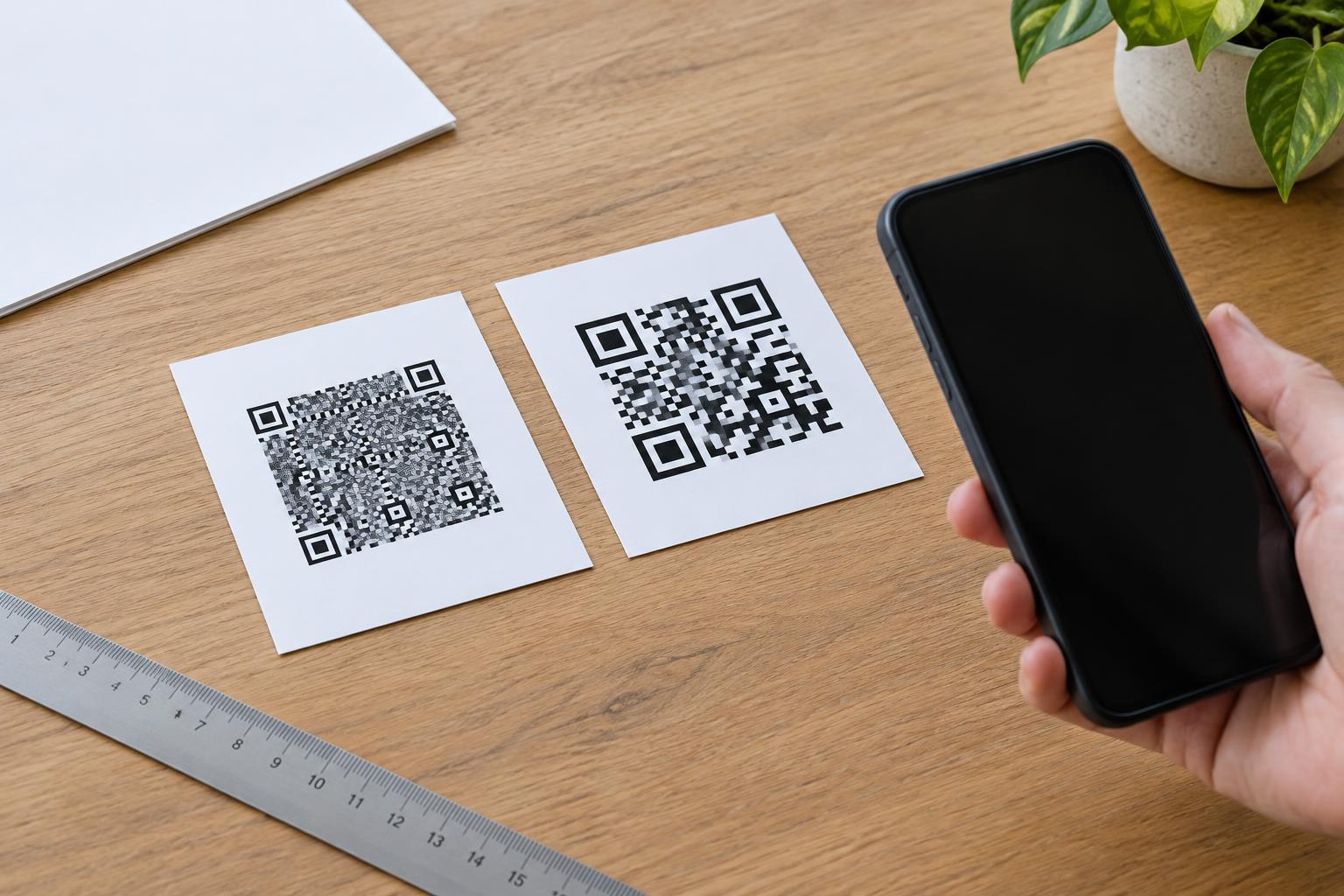
Give the code adequate physical size for its expected viewing distance. Fine details become harder for a camera to resolve when the code is small or far away. Enlarging it may help, but it does not replace good contrast or a sensible placement.
Test the finished material, not just the artwork
A digital proof cannot show every reflection created by a laminate, varnish, plastic sleeve, or clear cover. Print a sample using the intended materials and inspect it where the code will be used. Test under the available lighting, including any conditions that are likely to vary during normal use. Try scanning from the positions a customer would naturally take rather than searching for the one angle that works.
Use more than one phone if practical, and check that the code opens the intended destination as well as scans quickly. If scanning requires repeated tilting or moving around, revise the finish, contrast, size, or placement and test again. Recheck after production if the final stock or coating differs from the sample.
Offer a useful alternative when scanning is inconvenient
Even a carefully printed code may be awkward for someone who cannot reach it, cannot avoid a reflection, or prefers not to scan. Where space allows, print a short, readable destination or a clear instruction for another way to access the same information. This also lets people understand what the code is meant to open before they use it.
Glossy materials do not have to rule out QR codes. The practical goal is to make the pattern easy to see under ordinary conditions, place it where people can use it comfortably, and verify its performance on the actual finished surface.