Why module edges matter
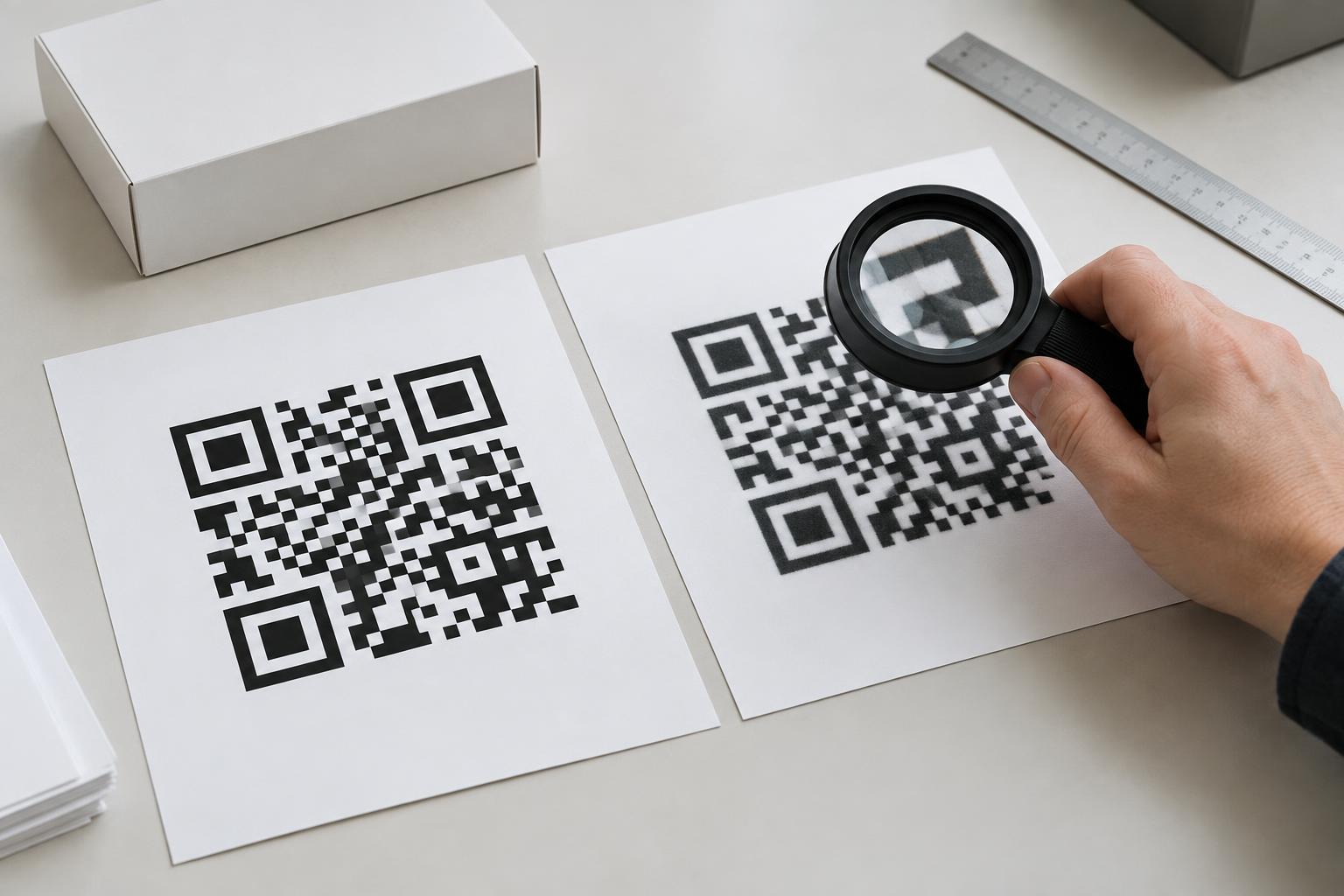
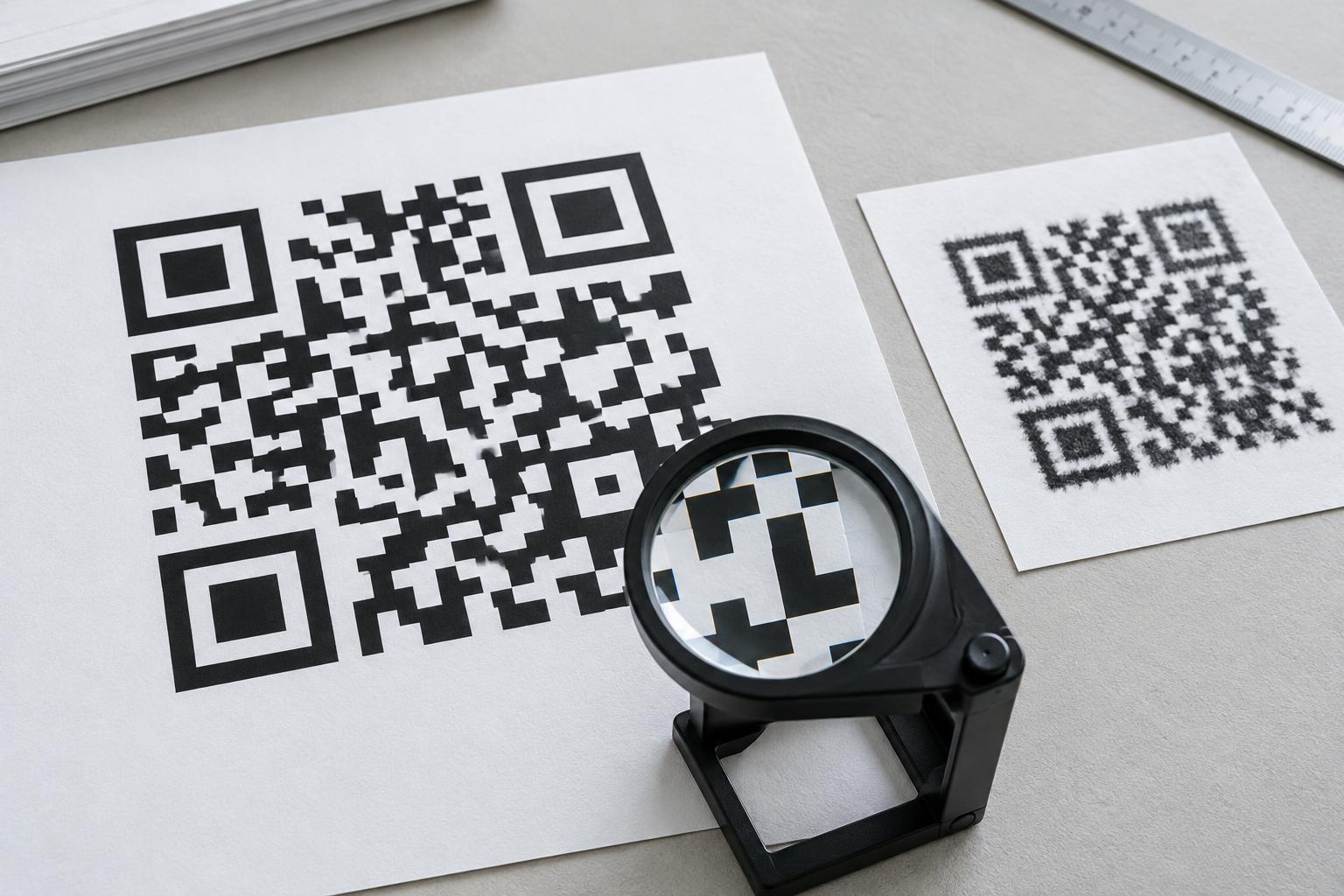
A QR code is made of small light and dark squares called modules. A scanner needs to distinguish those squares from one another and from the empty border around the code. When printing softens their edges, dark areas can spread into light ones, narrow gaps can disappear, and the pattern becomes harder to read. A code that looks acceptable when enlarged on a monitor may therefore be unreliable at its intended print size.
Resolution is only part of the problem. The physical size of the code, its number of modules, the printer, the paper, and the viewing conditions all affect the result. A tiny code containing a long destination address may have modules too small for a particular printing process, even if the artwork file is sharp. Start by deciding where the code will be used and how close someone can comfortably hold a phone to it.
Choose artwork that can scale cleanly
Vector artwork is usually the simplest choice for a QR code that will appear at several sizes. Formats such as SVG or print-ready PDF describe the square shapes rather than storing a fixed grid of image pixels. The artwork can be enlarged without making its edges fuzzy. Check that your design or print workflow preserves the vector shapes; converting the file to a small image before placing it in a layout removes that advantage.
Raster artwork, such as a PNG, can also print well if it contains enough pixels for its final physical size. Work backward from the size on the page and the intended print resolution. For example, an image printed one inch wide at 300 dots per inch needs about 300 pixels across at that effective resolution. That calculation is a starting point, not a guarantee: the pixels still need to represent each module clearly. Enlarging a small screenshot or low-resolution image in layout software does not add useful detail.
If you must resize a raster code, avoid repeated scaling and image filters that soften its edges. Inspect the final exported file, not just the original artwork. Compression, resampling, or an unexpected conversion during export can change a sharp grid into one with gray, uneven boundaries.
Give the printed pattern enough room
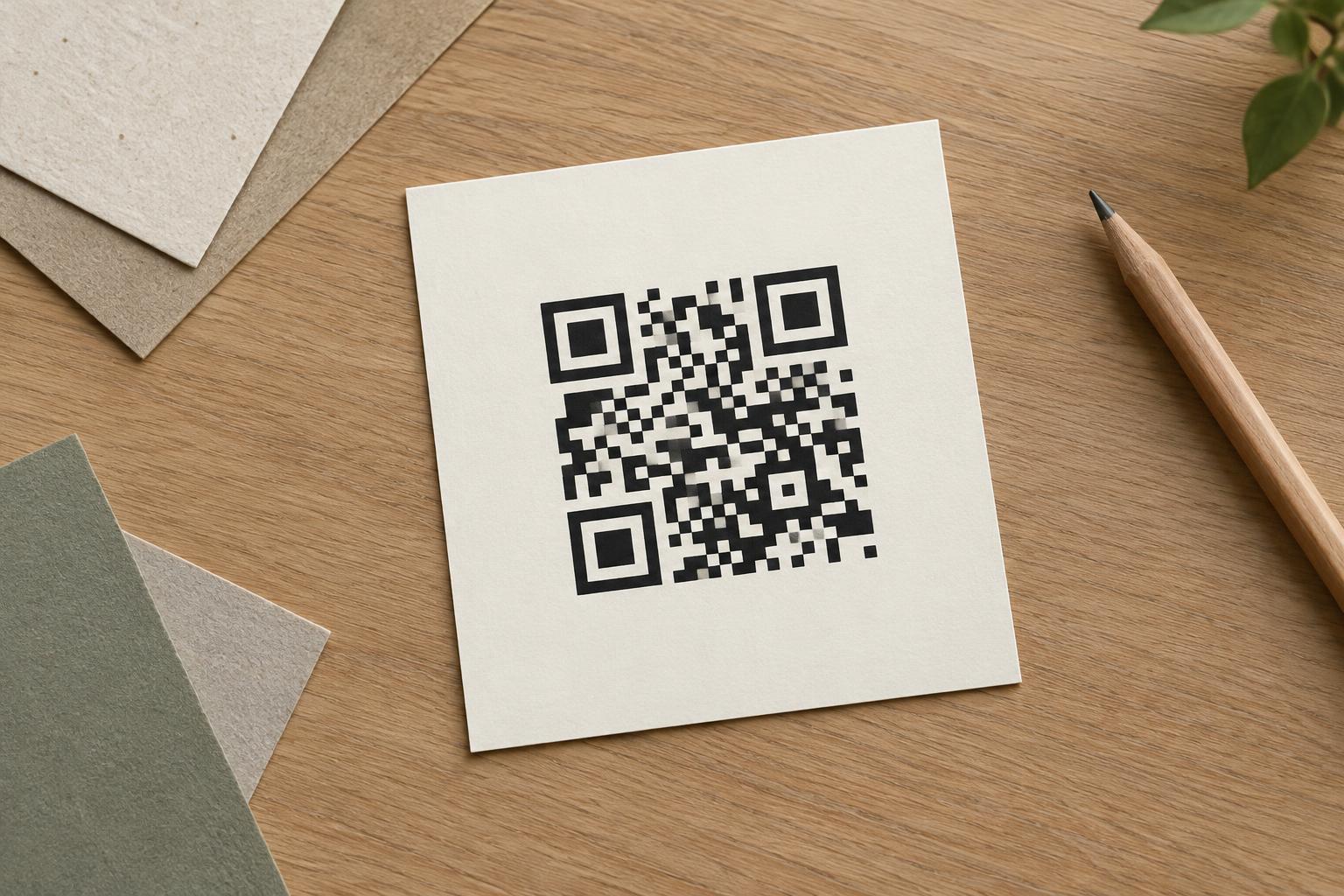
Keep modules square and the overall code proportional. Stretching a code to fit a narrow space changes the shapes a scanner expects. Leave a clear quiet zone—an empty border, commonly at least four module widths—on every side. Nearby text, a decorative frame, or the edge of a label should not intrude into that space.
Use strong contrast between the code and its background. Dark modules on a light, plain surface are a dependable starting point. Pale colors, busy imagery, and glossy or reflective finishes can make the pattern less distinct in real use. Also account for the printing process: ink may spread on absorbent paper, while fine details can break up on textured material. If a code will be printed small or on a difficult surface, consider simplifying its contents or giving it more space rather than relying on a higher-resolution file alone.
Error correction can help a QR code tolerate some damage, but it is not a substitute for legible printing. It cannot reliably rescue a code whose modules are consistently blurred together or whose quiet zone has been covered.
Check a proof at the final size
Before ordering a batch, print a proof using the intended dimensions and, when practical, the intended material and process. Examine it at normal viewing distance. Are the square edges distinct? Are small white spaces still open? Is the quiet zone intact after trimming or placement? A screen preview cannot answer all of these questions.
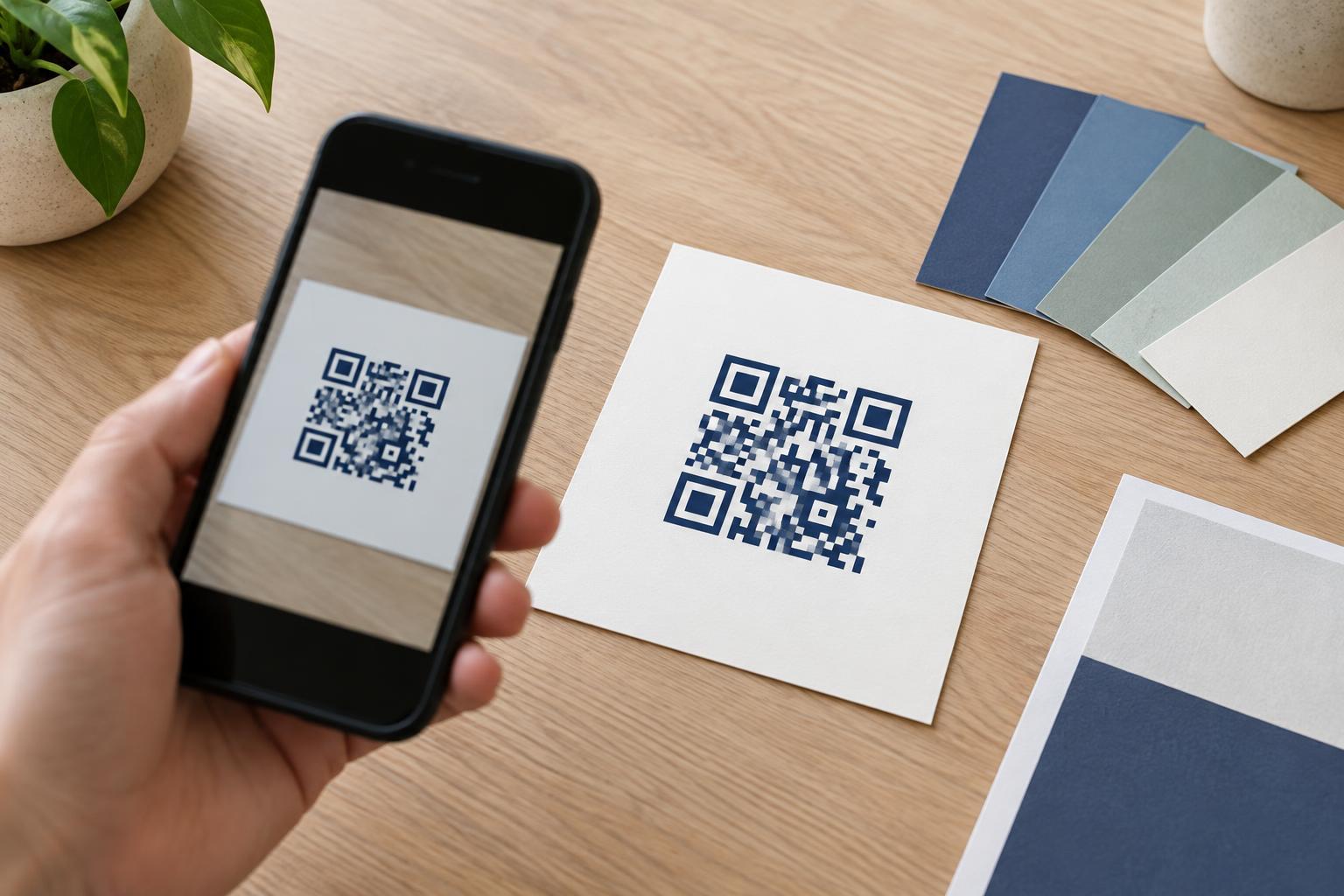
Scan the proof with more than one phone if available, using the camera apps people are likely to use. Try ordinary lighting and the distance a customer would naturally stand or hold the printed item. Confirm not only that the code scans, but also that it opens the intended destination. If scanning takes repeated attempts, treat that as a reason to revise the print design rather than assuming every visitor will keep trying.
For a code on a poster, package, or sign, test it in context as well as on a loose proof. A fold, curved surface, awkward height, or reflection may cause trouble even when the printed squares are crisp. The best resolution choice is the one that leaves the final code clear and easy to scan where it will actually be used.