Start with the whole scanning journey
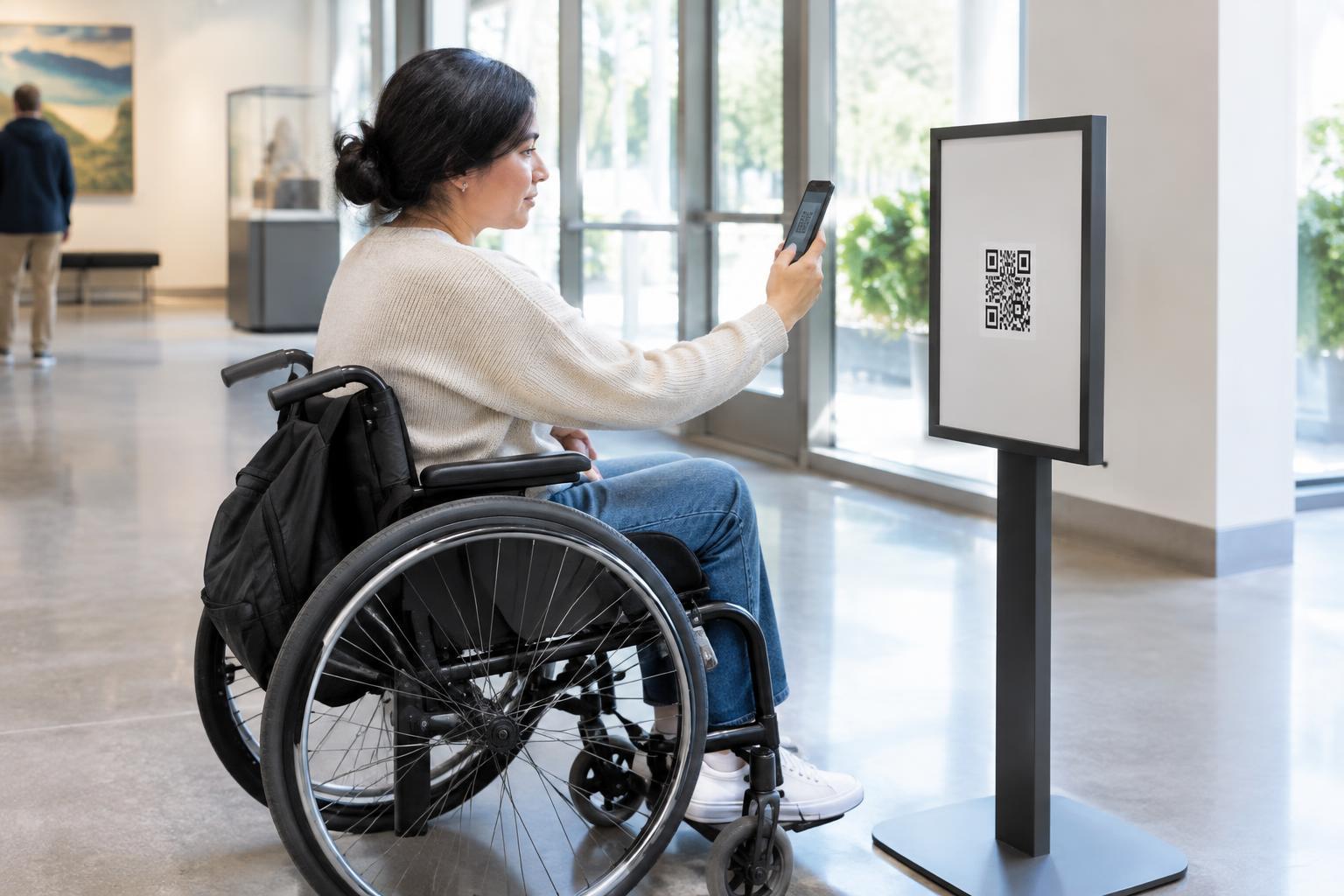
A wheelchair user may be able to see a QR code but still be unable to scan it. A table, display case or crowded queue might prevent a close approach. A code placed high on a wall may require someone to aim a phone at an awkward angle. Good placement considers the route to the code, the space in front of it and the movement needed to hold a phone steady.
Walk through the experience from a seated position before choosing a location. Can someone approach without moving furniture or blocking a doorway? Is there room to pause without being pushed along by foot traffic? Could the person scan the code independently, without asking someone else to hold their phone? These questions are useful whether the code appears on a restaurant sign, a museum label or a check-in poster.
Choose a height and position that work from a seated view
Place important QR codes where they can be seen and aimed at comfortably from a seated position, rather than assuming eye-level placement for standing adults will work for everyone. Avoid putting the only copy near the top of a tall poster, above a counter or on the far side of a wide surface. Where visitors approach from different positions, offering a second copy at a more usable height may be simpler than trying to find one perfect spot.
A code does not usually need to be touched, but reach still matters. Someone may need to get their phone close enough for the camera to focus, especially when the code is small. Keep the area directly in front of it free of bins, merchandise, chairs and other obstacles. On a counter, consider a sign near the front edge rather than one set back behind equipment.
Think about the angle as well as the height. A code facing upward on a low table or angled away behind glass can be difficult to frame from a wheelchair. A flat, forward-facing surface is often easier to use. If the sign can move or swivel, check that it remains usable without requiring a visitor to reposition it.
Make the code easy to identify and capture
A conveniently placed code can still fail if it is hard to distinguish from its background. Use a clear, high-contrast design with an uncluttered margin around the code. Print it large enough for the expected scanning distance, then test the actual printed version rather than relying on a screen preview. A code that works when held in your hand may be frustrating when fixed to a wall.
Watch for glare, shadows and reflections throughout the space. Glossy signs under bright lights and codes behind glass may become difficult to photograph from certain angles. Matte materials can help, as can moving a sign out of direct reflections. Include a short label explaining what scanning will open, such as “Scan for the menu,” so visitors can decide whether it is worth taking out their phone.
Provide another way to get the same information
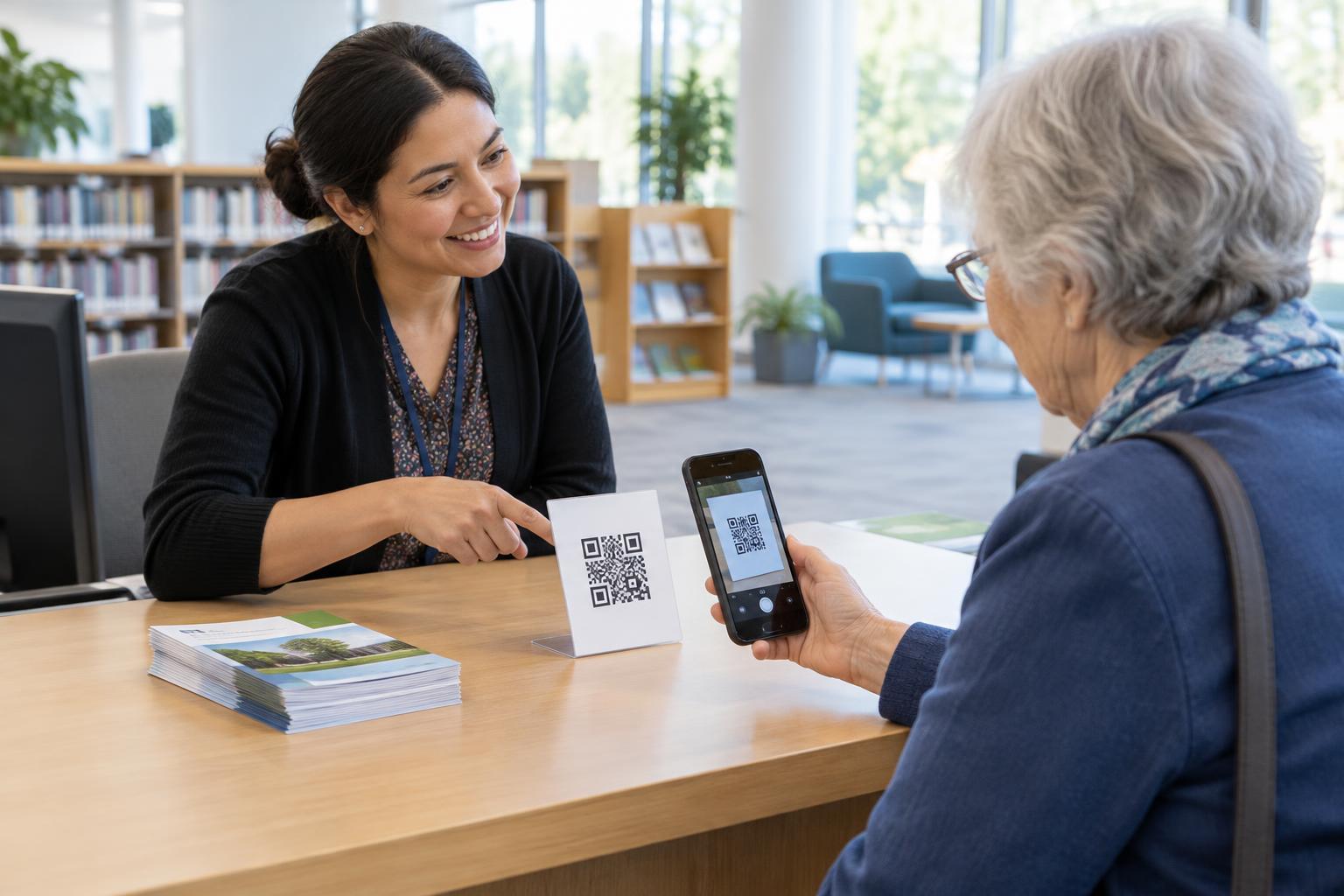
QR access should be a convenience, not the only path to essential information. Some visitors may not have a suitable phone, may have difficulty using a camera or may encounter a code they cannot approach. If a code opens a menu, instructions or event details, consider offering the same content in another usable form, such as a readable printed copy, a clearly displayed short web address or assistance from staff.
Make alternatives easy to find at the point of need. A small note next to the code can tell visitors where to request a printed version or how to reach the information without scanning. Staff should know what the code contains and how to help without requiring a visitor to explain why they need an alternative. This supports independence and reduces delays for everyone.
Test placement in the real setting
Before installing many signs, test one in its intended location. Approach it from the routes visitors actually use, including from a seated position. Try scanning with an ordinary phone while staying clear of doors and queues. Check whether the code remains visible when people gather nearby and whether movable objects are likely to drift into the approach space.
Invite feedback from wheelchair users when possible, and be ready to adjust the placement. No single height or layout will suit every person, phone and setting. A practical review of the physical space, paired with a dependable alternative to scanning, is more valuable than treating a successful scan under ideal conditions as proof that the job is done.