Why a QR code should be one option, not the only option
A QR code on the table can give guests quick access to a menu. It can also create a barrier when it is the only option. Some guests do not have a smartphone, mobile data or enough battery. Others may find it difficult to aim a camera at a small code, navigate the page it opens or read text on a screen. A guest may simply prefer not to use a personal device during a meal.
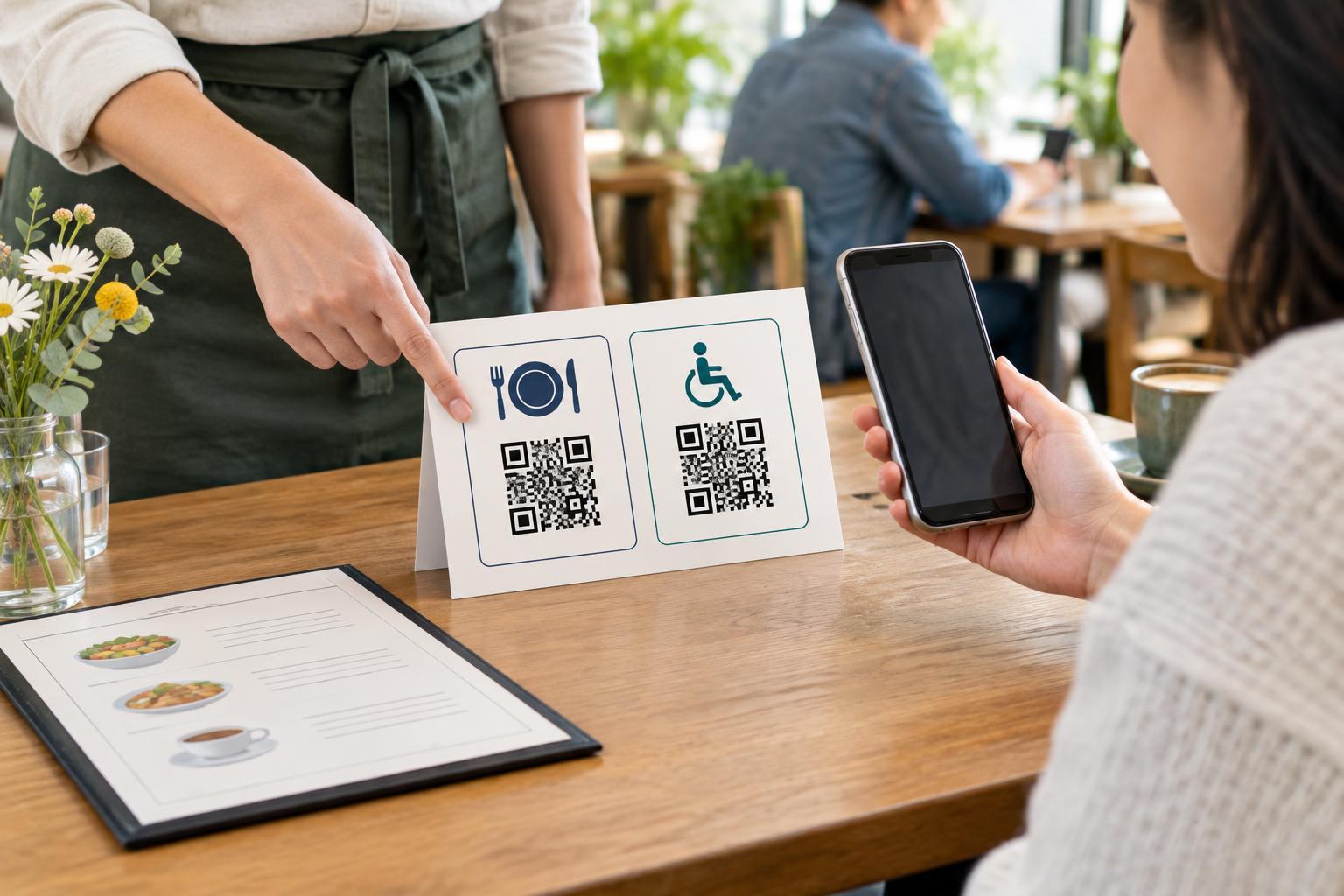
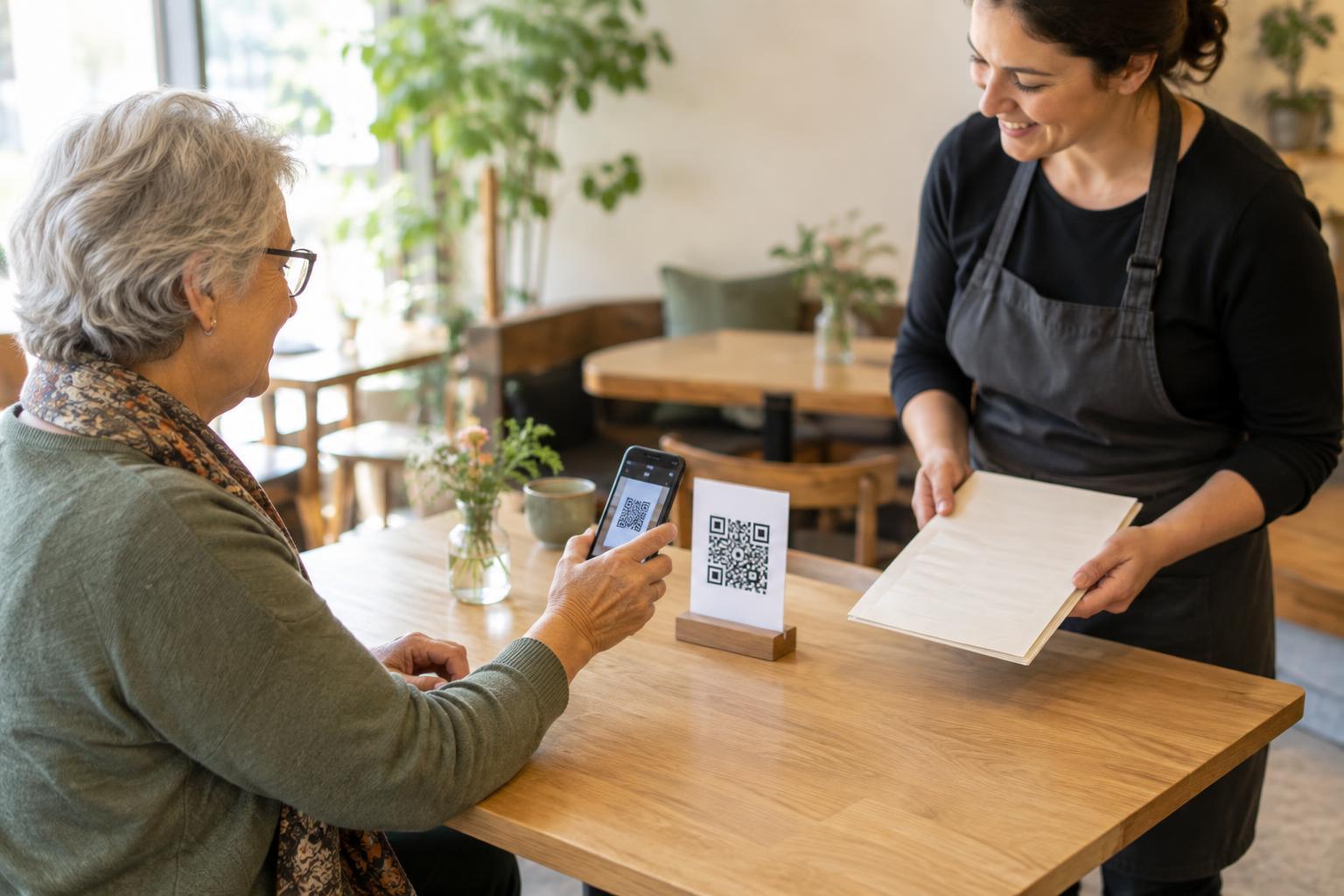
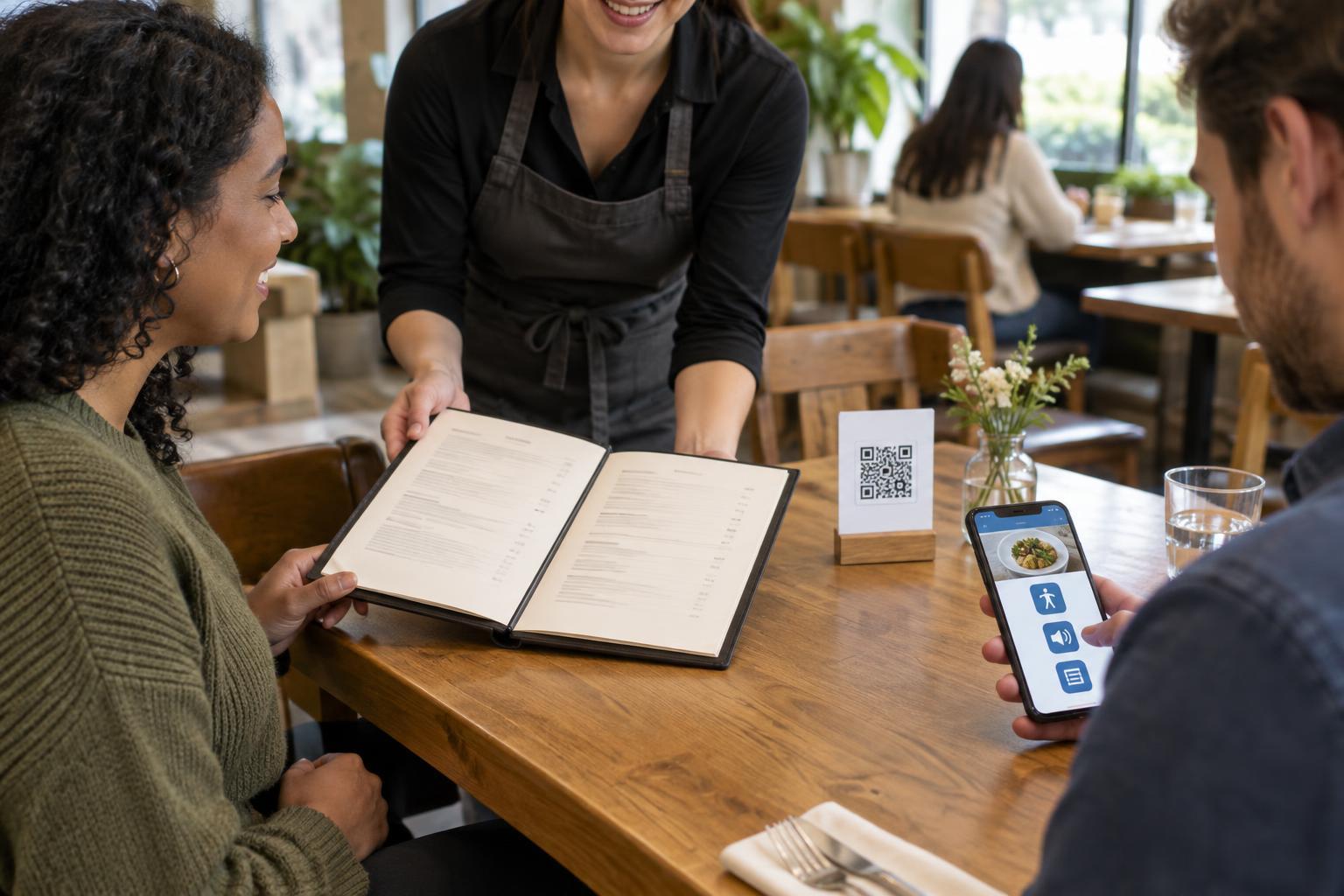
An accessible approach offers a choice without making anyone explain why they need it. Place the QR code where it is easy to notice, but make another way to view the menu just as easy to request. A short message such as “Printed menus are available—please ask” tells guests what to expect. Staff can also offer a menu when seating guests rather than waiting for someone to encounter a problem.
Keep a practical printed option
A printed menu is useful for guests who cannot or do not want to scan a code. It need not copy every decorative feature of the digital version. Clear headings, readable type, good contrast and enough space between items are more valuable than a crowded layout. Avoid placing essential details, such as prices or descriptions, in tiny text. If the menu changes often, a simple sheet that staff can replace may be easier to maintain than a permanently printed booklet.
Consider keeping a large-print version as well. Increasing type size works best when the page remains easy to follow: group dishes consistently, keep prices close to their items and avoid splitting descriptions across confusing columns. Whatever format you provide, check it against the menu guests can open online. An alternative is less helpful if it regularly omits items or shows outdated prices.
Offer help without taking away independence
Staff can provide another route to the menu by describing sections, reading out a short selection or answering questions about individual dishes. This is especially useful when a guest wants to compare options but cannot use the printed or digital version. Train staff to ask what would help rather than assume what a person can see, hear, read or operate. A simple question—“Would you prefer a printed menu or help going through the options?”—leaves the choice with the guest.
Make sure guests can also order without using a phone. If scanning the code leads to an ordering page, explain how to place an order with a staff member instead. This matters even when a guest can read the digital menu but finds its controls difficult to use. Staff should know where alternative menus are kept and how to handle an order from them, so the option works during a busy service, not only in principle.
Make the linked menu easier to use, too
Alternatives do not remove the need for an accessible digital menu. If the QR code opens a web page, use real text rather than an image of a printed menu. Give sections meaningful headings, keep item names and prices in a sensible reading order, and use links or buttons with clear labels. Guests should be able to enlarge text and navigate without relying on precise tapping. A scanned PDF may look familiar, but it can be awkward to zoom and read on a small phone.
Check the full path from the table to the menu. The code needs enough size and contrast to scan, a surface that does not produce excessive glare, and placement a seated guest can reach or see. A readable web address printed beside it can give someone another way to open the page if scanning fails. Test the menu on different screen sizes and ask whether the information remains understandable without the visual layout.
Build the alternatives into everyday service
Choose menu formats that the restaurant can keep accurate. When an item, price or availability changes, decide who updates the web page and who replaces printed copies. If daily specials are not on the printed menu, staff should have a reliable way to share them. Guests should not have to guess which version is correct.
Finally, make the choices visible before anyone needs to ask repeatedly. A table sign can point to the QR code and state that printed menus and staff assistance are available. Staff can mention those options when greeting a table. This small routine makes the experience more welcoming for guests with different needs, while preserving the convenience of QR codes for those who want to use them.