Accessibility starts before the page opens
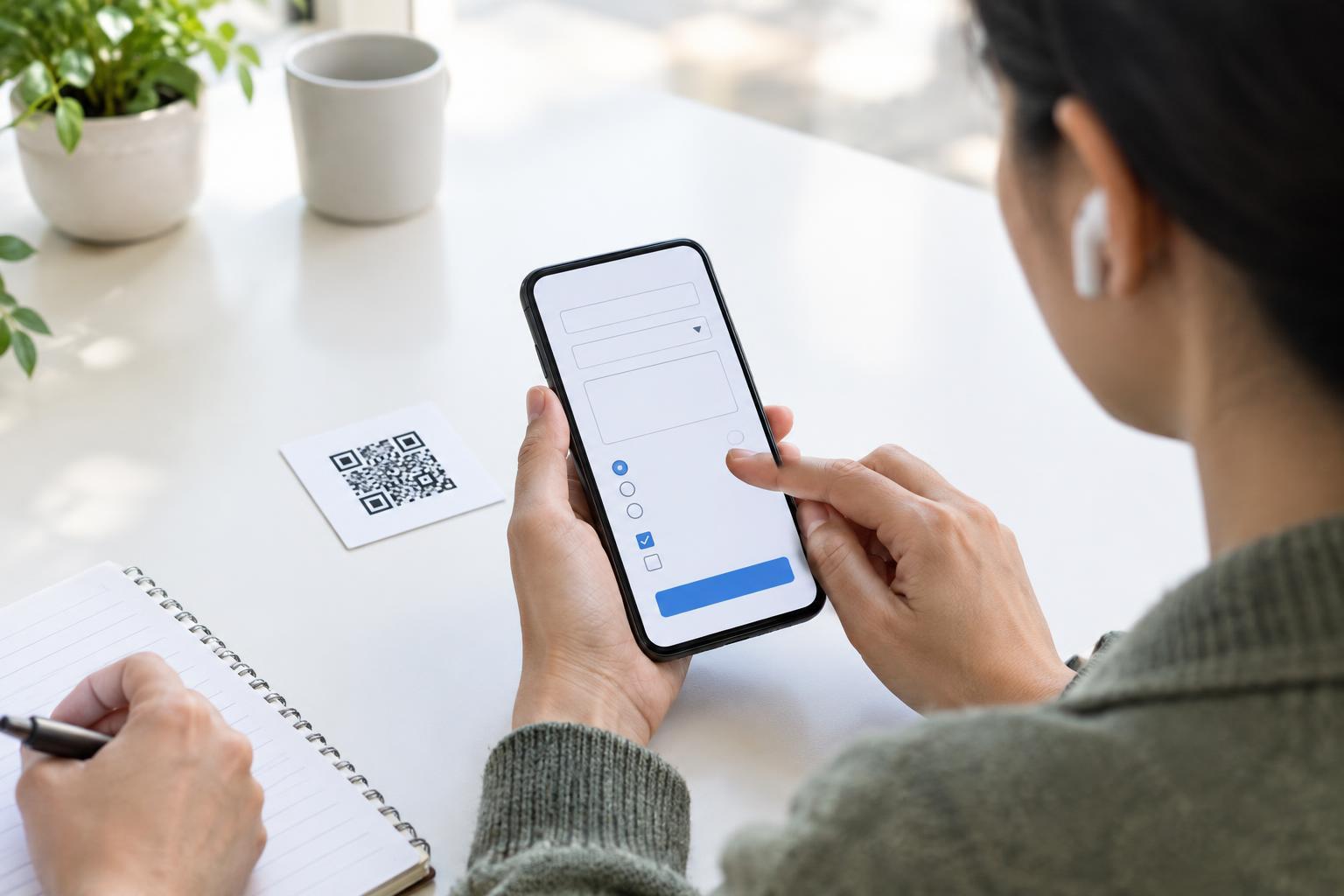
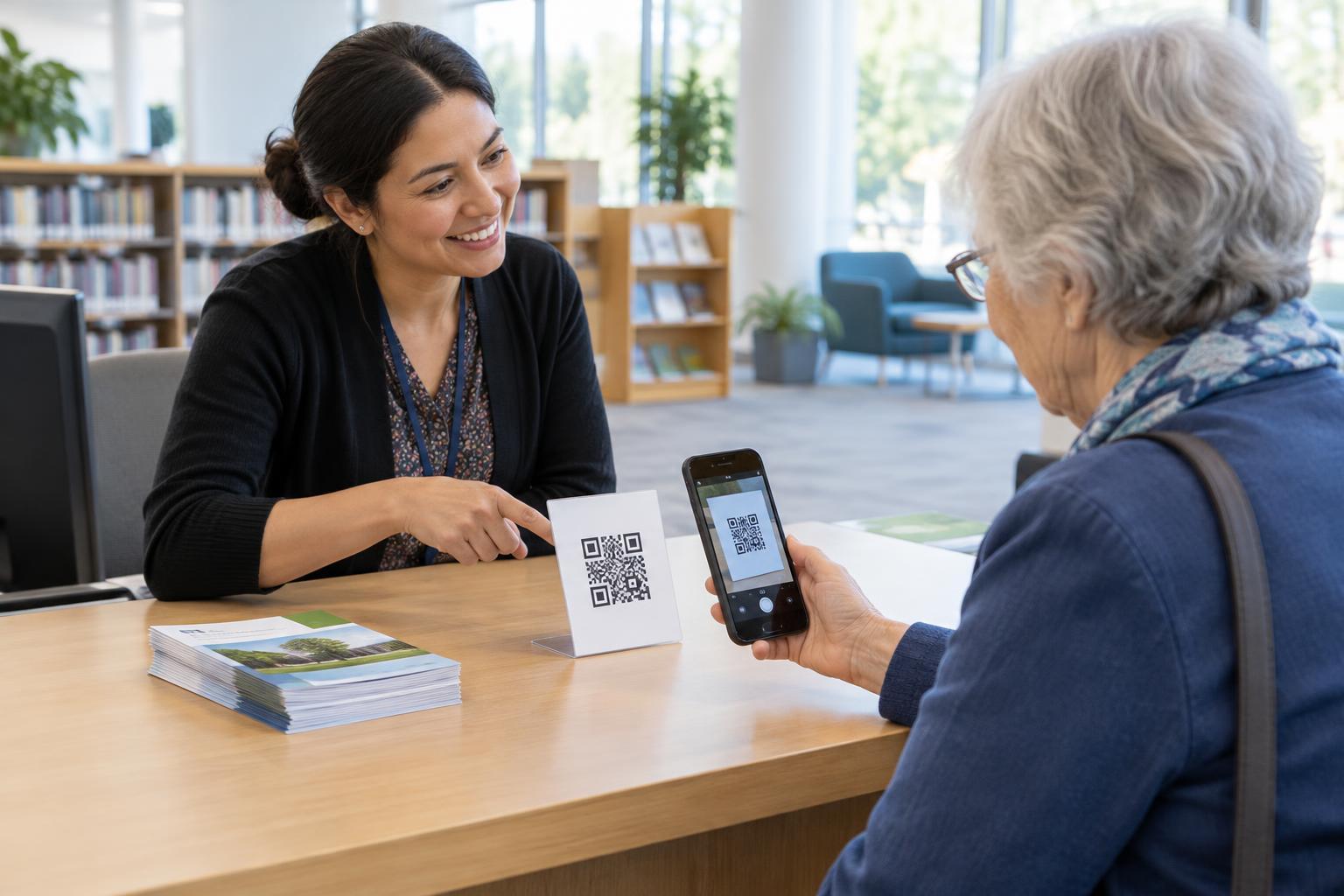
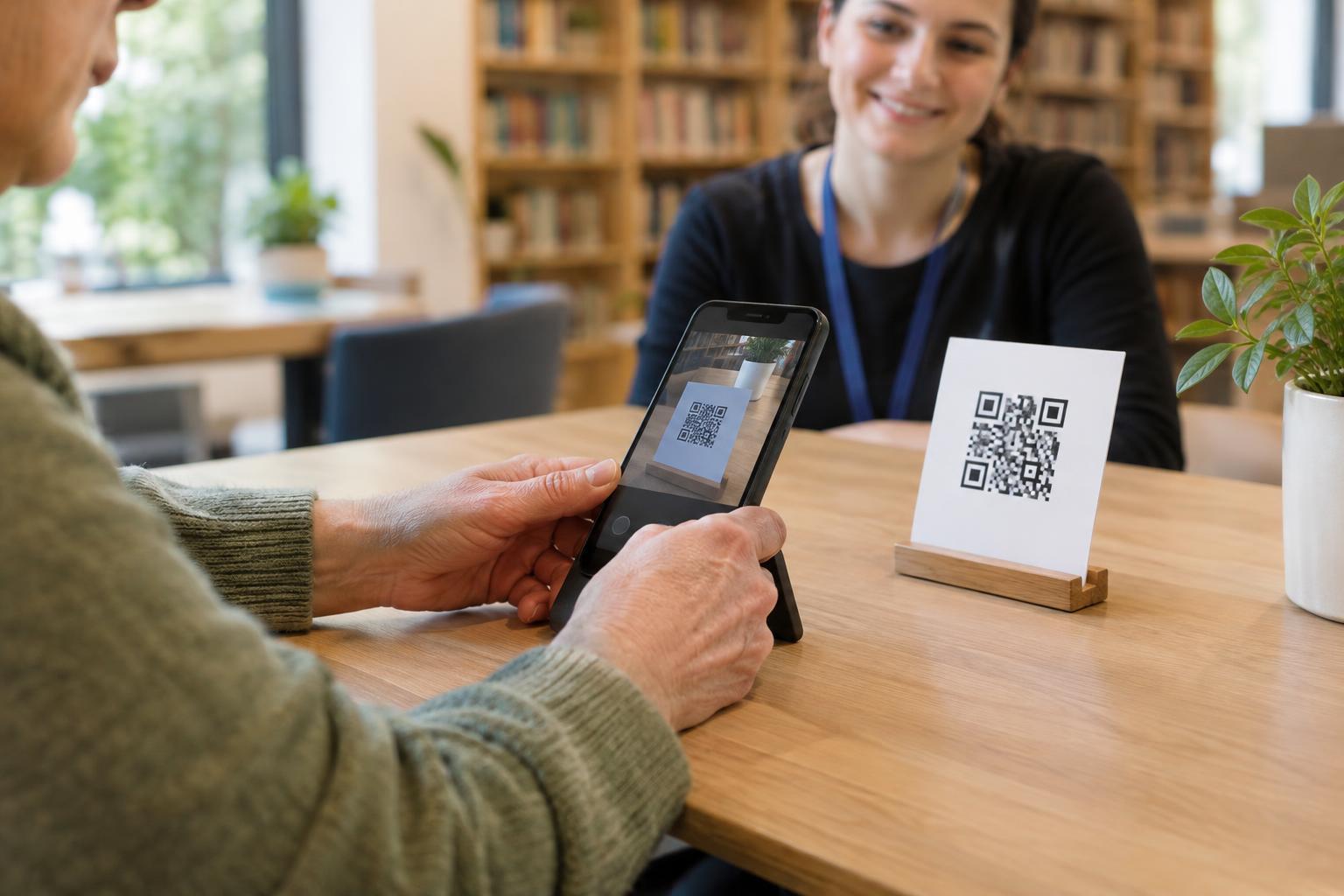
A QR code is often an entry point to a menu, event schedule, product guide or sign-up form. Scanning may be convenient, but not everyone can or wants to use a camera. If the code is the only way to reach important information, a keyboard-friendly web page will not solve the whole access problem. Provide a short, readable web address beside the code, and consider another way to obtain essential information when the setting calls for it.
Once someone reaches the page, they may use a keyboard because they cannot use a mouse, prefer not to use one, or rely on assistive technology. They should be able to reach the content and complete the page’s main task without tapping or clicking. For a QR-linked restaurant menu, that might mean reading categories and opening item details. For an event page, it might mean finding the time and location without navigating through an obstacle course of controls.
Make the route through the page predictable
Keyboard navigation usually moves through interactive elements with the Tab key and back through them with Shift+Tab. Arrange links, buttons and form fields in an order that follows the page’s reading flow. A visitor should not jump unexpectedly from the first item to the footer and then back to the middle. Clear headings also help people understand the page and find the section they need.
Use real links for navigation and real buttons for actions, such as expanding a section or submitting a form. A clickable image or text block may respond to a mouse while offering no reliable keyboard access. If a QR code leads to a long page, keep the most relevant information easy to find rather than placing it below large promotional panels. A visible “Skip to main content” link can help visitors bypass repeated navigation.
Keep focus visible and under control
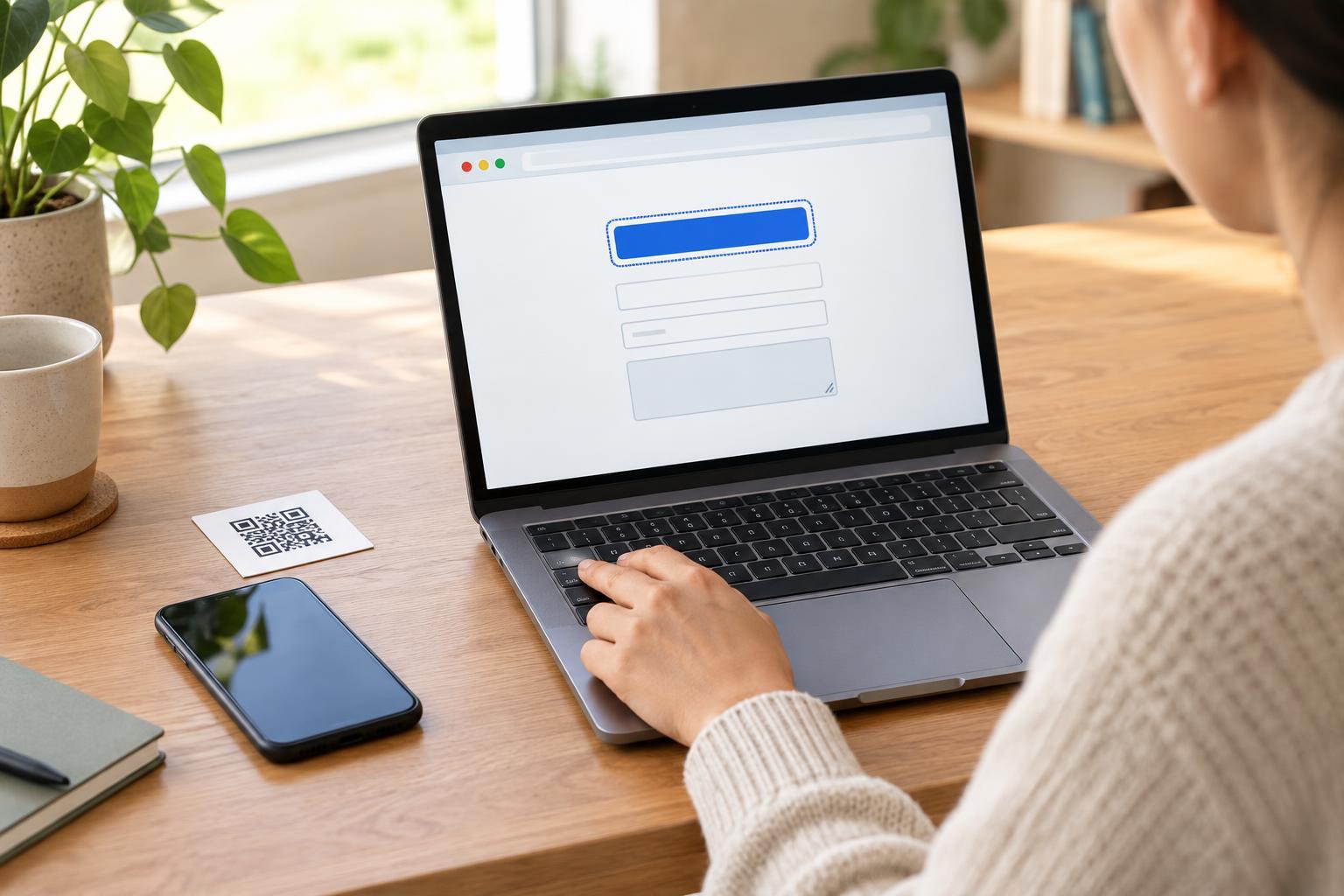
Keyboard focus shows which control will receive the next key press. Give focused links, buttons and fields a clear visual indicator that stands out against their surroundings. Do not remove the browser’s focus outline unless you replace it with an equally clear treatment. A visitor should never have to guess whether pressing Enter will open the menu, follow a link or submit a form.
Pay particular attention to overlays, pop-ups and expandable content. If a visitor opens a dialog, focus should move into it; when they close it, focus should return to a sensible place, such as the button that opened it. Avoid interactions that trap a person in a carousel or pop-up with no obvious way out. Content that appears automatically can also interrupt someone who is moving carefully through the page.
Make common tasks possible without a mouse
A QR-linked page often asks visitors to do something quickly: choose a menu category, view directions, download a document or fill in a short form. Every control needed for that task should work with a keyboard. Give form fields visible labels, place helpful instructions near the relevant field, and explain errors in words. Do not rely only on a red border to show what needs fixing.
Avoid making essential information available only through a hover effect or a gesture such as swiping. If an item has extra details, offer a keyboard-operable way to reveal them. If the page includes a map, provide the address in text as well. These choices help keyboard users while also making the destination more understandable for people arriving through an unfamiliar QR code.
Test the journey, not just the homepage
Open the exact page your QR code points to and set aside the mouse. Starting at the top, press Tab and watch where focus goes. Try Shift+Tab to move backward, Enter or Space to activate controls as appropriate, and Escape to close any dialog that offers that behavior. Check whether you can identify the page, find its main information and finish its primary task. Repeat the check at a narrow screen width, where navigation may change.
If you find a barrier, note the step where progress stops: an invisible focus indicator, a button that cannot be reached, or a form error that is hard to locate. Fixing the QR destination is more useful than adjusting the printed code when the problem is on the page. A good QR experience gives people a practical way in and a usable path once they arrive.