Treat finding the code as part of the experience
A QR code may lead to useful instructions, product details or a setup guide. But before anyone can scan it, they have to find it. On a busy package, a small code can disappear among ingredients, promotional messages and decorative graphics. Someone with low vision may struggle to distinguish it from the surrounding print, while someone who cannot easily inspect every side of a box may not know where to start looking.
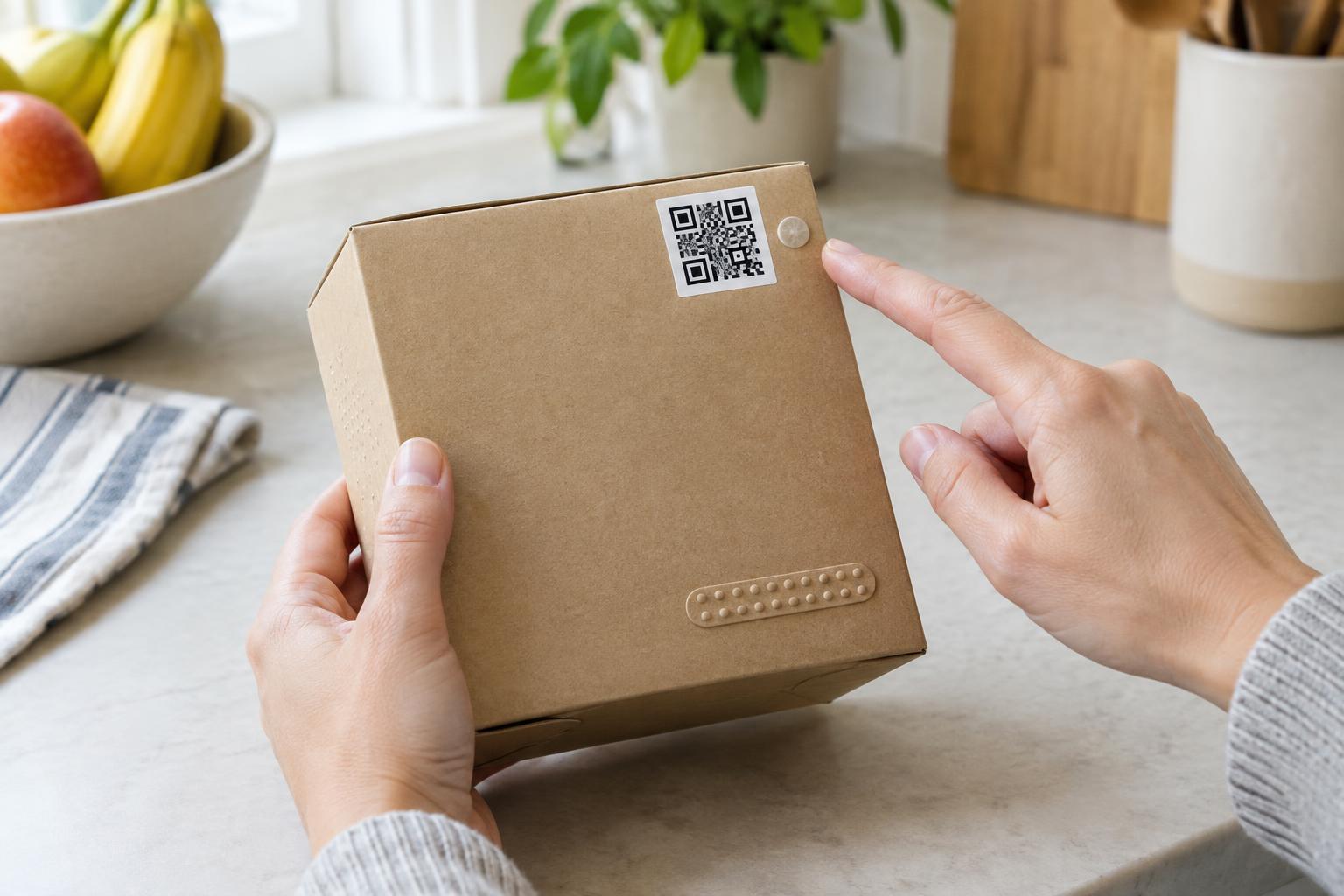
Plan the code’s location while designing the package, rather than adding it wherever space remains. Give it a predictable place on the package, with enough room around it to be noticed and scanned. If several products share the same packaging format, placing their codes in the same area can help returning customers know where to look.
Make the location clear without relying on sight alone
Place a short, plain-language cue near the code, such as “Scan for assembly instructions.” This tells customers what they will get, rather than asking them to scan an unexplained square. Use readable text and strong contrast between the code, its background and nearby print. Avoid putting the code across a fold, around a curved edge or beneath a glossy seam that may make it harder to see or scan.
A location cue can also help someone guiding a phone camera with another person’s assistance: “QR code on the back panel, near the bottom edge” is more useful than “scan the code on the box.” If the package has a tactile feature that reliably identifies a panel or edge, a description can refer to it. Do not assume that a printed arrow, a change in color or a tiny embossed mark will be noticeable to everyone.
Keep the explanation close to the code, but leave the clear space the code needs for scanning. Check a physical sample under ordinary lighting and from the positions in which customers are likely to hold it. A design that looks obvious when enlarged on a screen may be much less clear on a small, reflective package.
Account for how packaging is handled
Customers may encounter a package on a crowded shelf, hold it in one hand or set it on a table before scanning. A code hidden under a flap or close to the bottom of a heavy carton can be awkward to reach. If the code provides setup help, place it somewhere that remains visible after the package is opened, or repeat the essential information in an insert that is easy to keep.
Consider what happens when the package is wrinkled, chilled, wet or partly covered by a retailer’s label. These conditions can affect both the customer’s ability to locate the code and the camera’s ability to read it. Testing finished packaging matters more than testing a flat design file. Ask testers to find the code without first pointing it out, then watch where they look and how they handle the package.
Provide another route to essential information
Not everyone can or wants to scan a package. A customer may have no suitable phone, have difficulty positioning its camera or prefer to read information another way. If the code leads to essential instructions, safety information or product support, provide another clear route. Depending on the space and purpose, that might be printed instructions, a readable web address or a customer support contact.
Make the destination usable as well as the package. A page reached through a QR code should have a clear heading, readable content and controls that people can operate without precise tapping. The same principle applies to the alternative route: it should lead to equivalent useful information, not simply tell customers to scan the code.
The goal is not to make every customer use the QR code. It is to make the code easy to find for those who want it while ensuring that people who cannot use it are not left without the information they need.