Give every audience member another way in
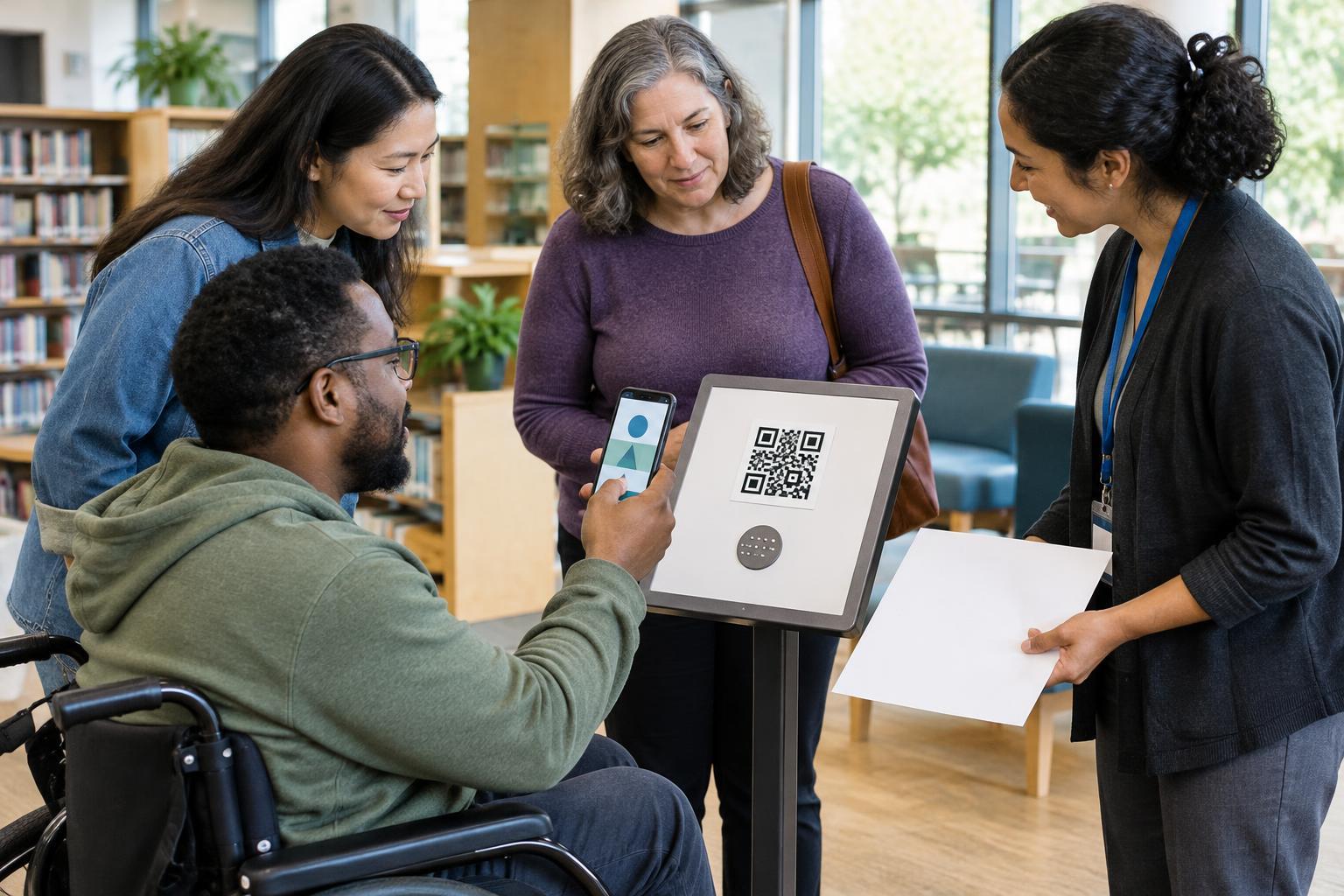
A QR code is convenient when someone can point a phone at a screen, but presentations create many situations where that is difficult. An in-person attendee may be seated far from the display or may not have a suitable device. A remote attendee may be watching on the same phone they would use to scan. Others may rely on a screen reader, need more time, or prefer not to use a camera. Treat the code as one route to a resource, not the only route.
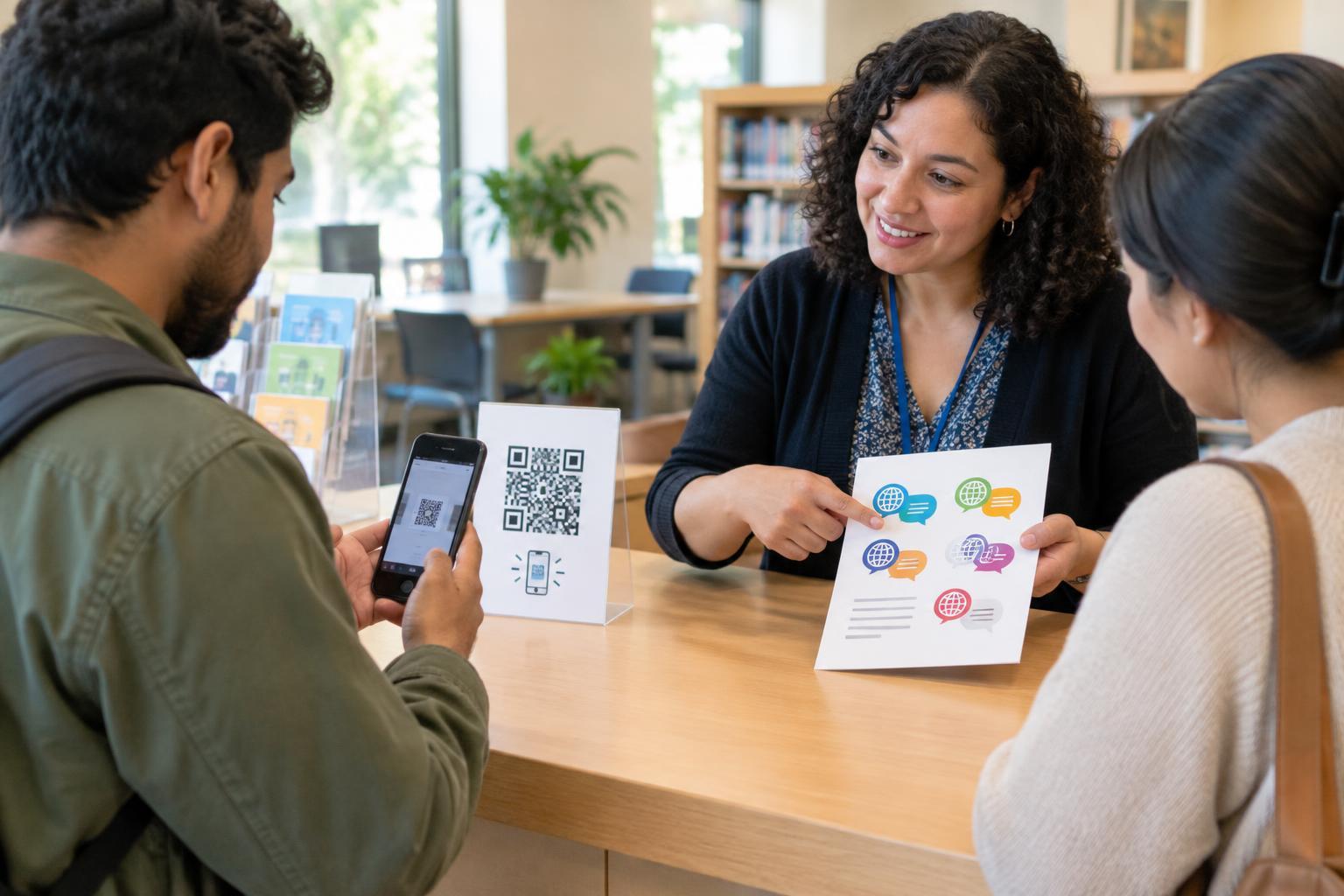
Put a short, readable web address beside the code and say what it opens: for example, “Slides and notes: example.org/talk.” If you can share a clickable link in a meeting chat, event page or follow-up message, do that too. For an in-person session, a printed handout can include the address. Keep the spoken instruction simple: tell people what the resource is, where to find the link and whether they need it now or can open it later.
Design the slide for the room and the screen
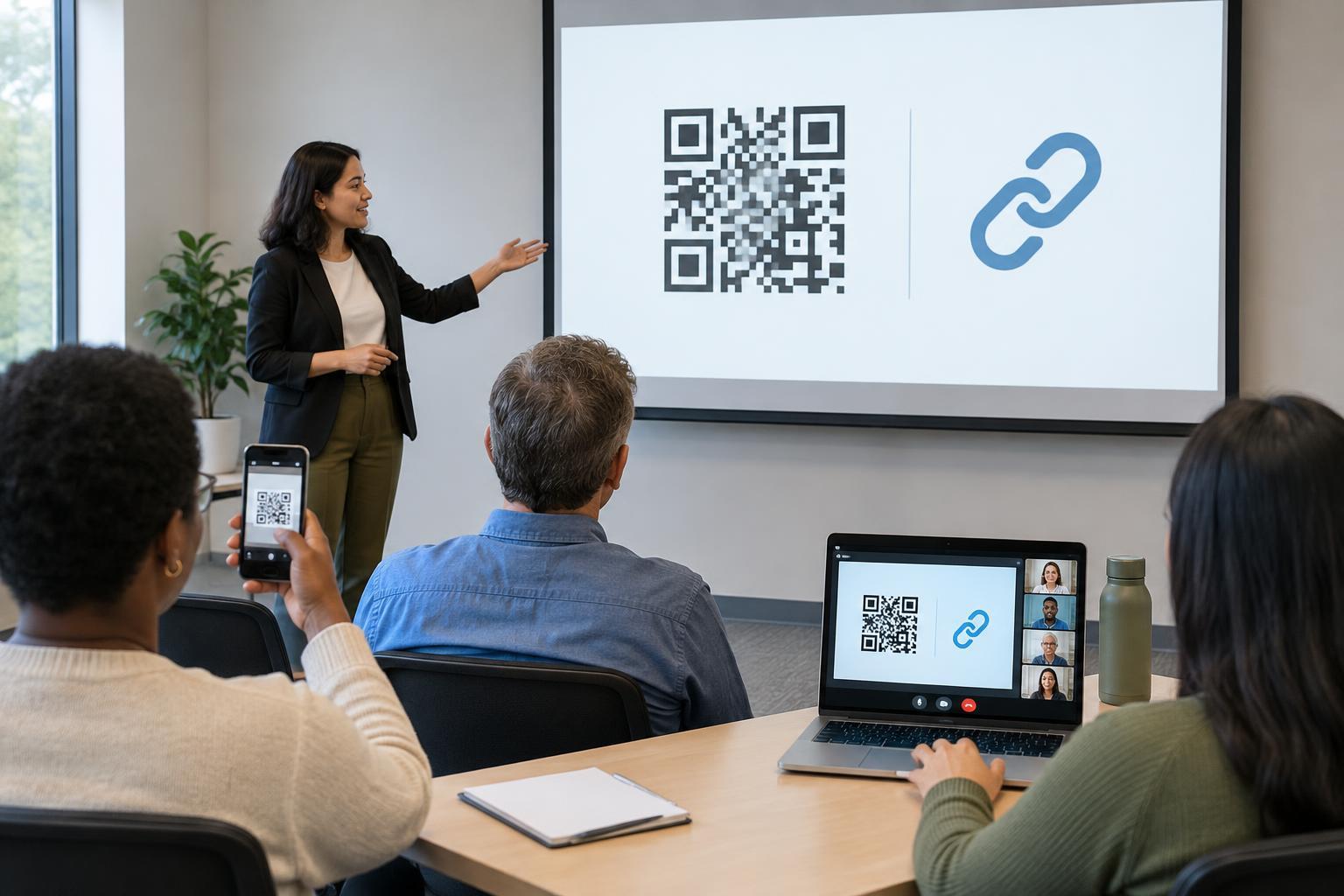
A code that scans from a laptop may fail from the back of a room or inside a small video-call window. Make the code prominent rather than squeezing it into a footer. Use a clear dark-on-light design with an uncluttered margin around the code. Avoid placing it over a photograph, pattern or animation. A descriptive label, such as “Open the session handout,” helps people understand its purpose before they scan.
There is no single size that works for every venue. Projection distance, screen resolution, camera quality and the size of a shared-screen view all affect scanning. Test the slide from a seat near the back of the room if possible, and check it again as a remote participant would see it. A successful test on the presenter's screen alone is not enough. If the code is hard to scan, enlarge it, simplify the slide or rely on the accompanying link.
Make the digital slide useful without a camera
If attendees will receive the slides, make the visible web address a working hyperlink. In the slide file, give the QR image meaningful alternative text that describes its function, such as “QR code linking to the session handout.” Alternative text should not be the only place the destination appears: include the address as selectable text so people can copy it or activate the link directly. Avoid vague labels such as “Scan me,” which give little context when heard out of order.
Keep instructions and essential information outside the image. A person should not need to decode the QR code to learn what action is being requested. If the linked resource is important to the talk, introduce its purpose aloud and explain another way to get it. When possible, provide accessible slides or notes separately; a code cannot fix a document that is difficult to read or navigate.
Plan for the moment people need to use it
Do not flash a code briefly and move on. Leave it visible long enough for people to find a device, focus a camera and open the result. If the slide must change, tell the audience where the link will remain available. In a hybrid event, ask the host or moderator to post the direct link in chat while the code is on screen. That avoids forcing remote viewers to take a screenshot, switch devices or search through the presentation later.
Consider what happens after someone opens the destination. A resource meant for use during a talk should be easy to recognize and navigate on a phone as well as a computer. If a form requires sign-in or collects information, say so before inviting people to open it. Offering a way to respond later, or through another channel where practical, can reduce pressure on attendees who cannot complete the task during the session.
Run a final accessibility check
Before presenting, ask a few practical questions: Can someone at the back read the label and web address? Can a remote viewer click or copy the link? Does the slide file explain the code to a screen-reader user? Is the destination clearly identified before anyone opens it? Test the code itself with more than one device if available, and confirm that it leads to the intended page.
Finally, keep the audience's trust in mind. Show a recognizable destination rather than asking people to scan an unexplained code, and avoid sending them through unnecessary steps. The most accessible presentation is not the one with the most ways to scan. It is the one that lets people reach the same information by a method that works for them.