What a location QR code contains
A QR code does not know where a place is. It stores text that a scanning device interprets. For a location, that text is commonly a web link to a map or a geographic coordinate. The result depends on both the stored text and the app that opens it. One scan might show a business listing with directions; another might place a pin at a latitude and longitude.
That distinction matters when someone is trying to find a particular entrance, meeting point, or pickup area. A correct street address may lead to the middle of a building, while a precise pin may lead to a gate that visitors cannot use. Before making the code, decide what action you want a visitor to take after scanning it.
Choose a map link for a guided destination
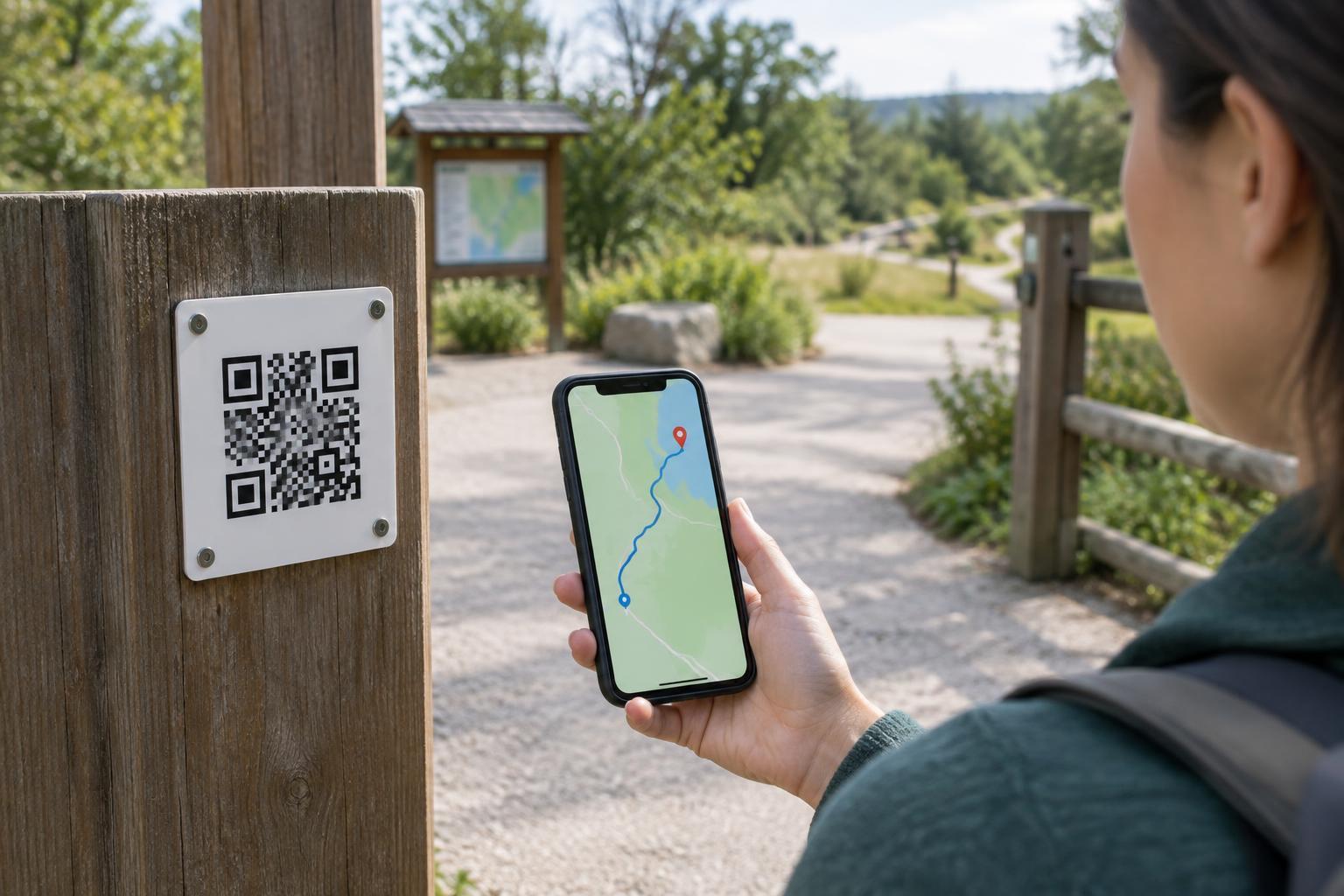
A map link is a web address that opens a place or pin in a mapping service. It is often the simplest choice for a shop, event venue, or other destination where visitors want to view the area and request directions. A place listing may also show a name and address, giving visitors a chance to confirm that they have opened the intended destination.
Check what the link actually identifies before putting it in a QR code. A link to a search for a business name can be less predictable than a link to a specific place or pin, particularly when names are shared. Open the link yourself, inspect where the marker lands, and compare it with the entrance visitors should use. If the entrance is not obvious, add a short instruction beside the code, such as “Use the north gate.”
Use coordinates when the exact point matters
Coordinates describe a point using latitude and longitude. They can be useful for a trail meeting spot, an outdoor installation, or a pickup point without a clear street address. A QR code can contain coordinates as readable text or in a geographic link format. These are not interchangeable experiences: plain text may require someone to copy the numbers into a map, while a geographic link may prompt a compatible device to open a map app.
Coordinates identify a point, not a safe or accessible route to it. Check the order of latitude and longitude, the minus signs, and the pin’s position on a map before sharing the code. A small entry error can send a visitor somewhere unintended. If the point is inside a large site, pair the coordinates with a plain-language landmark or entrance description.
Test the scan, not just the printed square
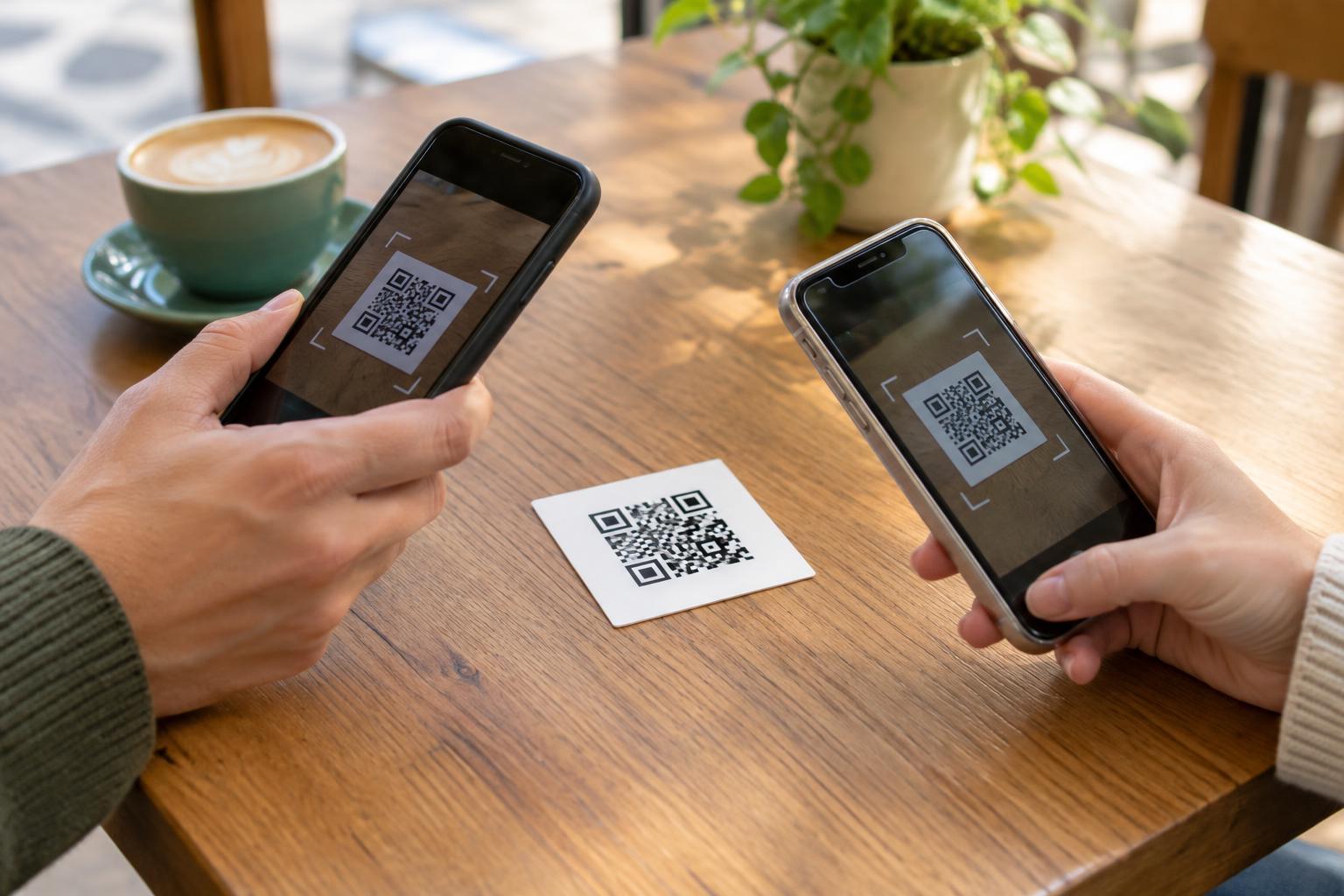
A QR image can scan perfectly yet still lead to a confusing destination. Test the finished code with more than one phone or scanning app if possible. Check whether it opens a browser or map app, whether the correct place appears, and whether requesting directions uses the intended arrival point. If a particular app or service is needed, say so near the code rather than assuming every visitor uses it.
Test the code at its final printed size and placement, too. Give it clear contrast and an uncluttered border, and put it where someone can stop to scan without blocking a walkway. For a sign intended to help people navigate, the destination should also be written in ordinary text. A printed name, address, or brief directions remain useful when a phone cannot scan.
Keep the location clear and considerate
A map link may be convenient, but it can also reveal which mapping service a visitor opens. A link that passes through another website adds another party to that interaction. Choose a destination you understand, and avoid unnecessary redirects or tracking parameters when sharing a simple location. Do not publish coordinates for a private entrance, residence, or sensitive meeting point without considering who may scan the code.
The most helpful location sign gives visitors a choice. Put a descriptive label beside the QR code, identify the destination in text, and include any essential arrival detail outside the code. A visitor who cannot or does not want to scan should still know where they are being directed. Whether you choose a map link or coordinates, the goal is the same: help someone reach the right place with as little uncertainty as possible.