Give shoppers a clear reason to scan
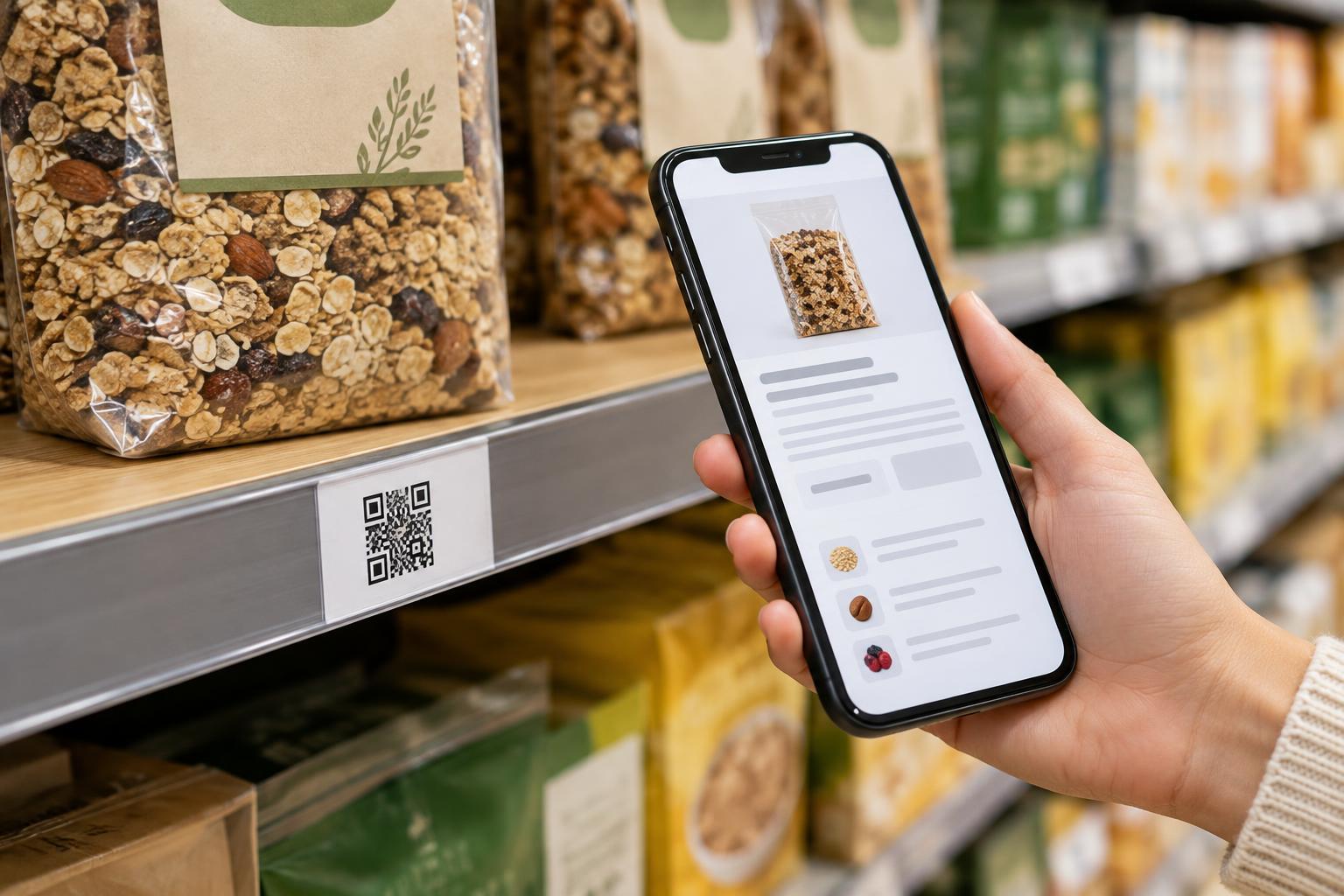
A shelf label has limited space. It needs to show the information shoppers use immediately, such as the product name, size and price. A QR code can lead to details that need more room: dimensions, materials, care instructions, assembly guidance or a comparison of product options. It works best as an addition to the label, not a replacement for essential information at the shelf.
Decide what question the linked page answers before adding a code. A shopper considering a lamp might want measurements, bulb compatibility and care guidance. Someone comparing storage containers might want capacity and material details. A short prompt such as “Scan for dimensions and care” sets a more useful expectation than “Scan me.” If several nearby products share a general guide, say so; do not make a category page look like a page for one specific item.
Match each code to the right product information
A shopper scanning a code beside a product should reach the relevant information without searching again. Check that the destination identifies the same product and variant shown on the shelf label. Color, size, pack quantity and model differences matter when they change the details a shopper is trying to confirm. If a label covers several variants, the destination should make those choices easy to distinguish.
Put the most useful facts near the top of the page and make it comfortable to read on a phone. Clear headings, concise descriptions and readable images help shoppers who may be standing in an aisle with little time. If a specification is unavailable, avoid filling the gap with an assumption. Link to instructions or longer documents when helpful, but give shoppers enough context to decide whether to open them.
Check what happens when a product changes or is discontinued. A code printed on a shelf label may remain in place longer than intended, so the destination needs an owner and a review process. When retiring a page, provide a clear explanation or a relevant replacement rather than an unrelated promotion. Information on the linked page should also be checked against the physical label, especially after packaging or product details change.
Design the label for scanning in a real aisle
Give the QR code enough printed space and a clear margin around it. Keep strong contrast between the dark code and its light background, and avoid placing it over patterns, product photographs or reflective finishes. A code that looks fine on a screen may be difficult to scan after printing, trimming or mounting. Test a sample at its actual size and in the lighting where shoppers will use it.
Place the code where a customer can comfortably bring a phone close enough to scan without blocking an aisle or reaching behind merchandise. Avoid shelf edges where price strips, holders or neighboring labels may cover part of the code. If a shelf label is especially small or low to the ground, a nearby sign may be more practical than shrinking the code until it becomes unreliable.
Print testing should use the complete label, not just the QR image. Scan it while the label is inside its holder and from the angles shoppers are likely to approach. Confirm that each scanned code opens the intended page; codes for adjacent products can be easy to mix up during label production or installation.
Keep the experience useful without a smartphone
Not every shopper can or wants to scan a code. Keep essential purchase information visible on the shelf and product packaging, and offer another way to get additional details, such as asking a staff member or reading an in-store information card. Do not rely on a QR code as the only route to information needed to understand what is being sold.
The linked page should support accessible reading: use descriptive headings, legible text, meaningful image descriptions and links that say where they go. Avoid making important details available only in an image or a hard-to-use document. A printed short web address, when practical, can also help someone who cannot scan the code but can type a link.
Build trust through upkeep and clear destinations
Customers may be cautious about scanning an unfamiliar code. A label that names the destination or explains what it contains helps them make an informed choice. Use a destination associated with the retailer or product information they expect, and avoid requiring an account or personal details just to read basic specifications unless there is a clear need.
Include shelf-label codes in routine store checks. Look for peeling labels, codes covered by stickers and links that no longer lead to the right product. After a layout change, verify that each code still sits beside the intended item. This simple maintenance matters as much as the initial design: a useful code is one that remains scannable, relevant and trustworthy.