Give every code a clear purpose
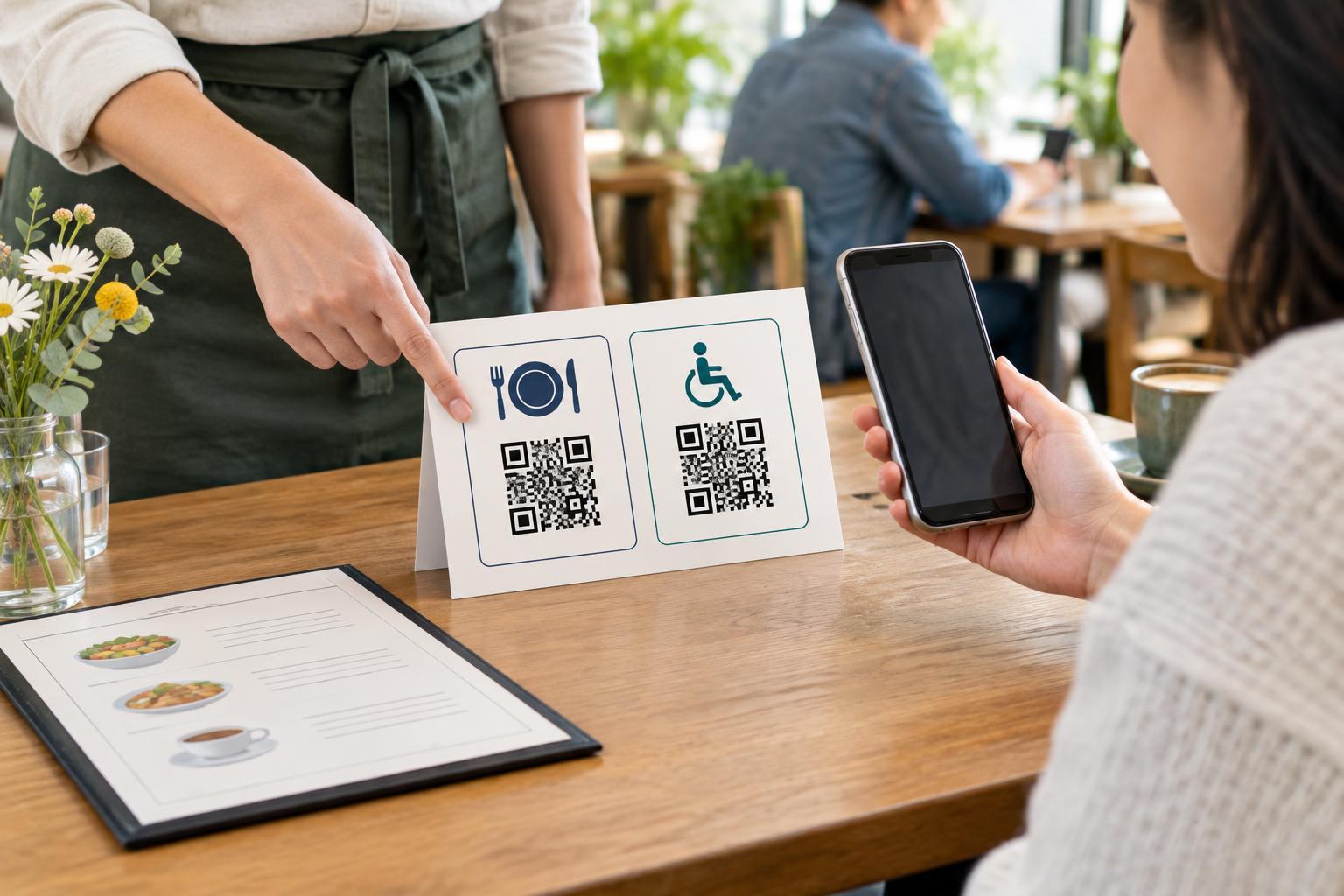
A single QR code on a sign can be fairly easy to interpret. Put three codes side by side, and the choice becomes less obvious. A visitor may wonder which code opens the menu, which provides directions and which starts a feedback form. If the labels are vague, they may need to scan each one to find out. That adds friction for everyone and can be especially frustrating for someone using a screen reader, magnification or another assistive tool.
Place a short, specific label next to each code. Name the action and, when useful, the destination: “View the lunch menu,” “Read the allergy information” and “Send feedback” are more helpful than “Scan me” repeated three times. Use wording that matches what happens after scanning. If a code opens a PDF rather than a web page, saying “Open the menu PDF” helps people know what to expect.
Make each label belong unmistakably to its code
Proximity matters. Put the label directly above or below its code, and leave enough space between code-and-label pairs that they do not appear to overlap. A simple layout with one pair per row may be easier to follow than a tight grid, particularly on a narrow poster or leaflet. If the layout has columns, keep their order consistent and avoid placing a shared heading where it could be mistaken for an individual label.
For a busy setting, add a brief introduction such as “Choose one of the options below.” Then give each option its own label. A numbered list can help connect printed instructions to the codes, but do not make numbers the only way to tell them apart. Likewise, color can reinforce a grouping, but the text should carry the meaning for people who cannot distinguish the colors or who receive a black-and-white copy.
Design for someone standing in front of the sign
People often encounter QR codes while holding a bag, moving through a queue or viewing a sign from an awkward angle. Use readable type with strong contrast against its background. Keep labels close enough to identify their codes but not so close that text crowds the code itself. Avoid decorative patterns behind either element, and preserve the clear margin around each QR code so a camera can identify its edges.
Think about mounting height and reach as well as print size. A code placed high on a wall, behind reflective glass or on a curved surface may be difficult to scan. Group related codes where a person can pause safely without blocking a doorway. Before publishing, test the finished design at its intended size and location with more than one phone if possible. Confirm both that each code scans and that its label accurately describes the destination.
Offer a way forward without scanning
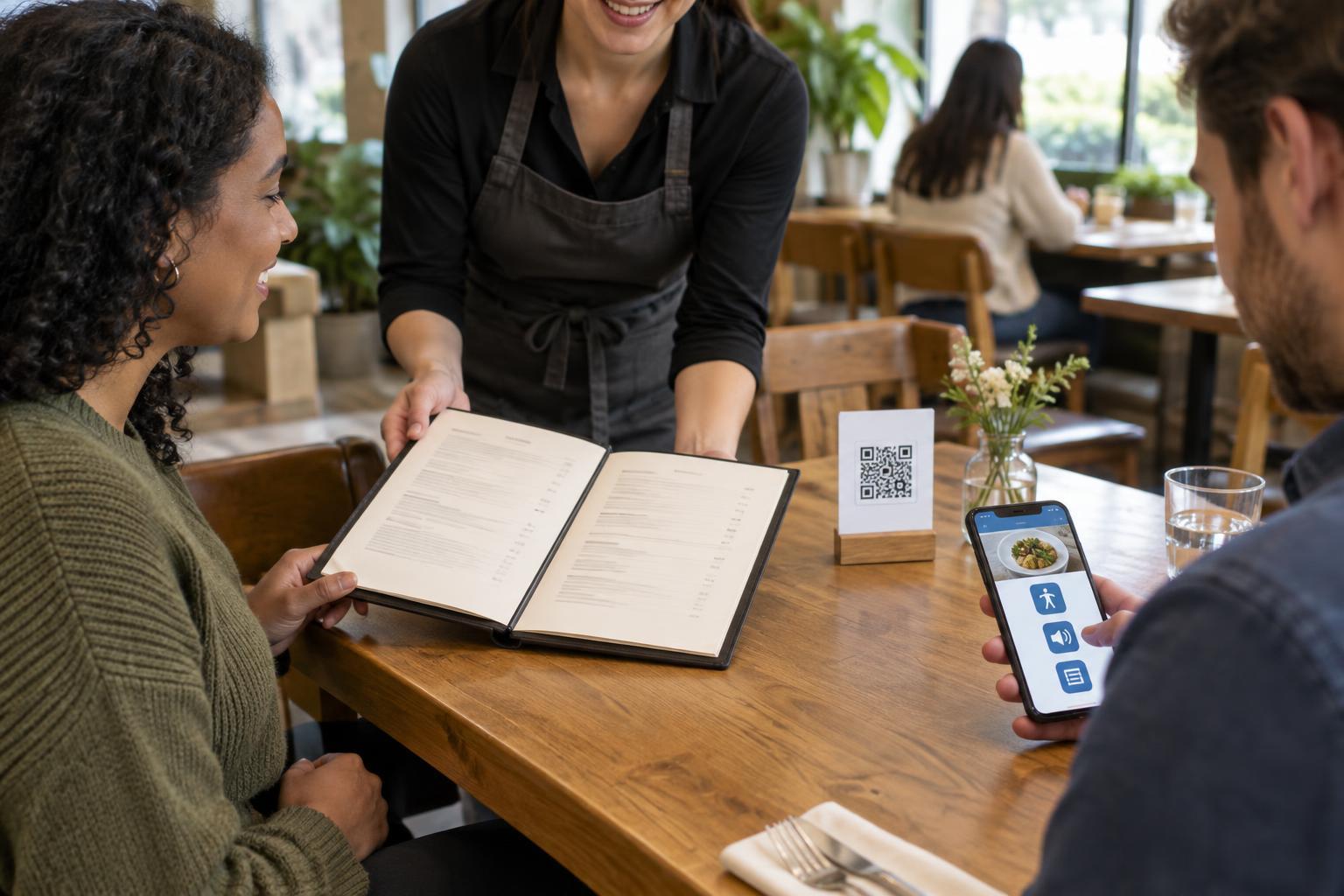
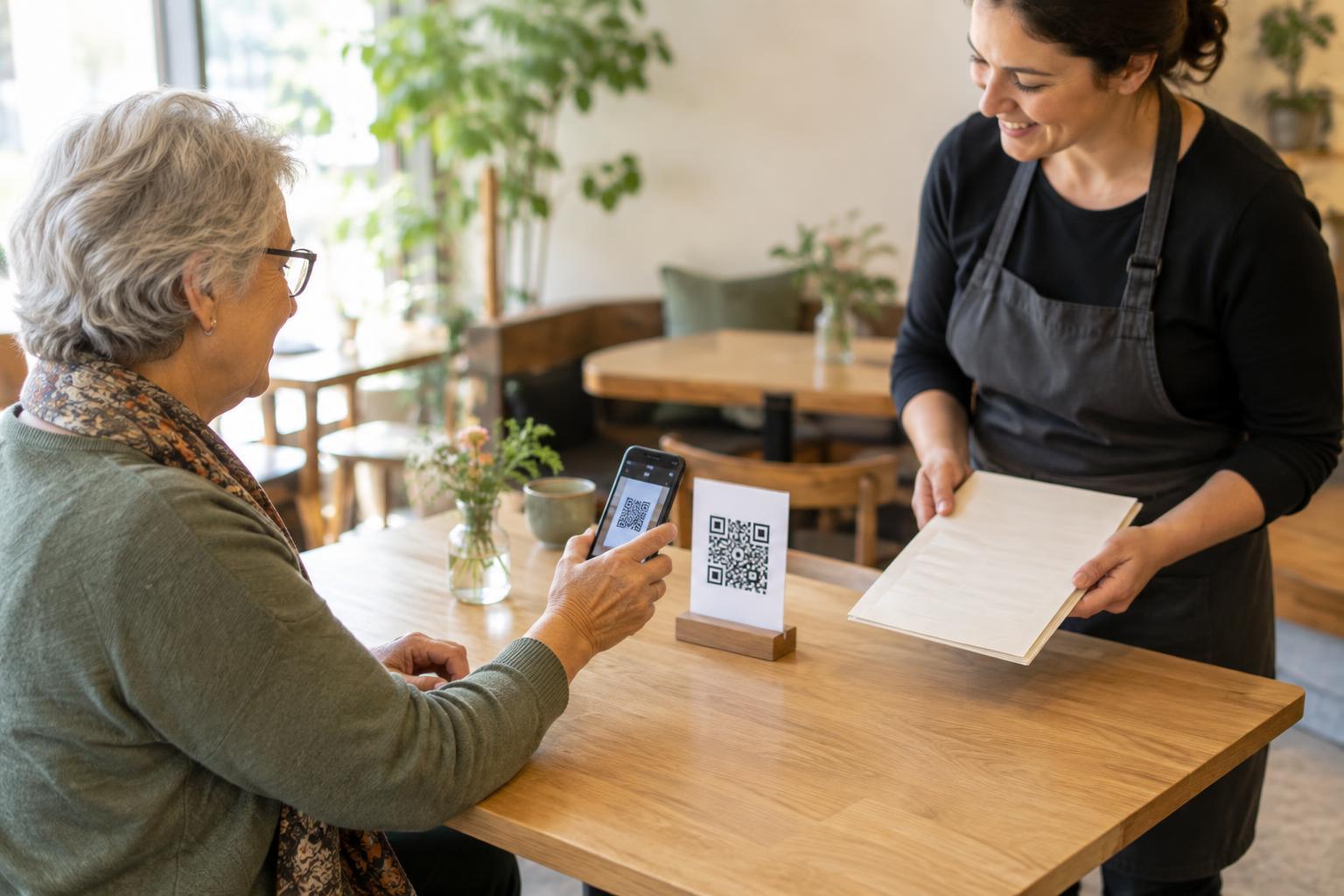
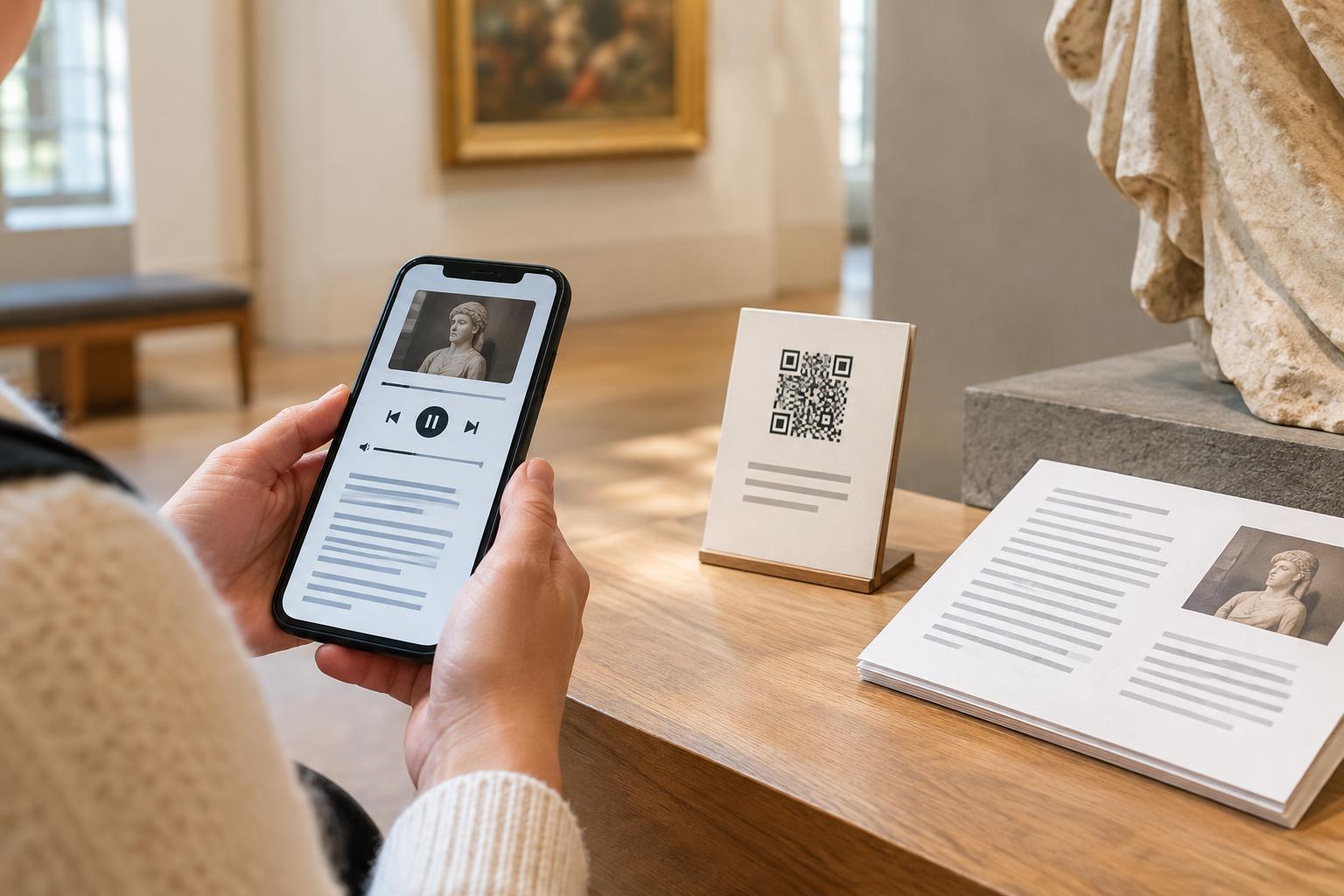
A QR code should not be the only route to essential information. Some people cannot use a phone camera, do not have mobile data or prefer not to open an unfamiliar link. Where practical, print a short, readable web address alongside the code, provide the information directly on the sign, or make a paper copy available. Choose the alternative that fits the task: a printed menu may be more useful than a long web address in a restaurant, while a short address may work well on a handout.
If the same options appear on a web page, give each linked QR code image a meaningful text alternative that identifies its purpose. Also provide an ordinary text link to the same destination; a visitor using a computer should not need a second device to follow it. Keep the visible labels and digital link text consistent so people can recognize the option they meant to choose.
Check the experience after the scan
Good labeling sets an expectation, but the destination must fulfill it. If “View opening hours” leads to a general homepage, people have to search again. Link as directly as practical to the promised information, and check that the page works on a small screen. When a destination changes, update the code or its label as needed; an accurate label today can become misleading after a page is reorganized.
Be particularly clear when one code opens information and another starts an action. For example, label them “Read event details” and “Register for the event,” not simply “Event” and “Sign up.” If a scan leads to a form or asks for personal details, say so before people scan. A final review is simple: ask someone unfamiliar with the sign to point to the code they would use for each task. If they hesitate, revise the labels or layout before printing.